
Photo Retouch - Remove object



Effortlessly erase people, clutter, and watermarks with AI-powered precision. Join 3M+ creators making every shot Pinterest-worthy in just one tap.
Publisher
Category
Photo & VideoDownloads
3M+User Rating
Total Ratings
30K+Locales
33Discover the interface used by 3M+ users.
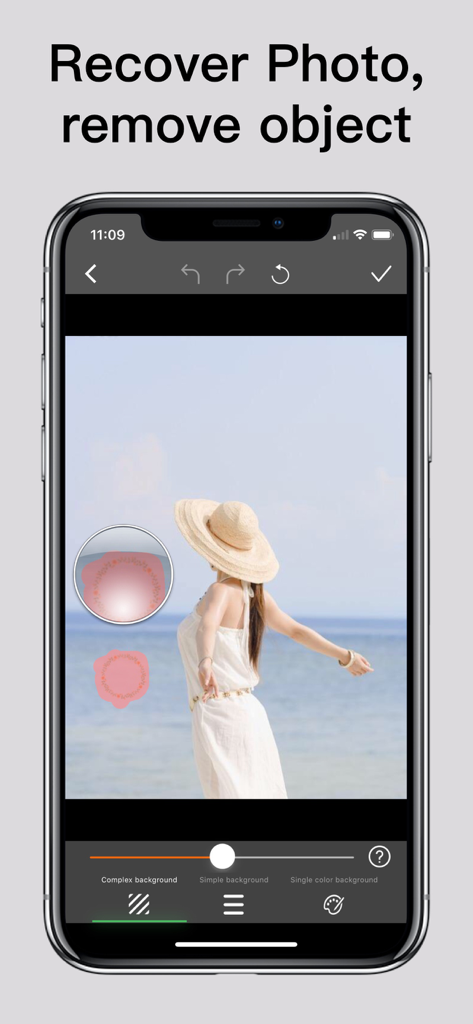
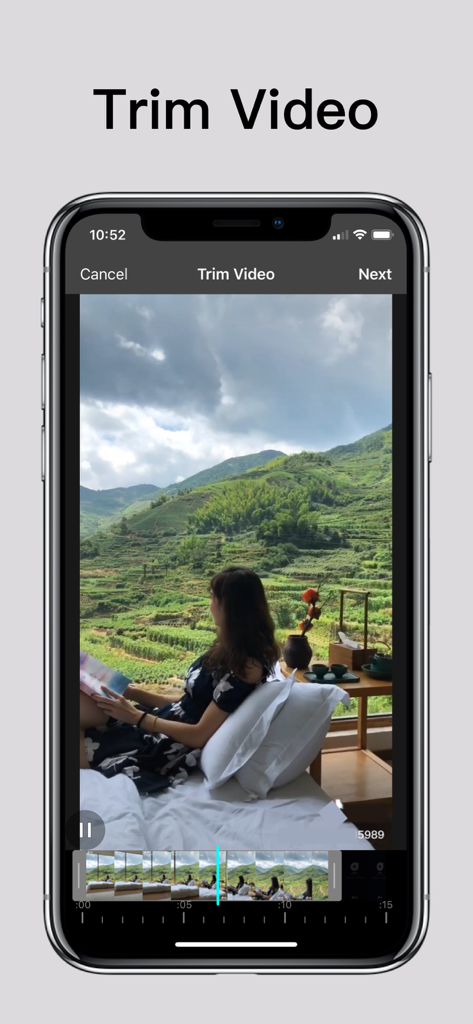
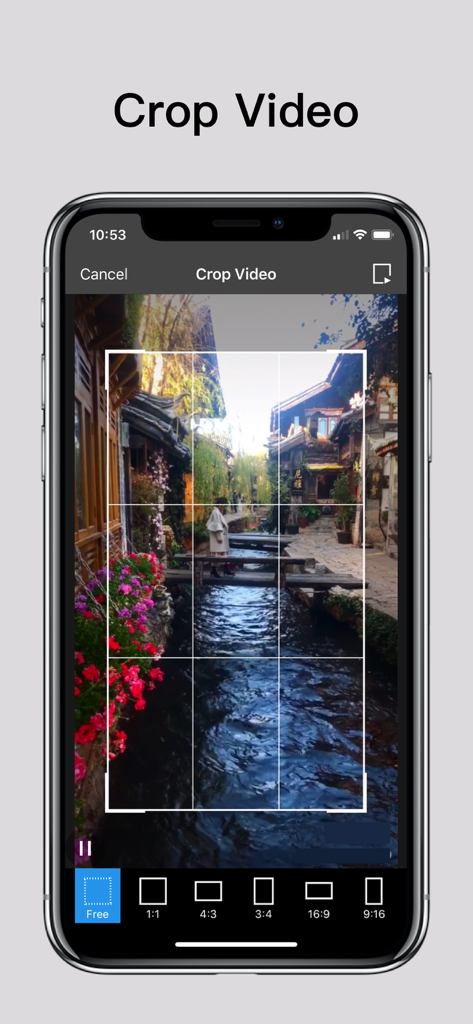
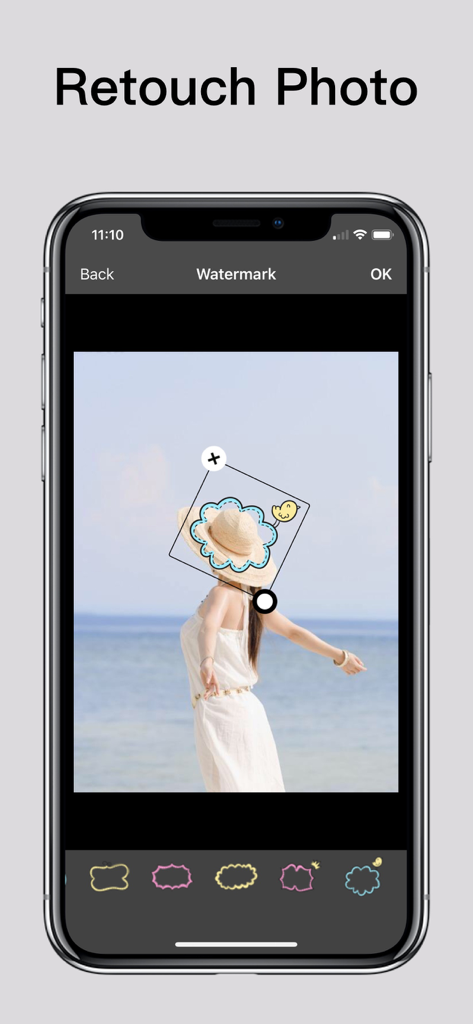
The tools that make this app stand out, trusted by 3M+ users.
Effortlessly erase photobombers, power lines, or background clutter to keep the focus exactly where it belongs.
Skip the complex desktop software. Get high-end retouching results in seconds, designed specifically for your mobile workflow.
Transform everyday snapshots into Pinterest-worthy content that keeps your Instagram grid looking perfectly curated.
Trusted by 3M+ people who love this app.
"I took a stunning shot at the beach, but a group of tourists totally ruined the background. This app worked like magic! In just a few taps, I removed everyone, and you can't even tell they were there. It’s now my go-to tool for keeping my Instagram feed looking flawless."
"As someone who isn't a pro at photo editing, I’m blown away by how easy this is. I used it to remove distracting power lines and a trash can from my backyard family portraits, and the results were perfect. It’s fast, simple, and the AI is incredibly accurate."
Everything you need to know about Photo Retouch - Remove object.
Description
Latest Version
2.6
Size
71.6 MB
First Released
Jul 29, 2018
Join over 3 million creators who trust our 4.8-star AI to remove photobombers and distractions instantly. Download now and start curate your flawless feed.
Everything you need to know about Photo Retouch - Remove object
Photo Retouch - Remove object edits photos and videos. It removes unwanted items, adds watermarks, and includes video tools like trimming, cropping, rotating, reversing, and changing playback rate and covers.
Photo Retouch - Remove object uses three algorithms: Complex, Simple, or Single color background. Users select the appropriate mode and smear the item. This removes objects like unwanted people or unsightly pimples.
Yes, Photo Retouch - Remove object provides extensive video editing. Users can crop, trim, rotate, reverse, and change a video's cover and playback rate. It enhances video content.
Yes, Photo Retouch - Remove object enables users to add watermarks. This feature supports adding Emojis, Stickers, or Text to both photos and videos for personalization or branding purposes.
Users can purchase the professional version of Photo Retouch - Remove object through a one-time payment. This provides permanent access to all professional features, valid forever.
Yes, Photo Retouch - Remove object offers an Annual professional version. This is an auto-renewable subscription that automatically renews upon expiration unless manually turned off.
Users manage subscriptions and turn off auto-renewal in their iTunes Account Settings. This must occur at least 24 hours before the current period ends to avoid being charged for the next renewal.
The Privacy Policy for Photo Retouch - Remove object is available on the official website. The direct link is: https://huameivideoretouch.web.app/privacypolicy.html.
Apps with similar features and user experience

Beijing Jianchang Technology Co., Ltd.

Beijing Pengtuzhumeng Technology Co., Ltd.

岳森 刘

Julia Nikitina

志阳 郭

伟 黄

Saraswati Javalkar

SUNWOONG JANG

Zankhana Pte Ltd