
Watermarkly ― Watermark Maker



Secure your photos, videos, and PDFs in seconds. Designed for entrepreneurs and creators, Watermarkly offers 1,000+ premium fonts and seamless sync across your iPhone, iPad, and Mac.
Publisher
Category
Graphics & DesignDownloads
595K+User Rating
Total Ratings
1K+Locales
11Discover the interface used by 595K+ users.
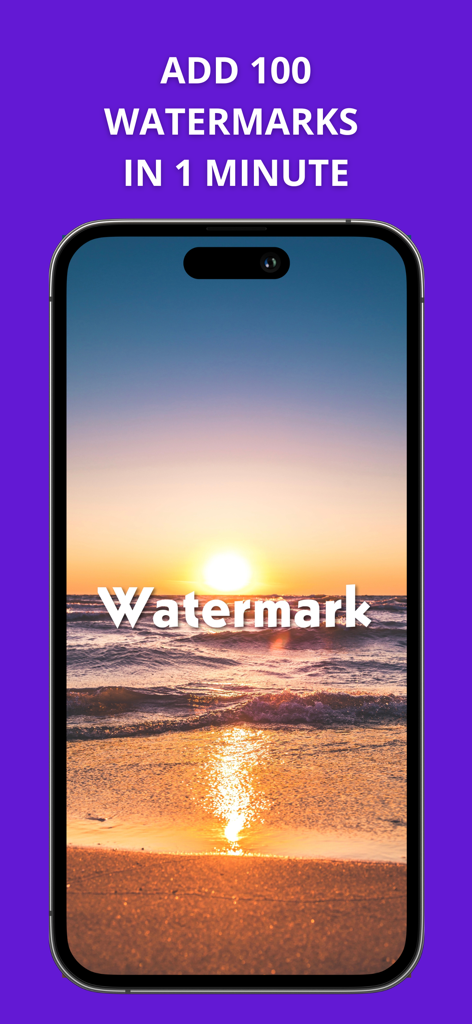
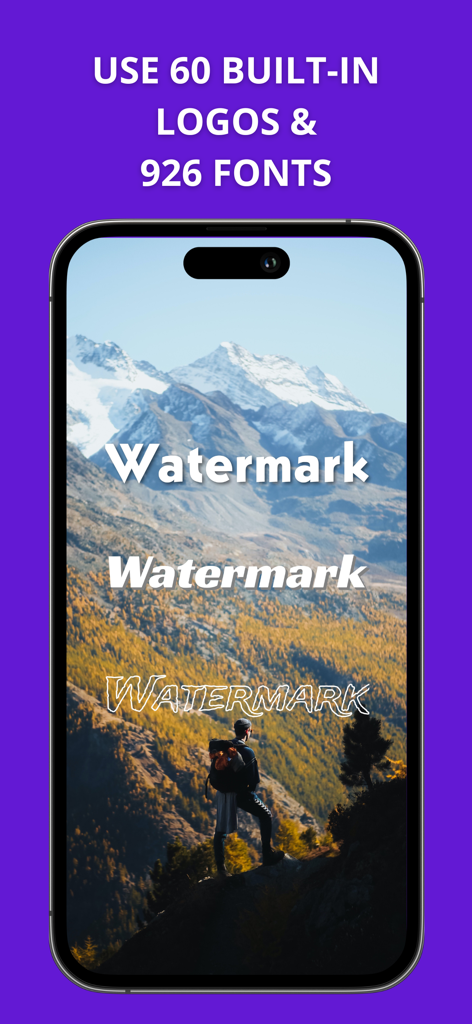
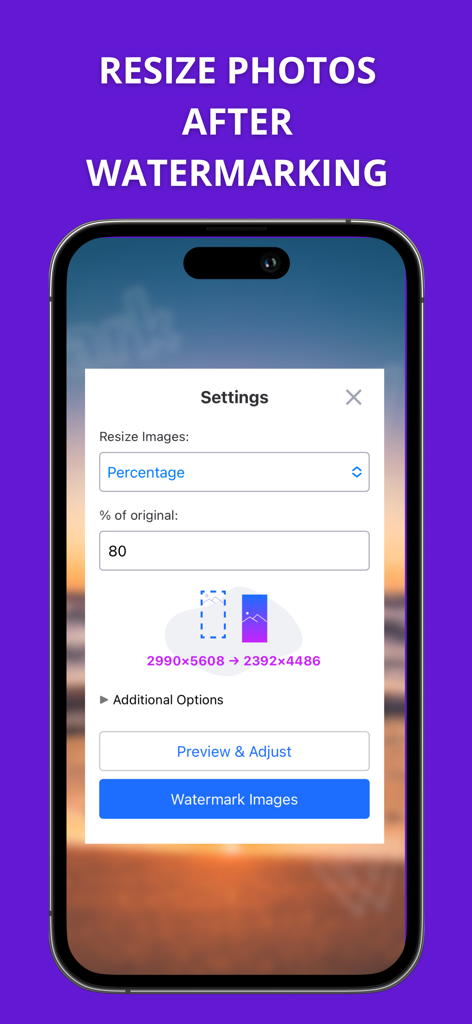
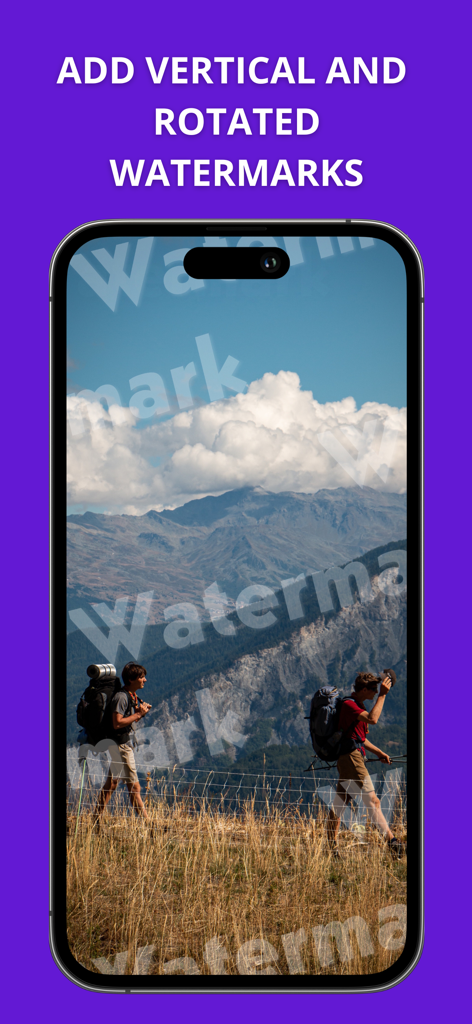
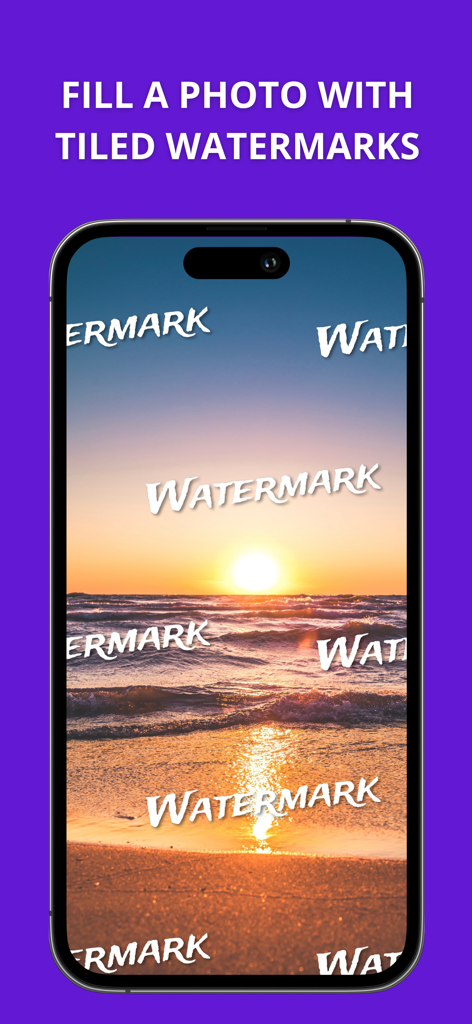
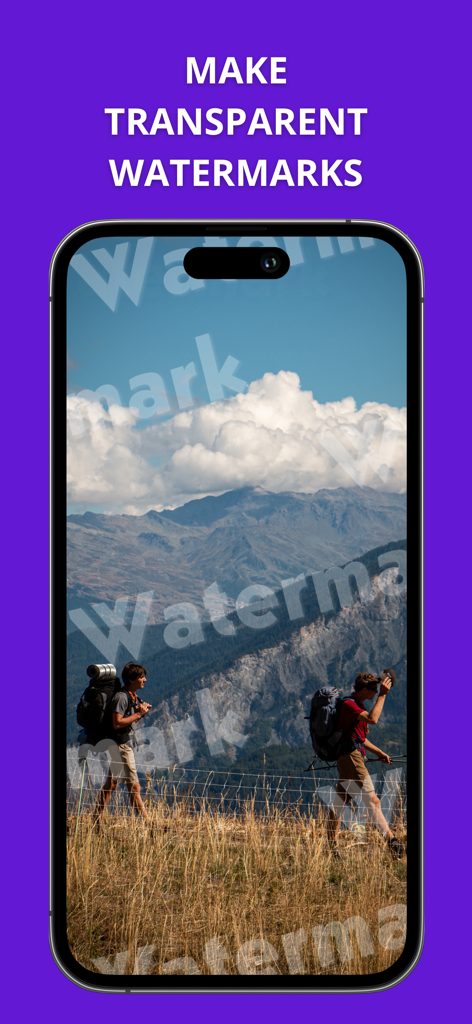
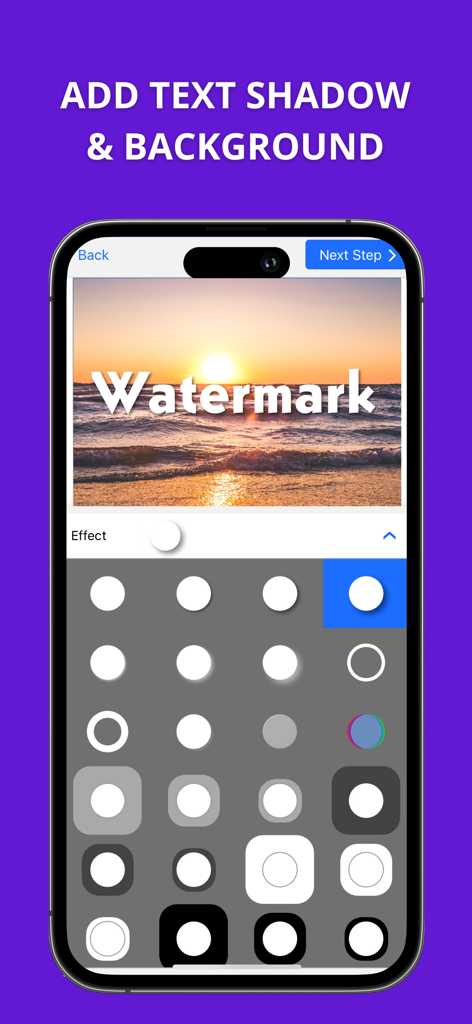
The tools that make this app stand out, trusted by 595K+ users.
Save hours by watermarking hundreds of files at once. Our engine automatically scales and positions your logo for both vertical and horizontal shots.
Stand out with 1,000+ fonts and premium effects like 3D and drop shadows. Create a custom look that builds trust and authority with your audience.
Keep your photos, videos, and PDFs safe from theft. Sync your templates across your iPhone, iPad, and Mac for a seamless, professional workflow.
Trusted by 595K+ people who love this app.
"As a small business owner on Etsy, I was constantly finding my product photos reposted without credit. Watermarkly has been a lifesaver! I can watermark a whole batch of 50 photos in seconds, and the library of fonts allowed me to create a professional look that fits my brand perfectly. It's the best insurance for my creative work."
"The cross-device synchronization is a game-changer for my photography workflow. I can design a template on my Mac and apply it instantly to my shots on my iPhone before posting to Instagram. I love how the app automatically adjusts the watermark size for both vertical and horizontal images—it's a huge time saver for a busy professional."
Everything you need to know about Watermarkly ― Watermark Maker.
Description
Latest Version
3.16
Size
23.8 MB
First Released
Apr 15, 2020
Join over 595,000 creators who trust Watermarkly to protect their digital assets and save time with professional batch-watermarking across all their devices.
Everything you need to know about Watermarkly ― Watermark Maker
Watermarkly is an efficient and user-friendly app designed for watermarking images, videos, and PDF files. It facilitates batch-watermarking and allows users to add customized text or logos without modifying original content.
Yes, Watermarkly supports batch watermarking for images, videos, and PDF files. Users can efficiently add watermarks to multiple files simultaneously.
No, Watermarkly never changes the original images, videos, or PDF files. Your watermarks are added only to a copy, preserving the integrity of your source files.
Watermarkly offers extensive customization, including changing size, rotation, transparency, and applying repeated watermarks. Users can also add copyright symbols, image numbers, and choose from 33 effects.
Watermarkly provides a vast library of 1000 fonts, 33 effects like 3D and drop shadow, and a broad selection of colors, including gradient options, for watermark design.
Yes, Watermarkly automatically adjusts watermark size and position for mixed batches of horizontal and vertical images. Users can also manually adjust watermarks in the Preview section.
Yes, Watermarkly synchronizes watermark templates across all your devices. Recently used templates are automatically synced, allowing access from any phone or computer.
Watermarkly helps protect photos from theft by allowing users to place their name, logo, or contact information on content. This asserts copyright and deters unauthorized use.
Yes, Watermarkly allows users to resize photos after watermarking. The app provides settings to resize images by a specific percentage of their original dimensions.
Yes, Watermarkly supports applying rotated watermarks. Users can rotate watermarks to any angle, as well as apply vertical watermarks, to fit their design needs.
Yes, Watermarkly allows users to adjust the transparency of their watermarks. This feature enables subtle branding, ensuring watermarks do not fully obscure the original content.
Apps with similar features and user experience

Beijing Jianchang Technology Co., Ltd.

Beijing Pengtuzhumeng Technology Co., Ltd.

化媚 席

岳森 刘

志阳 郭

伟 黄

Saraswati Javalkar

SUNWOONG JANG

Zankhana Pte Ltd