Playlist Transfer for My Music

Playlist Transfer for My Music

Download on App Store
Spark by MWM logo
Logo of Playlist Transfer for My Music

Playlist Transfer for My Music: Switch Services, Keep Your Sound.

Effortlessly migrate your entire library between Spotify, Apple Music, and YouTube in seconds. Don’t leave your curated playlists behind—transfer your music and unlock your lifetime listening stats today.

Publisher

Virals Dijital Hizmetler Anonim Sirketi

Category

Music

Downloads

374K+

User Rating

4.4/5

Total Ratings

7K+

Locales

1

Sync Your Sound

Discover the interface used by 374K+ users.
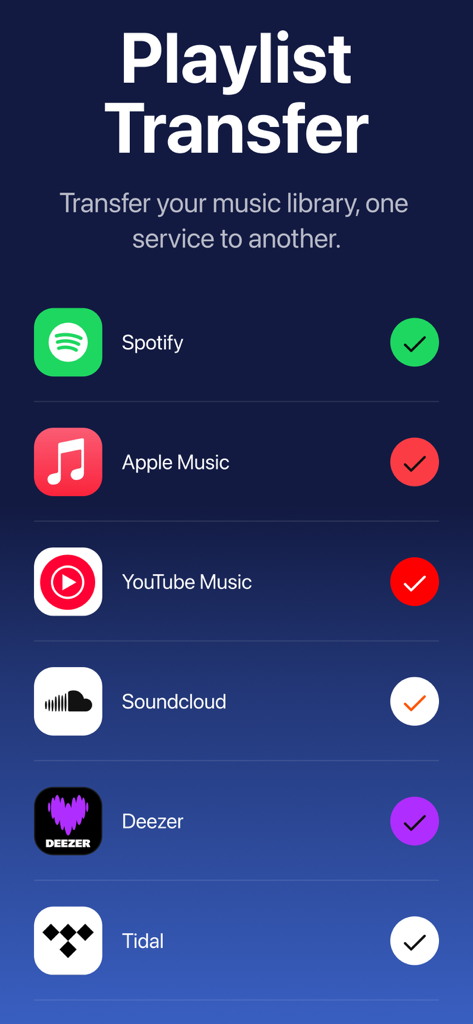
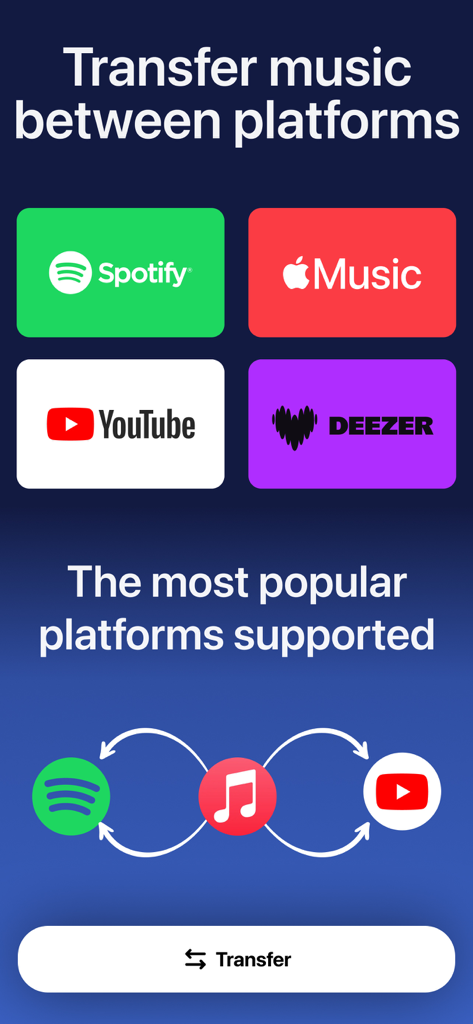
A list of music streaming platforms like Spotify and Apple Music supported by the Playlist Transfer app

A list of music streaming platforms like Spotify and Apple Music supported by the Playlist Transfer app

Interface showing music transfer options between Spotify Apple Music YouTube and Deezer

Interface showing music transfer options between Spotify Apple Music YouTube and Deezer

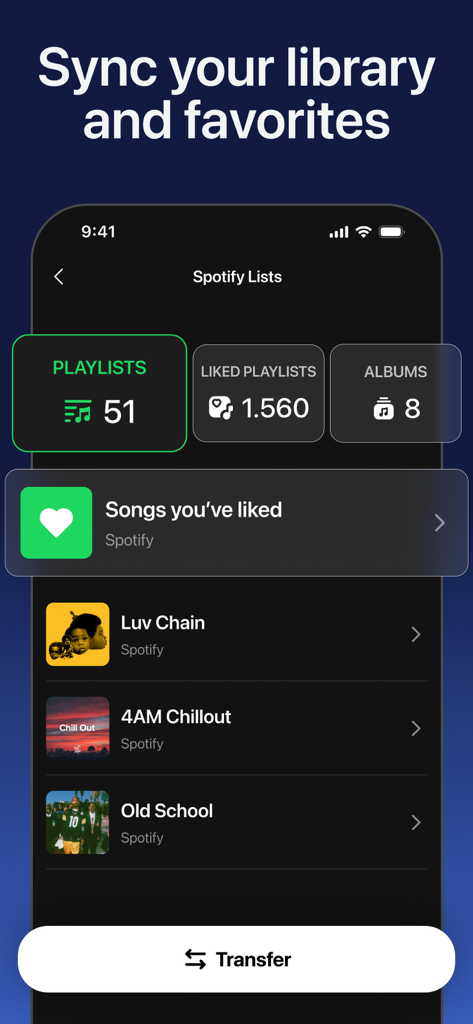
Mobile app interface showing a Spotify library with playlists and albums ready for transfer

Mobile app interface showing a Spotify library with playlists and albums ready for transfer

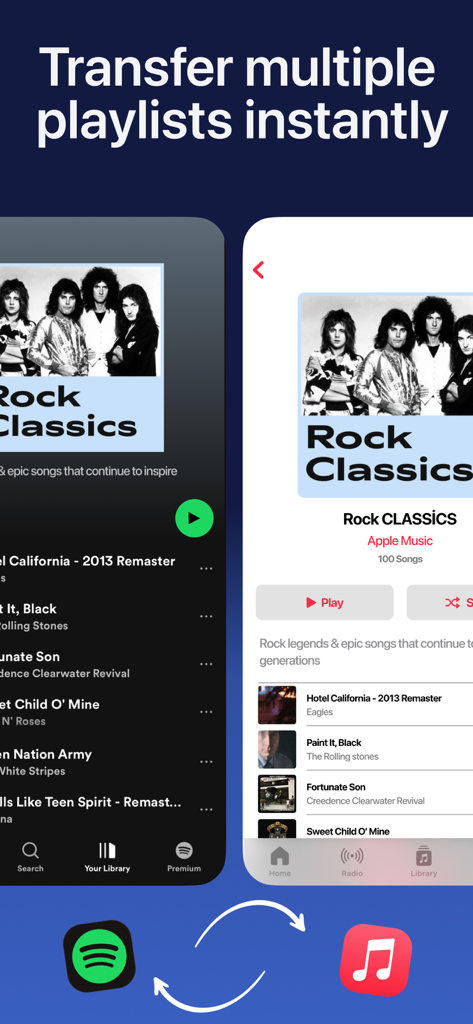
Interface showing the transfer of a Rock Classics playlist from Spotify to Apple Music

Interface showing the transfer of a Rock Classics playlist from Spotify to Apple Music

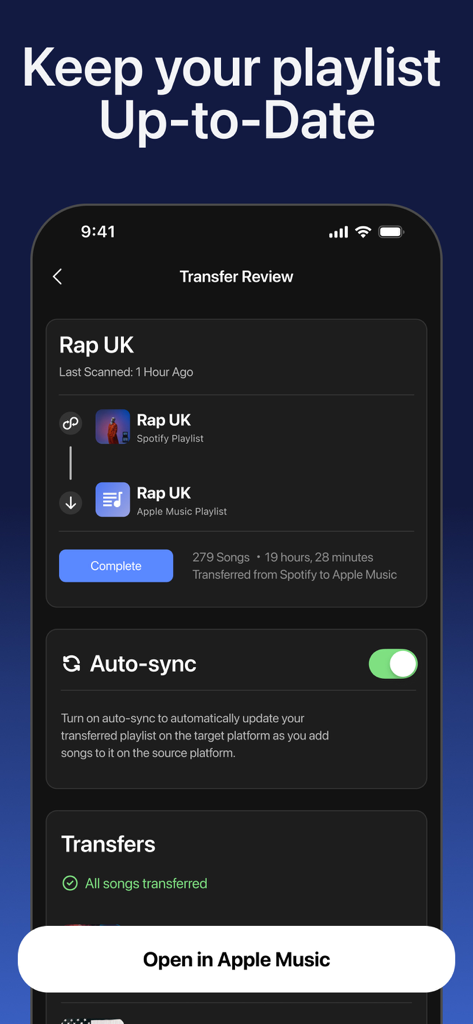
Interface showing a playlist transfer from Spotify to Apple Music with the auto-sync feature enabled.

Interface showing a playlist transfer from Spotify to Apple Music with the auto-sync feature enabled.

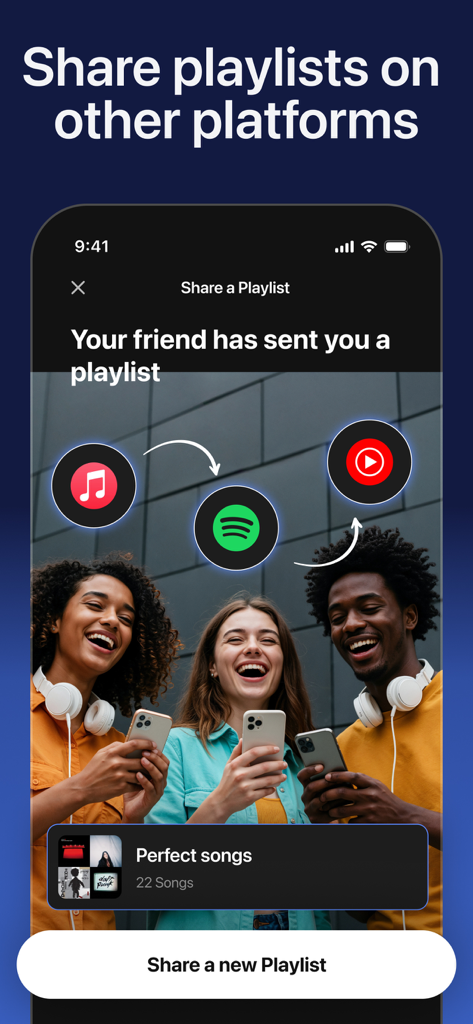
Mobile screen showing how to share a music playlist with friends across different streaming services like Spotify and Apple Music

Mobile screen showing how to share a music playlist with friends across different streaming services like Spotify and Apple Music

Your Music, Without Borders

The tools that make this app stand out, trusted by 374K+ users.

Instant Platform Migration

Move thousands of songs between Spotify, Apple Music, and YouTube effortlessly—no manual searching required.

📊

Unlock Your Listening DNA

Go beyond the yearly wrap with real-time stats on your top artists, tracks, and the energy levels of your favorite songs.

🎯

Smart Match Discovery

Our advanced engine identifies the perfect matches for your obscure tracks and albums across all streaming providers.

Loved by users worldwide

Trusted by 374K+ people who love this app.

"

"I recently switched to Apple Music for my new iPhone, but the thought of manually rebuilding my five years of Spotify playlists was a nightmare. This app moved everything for me in under a minute! It is seamless, accurate, and saved me hours of tedious work."

Chloe Martinez
"

"The transfer feature is great, but I am actually obsessed with the music stats. Being able to see my danceability and energy scores whenever I want is a game-changer. It is like having a personalized 'Wrapped' report that updates in real-time. A must-have for any music nerd."

Jordan Rivera

About the app

Everything you need to know about Playlist Transfer for My Music.

Description

Playlist Transfer will help you to transfer your music from one platform to another. You can transfer your favorite albums, playlists, and songs to another music provider just in seconds with Playlist Transfer app. All you need to do is to connect your music services, choose the music you want to transfer and let Playlist Transfer app to discover compatible matches on the new music platform. Now you can enjoy your favorite music in your favorite platform Playlist Transfer makes it super easy to transfer music to other platforms. Move your entire music library into a new music platform in seconds. Share music without limits! Works across all streaming apps. Share your playlist story on social media platform to let your friends discover new music and playlists. Playlist Transfer app supports many different music services such as Spotify, Apple Music, YouTube, Tidal and more are coming. Frustrated with your streaming service? Download Playlist Transfer app now to transfer your favorite music across music platforms! Transfer your music from Spotify to Apple Music or Apple Music to Spotify. Don’t make your playlists again and again on every music service you use. Simply transfer your music with Playlist Transfer app. How to Transfer Your Music with Playlist Transfer app? 1. Login with your current music platform such as Spotify, Apple Music etc. 2. Select the music platform that you want to transfer your music 3. Pick your favorite songs, albums, playlists that you want to transfer 4. Review and confirm the music transfer 5. Let Playlist Transfer app to transfer your music in seconds Check your music stats with Playlist Transfer for Spotify Music Stats: - Your top tracks, top artists and top albums - How much you listen music on Spotify - Music stats and song features (popularity, danceable, energetic…) - Your lifetime Spotify streaming history for songs / artists / albums - Personalized statistics for every song, artist, album on Spotify - Find out popularity scores for every song, artist, album - Discover new music with suggested songs Supported Music Services - Spotify - Apple Music - YouTube - Soundcloud - Deezer Do you have any questions about Playlist Transfer app? We love receiving your feedback. You can reach us from: hello@virals.app You can find terms and privacy links of Playlist Transfer in here: https://www.virals.app/terms https://www.virals.app/privacy

Latest Version

11.9

Size

214.1 MB

First Released

Mar 13, 2024

Ready to Switch? Take Your Playlists With You.

Join over 374,000 music lovers who have ditched the manual work. Transfer your entire library in seconds and unlock your lifetime streaming stats today.

Download on App Store
FAQ

Frequently Asked Questions

Everything you need to know about Playlist Transfer for My Music

How does the Playlist Transfer app work to transfer music?

The Playlist Transfer app works by connecting your music services, choosing the music to transfer, and then discovering compatible matches on the new platform. It performs the transfer in seconds.

Which music streaming services does Playlist Transfer support?

Playlist Transfer supports Spotify, Apple Music, YouTube, Soundcloud, Deezer, and Tidal. More services are coming soon.

Can I transfer multiple playlists at once using Playlist Transfer?

Yes, Playlist Transfer allows users to transfer multiple playlists instantly between supported music platforms. It moves entire music libraries in seconds.

Does Playlist Transfer provide music statistics for Spotify?

Yes, Playlist Transfer for Spotify offers music stats. It shows top tracks, artists, albums, listening duration, popularity scores, and lifetime streaming history.

Can I automatically synchronize my playlists with Playlist Transfer?

Yes, Playlist Transfer includes an auto-sync feature. This feature automatically updates the transferred playlist on the target platform as you add songs to the source platform.

Does the Playlist Transfer app allow sharing playlists with friends?

Yes, the Playlist Transfer app allows users to share their playlist story on social media platforms to help friends discover new music and playlists.

How can I contact support for the Playlist Transfer app?

You can contact the Playlist Transfer app support by sending an email to hello@virals.app for any questions or feedback.