
Transfer Music



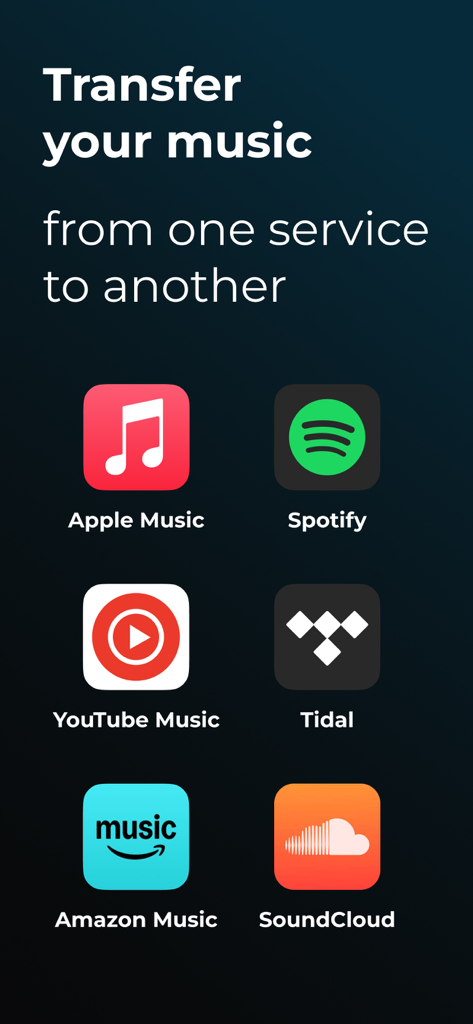
Stop being locked into one streaming service. Effortlessly migrate your entire library between Spotify, Apple Music, and YouTube, or listen to everything in one unified player.
Publisher
Category
MusicDownloads
2M+User Rating
Total Ratings
15K+Locales
16Discover the interface used by 2M+ users.
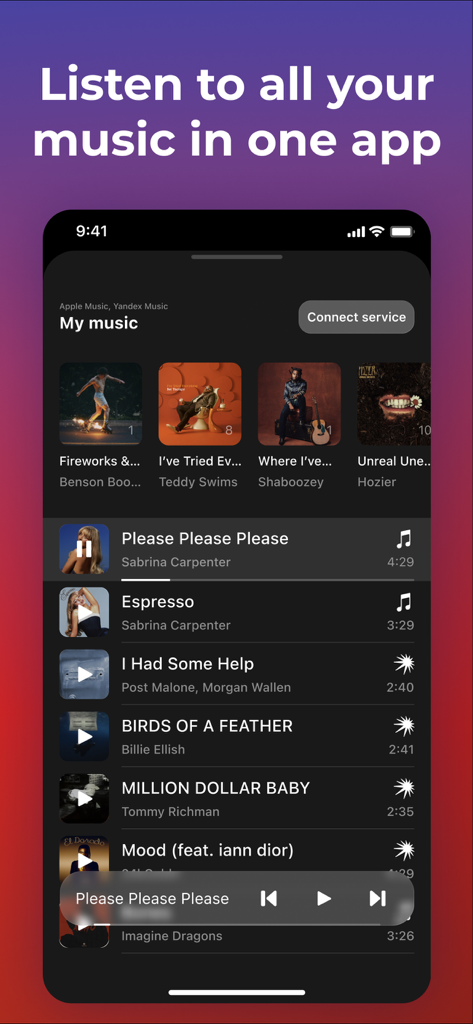
The tools that make this app stand out, trusted by 2M+ users.
Switch between Spotify, Apple Music, Tidal, and more in minutes. Move every playlist and track without the manual search-and-add headache.
Break down the walls between apps. Access and play your tracks from various streaming services within a single, streamlined interface.
Your playlists are your digital autobiography. We ensure years of music discovery follow you safely whenever you change services or devices.
Trusted by 2M+ people who love this app.
"I finally switched from Spotify to Apple Music when I got my new iPhone, and I was dreading recreating my playlists. Transfer Music moved over 2,000 songs in minutes. It is an absolute lifesaver for anyone who values their music library!"
"I love that I can finally see all my tracks in one place. I have some underground remixes on SoundCloud and my main library on Tidal—being able to manage everything without jumping between apps is a game changer. Super intuitive interface!"
Everything you need to know about Transfer Music.
Description
Latest Version
3.2.9
Size
56.2 MB
First Released
Aug 16, 2019
Join 2 million users and move your entire library in minutes. Switch services, keep your playlists, and finally enjoy all your tracks in one app.
Everything you need to know about Transfer Music
The Transfer Music app transfers music libraries between services like Spotify and Apple Music. It also allows users to play all their tracks from various services in one app.
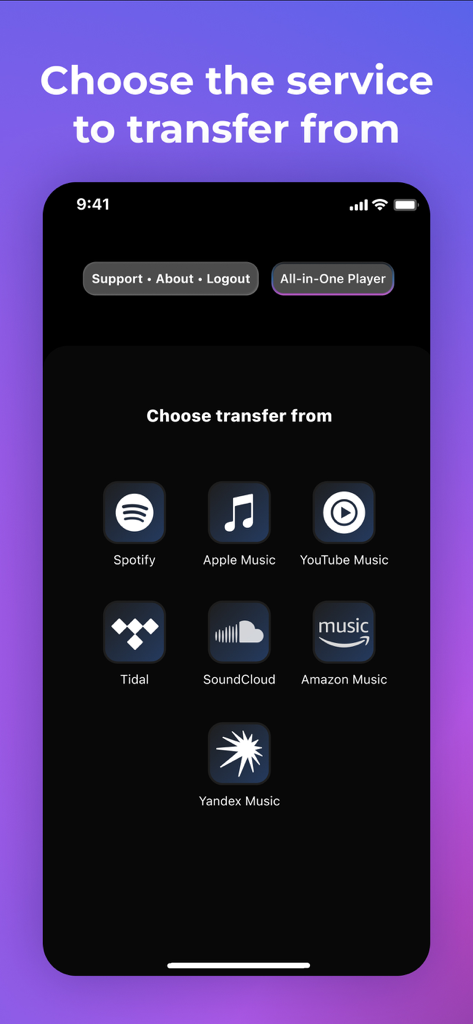
Transfer Music supports Spotify, Apple Music, YouTube Music, Amazon Music, Tidal, SoundCloud, and Yandex Music for transfers and playback.
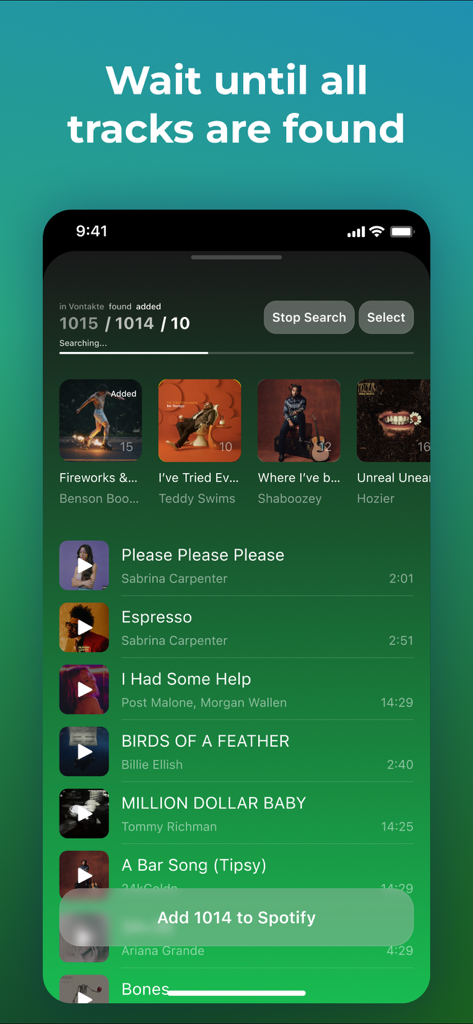
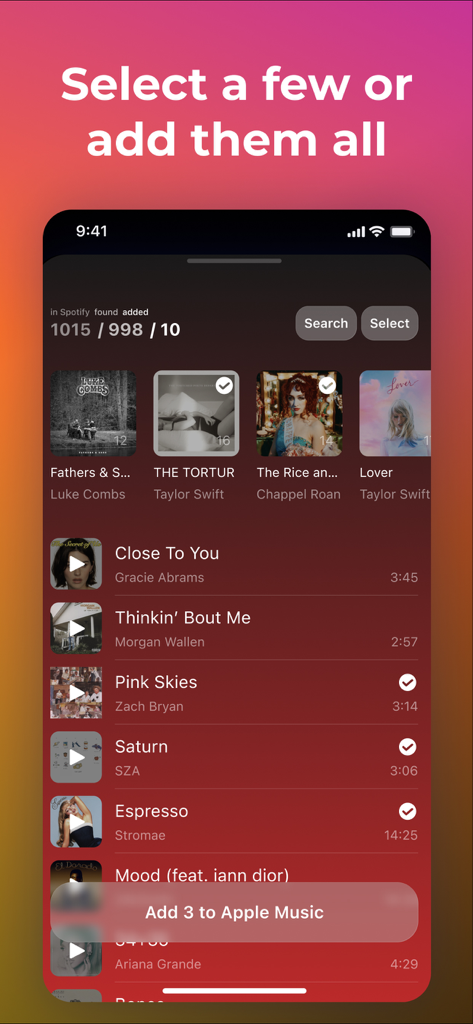
Users select a source service, the app searches for tracks, then they choose desired tracks or all. Finally, they hit the 'Add' button to transfer them to the destination.
Yes, Transfer Music includes an "All-in-One Player" feature. This allows users to consolidate and listen to all their tracks from supported music services within a single app.
Yes, an active and paid subscription is required for the destination music app. This ensures successful transfer and access to your music library within that service.
Missing tracks depend on their names and regional availability within the destination service. Transfer Music only transfers what is available and matched.
Yes, Transfer Music allows users to choose specific tracks or entire playlists for transfer. This provides flexibility to move only desired content.
Apps with similar features and user experience

Obdura Ltd

SongShift, LLC

亮 何

建新 李

Virals Dijital Hizmetler Anonim Sirketi

Hernas OU

Maryana Yurieva

KISSAPP, S.L.

Obdura Ltd