
CAD Design 3D - edit Auto CAD DWG/DXF/DWF files


고급 2D/3D 편집, 객체 스냅 및 원활한 클라우드 통합으로 모바일 워크플로우를 강화하세요. 어디서나 데스크탑 작업 공간과 같은 정밀함으로 DWG 파일을 보고 주석을 달 수 있습니다.
개발사
카테고리
Lifestyle다운로드
225K+사용자 평점
총 평가 수
0지원 언어
13이 인터페이스를 사용하는 225K+ 명의 사용자.
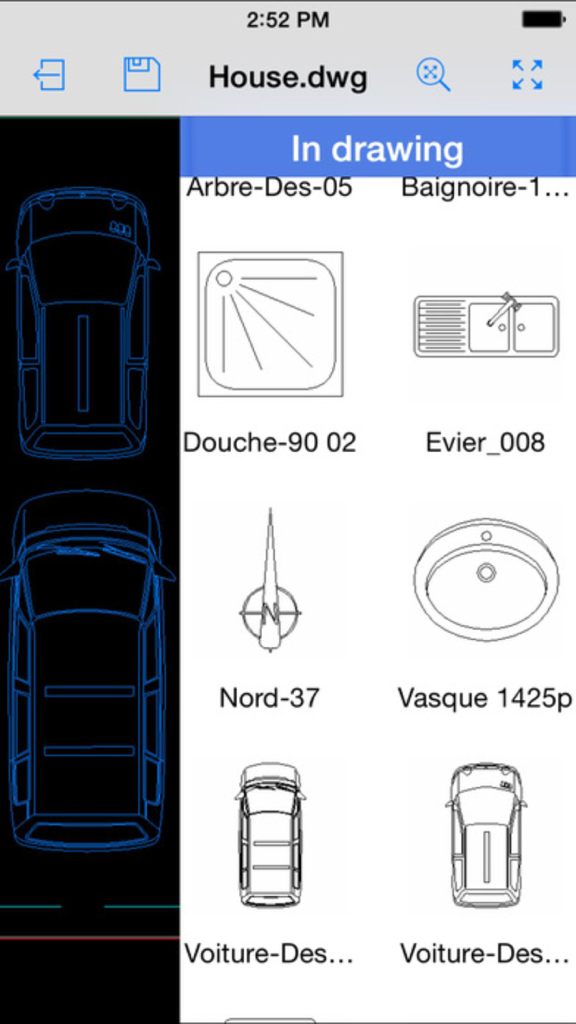
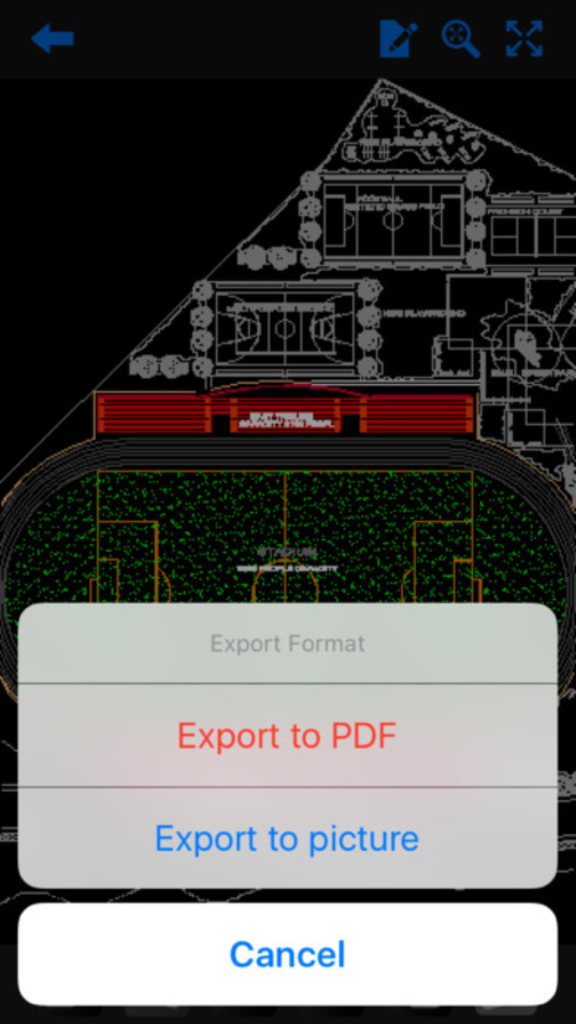
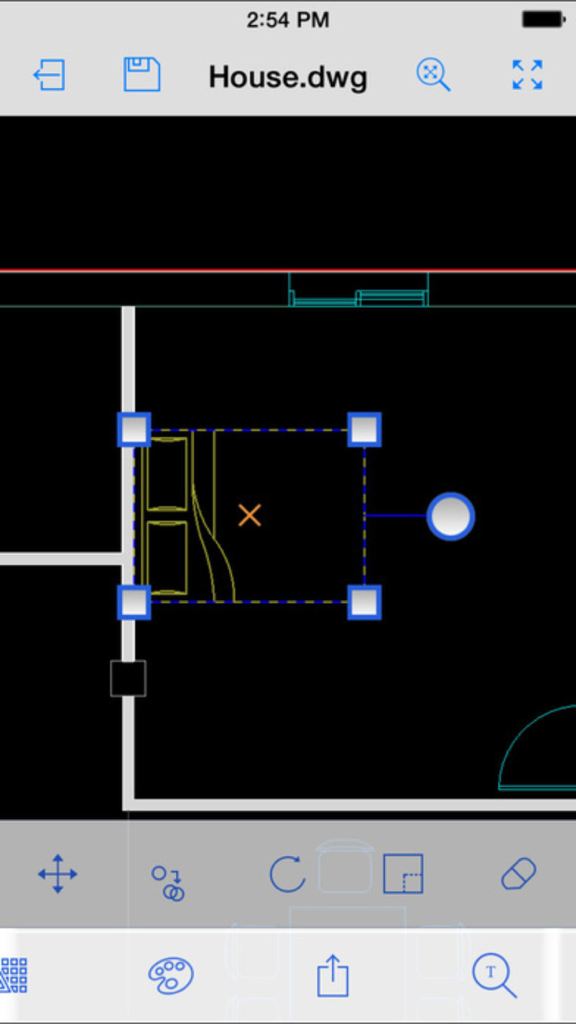
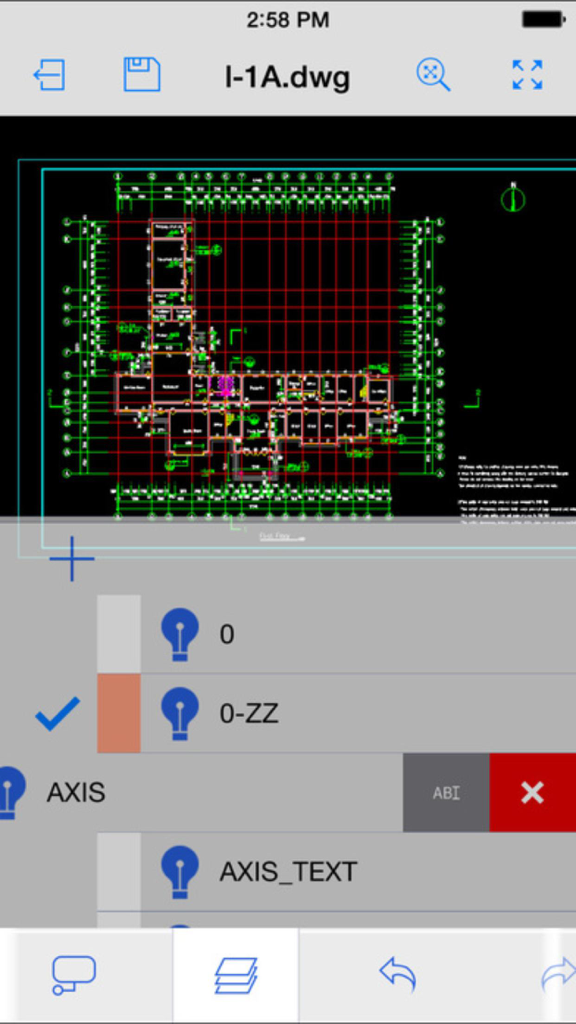
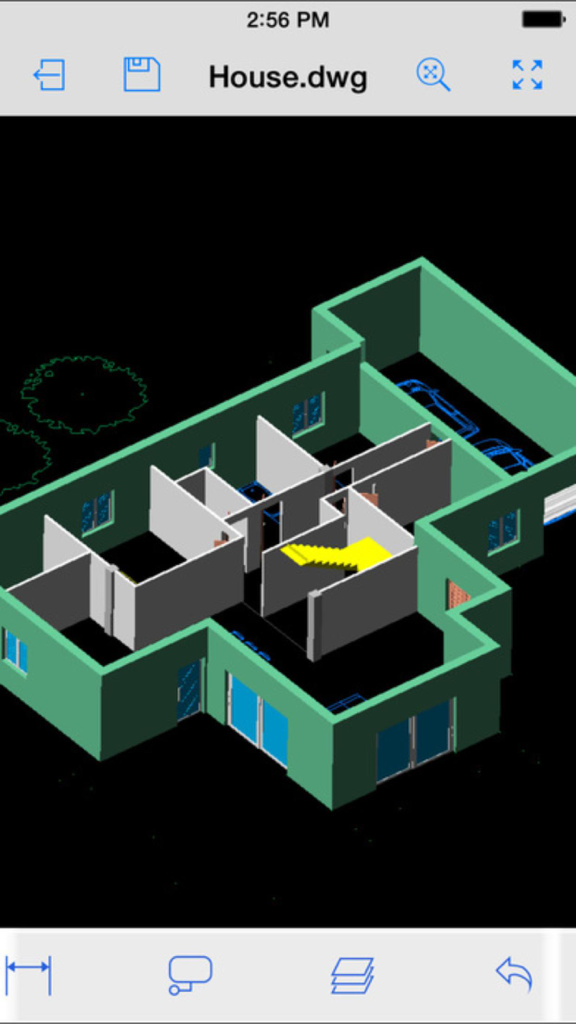
이 앱을 돋보이게 하는 도구, 225K+ 명의 사용자가 선택.
객체 스냅, 고급 키패드 입력 및 터치스크린에 최적화된 2D/3D 도구 전체 세트를 사용하여 전문적인 정확도로 복잡한 편집을 수행하세요.
선호하는 클라우드 저장소에서 직접 DWG 및 DXF 파일에 액세스, 편집 및 저장하여 데스크탑과 모바일 워크플로우가 항상 동기화되도록 하세요.
도면에 전문적인 레드라인 마크업, 수정 클라우드 및 텍스트 주석을 직접 추가하여 즉각적인 팀 협업을 가능하게 함으로써 종이 없는 환경을 구현하세요.
Trusted by 225K+ 명이 이 앱을 사랑합니다.
"현장 관리자로서 무거운 청사진 롤을 들고 다니는 것은 이제 과거의 일입니다. 이 앱을 통해 작업 현장을 걸어 다니면서 iPad에서 직접 복잡한 DWG 파일을 처리하고 정밀한 클라우드 주석을 달 수 있습니다. 클라우드 저장소와의 원활한 통합 덕분에 사무실 팀이 변경 사항을 즉시 확인할 수 있어 프로젝트 소요 시간이 크게 단축되었습니다."
"객체 스냅과 3D 레이어 관리를 실제로 지원하는 모바일 도구를 찾은 것은 제 워크플로우에 있어 획기적인 일이었습니다. 고객 상담 중에 실시간으로 인테리어 레이아웃을 수정하는 데 사용합니다. 직관적이고 강력하며, 키패드 기능은 데스크탑 설정 없이도 전문가 수준의 건축 편집에 필요한 정밀함을 제공합니다."
사용자 리뷰 인사이트.
감정 점수
요약
This app receives overwhelmingly negative feedback, primarily due to fundamental functionality issues, including its inability to open common CAD file formats like .dwg and .dwfx, or to perform basic editing. Many users feel misled by claims of 3D modeling, noting that the app only offers 3D viewing, not creation, and lacks essential CAD tools. A significant point of frustration is the complete absence of customer support, tutorials, or contact information for the developer, leading many to demand refunds for what they consider a non-functional or deceptively advertised product. Additionally, some users reported device compatibility problems on various iPhones and iPads, and instability after iOS upgrades.
주요 테마
에 대해 알아야 할 모든 것 CAD Design 3D - edit Auto CAD DWG/DXF/DWF files.
설명
최신 버전
1.0
크기
157.3 MB
출시일
2016년 10월 3일
225,000명 이상의 전문가 및 학생들과 함께하세요. 지금 CAD Design 3D를 다운로드하여 현장에서 직접 DWG 파일을 편집하고, 주석을 달고, 공유하세요.
유사한 기능과 사용자 경험을 가진 앱

Shapr 3D Zartkoruen Mukodo Reszvenytarsasag

Shanghai Tantian Network Technology Co.,Ltd.

Gstarsoft Co., Ltd

存旺 姜

ZWCAD Software Co.,Ltd.

嘉欣 朱

Giles Goddard

镇源 余

Autodesk