Chromecast TV Streamer #1

Chromecast TV Streamer #1

다운로드: App Store다운로드: Google Play
Spark by MWM logo
로고: Chromecast TV Streamer #1

Chromecast TV Streamer #1: iOS와 큰 화면을 연결하는 필수 도구

iPhone 또는 iPad에서 웹 동영상, 라이브 스포츠, 개인 미디어를 Chromecast, Sony 또는 Vizio TV로 직접 전송하세요. 진정한 코드 커팅 자유를 경험하고 원하는 것을 원할 때 스트리밍하세요.

개발사

Kraus und Karnath GbR 2Kit Consulting

카테고리

Photo & Video

다운로드

954K+

사용자 평점

4.2/5

총 평가 수

9K+

지원 언어

1

내부 엿보기

이 인터페이스를 사용하는 954K+ 명의 사용자.

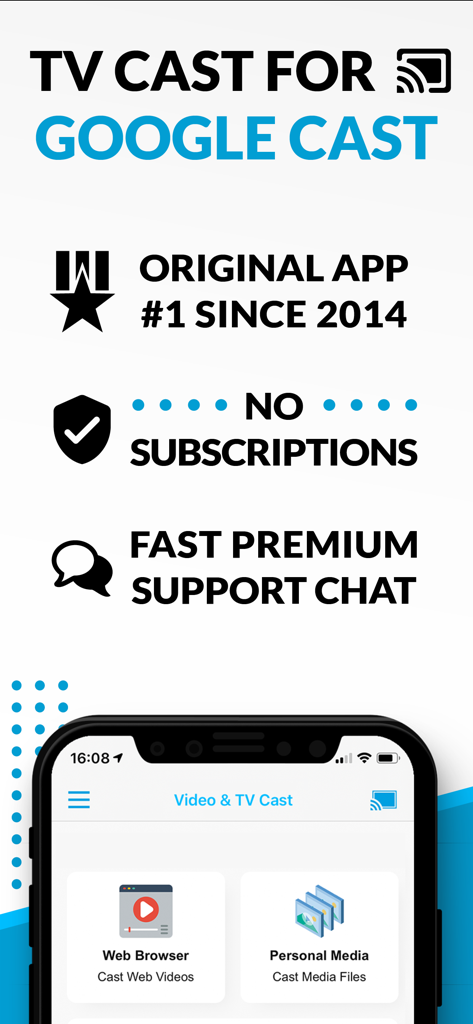
TV Cast for Google Cast 앱 스크린샷, 구독 메시지 없이 웹 브라우저 및 개인 미디어 전송 옵션 표시

TV Cast for Google Cast 앱 스크린샷, 구독 메시지 없이 웹 브라우저 및 개인 미디어 전송 옵션 표시

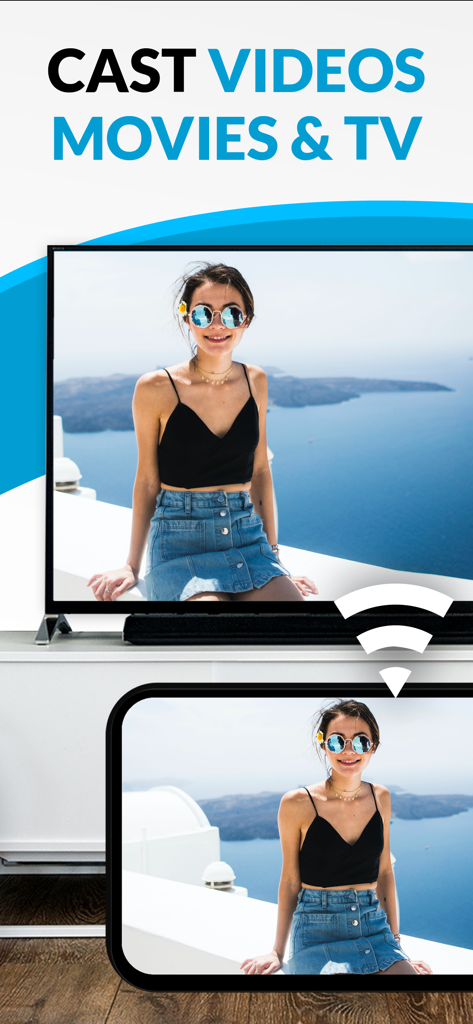
여성의 개인 사진을 Chromecast TV Streamer 앱을 사용하여 대형 텔레비전 화면으로 전송하는 스마트폰.

여성의 개인 사진을 Chromecast TV Streamer 앱을 사용하여 대형 텔레비전 화면으로 전송하는 스마트폰.

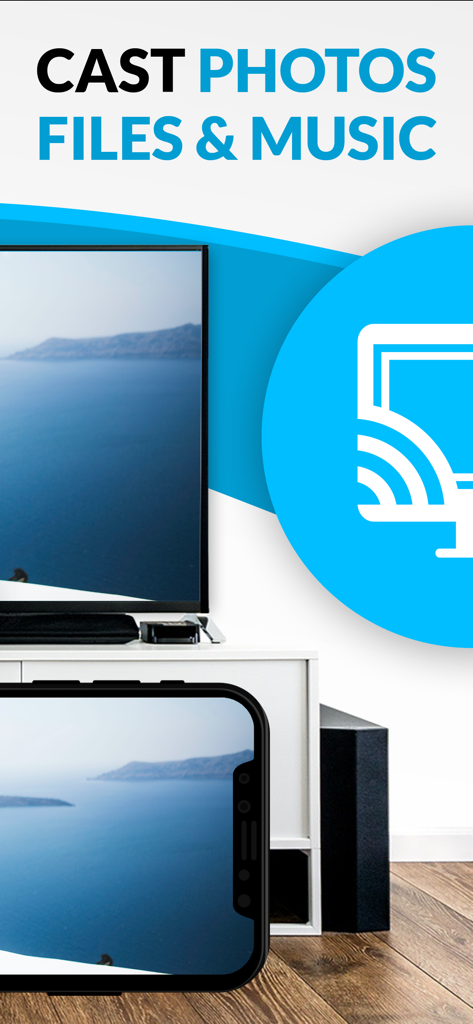
Chromecast TV Streamer 앱을 사용하여 풍경 사진을 대형 텔레비전 화면으로 전송하는 iPhone 화면.

Chromecast TV Streamer 앱을 사용하여 풍경 사진을 대형 텔레비전 화면으로 전송하는 iPhone 화면.

모든 웹을 큰 화면으로 가져오세요

이 앱을 돋보이게 하는 도구, 954K+ 명의 사용자가 선택.

🌐

모든 웹 동영상 스트리밍

앱 제한에서 벗어나세요. 틈새 스포츠부터 국제 뉴스까지 브라우저에서 찾을 수 있는 모든 것을 TV에서 시청할 수 있습니다.

🚫

깨끗하고 광고 없는 시청

모바일 웹 광고 및 팝업의 번잡함을 제거하세요. 내장된 광고 차단기는 영화 감상 시간을 방해 없이 콘텐츠에 집중할 수 있도록 보장합니다.

📱

공유 원격 제어

iPhone 또는 iPad를 강력한 리모컨으로 바꾸세요. 여러 장치에서 재생을 동기화하여 방에 있는 누구든 재생, 일시 중지 또는 되감기를 할 수 있습니다.

전 세계 사용자들에게 사랑받는 앱

Trusted by 954K+ 명이 이 앱을 사랑합니다.

"

"비싼 Apple TV 박스를 사지 않고도 iPhone과 Sony TV를 연결할 방법을 마침내 찾았습니다. 자체 앱이 없는 사이트에서 스포츠를 스트리밍하는 데 이 앱은 정말 유용합니다. 광고 차단기는 깨끗한 시청 경험을 위한 완전한 게임 체인저입니다!"

Mark S.
"

"이 앱을 사용하여 가족 휴가 사진과 동영상을 iPad에서 바로 큰 화면으로 전송하는 것을 좋아합니다. 설정이 매우 쉬웠고, 리모트 플레이바 기능을 통해 방에 있는 누구든 일시 중지하거나 되감기할 수 있습니다. 영화 감상 시간을 훨씬 더 유연하게 만들어 줍니다."

Sarah J.

앱 소개

에 대해 알아야 할 모든 것 Chromecast TV Streamer #1.

설명

Watch web-videos, online-movies, livestreams and live-tv shows and your personal photos, videos & music by using Google Cast on your TCL TV, Sony TV, Hisense TV, Vizio SmartCast TV, Philips TV, Sharp TV, Toshiba TV, Chromecast, Nexus Player or Nvidia Shield gaming console. Enjoy the show on your big screen. With Video & TV Cast you can browse through the web and stream any online video on your Google Cast enabled device (movies, tv shows, sports, music and more). Just navigate to your favorite website and send the embedded video with a single tap to your TV or gaming console. The discovered video will be shown below the browser. A tap on the video link will send it to your Google Cast enabled device immediately. Streaming personal media from your device is also supported. * The app only works with devices with Google Cast or Chromecast built-in, like Vizio TV, Toshiba TV, Sony TV, Philips TV, Sharp TV, Chromecast, Nexus Player, Nvidia Shield gaming console * iTunes movies, Flash video and DRM protected videos like Amazon Prime, Netflix, Hulu, Vudu, DirecTV, Xfinity, HBO now are not supported! * Please test your favorite videos with the free edition before upgrading! * The app streams only the video part of a website and not the whole website content (No screen or tab mirroring!). * Sometimes it is necessary to play the video on your iPad or iPhone first before it gets discovered by the app for streaming. * If a specific video does not cast, please check our FAQ. If that does not help, please give us a chance to help you by dropping a mail to info@video-tv-cast.com instead of leaving a negative comment on the App Store. We will try to add support for your video as soon as possible. >>> UPGRADE FEATURES (available as in-app purchases) * Premium Edition: Unlocks all of the features listed here. Also future features are included, so you do not have to pay for them when they are released in an updated app version. * Remote Playbar: A remote control that allows you to fast forward or rewind videos while browsing. It syncs across all your iPads & iPhones that are connected to the same Chromecast. So your video can be controlled by different users in the same room. * Personal Media: Cast unlimited personal photos, videos and music directly from your device or from cloud services like iCloud and Dropbox. * Ad-Blocker: Blocks ads & popups on most websites and removes the sponsoring ads from the app. You can update and enable/disable ad-blocking at any time in the settings. * Bookmarks: Save unlimited website bookmarks. Synchronize and transfer them between different TV Cast apps and iOS devices by using backup and restore via iCloud. * Subtitles: Display subtitles & closed captions on TV. * Change Homepage: Set your personal homepage in the settings. >>> A MESSAGE FROM THE DEVELOPERS We want to say thank you for all your great support and kindly invite you to honestly rate our app. This helps us to keep up our app development and support for you. Please do not trust other apps that ask you for 5-star ratings in exchange for premium upgrades. This is against good developer ethics and also against Apple guidelines. If you have any feedback, feature requests or other request, please notify us at info@video-tv-cast.com Disclaimer: This app is not affiliated with Google, Sony, Philips, Vizio, Sharp, Asus, Nvidia or one of their products and trademarks.

최신 버전

3.8

크기

34.3 MB

출시일

2015년 5월 3일

큰 화면에서 진정한 무선 자유를 경험할 준비가 되셨나요?

iPhone과 스마트 TV의 격차를 해소한 954,000명 이상의 사용자와 함께하세요. #1 Chromecast 스트리머를 다운로드하고 오늘부터 모든 웹 동영상 또는 개인적인 추억을 스트리밍하세요.

다운로드: App Store다운로드: Google Play
FAQ

자주 묻는 질문

에 대해 알아야 할 모든 것 Chromecast TV Streamer #1
Chromecast TV Streamer #1은 무엇인가요?

Chromecast TV Streamer #1을 사용하면 다양한 스마트 TV 및 Chromecast와 같은 Google Cast 지원 기기로 웹 동영상, 온라인 영화, 라이브 스트림 및 개인 미디어를 전송할 수 있습니다.

Chromecast TV Streamer #1은 제 기기 화면을 TV로 미러링할 수 있나요?

아니요, Chromecast TV Streamer #1은 웹사이트의 동영상 부분만 스트리밍합니다. 화면 또는 탭 미러링 기능은 제공하지 않습니다.

Chromecast TV Streamer #1과 호환되는 기기는 무엇인가요?

Chromecast TV Streamer #1은 TCL, Sony, Hisense, Vizio, Philips, Sharp, Toshiba TV, Chromecast, Nexus Player, Nvidia Shield를 포함한 Google Cast 또는 Chromecast 내장 기기와 호환됩니다.

Chromecast TV Streamer #1은 Netflix 또는 Amazon Prime과 같은 스트리밍 서비스에서 전송을 지원하나요?

아니요, Chromecast TV Streamer #1은 Netflix, Amazon Prime, Hulu, Vudu, DirecTV, Xfinity 또는 HBO Now와 같은 서비스의 DRM 보호 동영상은 지원하지 않습니다.

Chromecast TV Streamer #1은 구독이 필요한가요?

아니요, Chromecast TV Streamer #1은 구독이 필요하지 않습니다. 프리미엄 기능은 일회성 인앱 구매로 제공됩니다.

Chromecast TV Streamer #1은 개인 사진, 동영상 또는 음악을 전송할 수 있나요?

예, Chromecast TV Streamer #1은 개인 미디어 업그레이드를 통해 iCloud 및 Dropbox와 같은 클라우드 서비스 또는 기기에서 직접 무제한 개인 사진, 동영상 및 음악을 전송할 수 있습니다.

Chromecast TV Streamer #1을 사용할 때 광고를 차단하려면 어떻게 해야 하나요?

Chromecast TV Streamer #1은 인앱 구매로 광고 차단기 기능을 제공합니다. 이 기능은 대부분의 웹사이트에서 광고 및 팝업을 차단하고 앱에서 스폰서 광고를 제거합니다.

Chromecast TV Streamer #1의 프리미엄 에디션에는 무엇이 포함되어 있나요?

Chromecast TV Streamer #1의 프리미엄 에디션은 나열된 모든 업그레이드 기능을 잠금 해제하며, 향후 기능도 포함하여 후속 릴리스에 대한 추가 결제가 필요하지 않습니다.

Chromecast TV Streamer #1은 스트리밍 콘텐츠에 대한 자막을 제공하나요?

예, Chromecast TV Streamer #1은 자막 인앱 구매 기능을 통해 TV에서 자막 및 닫힌 자막 표시를 지원합니다.