Coloring Watch

Coloring Watch

다운로드: App Store
Spark by MWM logo
로고: Coloring Watch

컬러링 워치: 손목 위 당신만의 평온한 순간

Apple Watch만을 위해 디자인된 최고의 스트레스 해소 도구를 만나보세요. 디지털 크라운을 붓으로 사용하여 구독 없이 마음챙김 시간, 심박수 감소, 멋진 맞춤형 시계 화면을 만들어 보세요.

개발사

Sydvesti Oy

카테고리

Entertainment

다운로드

254K+

사용자 평점

4.3/5

총 평가 수

1K+

지원 언어

4

평온의 엿보기

이 인터페이스를 사용하는 254K+ 명의 사용자.

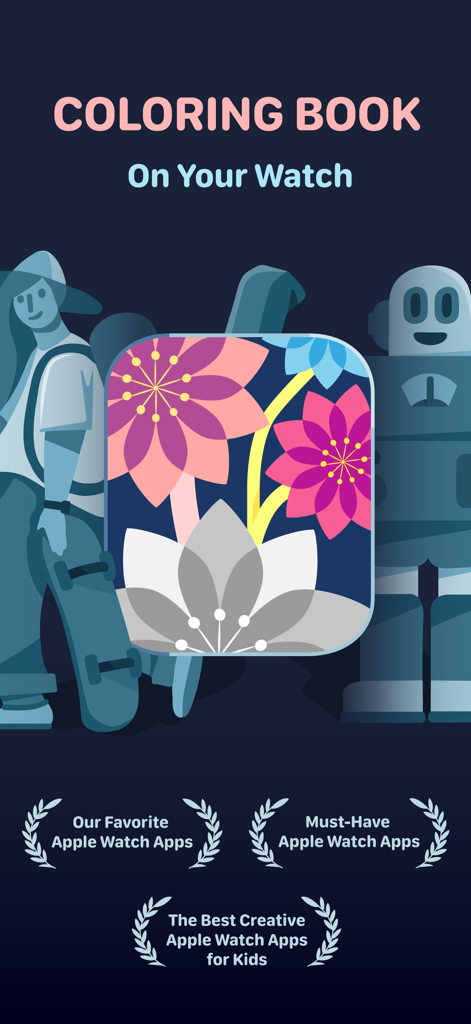
컬러링 워치 앱의 프로모션 그래픽. 꽃 예술과 Apple Watch 우수상 수상 내역을 특징으로 합니다.

컬러링 워치 앱의 프로모션 그래픽. 꽃 예술과 Apple Watch 우수상 수상 내역을 특징으로 합니다.

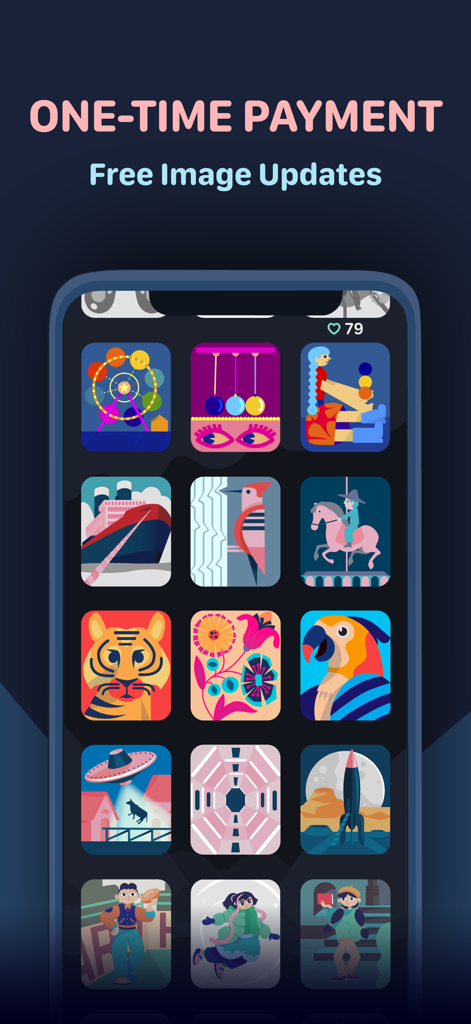
iPhone의 컬러링 워치 앱 인터페이스. 다채로운 컬러링 이미지 그리드와 일회성 결제 메시지를 보여줍니다.

iPhone의 컬러링 워치 앱 인터페이스. 다채로운 컬러링 이미지 그리드와 일회성 결제 메시지를 보여줍니다.

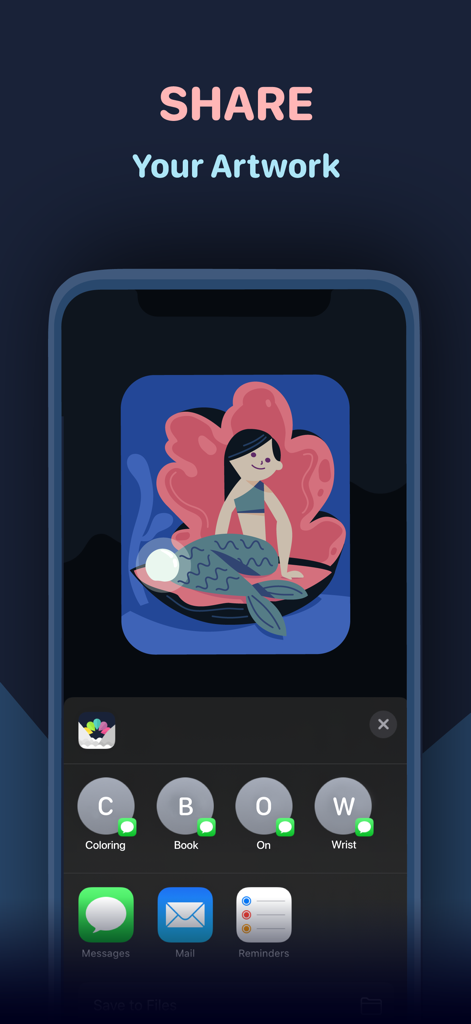
컬러링 워치 앱에서 색칠한 인어 그림을 공유하는 옵션을 보여주는 iPhone 화면.

컬러링 워치 앱에서 색칠한 인어 그림을 공유하는 옵션을 보여주는 iPhone 화면.

컬러링 워치 모바일 앱의 다채로운 일러스트레이션 갤러리.

컬러링 워치 모바일 앱의 다채로운 일러스트레이션 갤러리.

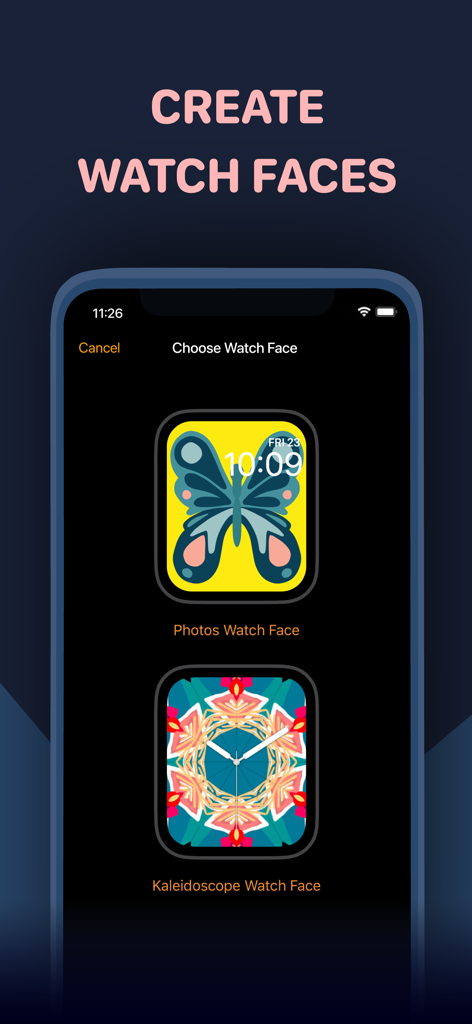
나비와 만화경 색상의 디자인으로 맞춤형 Apple Watch 시계 화면을 만드는 옵션을 표시하는 iPhone 화면.

나비와 만화경 색상의 디자인으로 맞춤형 Apple Watch 시계 화면을 만드는 옵션을 표시하는 iPhone 화면.

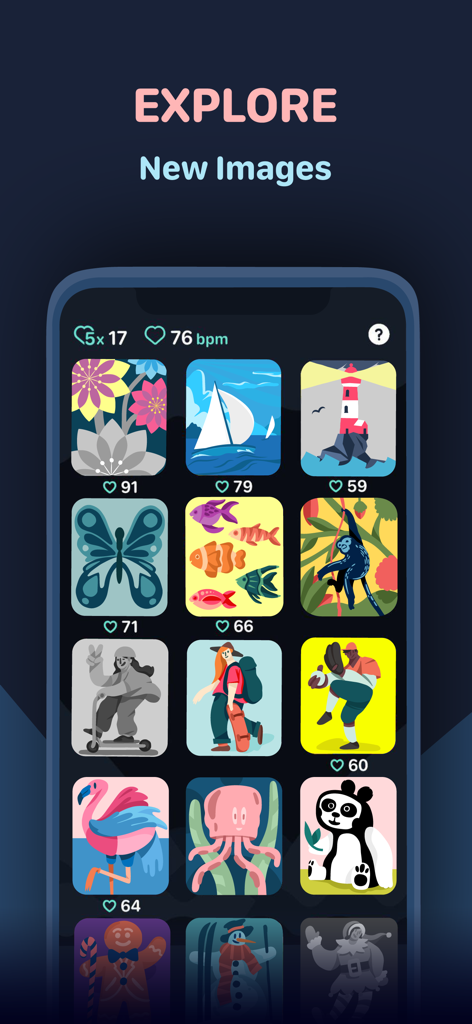
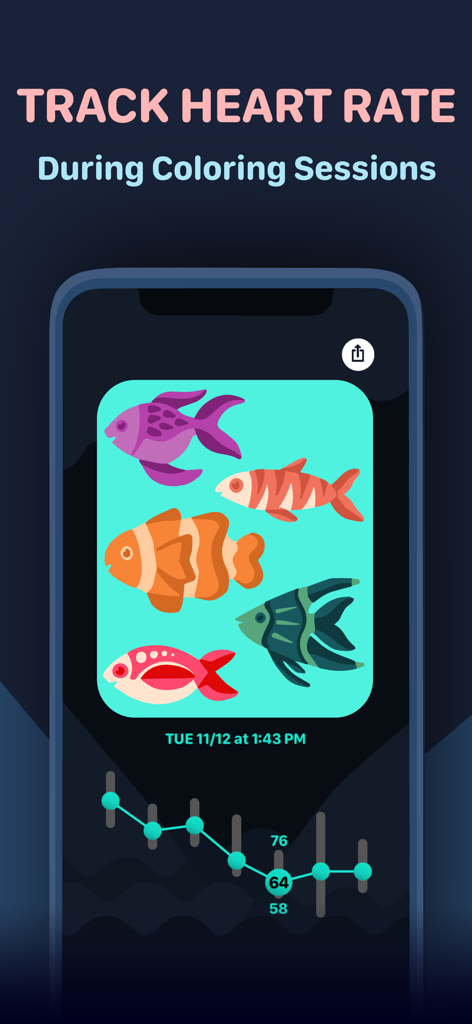
컬러링 워치 세션의 심박수 추적 그래프와 색칠된 물고기 일러스트레이션을 보여주는 스마트폰 화면

컬러링 워치 세션의 심박수 추적 그래프와 색칠된 물고기 일러스트레이션을 보여주는 스마트폰 화면

손목 위, 당신의 평온한 안식처

이 앱을 돋보이게 하는 도구, 254K+ 명의 사용자가 선택.

🧘

마이크로 휴식 마스터하기

180개 이상의 최적화된 디자인과 직관적인 디지털 크라운 색상 조정을 사용하여 이동 시간이나 회의 틈새 시간을 평온의 순간으로 바꾸세요.

📈

평온함 측정하기

컬러링하면서 심박수를 추적하고 HealthKit을 위한 마음챙김 시간을 획득하여 몸이 어떻게 이완되는지에 대한 실시간 데이터를 얻으세요.

💎

한 번의 결제, 무한한 스타일

구독 없는 경험을 즐기세요. 당신의 작품을 영원히 소유하고 완성된 걸작을 개인화된 시계 화면 및 컴플리케이션으로 만드세요.

전 세계 사용자들에게 사랑받는 앱

Trusted by 254K+ 명이 이 앱을 사랑합니다.

"

"마지막으로 월간 구독료를 요구하지 않는 웰빙 앱을 찾았습니다! 통근 시간에 차분함을 유지하기 위해 사용합니다. 컬러링 세션과 동기화된 심박수 데이터를 볼 수 있다는 점이 스트레스 수준을 이해하는 데 정말 도움이 됩니다. 손목을 위한 완벽한 마이크로 명상 도구입니다."

Sarah Jenkins
"

"시계 앱으로는 디테일 수준이 놀랍습니다. 디지털 크라운을 사용하여 색상을 변경하는 것을 좋아합니다. 정말 만족스럽습니다. 가장 마음에 드는 부분은 완성된 작품을 시계 화면으로 설정하는 것입니다. 직접 만든 디지털 주얼리로 Apple Watch를 바꿔줍니다."

Marcus Thompson

앱 소개

에 대해 알아야 할 모든 것 Coloring Watch.

설명

Featured by Apple in "Must-Have Apple Watch Apps" and "Our Favorite Apple Watch Apps" collections. Coloring is a great way to calm down and relieve stress. Now for the first time you can experience the relaxing effects of coloring directly on your Apple Watch. Designed exclusively for Apple Watch, Coloring Watch gives you a full coloring experience on your Apple Watch while introducing new mindfulness aspects to coloring. **One-time payment - No in-app purchases - All image updates for free** Requires an Apple Watch with watchOS 8 or later. Recommended device Series 4 or later. Set Complication feature available on Series 4 devices or later. ***Color images on your Apple Watch*** -Over 180 images available on your Apple Watch. Including animated and still images -Tune colors smoothly by using the digital crown -100 colors to choose from -Your progress is automatically stored and you can continue your coloring anytime -Toggle between image parts by tapping the screen. Tap the right half of the screen to select the next part, and tap the left part of the screen to select the previous part -Browse through and select different images that are uniquely designed for Apple Watch and the Coloring Watch app (swipe to open menu) ***Create Watch Faces and Share your creations*** -After coloring images on the Apple Watch the results can be seen on the iPhone -Tap images on your iPhone to open share menu -Share menu also contains a “Create Watch Face” button that lets you use your creations as Watch Faces on your Apple Watch -Set your favorite coloring image as a complication on the following watch faces: Infograph, Infograph Modular, Meridian, California, Modular Compact and X-Large(watchOS 7 only). Please note that the supported complications are only available on Series 4 and later devices ***Mindful Minutes*** -Breathe calmly and start five minute Coloring Sessions that will track your heart rate while coloring or while just relaxing -After completing Coloring Sessions examine changes in your heart rate during the five minute sessions (use digital crown to scroll through data) -Coloring Sessions with health tracking is completely optional and can be started by opening the app menu (swipe to open the menu) -By seeing detailed heart rate data after Coloring Sessions you can get insight on how breathing and focusing in a simple relaxing task such as coloring, can affect your heart rate -Coloring Sessions are stored as Mindful Minutes into HealthKit and contribute to your Mindful Minutes in your Health app -Starting Coloring Sessions will reset the colors of the selected image to its original state -Please note that Coloring Sessions require access to your HealthKit ***Privacy*** -In order to start optional Coloring Sessions that track your heart rate, Coloring Watch needs access to your Heart Rate and Mindful Minutes data in HealthKit -Your personal data used by Coloring Watch is only stored and used locally on your devices ***What to do if Coloring Watch does not appear on your Apple Watch*** -Download Coloring Watch directly from the App Store on your Apple Watch If you have any questions we will happily help you: contact@coloringwatch.com

최신 버전

6.1

크기

75.8 MB

출시일

2019년 7월 20일

Apple Watch를 평온의 안식처로 만들 준비가 되셨나요?

254,000명 이상의 마음챙김 사용자들과 함께하세요. 180개 이상의 디자인, 심박수 추적, 평온을 되찾으세요. 모두 구독 없이 일회성 결제로 가능합니다.

다운로드: App Store