Construction Master Pro Calc

Construction Master Pro Calc

다운로드: App Store다운로드: Google Play
Spark by MWM logo
로고: Construction Master Pro Calc

건설 마스터 프로 계산기: 전문가를 위한 업계 표준 수학 도구

값비싼 오류를 없애고 현장에서 시간을 절약하세요. 세계에서 가장 신뢰받는 건설 계산기의 정확도로 피트-인치-분수, 복잡한 직각 배치, 부피 추정을 마스터하세요. 이제 기기에서 사용할 수 있습니다.

다운로드: App Store

개발사

Calculated Industries, Inc.

카테고리

Utilities

다운로드

606K+

사용자 평점

4.8/5

총 평가 수

38K+

지원 언어

1

손끝에서 펼쳐지는 정확성

이 인터페이스를 사용하는 606K+ 명의 사용자.

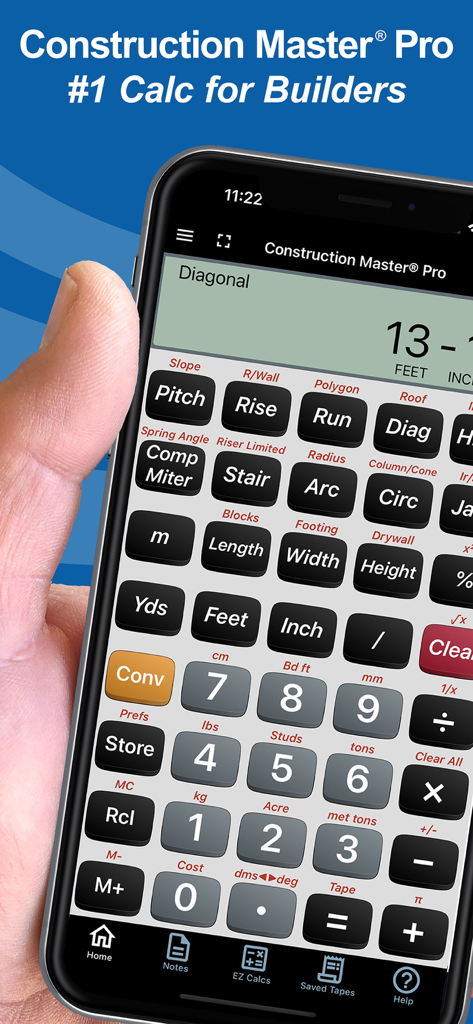
건설 전문가를 위한 건설 마스터 프로 계산기 앱을 표시하는 스마트폰을 들고 있는 손

건설 전문가를 위한 건설 마스터 프로 계산기 앱을 표시하는 스마트폰을 들고 있는 손

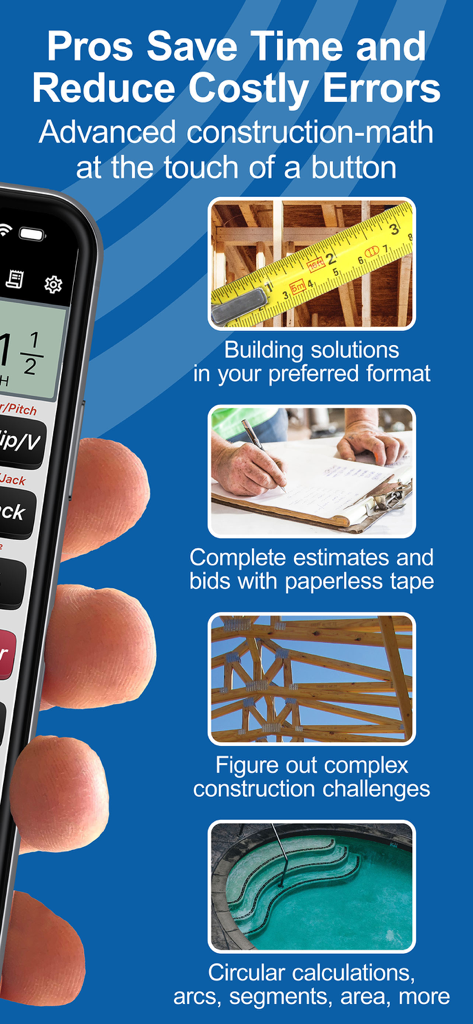
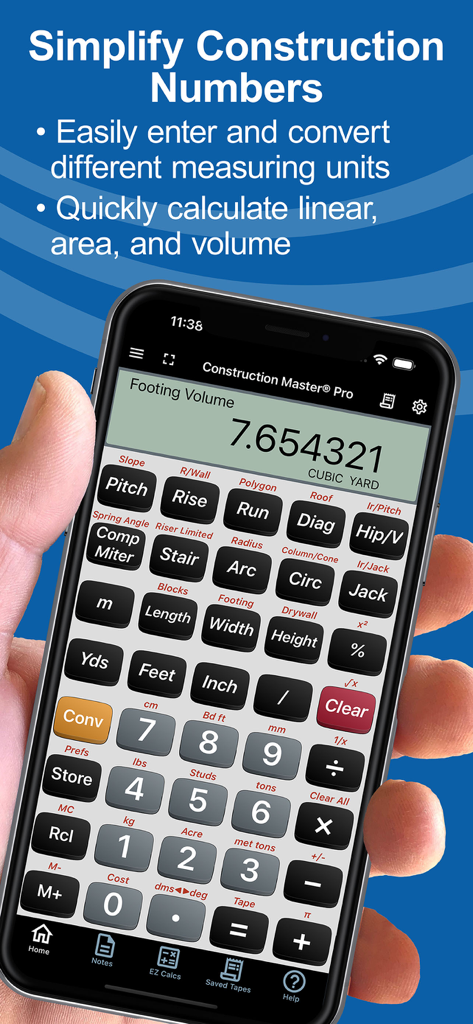
건설 전문가를 위한 건물 솔루션, 추정 및 복잡한 수학을 포함한 건설 마스터 프로 앱 기능 개요.

건설 전문가를 위한 건물 솔루션, 추정 및 복잡한 수학을 포함한 건설 마스터 프로 앱 기능 개요.

건설 마스터 프로 계산기 앱에 대한 사용자 추천 및 별점 5개

건설 마스터 프로 계산기 앱에 대한 사용자 추천 및 별점 5개

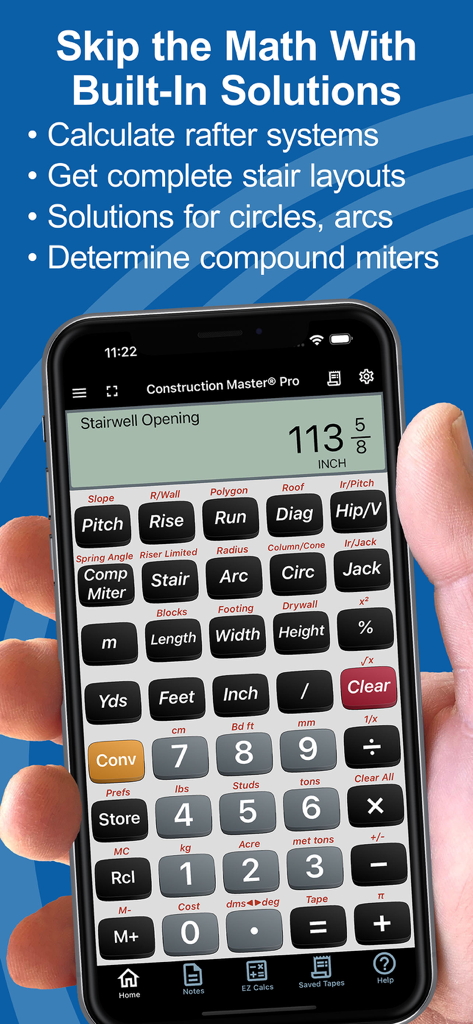
계단실 개구부 계산이 포함된 건설 마스터 프로 계산기 앱을 보여주는 스마트폰을 들고 있는 손

계단실 개구부 계산이 포함된 건설 마스터 프로 계산기 앱을 보여주는 스마트폰을 들고 있는 손

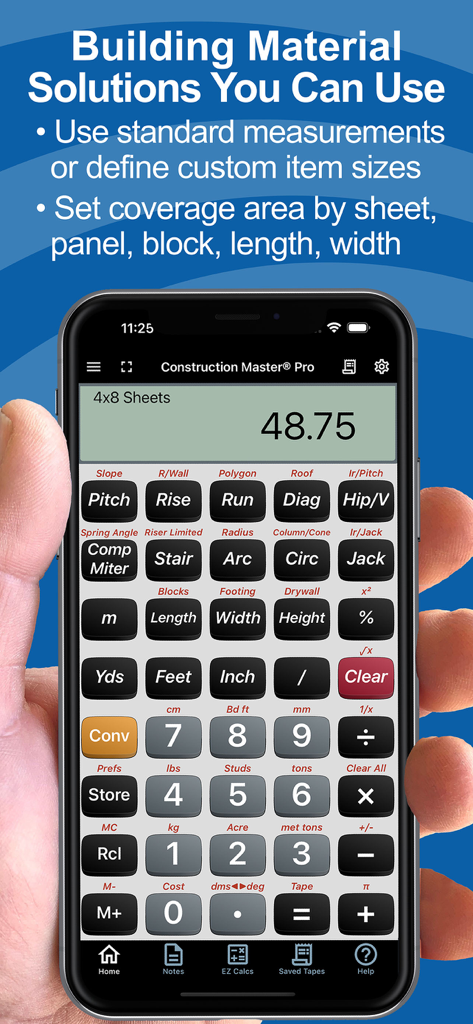
자재 추정 기능이 있는 건설 마스터 프로 계산기 앱을 표시하는 스마트폰

자재 추정 기능이 있는 건설 마스터 프로 계산기 앱을 표시하는 스마트폰

스마트폰에서 자재 수량 계산을 보여주는 건설 마스터 프로 계산기 앱

스마트폰에서 자재 수량 계산을 보여주는 건설 마스터 프로 계산기 앱

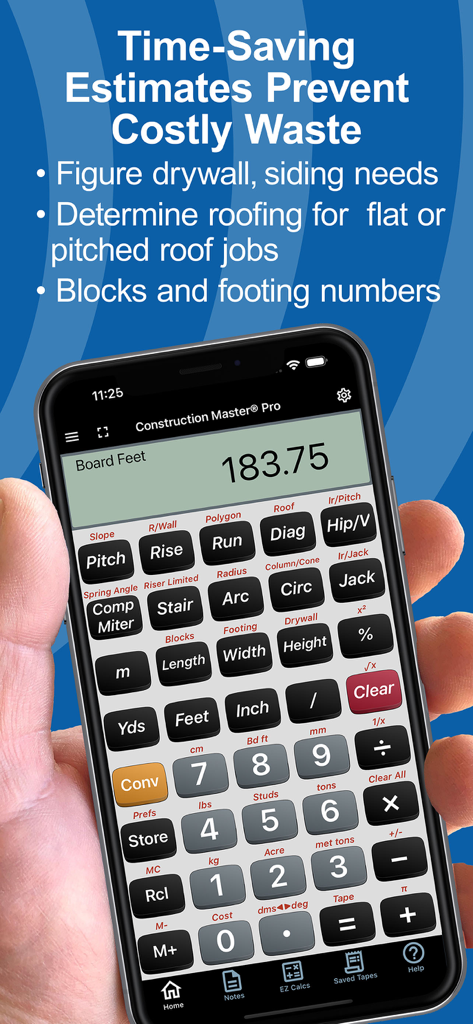
자재 추정 기능이 있는 건설 마스터 프로 계산기 앱을 보여주는 휴대폰을 들고 있는 손

자재 추정 기능이 있는 건설 마스터 프로 계산기 앱을 보여주는 휴대폰을 들고 있는 손

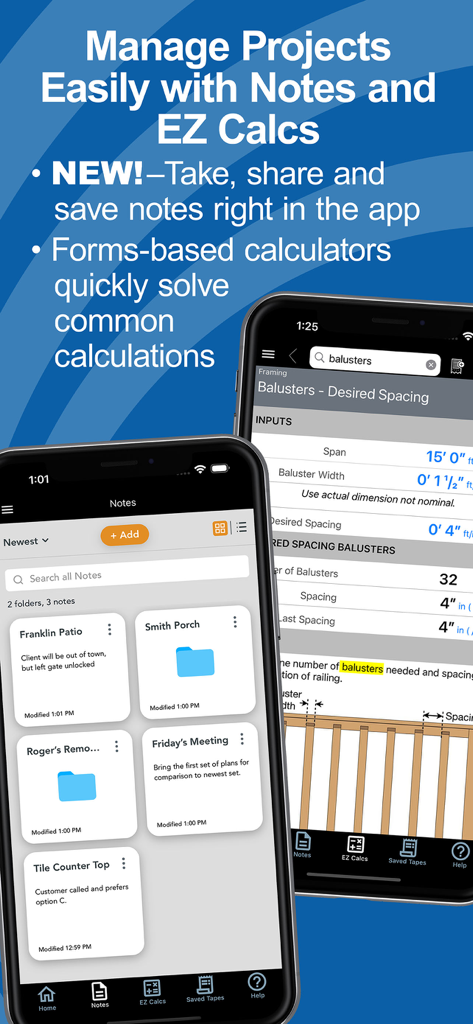
프로젝트 노트와 난간 간격에 대한 EZ Calcs 양식을 보여주는 건설 마스터 프로 앱 인터페이스

프로젝트 노트와 난간 간격에 대한 EZ Calcs 양식을 보여주는 건설 마스터 프로 앱 인터페이스

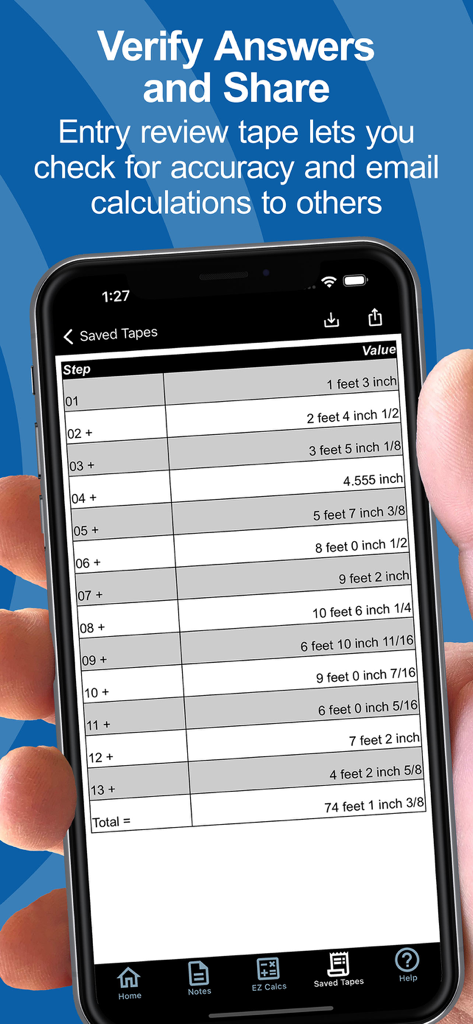
치수 건설 계산 목록과 총합이 표시된 저장된 테이프 기능이 있는 스마트폰 화면

치수 건설 계산 목록과 총합이 표시된 저장된 테이프 기능이 있는 스마트폰 화면

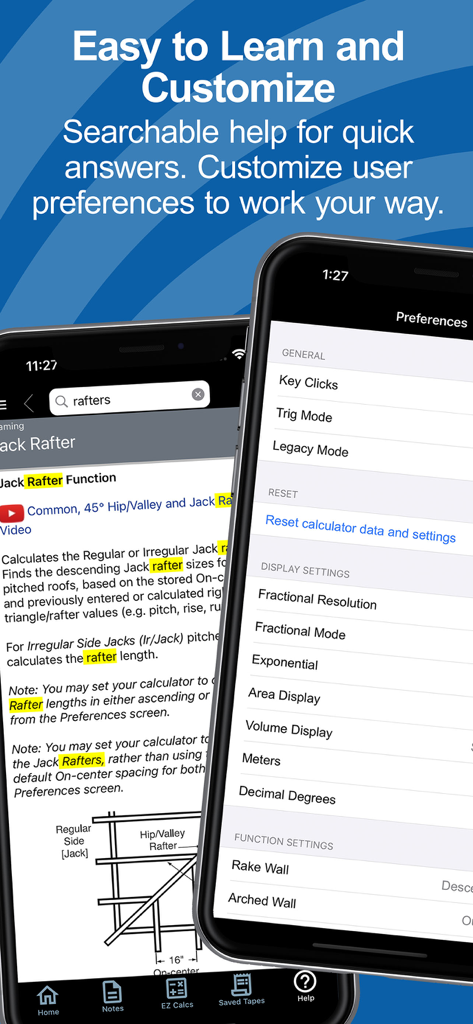
건설 마스터 프로 앱의 검색 가능한 도움말 및 사용자 설정 화면

건설 마스터 프로 앱의 검색 가능한 도움말 및 사용자 설정 화면

모든 것을 만드는 전문가를 위해 제작됨

이 앱을 돋보이게 하는 도구, 606K+ 명의 사용자가 선택.

📏

분수 골치거리 제거

피트-인치-분수 및 미터 단위로 직접 작업하세요. 수동 변환 오류를 제거하고 모든 추정 및 절단 목록에 시간을 절약하세요.

📐

복잡한 배치 마스터

서까래, 계단, 경사에 대한 즉각적인 솔루션. 설명서를 보지 않고 직각 수학 및 삼각 함수를 처리하세요.

📲

연결된 현장 기술

Bluetooth를 통해 Bosch 레이저 측정기와 동기화하고 정확한 계산 또는 프로젝트 메모를 프레이밍 팀과 직접 공유하세요.

전 세계 사용자들에게 사랑받는 앱

Trusted by 606K+ 명이 이 앱을 사랑합니다.

"

"현장 책임자로서 Bosch 레이저와의 Bluetooth 통합은 완전한 게임 체인저입니다. 치수를 앱으로 직접 가져와 정확한 절단 목록을 문자로 팀과 공유할 수 있습니다. 기본적으로 물리적 계산기를 대체했으며 프레이밍 배치에서 인적 오류의 위험을 없앴습니다."

Marcus T., 현장 책임자
"

"20년 이상 물리적 건설 마스터 프로를 사용했기 때문에 전환을 망설였습니다. 그러나 앱 레이아웃은 동일하며 계단 스트링거와 지붕에 대한 'EZ Calcs'는 매우 직관적입니다. 주머니에 있는 가장 안정적인 도구입니다. 잘못 계산된 헤더 하나는 구독료보다 더 비쌉니다."

Jim R., 맞춤형 주택 건축업자

앱 소개

에 대해 알아야 할 모든 것 Construction Master Pro Calc.

설명

FREE Try Before You Buy trial; your App Store account is not charged by Apple during the free trial. The award-winning and industry-leading Construction Master® Pro saves time and reduces costly errors! As an app for your phone or tablet, it is ideal for anyone who works with dimensions and is interested in improving speed, accuracy, and productivity. You get two apps: Construction Master Pro & Construction Master Pro Trig. Both include a built-in full User’s Guide and the ability to press and hold a key for specific help! Built with the same core engine that powers the industry-standard advanced construction-math handheld calculators from Calculated Industries. ----- WHY IT'S A MUST-HAVE TOOL ----- • Powerful built-in solutions make it ideal for completing layouts, plans, bids, and estimates • Work in and convert between all common building dimensional formats US & Metric • Built-in right angle functions simplify square-ups, rafters, slopes, and more • Full trigonometric functions ----- BUILT-IN SOLUTIONS ----- • Dimensional Math and Conversions • Feet-Inch-Fraction, Inch Fraction, Yards • Decimal Feet and Inches (10ths, 100ths) • Preset Fractions (1/2" through 1/64") • D:M:S, Decimal Degree Entry and Conversions • Full Metric Function (m, cm, mm) ----- RIGHT ANGLE SOLUTIONS ----- • Complete Right Angle/Rafter Calculations • Pitch Key (Slope and Grade) • Rise, Run, Diagonal/Common Rafter Keys • Regular and Irregular Hip/Valley & Jack Rafter Keys • Rafter Cutting Angles (Plumb, Cheek, and Level Cuts) • Stair Layouts (including – Riser Limit, Stairwell Opening, Headroom, Floor Thickness) • Rake-Wall (including Arched) ----- AREA AND VOLUME SOLUTIONS ----- • Square and Cubic • Roof – Bundles, Squares, 4x8 Sheets, Pitch, Plan Area • Drywall, Siding and Paneling 4x8, 4x9 and 4x12 • Column/Cone Area and Volume • Basic & Advanced Circular Calculations • Weight per Volume Conversions • Length, Width, and Height Keys • Blocks, Footings ----- SPECIAL FUNCTIONS ----- • Trigonometric Function Keys: Sine, Cosine, Tangent, Arcsine, Arccosine, Arctangent • Board Feet • Studs: Find number On-center • User-Definable Preferences • Cost per Unit (total costs based on unit price) • Equal-Sided Polygon • Compound Miters • Crown Angle • Advanced Paperless Tape for all functions • 4 Memories ----- APP-ENHANCED FEATURES ----- • Entry-editing Backspace Key – enable with Legacy Mode or double-tap the display • Context-sensitive Help -- just press and hold any function key for Help text, diagrams, videos • Ability to Save and Share calculations and outputs (e.g., cut-lists) to File or others on your crew • NEW! Project Notes – Create text or voice-to-text notes & lists. Set up Folders by Project or Client. Attachments! Shareable! • NEW! EZ Calcs -- Easy forms-based calculators with illustrations to quickly and easily calculate quantities & costs for all kinds of common construction projects from balusters to blocks, rafters to rebar. Shareable! • NEW! Refreshed look and feel for faster & simpler navigation and access. • NEW! Searchable Help and additional how-to videos. ----- INTEGRATIONS ----- Now connects via Bluetooth® to Bosch Professional GLMs so you can send measured values directly into live calculations or Notes SUBSCRIPTION INFORMATION Your Free Trial period is free of charge. Subscriptions offered will automatically renew at the end of the chosen period. Upon purchase confirmation and completion of a free trial, payment will be charged to your Apple account. The subscription will automatically renew unless auto-renew is turned off or the subscription is canceled in settings at least one day (24 hours) before the subscription period ends. You can manage your subscription and turn off auto-renewal in your Apple account Settings > Account (Apple ID) > Subscriptions. TRADEMARKS Construction Master® and Calculated Industries® are registered trademarks of Calculated Industries, Inc. Copyright 2025

최신 버전

12.10.17

크기

95.3 MB

출시일

2010년 5월 5일

모든 현장에 업계 표준을 적용하세요

값비싼 오류를 없애고 모든 치수를 마스터하는 600,000명 이상의 전문가와 함께하세요. 오늘 무료 체험을 시작하고 정확성의 힘을 주머니에 넣으세요.

다운로드: App Store다운로드: Google Play