Darkr - Black And White Filter

Darkr - Black And White Filter

다운로드: App Store
Spark by MWM logo
로고: Darkr - Black And White Filter
Darkr: 주머니 속에서 즐기는 아날로그 암실 경험

인스턴트 필터에서 벗어나 사진의 영혼을 재발견하세요. 의도적인 예술가를 위해 설계된 수동 카메라, 테스트 스트립, 정통 암실 도구로 흑백 사진의 기술을 마스터하세요.

개발사

Marcus Carlsson

카테고리

Photo & Video

다운로드

1M+

사용자 평점

4.7/5

총 평가 수

47K+

지원 언어

6

현상의 예술

이 인터페이스를 사용하는 1M+ 명의 사용자.

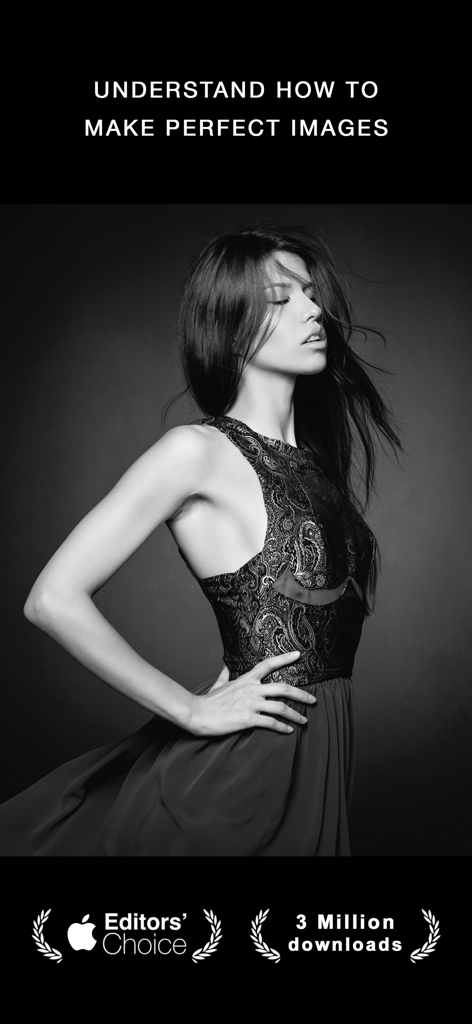
에디터 초이스 배지가 있는 Darkr 앱의 미학을 보여주는 여성의 전문적인 흑백 인상 사진

에디터 초이스 배지가 있는 Darkr 앱의 미학을 보여주는 여성의 전문적인 흑백 인상 사진

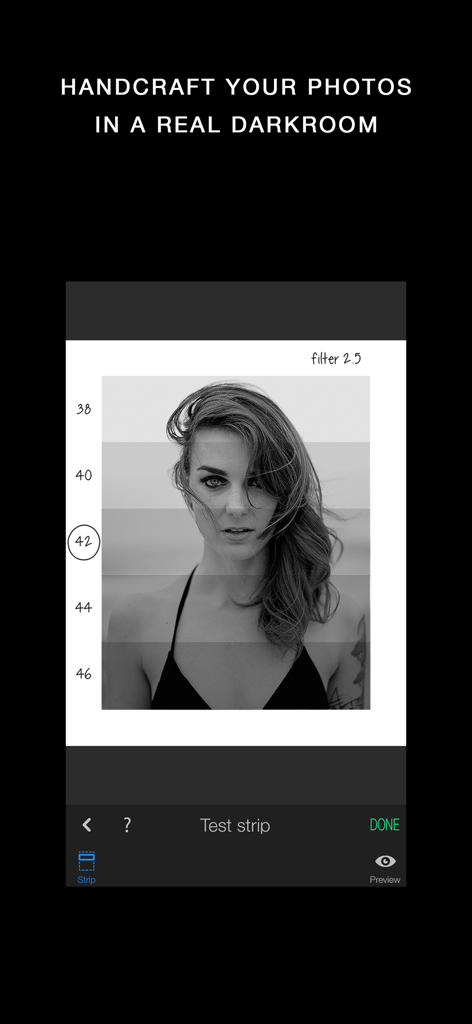
수동 노출 조정을 위한 아날로그 암실 테스트 스트립과 함께 흑백 인상 사진을 보여주는 Darkr 앱 인터페이스.

수동 노출 조정을 위한 아날로그 암실 테스트 스트립과 함께 흑백 인상 사진을 보여주는 Darkr 앱 인터페이스.

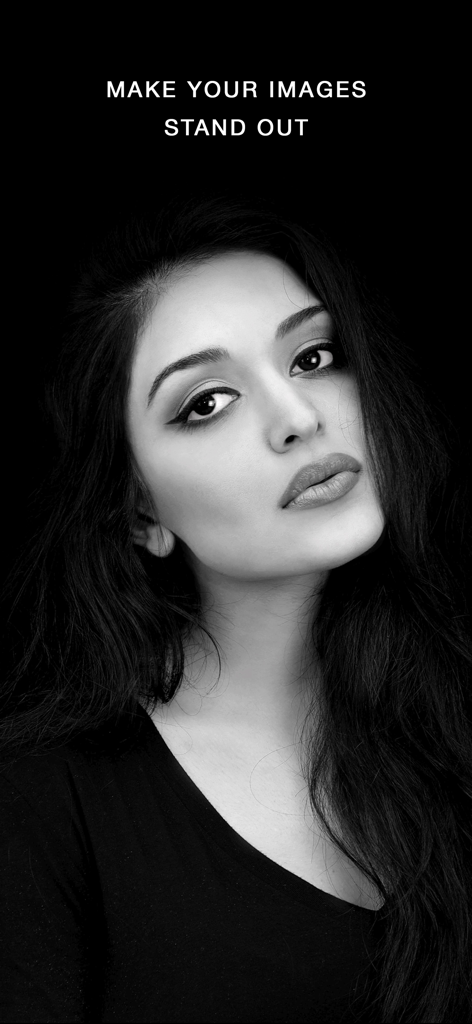
어두운 배경의 고대비 여성 흑백 인상 사진

어두운 배경의 고대비 여성 흑백 인상 사진

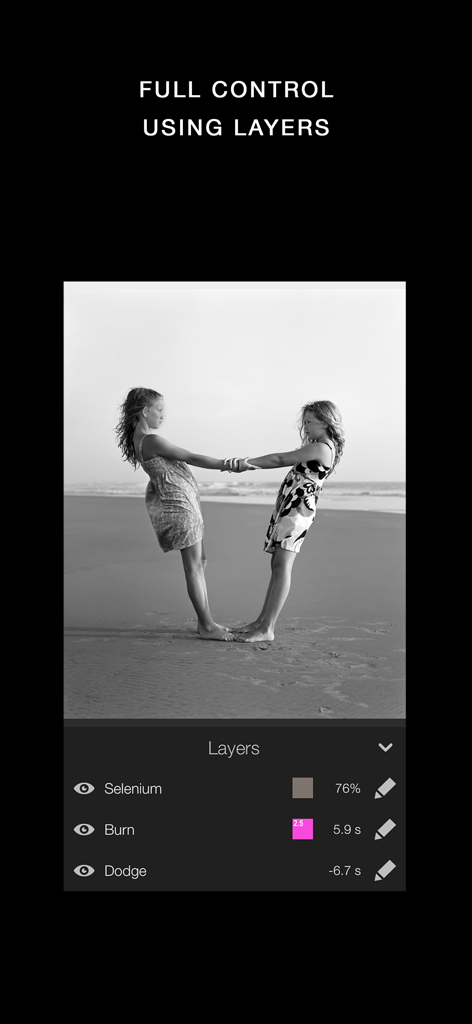
셀레늄 버닝 및 닷징 도구를 포함한 흑백 사진의 수동 편집 레이어를 보여주는 Darkr 앱 인터페이스

셀레늄 버닝 및 닷징 도구를 포함한 흑백 사진의 수동 편집 레이어를 보여주는 Darkr 앱 인터페이스

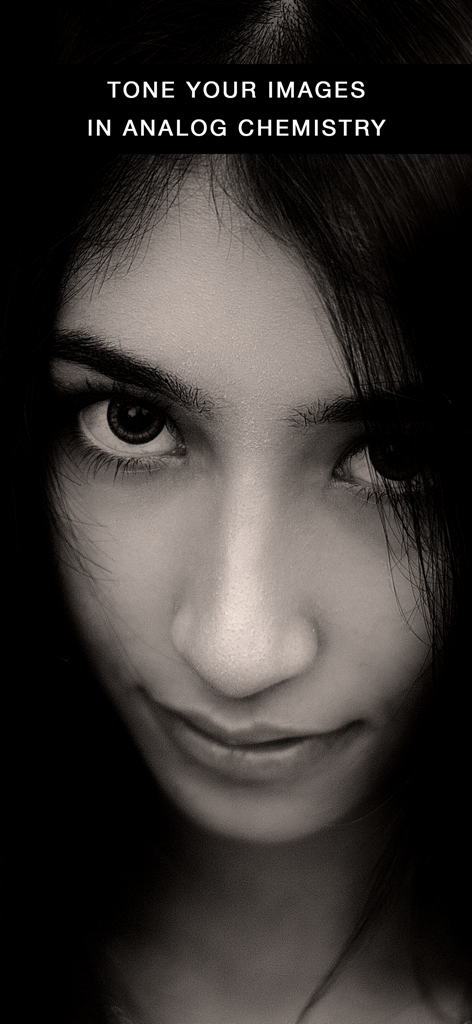
Darkr 앱의 아날로그 화학 토닝을 보여주는 근접 흑백 인상 사진

Darkr 앱의 아날로그 화학 토닝을 보여주는 근접 흑백 인상 사진

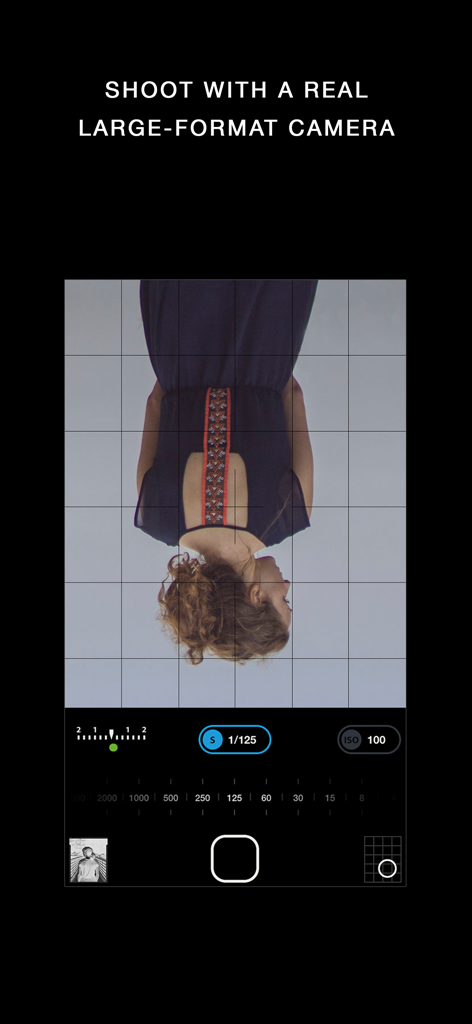
거꾸로 된 뷰파인더와 노출 설정이 있는 Darkr 앱의 수동 대형 카메라 인터페이스

거꾸로 된 뷰파인더와 노출 설정이 있는 Darkr 앱의 수동 대형 카메라 인터페이스

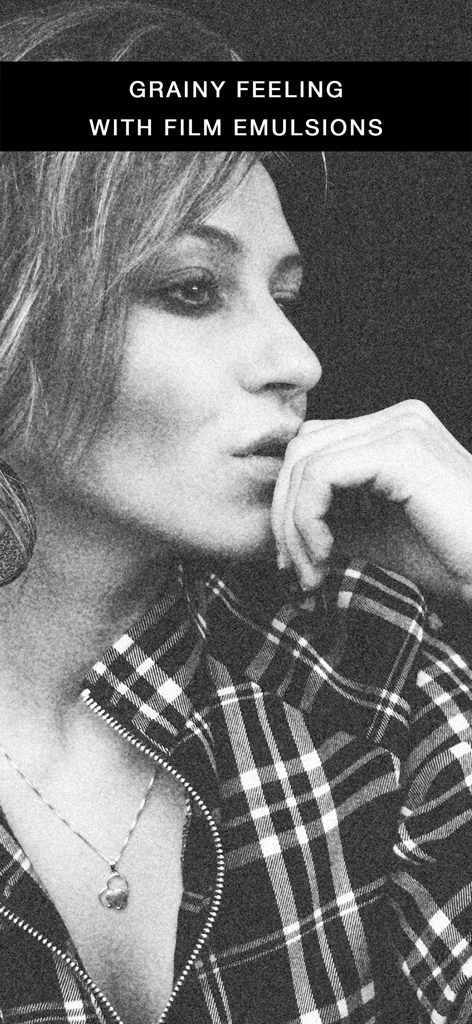
거친 필름 유제 효과가 있는 여성의 흑백 인상 사진

거친 필름 유제 효과가 있는 여성의 흑백 인상 사진

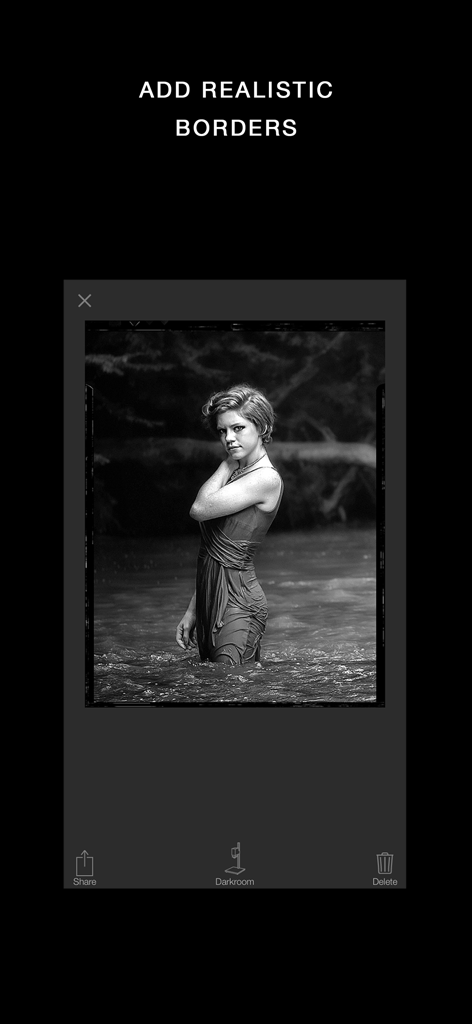
Darkr 앱 인터페이스 내에 사실적인 빈티지 필름 테두리가 있는 흑백 인상 사진.

Darkr 앱 인터페이스 내에 사실적인 빈티지 필름 테두리가 있는 흑백 인상 사진.

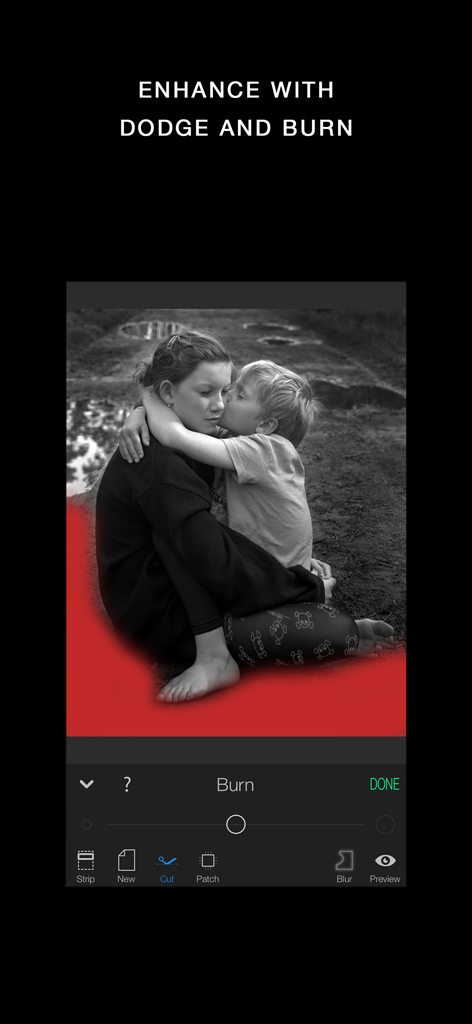
버닝 도구와 빨간색 마스크 오버레이로 흑백 사진을 편집 중인 Darkr 앱 인터페이스.

버닝 도구와 빨간색 마스크 오버레이로 흑백 사진을 편집 중인 Darkr 앱 인터페이스.

모노크롬 사진의 기술

이 앱을 돋보이게 하는 도구, 1M+ 명의 사용자가 선택.

🎞️

정통 암실 워크플로우

화학 물질 없이 빛과 그림자를 마스터하세요. 전통적인 테스트 스트립을 사용하여 노출을 찾고 전문적인 닷징 및 버닝 도구로 이미지를 조각하세요.

📸

느림의 미학, 슬로우 슈팅

수동 대형 카메라 시뮬레이션으로 당신의 시각에 도전하세요. 과정을 늦춤으로써 구도와 구성의 기본을 재발견하게 될 것입니다.

🛠️

전문적인 수동 제어

비파괴 레이어, 틸트 시프트 조정, 시아노타입, 셀레늄, 세피아와 같은 역사적인 화학 토너를 사용하여 프리셋을 넘어 갤러리 품질의 마무리를 구현하세요.

전 세계 사용자들에게 사랑받는 앱

Trusted by 1M+ 명이 이 앱을 사랑합니다.

"

"Darkr은 모바일 사진에 대한 저의 접근 방식을 완전히 바꾸어 놓았습니다. 대형 카메라 시뮬레이션 덕분에 속도를 늦추고 구도에 대해 진지하게 생각하게 되었습니다. 단순한 앱이 아니라 빛과 그림자를 보는 법을 가르쳐주는 예술 수업입니다."

줄리안 리버스
"

"실제 암실에서 수년을 보낸 사람으로서, 이 앱이 그 과정을 얼마나 정확하게 재현하는지 놀랐습니다. 닷징, 버닝, 테스트 스트립이 정말 정통적으로 느껴집니다. 화학 물질 없이 시대를 초월한 필름 룩을 얻을 수 있는 완벽한 방법입니다."

엘레나 모레티

앱 소개

에 대해 알아야 할 모든 것 Darkr - Black And White Filter.

설명

3 million downloads Featured as Today's app in many countries and is the perfect app for learning photography. "Darkr actually taught us how to frame pictures better" - AppleInsider Have you ever dreamt of trying an old darkroom, but don't have the equipment nor the time? Now you can, and without getting wet. DARKROOM In a fun and intuitive way you will pick the strip that has the best time and contrast. And just like a real darkroom, you can make parts of the image brighter and darker by blocking or adding more light to the image. You will be presented in a very easy way with lots of tutorials on how to use the tools. The images will only be in black and white (but you may tone them). DARKROOM FEATURES + Develop either your images from your camera-roll or taken by the Large-Format camera + Only Black & White + Stripes - As in a real darkroom you'll have to find the best strip. It will be challenging, fun and very powerful + Crop / Rotate - Both crop and rotate the image in the same tool + Dodge - Make a selected part of the image brighter. + Burn - Make a selected part of the image darker + Blur - Enhance the background with some beautiful blurriness. + Tone - Tone the images with various strength. The toners that can be used are Selenium, Cyanotype and Sepia. + Layers - You can add as many effects as you want. Each effect will be treated as a layer that can be edited, deleted and changed its visibility. + Zoom - You can zoom the image ten times. This will make it really easy to make the detailed work. + OpenGL - Darkr uses OpenGL, the drawing is fast and very fluid. CAMERA By shooting with a large-format camera where the image is upside-down you will actually get more control over the image. The camera is only manual and back in the old days you could not even zoom with the camera, you had to walk. You will be forced to slow down the process and by doing so, your photographs will be so much better. At first it may feel a bit odd to look at the upside-down image and it can even be a bit challanging to know if you should move the camera to the left or right when framing the image. Sometimes you will even laugh at yourself, but the more you use it, the less you will even have to think about it. MORE CAMERA-MODELS Darkr has now added two more camera-models. + Medium-format which will produce a square image and just as the large-format camera it is manual. + Small-format which is a real basic point and shoot camera where you pretty much only shoot at what you see. Nothing to set up with, nor zoom. CAMERA FEATURES + Manual - Just as in a real old analog camera, it is only manual + Shutter / ISO - You will set these individually + Focus - With a beautiful crafted loupe, you will get full control over the sharpness + Tilt / Shift - Just as a large-format camera you will be able to straight up any lines + 4x5" - The negative's size will be in the 4x5-ratio as the most popular large-format camera does SHARE You can naturally share both the negatives and prints. You can optimize the resolution to lots of social media's sites like Facebook, Instagram, Twitter SUPPORT We are eager to hear from you. We just love to hear both good stuff and bad stuff. And it's much likely that your opinion will be added into the next update. Please don't hesitate to contact us at: support@miiam.net

최신 버전

12.0

크기

115.0 MB

출시일

2016년 12월 6일

암실 예술의 마스터가 되어보세요

필터보다 정교한 기술을 선택한 300만 명 이상의 제작자와 함께하세요. 스냅샷 찍기를 멈추고 오늘 바로 당신의 흑백 걸작을 현상하기 시작하세요.

다운로드: App Store