dLive MixPad

dLive MixPad

다운로드: App Store
Spark by MWM logo
로고: dLive MixPad

dLive MixPad: dLive 믹싱 시스템을 위한 정밀 무선 제어

콘솔에서 벗어나 자신 있게 공간을 이동하십시오. iPad에서 직접 페이더, 프로세싱 및 모니터 믹스를 완벽하게 제어하여 객석 어디에서나 완벽한 사운드를 제공할 수 있습니다.

개발사

Allen & Heath Ltd

카테고리

Music

다운로드

66K+

사용자 평점

3.3/5

총 평가 수

0

지원 언어

1

어디서나 믹스를 마스터하십시오

이 인터페이스를 사용하는 66K+ 명의 사용자.

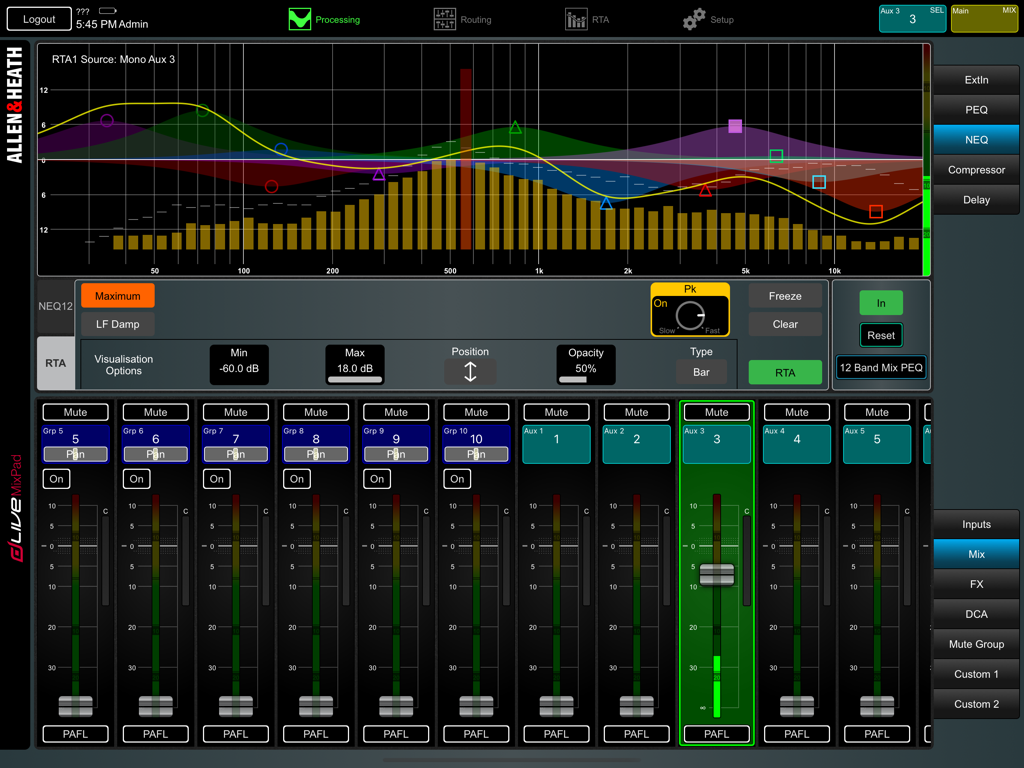
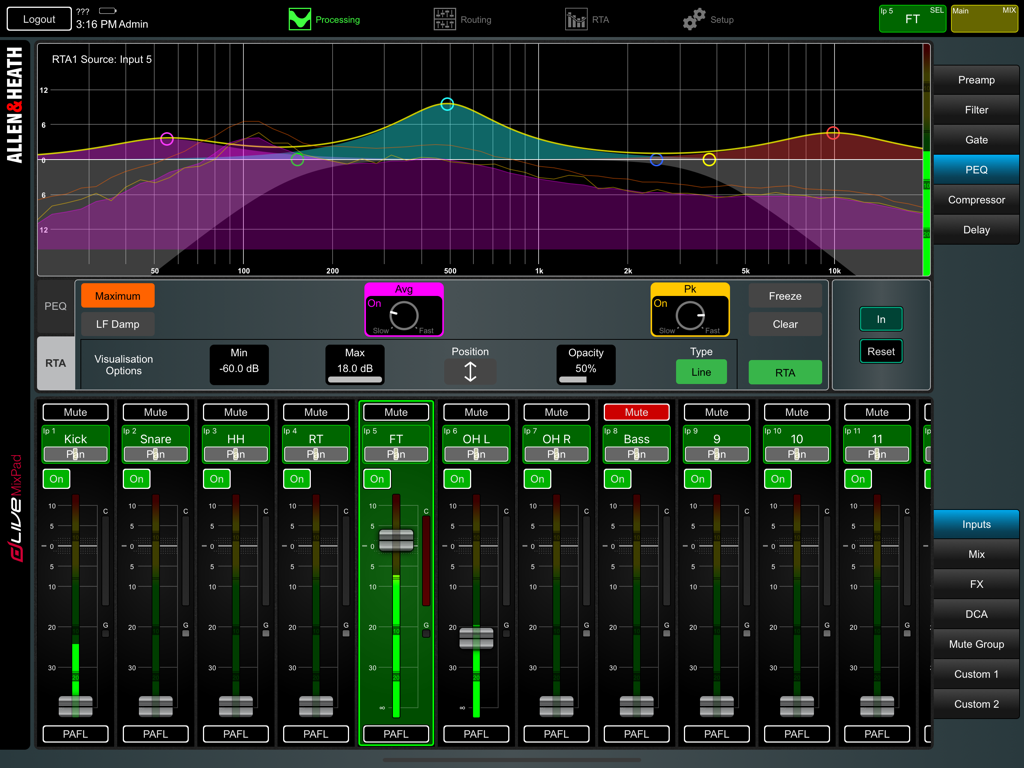
실시간 분석기 및 오디오 믹싱 페이더를 보여주는 dLive MixPad 앱 인터페이스

실시간 분석기 및 오디오 믹싱 페이더를 보여주는 dLive MixPad 앱 인터페이스

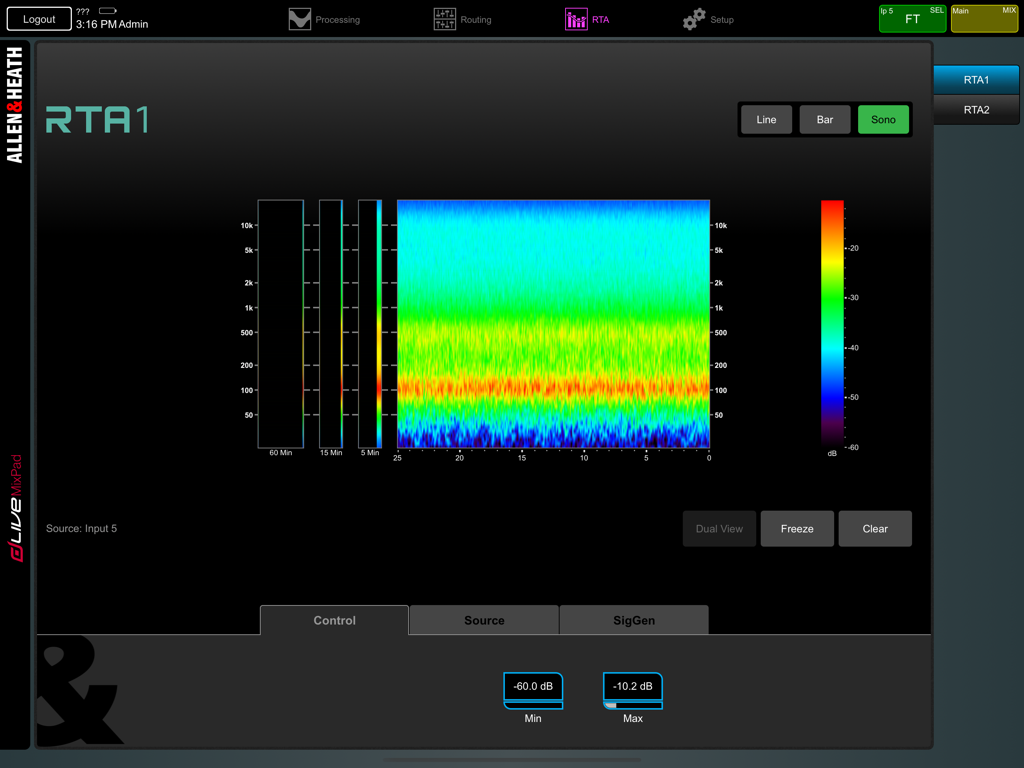
오디오 주파수 모니터링을 위한 다채로운 소노그램을 보여주는 dLive MixPad 실시간 분석기 화면

오디오 주파수 모니터링을 위한 다채로운 소노그램을 보여주는 dLive MixPad 실시간 분석기 화면

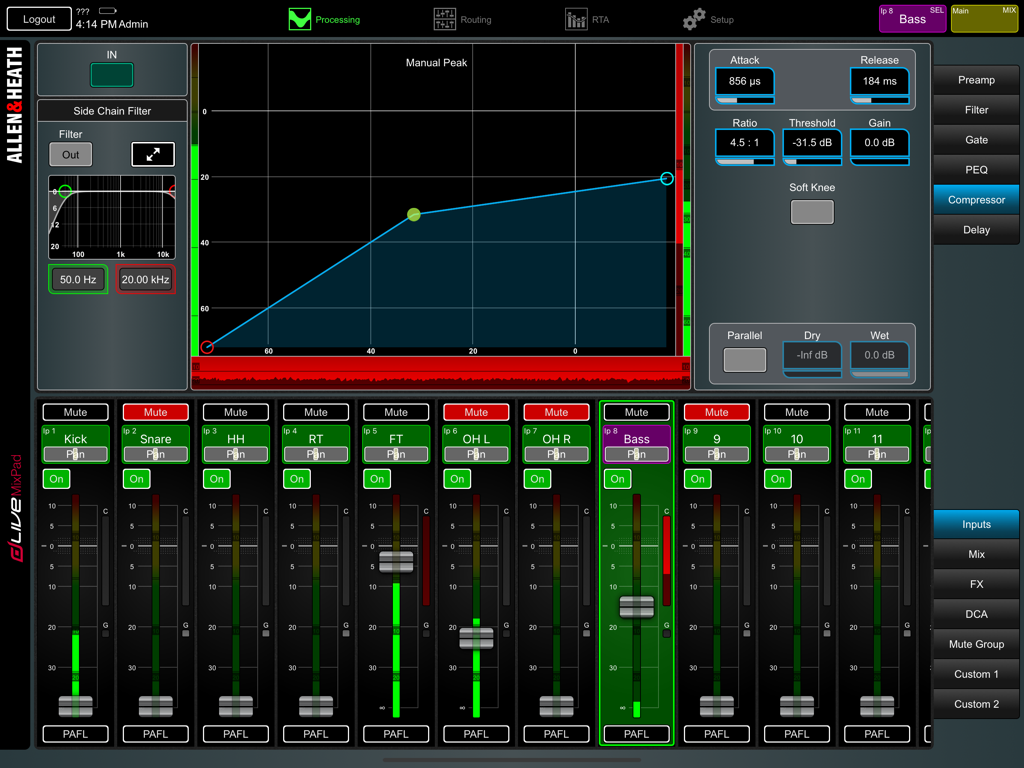
라이브 믹스를 위한 컴프레서 설정 및 오디오 채널 페이더를 보여주는 dLive MixPad 앱 인터페이스

라이브 믹스를 위한 컴프레서 설정 및 오디오 채널 페이더를 보여주는 dLive MixPad 앱 인터페이스

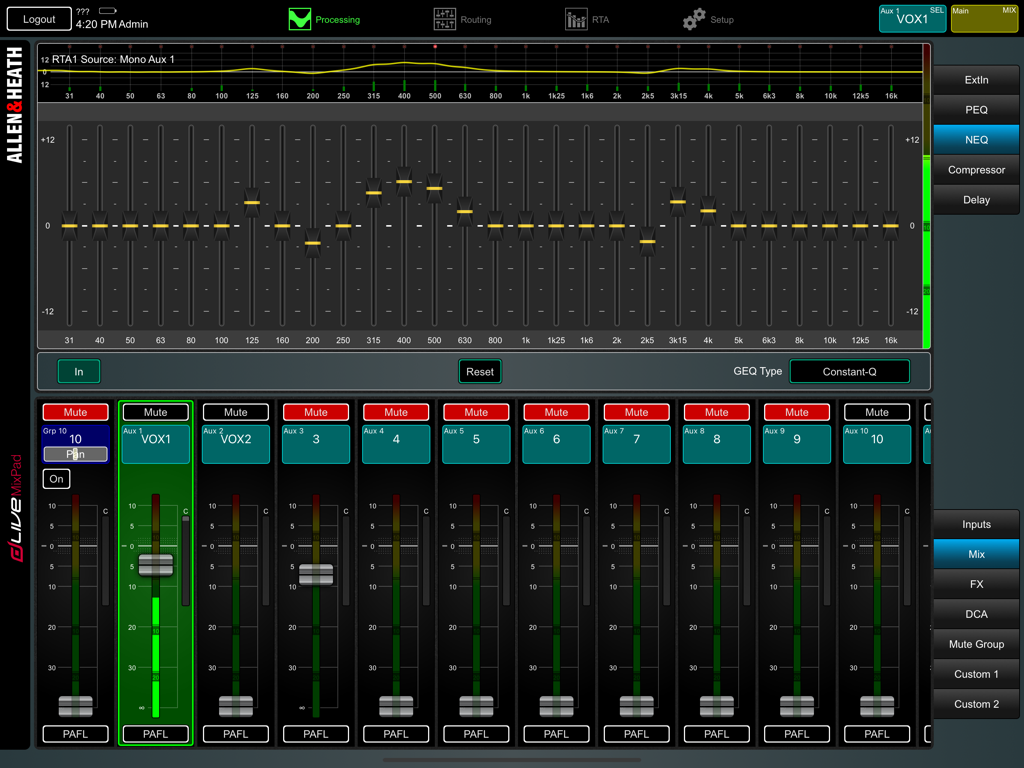
dLive MixPad 앱의 그래픽 이퀄라이저 및 믹서 채널 페이더

dLive MixPad 앱의 그래픽 이퀄라이저 및 믹서 채널 페이더

PEQ 그래프 및 채널 페이더가 포함된 dLive MixPad 전문 오디오 믹싱 인터페이스

PEQ 그래프 및 채널 페이더가 포함된 dLive MixPad 전문 오디오 믹싱 인터페이스

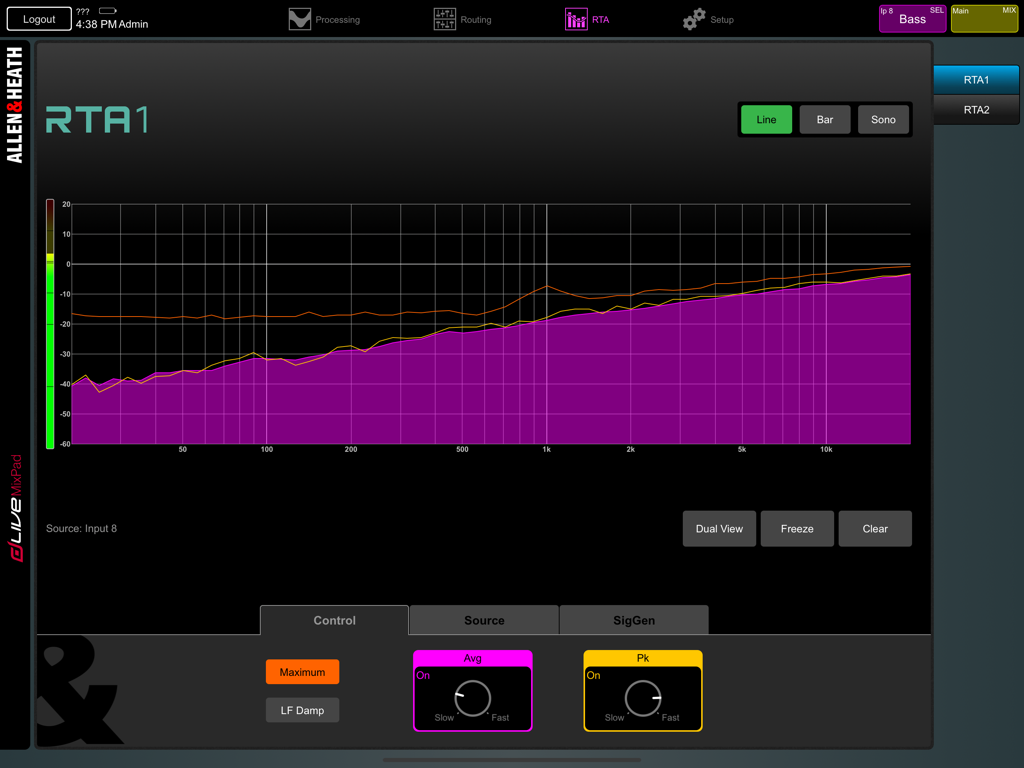
주파수 스펙트럼을 보여주는 dLive MixPad 앱의 실시간 분석기 RTA 인터페이스

주파수 스펙트럼을 보여주는 dLive MixPad 앱의 실시간 분석기 RTA 인터페이스

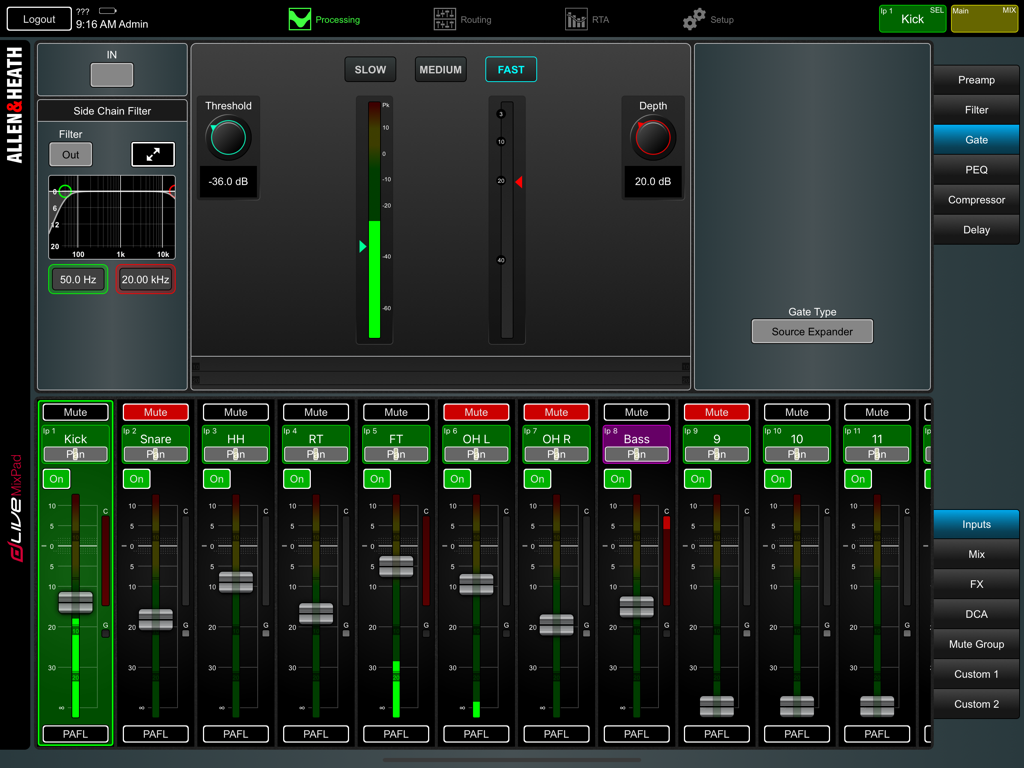
게이트 설정 및 채널 스트립을 보여주는 dLive MixPad 앱의 전문 오디오 믹싱 인터페이스

게이트 설정 및 채널 스트립을 보여주는 dLive MixPad 앱의 전문 오디오 믹싱 인터페이스

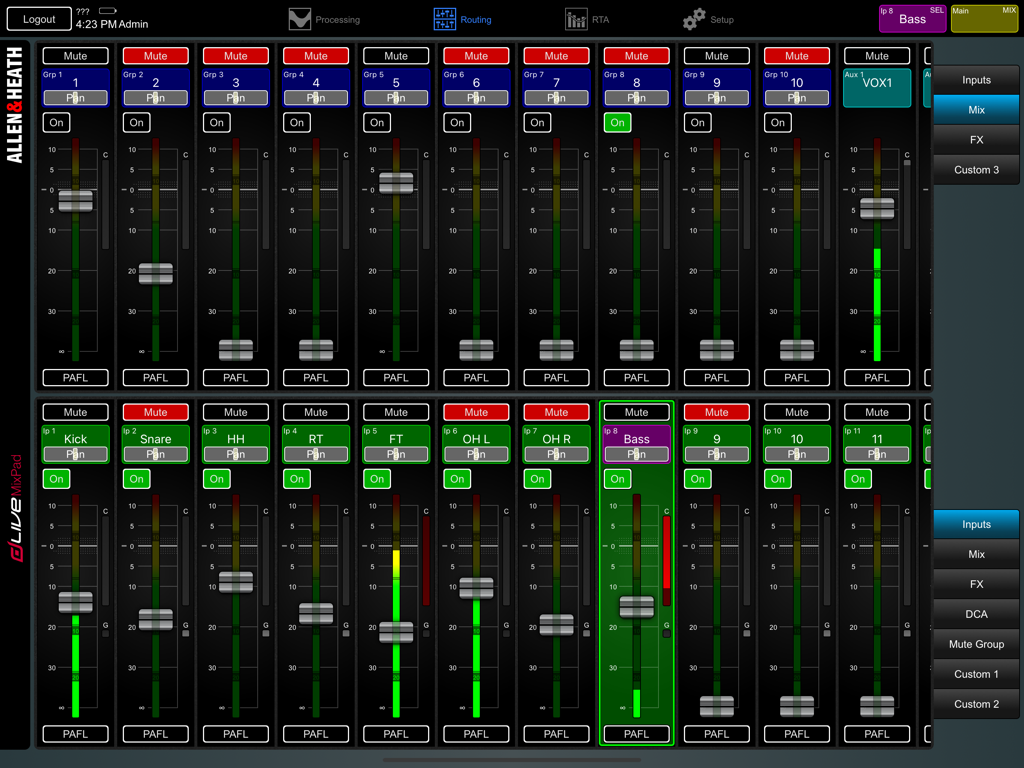
iPad에서 페이더 및 채널 제어를 보여주는 dLive MixPad의 디지털 오디오 믹싱 인터페이스

iPad에서 페이더 및 채널 제어를 보여주는 dLive MixPad의 디지털 오디오 믹싱 인터페이스

dLive를 위한 전문적인 무선 명령

이 앱을 돋보이게 하는 도구, 66K+ 명의 사용자가 선택.

📶

소리의 이동성

사운드 부스에서 벗어나십시오. 공연장을 돌아다니며 관객이 듣는 소리를 정확히 확인하고, 어느 좌석에서든 실시간으로 페이더, EQ 및 다이내믹을 조정할 수 있습니다.

🎸

무대 위 모니터 믹싱

무대 위 연주자 바로 옆에서 신뢰를 쌓으십시오. 소리가 가장 중요한 곳에서 즉시 Aux Send 및 모니터 믹스를 조정할 수 있습니다.

📊

전문적인 시각적 피드백

통합 RTA 및 전체 신호 미터링을 사용하여 중요한 조정을 자신 있게 수행하십시오. 휴대용 보조 스크린에서 전문가 수준의 정밀함을 제공합니다.

전 세계 사용자들에게 사랑받는 앱

Trusted by 66K+ 명이 이 앱을 사랑합니다.

"

"dLive MixPad가 제공하는 이동성은 스타디움 투어의 판도를 바꿉니다. 경기장 뒤쪽에서 저음역대를 조절한 다음, 무대로 올라가 밴드와 함께 모니터를 미세 조정할 수 있습니다. 그동안 FOH의 메인 서피스는 어시스턴트가 자유롭게 사용할 수 있죠. RTA 통합은 놀라울 정도로 반응이 빠르고 신뢰할 수 있습니다."

Marcus T., 수석 FOH 엔지니어
"

"이 앱은 우리의 일요일 아침 일정을 간소화해 주었습니다. 예배 팀 바로 옆에 서서 그들의 IEM을 조정할 수 있어 사운드 체크 시간이 절반으로 줄었습니다. 커스텀 스트립 덕분에 필요한 기능만 한 화면에 담을 수 있어 예배 중에 메뉴를 뒤질 필요가 없습니다."

Sarah Jenkins, 기술 이사

앱 소개

에 대해 알아야 할 모든 것 dLive MixPad.

설명

dLive MixPad is an engineer’s mixing tool providing wireless mobile control for the Allen & Heath dLive digital mixing system. It gives you the freedom to walk the room or stage and control the sound right where it is needed. dLive MixPad and the dLive Surface can work together to provide simultaneous control of independent functions, for example one engineer using the Surface to mix front-of-house sound, and another using the iPad to mix monitors on stage. Several iPads can be connected, each providing independent control. dLive MixPad is intended for working with the live mix and channel processing. Things you can control: - Fader levels, mutes, pan - Aux and FX sends, routing and Pre/Post switching - FX Tap Tempo, Global Tap Tempo - Matrix sends, routing and Pre/Post switching - DCAs and assignments - Preamp Gain, Pad and 48V - Trim and Polarity - HPF, Gate/Ducker/Expander, PEQ, NEQ, Comp/Ducker, Delays - RTA function - Channel names and colour - PAFL select - Full signal metering - 3 Custom strips for personalised channel layout - Library and Scene recall dLive MixPad is not intended for system setup. The following functions are not available at the iPad: - FX parameter control - Input source, insert and output patchbay - Channel ganging - Aux source routing options - Show store and recall - Scene Recall Filters and Safes edit - Talkback - System configuration, options and preferences - User Profile management and permissions Requirements An Allen & Heath dLive mixing system with a suitable wireless router or access point connected to one of its Network ports. This version of MixPad can connect to a dLive mixing system running: - dLive Firmware V2.10 or subsequent V2.1x maintenance releases. - dLive Firmware V2.00 or subsequent V2.0x maintenance releases, when the Firmware compatibility mode setting is enabled. This can be found in the iOS Settings / dLive MixPad. You will need to shut down (force quit) the app and restart it for changes to take effect.

최신 버전

2.11

크기

34.5 MB

출시일

2016년 11월 9일

콘솔에서 벗어나 믹스의 중심으로

dLive 시스템에 걸맞은 무선의 자유를 누리십시오. 지금 MixPad를 다운로드하여 무대 위에서 모니터를 믹싱하고 객석 곳곳의 사운드를 미세 조정해 보세요.

다운로드: App Store