DWG FastView Pro-CAD viewer

DWG FastView Pro-CAD viewer

다운로드: App Store다운로드: Google Play
Spark by MWM logo
로고: DWG FastView Pro-CAD viewer

DWG FastView Pro: 번거로움 없는 전문가용 CAD 보기 및 편집

건축가 및 현장 엔지니어를 위한 최고의 솔루션입니다. 등록 없이 즉시 2D/3D DWG 도면을 열고, 손끝으로 속도와 정밀도를 경험하세요. 완전한 오프라인 지원.

개발사

Gstarsoft Co., Ltd

카테고리

Productivity

다운로드

277K+

사용자 평점

3.6/5

총 평가 수

300

지원 언어

13

손 안의 정밀함

이 인터페이스를 사용하는 277K+ 명의 사용자.

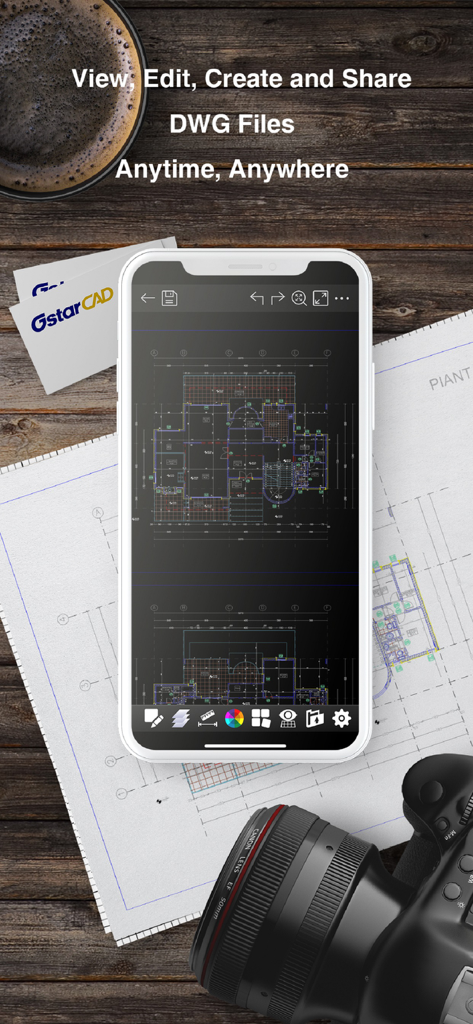
DWG FastView Pro 앱이 스마트폰 화면에 표시된 CAD 평면도를 기술 청사진 위에 보여주는 모습

DWG FastView Pro 앱이 스마트폰 화면에 표시된 CAD 평면도를 기술 청사진 위에 보여주는 모습

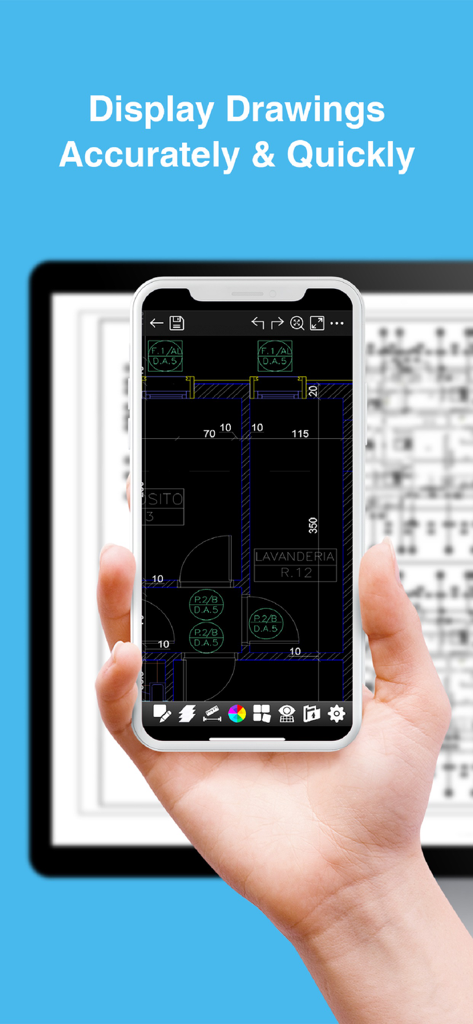
스마트폰과 태블릿에서 DWG FastView Pro를 사용하여 상세한 CAD 도면을 표시하는 모습

스마트폰과 태블릿에서 DWG FastView Pro를 사용하여 상세한 CAD 도면을 표시하는 모습

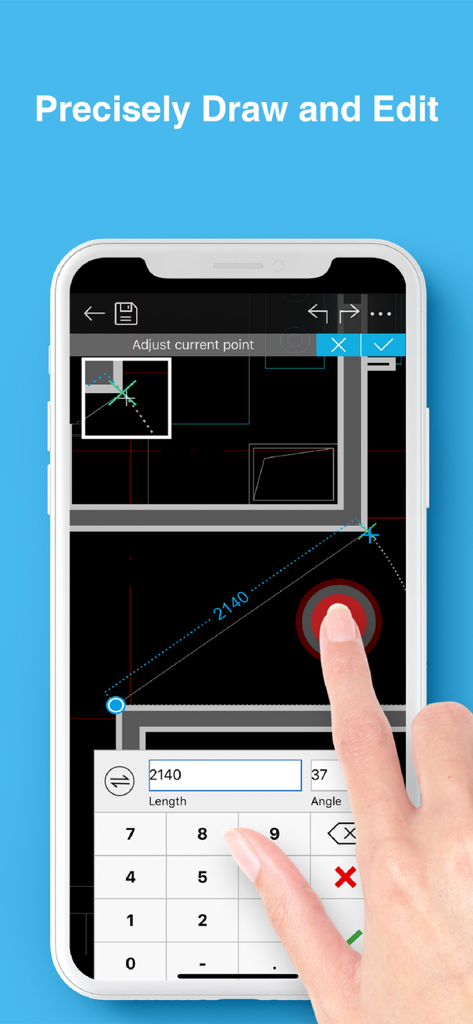
DWG FastView Pro를 사용하여 스마트폰에서 건축 CAD 도면을 정밀하게 편집하는 모습

DWG FastView Pro를 사용하여 스마트폰에서 건축 CAD 도면을 정밀하게 편집하는 모습

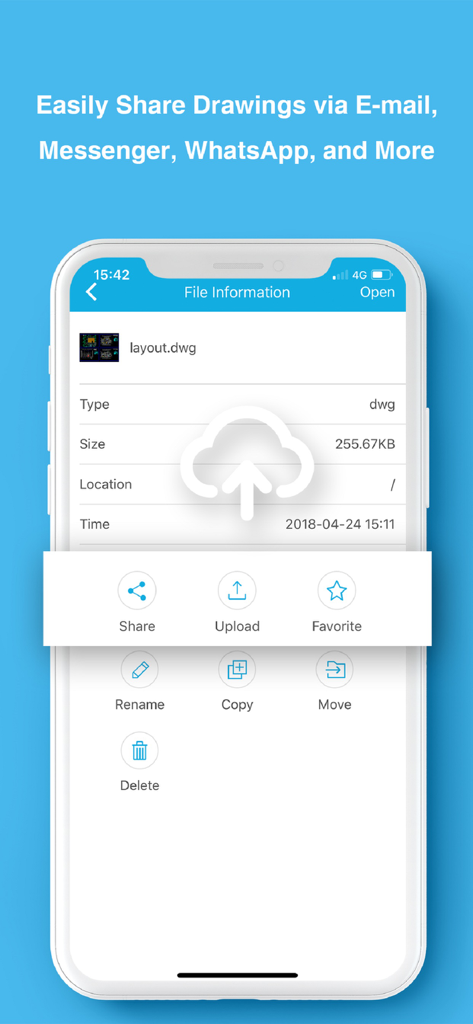
DWG FastView Pro 앱 인터페이스에서 CAD 도면에 대한 파일 공유 및 관리 옵션을 보여주는 모습

DWG FastView Pro 앱 인터페이스에서 CAD 도면에 대한 파일 공유 및 관리 옵션을 보여주는 모습

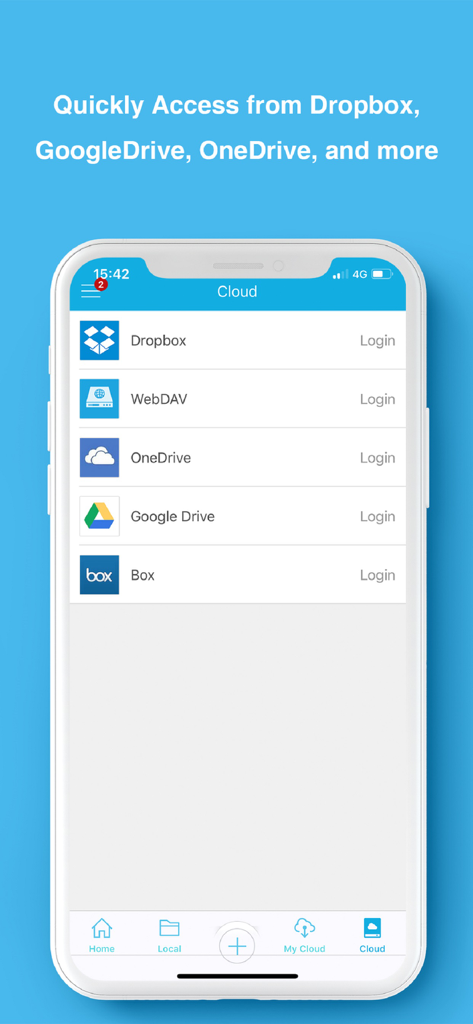
DWG FastView Pro 모바일 앱 인터페이스에서 Dropbox 및 Google Drive를 포함한 클라우드 스토리지 옵션을 보여주는 모습

DWG FastView Pro 모바일 앱 인터페이스에서 Dropbox 및 Google Drive를 포함한 클라우드 스토리지 옵션을 보여주는 모습

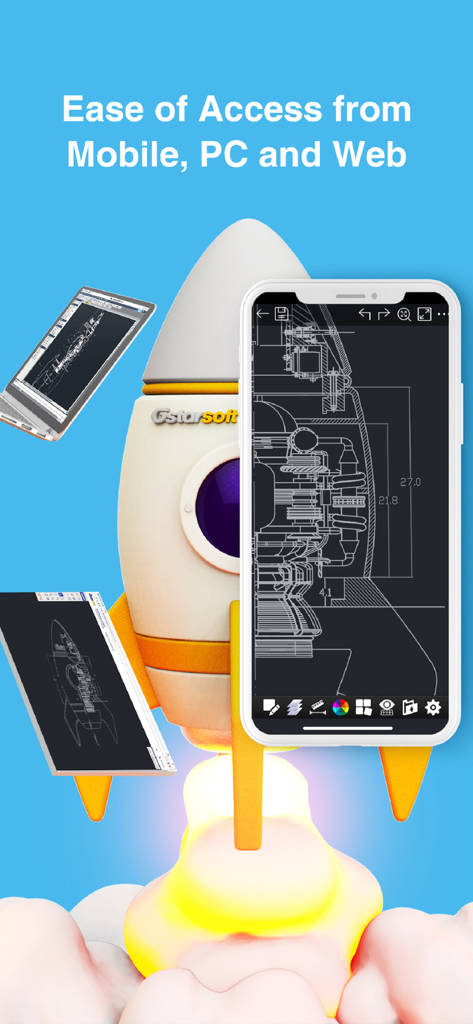
DWG FastView Pro 앱 인터페이스가 스마트폰, 태블릿, 노트북 화면에 표시되고 로켓선 일러스트 옆에 있는 모습

DWG FastView Pro 앱 인터페이스가 스마트폰, 태블릿, 노트북 화면에 표시되고 로켓선 일러스트 옆에 있는 모습

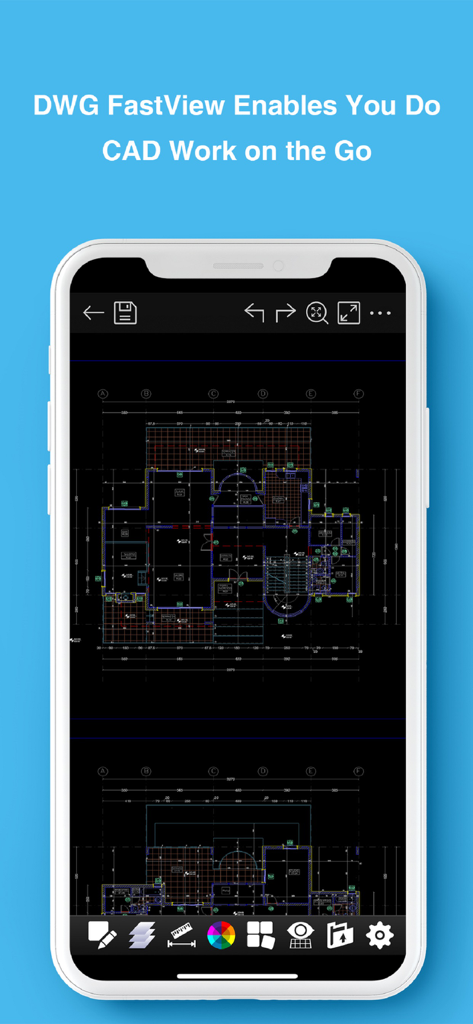
DWG FastView Pro 모바일 앱 인터페이스에서 상세한 기술 평면도를 표시하는 스마트폰

DWG FastView Pro 모바일 앱 인터페이스에서 상세한 기술 평면도를 표시하는 스마트폰

현장을 위한 전문가용 CAD 도구

이 앱을 돋보이게 하는 도구, 277K+ 명의 사용자가 선택.

마찰 없는 즉시 시작

필수 로그인 및 계정 설정은 잊으세요. 등록 없이 즉시 DWG 파일을 작업하고 볼 수 있습니다.

🏗️

안정적인 오프라인 성능

건설 현장 및 연결이 끊긴 원격 지역에 완벽합니다. 인터넷 의존성 없이 완벽하게 도면을 보고 편집하며 데이터 개인 정보를 보호하세요.

📐

이중 모드 다용성

빠른 측정 및 즉각적인 수정을 위한 전문가 모드로 전환하세요. 빠른 보기 모드와 정밀한 현장 드로잉을 위한 편집 모드 간 전환이 가능합니다.

전 세계 사용자들에게 사랑받는 앱

Trusted by 277K+ 명이 이 앱을 사랑합니다.

"

"현장 감독으로서 저는 종종 연결이 전혀 되지 않는 지하 또는 원격지에 있습니다. 이 앱이 오프라인에서 완벽하게 작동하고 도면을 보기 위해 로그인을 강요하지 않는다는 점은 정말 혁신적입니다. 제가 사용해본 다른 모바일 CAD 도구보다 훨씬 빠르게 대용량 DWG 파일을 로드하여 현장에서 즉시 측정을 확인할 수 있습니다."

Marcus Thorne, Civil Engineer
"

"저는 모든 고객 상담에 iPad에서 DWG FastView Pro를 사용합니다. 프레젠테이션을 위한 깔끔한 보기 모드와 현장에서의 빠른 조정을 위한 강력한 편집 모드 간에 전환할 수 있다는 점이 훌륭합니다. 회의를 떠나기 전에 바로 마크업을 PDF로 내보내고 이메일로 보낼 수 있어 작업 흐름이 크게 간소화되었습니다."

Sarah Jenkins, Principal Architect

리뷰 분석

사용자 리뷰 인사이트.

감정 점수

25%
부정적

요약

The mobile app receives predominantly negative feedback from users, largely due to significant functional issues and misleading pricing practices. Many users report an inability to open DWG files, persistent login problems, and poor compatibility with certain file versions or cloud services. Despite being a paid application, numerous reviews highlight that its features are no better than free alternatives, often requiring additional payments for 'Pro' functionalities or offering no discernible improvements, leading to frequent refund requests. While some users appreciate its capability as a basic viewer for large plans and for adding simple graphic objects, the app is widely criticized for being outdated, lacking developer support since 2018, and suffering from bugs like inaccurate measurements and overall instability.

주요 테마

Basic Editing Tools(3)
DWG Viewer Functionality(2)
Ad-Free Experience(2)
Pricing & Value(2)
App Stability(1)
Login & Account Management(1)

앱 소개

에 대해 알아야 할 모든 것 DWG FastView Pro-CAD viewer.

설명

DWG FastView Pro is fully compatible with 2D/3D DWG drawings, which can smoothly open DWG drawings from GstarCAD, AutoCAD and other CAD platforms, also can view CAD design in .dxf format etc. Let’s see its 5 highlights: (1) Creating, browsing and editing are totally free; There is no limit to how large the file is. Directly browse documents of local storage from DWG FastView. Also, it’s free to create new drawings. (2) No registration & Offline drawings Do you find it boring and time-wasting that some other CAD APPs ask you to register and log in? Now, simply download DWG FastView and use it immediately with no NO REGISTRATION needed. Besides, without internet, you are able to save your masterpieces in the local workspace. At the same time, drawings from E-mail or Network Disk like Dropbox or WebDAV can be opened, viewed, edited, shared as well with Internet. (3) Support export to PDF, BMP, JPG and PNG, and share it to anyone freely. Transfer CAD drawings into PDF format and customize its paper size, orientation, color and so on. You can also convert CAD drawings to image format-BMP, JPG, PNG. And all of them can be viewed and shared by DWG FastView. (4)View Mode and Edit Mode satisfy diverse needs; To satisfy your SIMPLY NEED to OPEN and VIEW .dwg, we create View Mode, providing simple tools for FASTER VIEW .dwg. Besides, Edit Mode is better at professional and practical drawing. (5)Helpful and responsive technical support. There are four ways to get technical support 1. Click the “Rate” button to share your valuable comments and suggestions with us 2. Click the “Feedback” button to send your tech problem to us via email 3. Directly send email to support.mc@gstarcad.net to let us know your technical question 4. Follow the latest news or contact us through Facebook, Twitter and Linkedin Facebook: https://www.facebook.com/DWGFastView Twitter: https://twitter.com/DWGFastView Linkedin: https://www.linkedin.com/company/suzhou-gstarsoft-co-ltd

최신 버전

2.5.0

크기

148.2 MB

출시일

2012년 9월 18일

지금 바로 작업 시작 - 등록 불필요

가장 빠른 오프라인 2D/3D CAD 뷰어를 사용하는 277,000명 이상의 전문가와 함께하세요. 도면을 사무실에서 현장으로 자유롭게 가져가세요.

다운로드: App Store다운로드: Google Play