Easy-PhotoPrint Editor

Easy-PhotoPrint Editor

다운로드: App Store다운로드: Google Play
Spark by MWM logo
로고: Easy-PhotoPrint Editor

Easy-PhotoPrint Editor: 멋진 사진 공예품, 카드, 레이아웃을 즉시 만들기

휴대폰 갤러리를 멋진 실물 추억으로 바꿔보세요. 콜라주, 달력, 스티커를 위한 수백 가지의 바로 사용할 수 있는 템플릿 중에서 선택하세요. 가족, 공예 애호가, 소규모 비즈니스에 완벽합니다.

다운로드: App Store

개발사

Canon Inc.

카테고리

Photo & Video

다운로드

3M+

사용자 평점

4.7/5

총 평가 수

147K+

지원 언어

20

모든 탭에 담긴 창의성

이 인터페이스를 사용하는 3M+ 명의 사용자.

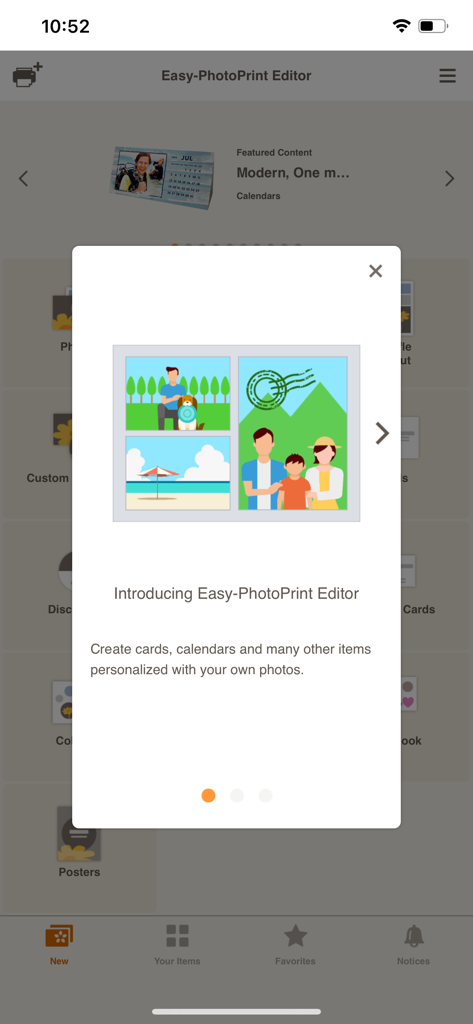
맞춤 사진 템플릿을 특징으로 하는 Canon Easy-PhotoPrint Editor 앱의 소개 화면.
맞춤 사진 템플릿을 특징으로 하는 Canon Easy-PhotoPrint Editor 앱의 소개 화면.

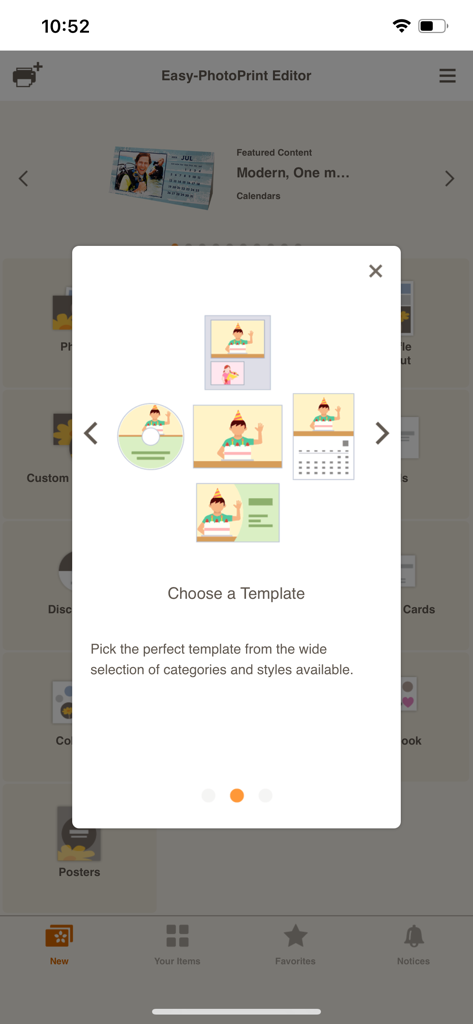
Canon Easy-PhotoPrint Editor 앱에서 달력, 명함, 사진용 템플릿 옵션을 보여주는 화면.

Canon Easy-PhotoPrint Editor 앱에서 달력, 명함, 사진용 템플릿 옵션을 보여주는 화면.

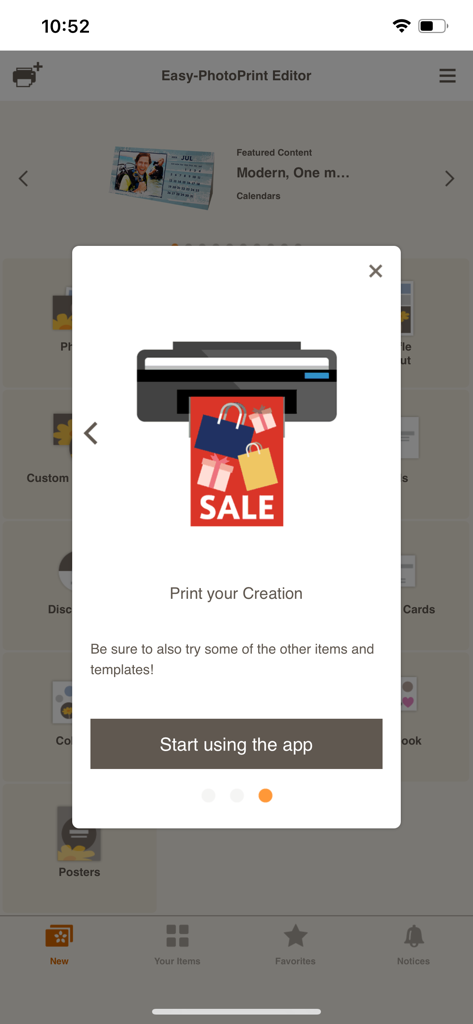
Canon Easy-PhotoPrint Editor 앱용 온보딩 화면. 프린터 아이콘과 앱 사용 시작 버튼이 표시됩니다.

Canon Easy-PhotoPrint Editor 앱용 온보딩 화면. 프린터 아이콘과 앱 사용 시작 버튼이 표시됩니다.

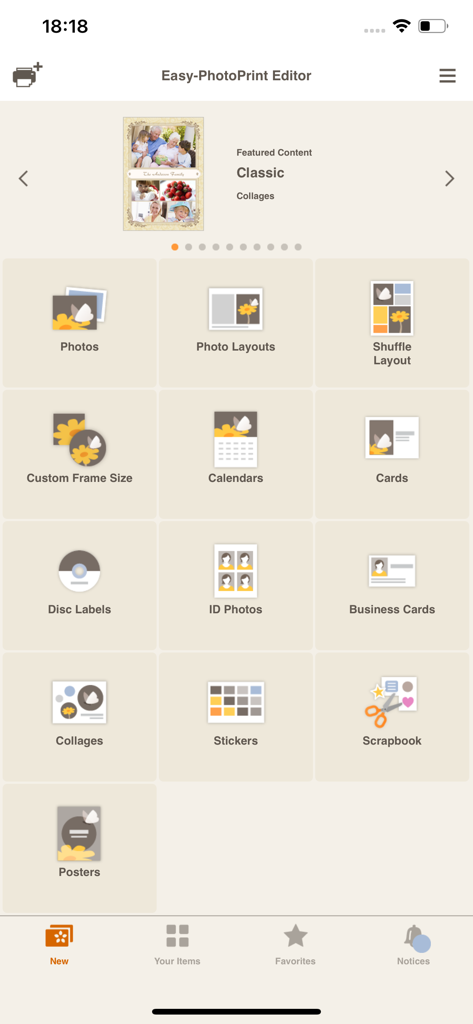
사진, 달력, 명함 등 다양한 인쇄 카테고리를 보여주는 Easy PhotoPrint Editor 앱의 메인 메뉴

사진, 달력, 명함 등 다양한 인쇄 카테고리를 보여주는 Easy PhotoPrint Editor 앱의 메인 메뉴

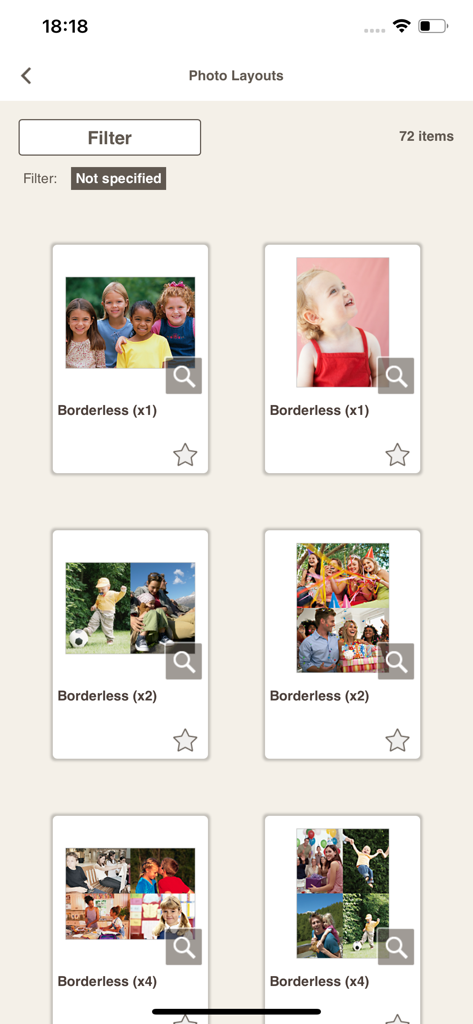
Canon Easy-PhotoPrint Editor 앱에서 사용할 수 있는 테두리 없는 사진 인쇄 레이아웃 및 콜라주 템플릿 갤러리

Canon Easy-PhotoPrint Editor 앱에서 사용할 수 있는 테두리 없는 사진 인쇄 레이아웃 및 콜라주 템플릿 갤러리

최고의 순간을 걸작으로 바꾸세요

이 앱을 돋보이게 하는 도구, 3M+ 명의 사용자가 선택.

🎨

모든 경우에 맞는 멋진 템플릿

달력, 축하 카드, 콜라주를 위한 수백 가지의 바로 사용할 수 있는 레이아웃으로 디자인 스트레스를 줄이세요. 몇 초 만에 전문가가 만든 것처럼 보입니다.

✂️

궁극의 DIY 공예 동반자

맞춤 패턴 용지와 개성 있는 스티커를 인쇄하여 스크랩북을 생생하게 꾸며보세요. 창의적인 프로젝트를 돋보이게 만들도록 디자인되었습니다.

💼

가정 및 업무를 위한 전문 유틸리티

모바일 장치에서 직접 고품질 명함, 공식 사진 ID, 눈길을 끄는 매장 포스터를 인쇄하여 시간과 비용을 절약하세요.

전 세계 사용자들에게 사랑받는 앱

Trusted by 3M+ 명이 이 앱을 사랑합니다.

"

"이 앱은 바쁜 부모들에게 생명의 은인입니다. 드디어 아이들 사진을 번거로움 없이 휴대폰에서 꺼내 스크랩북에 넣을 수 있게 되었습니다. 카드와 달력 템플릿은 전문적이고 사용하기 매우 직관적입니다."

Sarah Thompson
"

"소규모 사업주로서 저는 이 앱을 사용하여 iPad에서 바로 자체 스티커와 명함을 디자인하고 인쇄합니다. 레이아웃 편집기를 통해 모든 것을 제어할 수 있으며 Canon 프린터와 완벽하게 연결됩니다."

David Rodriguez

앱 소개

에 대해 알아야 할 모든 것 Easy-PhotoPrint Editor.

설명

Easy-PhotoPrint Editor is an easy-to-use photo print app. It features many useful templates and a free-layout editor for making all kinds of prints (photo layouts, cards, collages, calendars, disc labels, photo IDs, business cards, stickers, posters). [Key features] • Intuitive operation for easy printing of all kinds of prints Just select the type of print you want to make, edit and decorate your photos, and print. • Comes with plenty of ready-to-use templates Choose from collages, calendars, and many other templates that use multiple photos in addition to photo prints. • Make original posters for use in stores and other situations Just add photos and text to the simple poster template to create original posters you can use in stores or other situations. • Easy to create other everyday items The app makes it easy to create business cards, photo IDs, stickers, and other items you use every day. • Pattern paper for making original art works The app lets you print pre-designed pattern paper for use in making paper items or scrapbooking. • Print disk labels so you can see at a glance what’s on your disks If your printer supports printing disk labels, you can make original disk labels with just your smartphone. • Slate of editing functions to create just the print you want Not only can you crop or expand your photos, you can also edit and decorate them with colored edges, text, and stamps. [Supported printers] - Canon Inkjet Printers See the following website for supported printers. https://ij.start.canon/eppe-model *Some functions are not supported on imagePROGRAF series. [When the app cannot find your printer.] Check that your printer is in the supported printers list. The printer must be connected to your network. Use the "Canon PRINT" app to connect your printer to the network. [Supported OS] iOS 16.0 and later

최신 버전

1.10.2

크기

93.6 MB

출시일

2018년 9월 3일

창의적인 스튜디오가 탭 한 번이면 바로 연결됩니다

가장 좋아하는 순간을 전문적인 품질의 사진, 맞춤 카드, DIY 공예품으로 바꿔보세요. 지금 다운로드하고 Canon으로 얼마나 쉽게 만들 수 있는지 확인하세요.

다운로드: App Store다운로드: Google Play
FAQ

자주 묻는 질문

에 대해 알아야 할 모든 것 Easy-PhotoPrint Editor

Easy-PhotoPrint Editor는 무엇인가요?

Easy-PhotoPrint Editor는 템플릿과 무료 레이아웃 편집기를 제공하는 사진 인쇄 앱입니다. 사용자는 사진 레이아웃, 카드, 콜라주, 달력, 디스크 라벨, 사진 ID, 명함, 스티커, 포스터 등을 만들고 인쇄할 수 있습니다.

Easy-PhotoPrint Editor로 어떤 종류의 인쇄물을 만들 수 있나요?

Easy-PhotoPrint Editor를 사용하여 사진 레이아웃, 카드, 콜라주, 달력, 디스크 라벨, 사진 ID, 명함, 스티커, 포스터 등을 만들 수 있습니다. 또한 예술 작품을 위한 패턴 용지도 제공합니다.

Easy-PhotoPrint Editor는 창의적인 프로젝트를 위한 템플릿을 제공하나요?

네, Easy-PhotoPrint Editor는 유용한 템플릿을 많이 제공합니다. 여기에는 사진 레이아웃, 카드, 콜라주, 달력, 명함, 사진 ID, 스티커, 포스터 등의 옵션이 포함되어 제작을 간소화합니다.

Easy-PhotoPrint Editor로 디스크 라벨을 인쇄할 수 있나요?

네, Easy-PhotoPrint Editor를 사용하면 Canon 잉크젯 프린터가 해당 기능을 지원하는 경우 스마트폰에서 직접 디스크 라벨을 인쇄할 수 있습니다.

Easy-PhotoPrint Editor에는 어떤 편집 기능이 있나요?

Easy-PhotoPrint Editor는 다양한 편집 기능을 제공합니다. 사용자는 사진을 자르거나 확장하고, 색상 테두리, 텍스트, 스탬프로 장식하여 인쇄물을 개인화할 수 있습니다.

Easy-PhotoPrint Editor와 호환되는 프린터는 무엇인가요?

Easy-PhotoPrint Editor는 Canon 잉크젯 프린터를 지원합니다. 앱 설명에 제공된 특정 웹사이트 링크를 통해 지원되는 프린터 모델을 확인할 수 있습니다.

Easy-PhotoPrint Editor는 어떤 운영 체제를 지원하나요?

Easy-PhotoPrint Editor는 iOS 17.0 이상 버전을 지원합니다. 앱이 작동하려면 사용자는 기기에서 호환되는 iOS 버전을 실행하고 있는지 확인해야 합니다.

Easy-PhotoPrint Editor가 프린터를 찾을 수 없는 경우 어떻게 해야 하나요?

앱이 프린터를 찾을 수 없는 경우, 프린터가 지원 목록에 있고 네트워크에 연결되어 있는지 확인하세요. 필요한 경우 "Canon PRINT" 앱을 사용하여 프린터를 네트워크에 연결하세요.

Easy-PhotoPrint Editor로 명함을 만들 수 있나요?

네, Easy-PhotoPrint Editor를 사용하면 사용자가 명함을 쉽게 만들 수 있습니다. 또한 이 앱은 사진 ID, 스티커 및 기타 일상적인 품목 제작도 지원합니다.

Easy-PhotoPrint Editor는 사진 콜라주 제작을 위한 옵션을 제공하나요?

네, Easy-PhotoPrint Editor에는 사진 콜라주 제작을 위한 템플릿이 포함되어 있습니다. 이 앱은 여러 사진을 디자인에 통합할 수 있는 다양한 즉시 사용 가능한 템플릿을 제공합니다.