Explain Everything Whiteboard

Explain Everything Whiteboard

다운로드: App Store
Spark by MWM logo
로고: Explain Everything Whiteboard

Explain Everything 화이트보드: 수업과 협업을 위한 수상 경력의 인터랙티브 도구

iPad를 강력한 교실 스튜디오로 변신시키세요. 몰입도 높은 비디오 수업을 녹화하고, 실시간 협업을 진행하며, 무한한 캔버스와 인터랙티브 게임으로 학생들에게 영감을 주어 보세요.

개발사

Promethean Ltd.

카테고리

Education

다운로드

1M+

사용자 평점

4.6/5

총 평가 수

9K+

지원 언어

15

최고의 아이디어를 위한 캔버스

이 인터페이스를 사용하는 1M+ 명의 사용자.

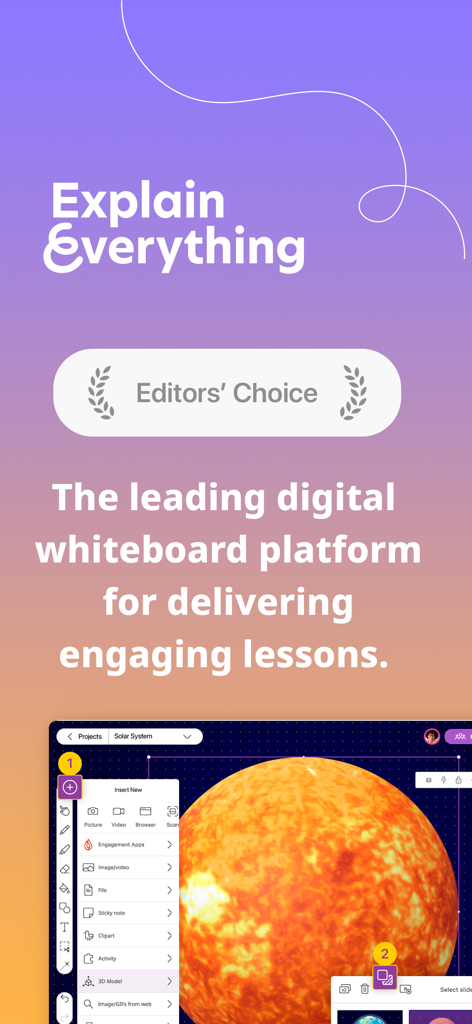
Explain Everything 화이트보드 앱 인터페이스, '에디터의 선택(Editor's Choice)' 상과 태양의 3D 모델이 포함된 디지털 수업 화면 표시

Explain Everything 화이트보드 앱 인터페이스, '에디터의 선택(Editor's Choice)' 상과 태양의 3D 모델이 포함된 디지털 수업 화면 표시

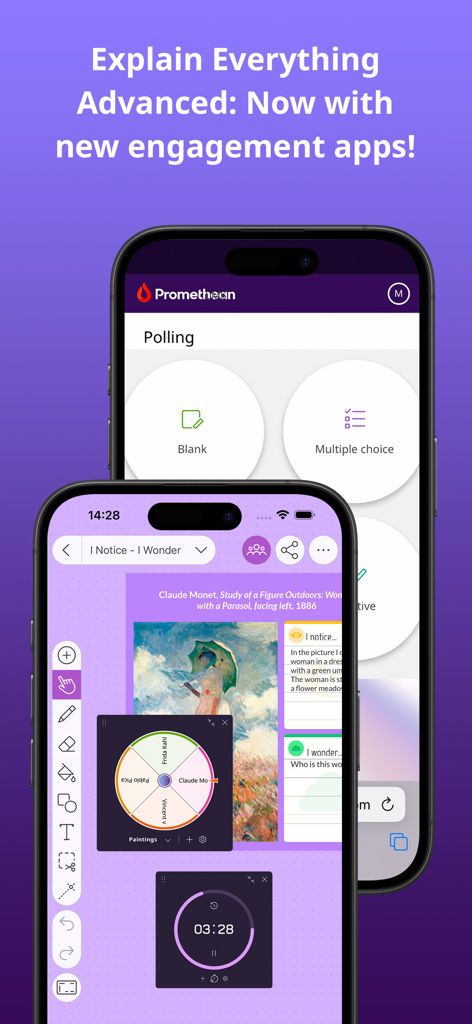
두 대의 스마트폰에 표시된 Explain Everything 화이트보드 앱 인터페이스, 설문 기능, 무작위 스피너 및 타이머 표시

두 대의 스마트폰에 표시된 Explain Everything 화이트보드 앱 인터페이스, 설문 기능, 무작위 스피너 및 타이머 표시

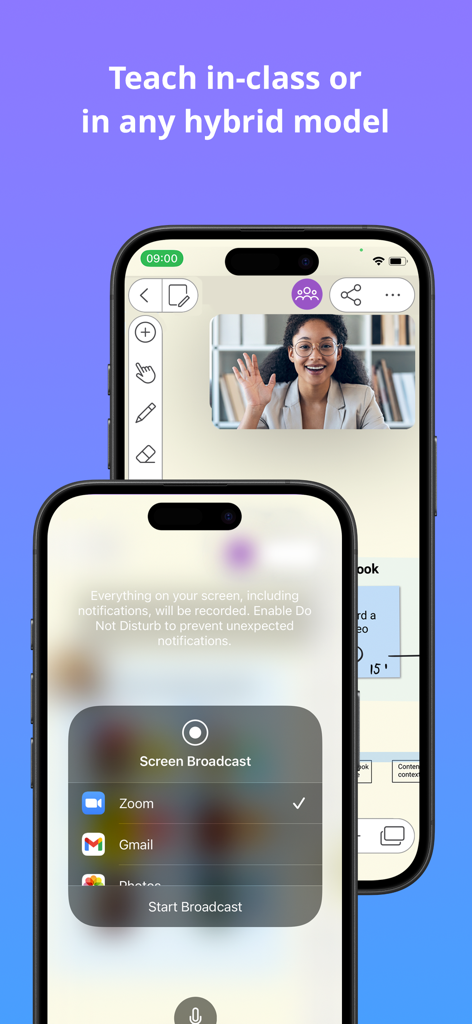
하이브리드 수업을 위해 Zoom으로 화면을 방송하는 Explain Everything 화이트보드 앱 인터페이스

하이브리드 수업을 위해 Zoom으로 화면을 방송하는 Explain Everything 화이트보드 앱 인터페이스

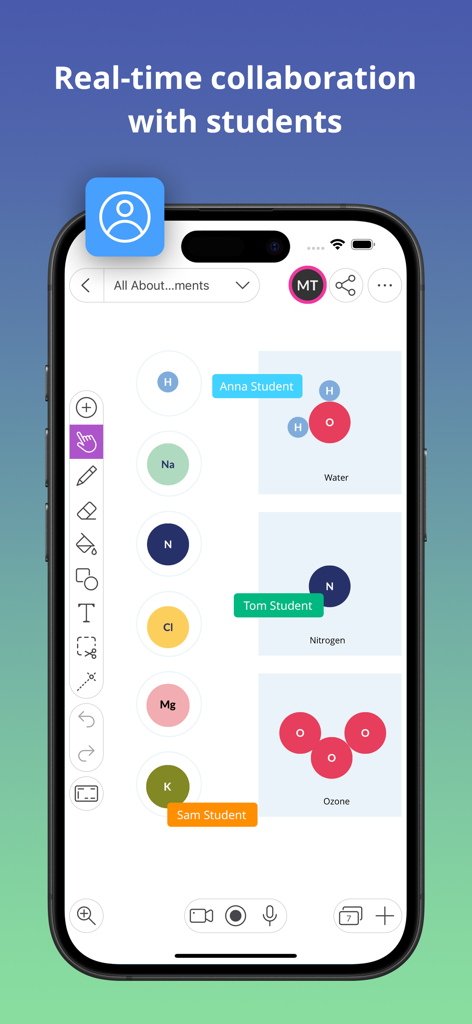
화학 수업 중 디지털 화이트보드에서 학생들 간의 실시간 협업을 보여주는 스마트폰 화면

화학 수업 중 디지털 화이트보드에서 학생들 간의 실시간 협업을 보여주는 스마트폰 화면

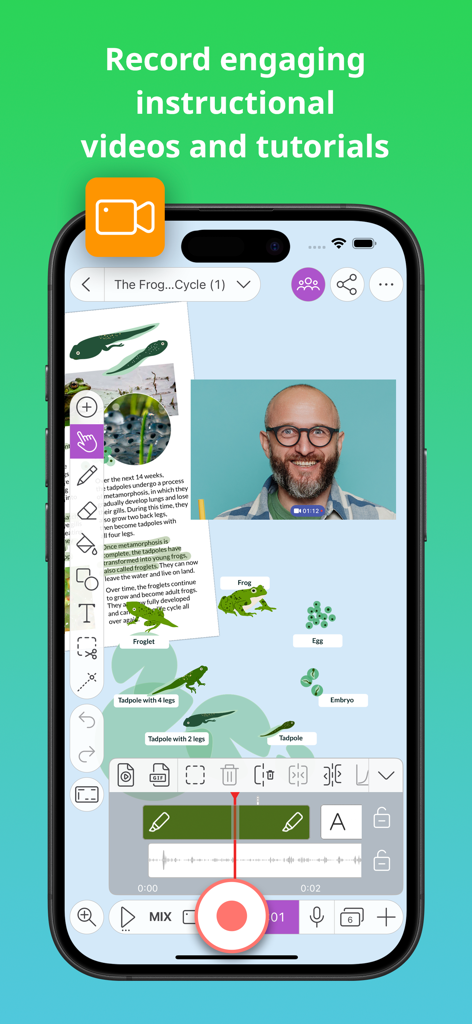
디지털 화이트보드에서 교육용 비디오를 녹화하는 모습을 보여주는 모바일 인터페이스

디지털 화이트보드에서 교육용 비디오를 녹화하는 모습을 보여주는 모바일 인터페이스

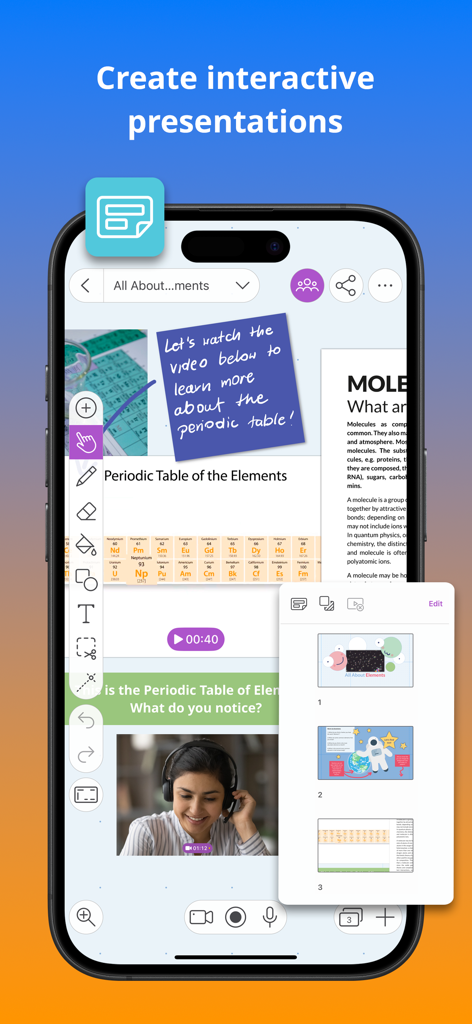
비디오 및 슬라이드 탐색 기능이 있는 인터랙티브 주기율표 수업이 포함된 Explain Everything 화이트보드 앱의 스마트폰 화면

비디오 및 슬라이드 탐색 기능이 있는 인터랙티브 주기율표 수업이 포함된 Explain Everything 화이트보드 앱의 스마트폰 화면

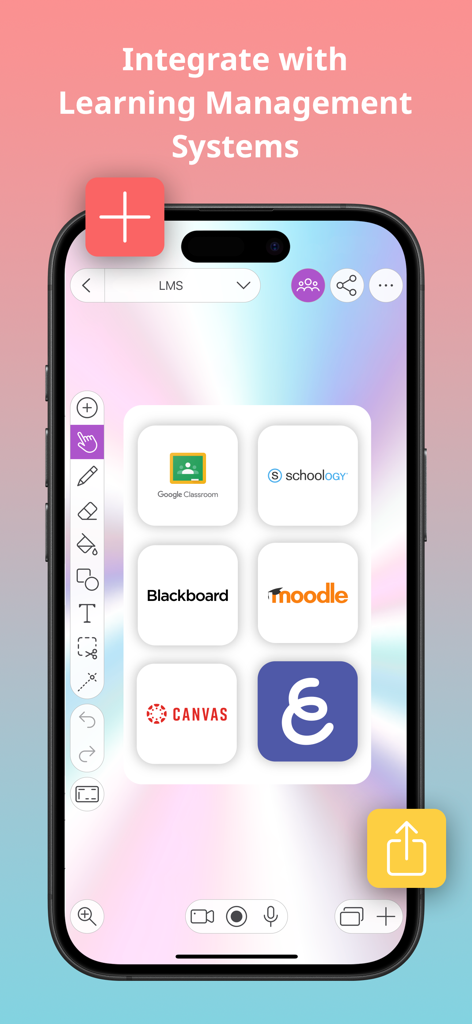
Google 클래스룸, Canvas, Blackboard와 같은 LMS 플랫폼과의 통합을 보여주는 Explain Everything 화이트보드 앱 인터페이스

Google 클래스룸, Canvas, Blackboard와 같은 LMS 플랫폼과의 통합을 보여주는 Explain Everything 화이트보드 앱 인터페이스

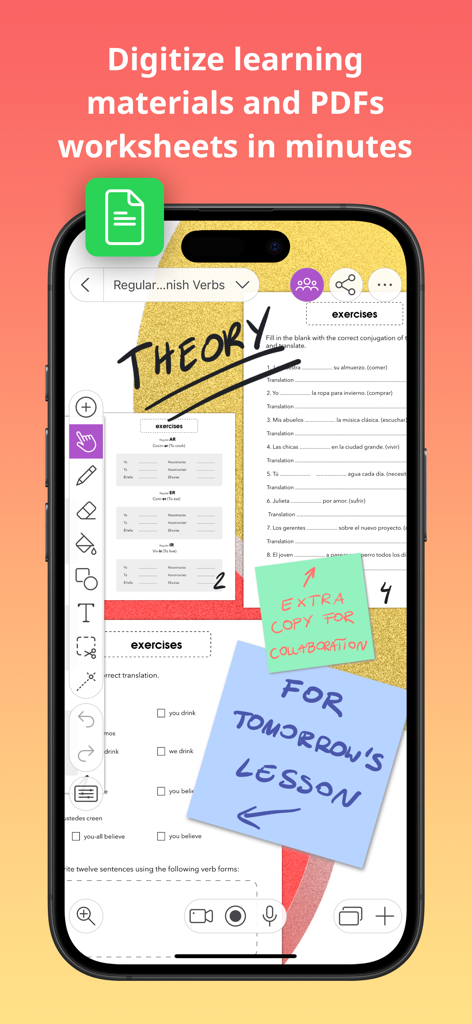
디지털화된 학습지 및 교사 노트를 보여주는 디지털 화이트보드 인터페이스

디지털화된 학습지 및 교사 노트를 보여주는 디지털 화이트보드 인터페이스

단 하나의 도구. 배움을 위한 무한한 가능성.

이 앱을 돋보이게 하는 도구, 1M+ 명의 사용자가 선택.

🎥

전문가 수준의 수업 녹화 및 편집

고품질 비디오 튜토리얼을 쉽게 만드세요. 무한한 캔버스에서 음성과 움직임을 녹화한 다음, 편집하여 즐겨 사용하는 클라우드 드라이브에 즉시 공유하세요.

🎮

인터랙티브 활동으로 참여도 향상

수업을 놀이로 바꾸세요. 낱말 맞추기, 짝 맞추기와 같은 내장 게임과 실시간 설문을 활용해 모든 학생이 집중하고 참여하도록 유도하세요.

🤝

무한한 캔버스에서의 협업

실시간으로 함께 작업하세요. 그룹 프로젝트든 일대일 튜터링이든 관계없이 PDF에 주석을 달고, 3D 모델을 추가하며, 경계 없이 브레인스토밍하세요.

전 세계 사용자들에게 사랑받는 앱

Trusted by 1M+ 명이 이 앱을 사랑합니다.

"

"Explain Everything은 제 중학교 1학년 수학 수업의 판도를 완전히 바꾸어 놓았습니다. 저는 무한한 캔버스를 사용해 수업 영상을 녹화하고, 새로운 설문 기능을 통해 학생들이 실시간으로 참여하게 합니다. 학교의 Google 드라이브와 완벽하게 통합되어 수업 준비와 배포가 그 어느 때보다 빨라졌습니다."

Jessica L., 초중고 교육자
"

"이 앱은 스케치노트와 시각적 학습을 위한 최고의 도구입니다. Apple Pencil로 3D 모델을 가져오고 PDF에 주석을 달 수 있는 기능 덕분에 대학 연구 프로젝트가 훨씬 더 체계적으로 변했습니다. 실시간 협업 기능은 스터디 그룹과 브레인스토밍을 하기에 완벽합니다."

David R., 대학원생

앱 소개

에 대해 알아야 할 모든 것 Explain Everything Whiteboard.

설명

The iPad App Store Trend of the Year 2020 award-winning interactive whiteboard and note taking app for iPad. With over 25 million downloads across the globe, Explain Everything helps teachers and students with every day learning. Explain Everything Advanced, Promethean's award-winning cloud-based plan, is one of the most dynamic, easy-to-use, and powerful lesson creation and delivery tools on the market today. Explain Everything is an interactive whiteboard, built to create notes and make drawings, explain concepts and share boards anywhere. Make notes and draw together on the infinite canvas. Use sticky notes, work with imported documents, and annotate PDFs. Easily record whiteboard videos and share the entire process of explaining a lesson. Use real-time collaboration to stay on the same page with your students or team. Our customers love using Explain Everything to: • Record and edit whiteboard video lessons, then share them automatically with your preferred cloud drive! • Capture ideas, create interactive presentations, and use PDF annotation for teaching purposes. • Use engagement apps such as Polling, Timer, and Spinner to promote student participation and deep focus. • Draw, write, sketchnote, visualize, and scribble using Apple Pencil then easily present materials both in-classroom or online. • Enrich your materials with images and GIFs, Sticky Notes, Clipart, 3D Models, Shapes, Web Browser, Equations, hyperlinks, text boxes and notes grid. • Digitize and store materials in one place thanks to the Explain Everything Drive cloud; available from any device, anywhere. • Collaborate with students by hosting group assignments in the classroom and in the cloud. • Broadcast through SharePlay or popular conferencing tools, including Zoom or Microsoft Teams. New Activities within Advanced Plan We’re coming with new activities to enhance your lessons and create some fun throughout your classroom. Launch and play activities right from your whiteboard canvas. Crossword – Add a list of words, provide image or text clues, and Explain Everything will generate a crossword for you. Memory game – Turn a set of images into a randomized memory pair-finding game. Matching game – Build a matching game from a collection of images, shapes, and text. Promethean Engagement Apps We’ve enhanced our Explain Everything Advanced plan with other new features, including Promethean’s ever-popular Spinner, Timer, and Polling apps; all to improve your teaching experience in the classroom. Polling – ask questions and receive responses from students instantly. Timer – use clock and stopwatch to measure time and improve executive functioning skills. Spinner – randomly select items from the built-in templates or your own lists to add excitement to any class. If you enjoy using Explain Everything please leave us a review! https://explaineverything.com/terms-of-use/

최신 버전

9.0.4

크기

291.2 MB

출시일

2016년 2월 1일

교실을 변화시킬 준비가 되셨나요?

무한한 캔버스에서 2,500만 명의 교육자 및 학생들과 함께하세요. 수상 경력에 빛나는 화이트보드를 다운로드하고 영감을 주고, 참여를 유도하며, 기억에 남는 수업을 만들어 보세요.

다운로드: App Store