Firestick・Fire TV Remote Stick

Firestick・Fire TV Remote Stick

다운로드: App Store
Spark by MWM logo
로고: Firestick・Fire TV Remote Stick
Firestick・Fire TV 리모컨: 스트림을 제어하는 가장 스마트한 방법

분실된 리모컨을 찾거나 화면 키보드로 씨름하는 것을 멈추세요. 반응성이 뛰어난 터치패드, 즉각적인 입력, 빠른 음성 검색으로 iPhone을 강력한 Fire TV 허브로 변환하세요.

개발사

Jonathan Reed

카테고리

Utilities

다운로드

109K+

사용자 평점

4.7/5

총 평가 수

800

지원 언어

1

끊김 없는 제어 경험

이 인터페이스를 사용하는 109K+ 명의 사용자.

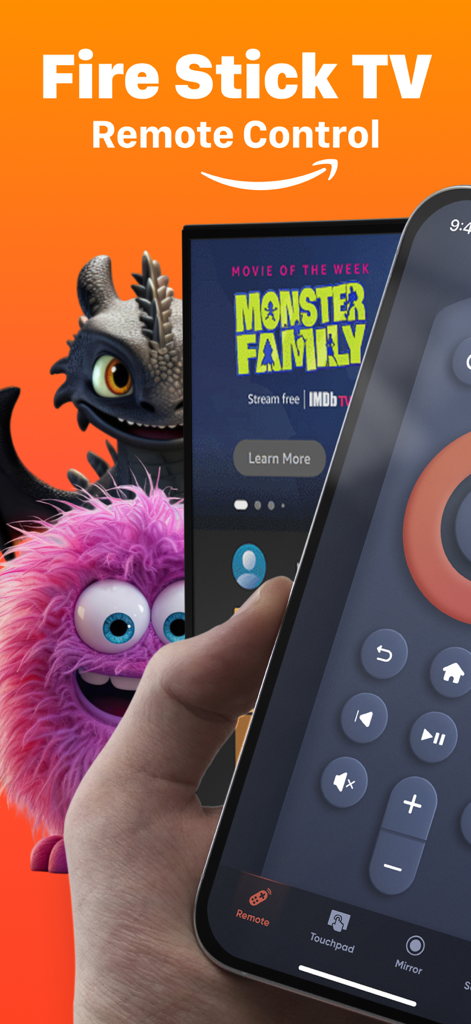
Fire Stick TV 리모컨 앱 화면이 있는 iPhone을 들고 있는 손

Fire Stick TV 리모컨 앱 화면이 있는 iPhone을 들고 있는 손

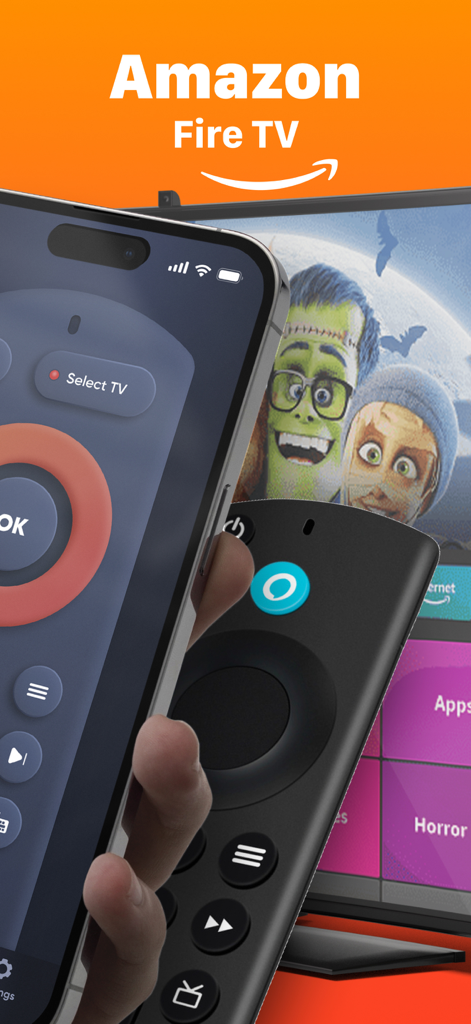
물리적 Firestick 리모컨 옆에 Fire TV 리모컨 앱 인터페이스를 표시하는 iPhone

물리적 Firestick 리모컨 옆에 Fire TV 리모컨 앱 인터페이스를 표시하는 iPhone

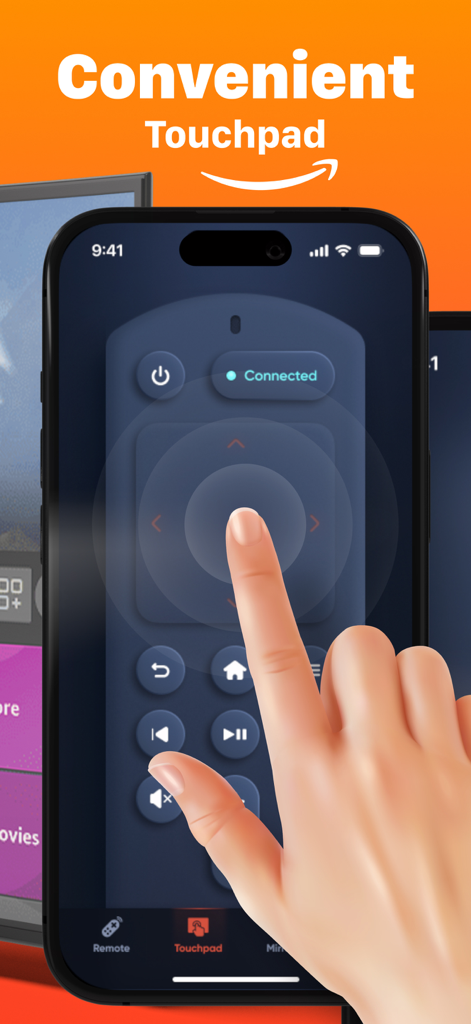
부드러운 탐색에 사용되는 Fire TV 리모컨 앱의 편리한 터치패드 인터페이스를 보여주는 iPhone 화면

부드러운 탐색에 사용되는 Fire TV 리모컨 앱의 편리한 터치패드 인터페이스를 보여주는 iPhone 화면

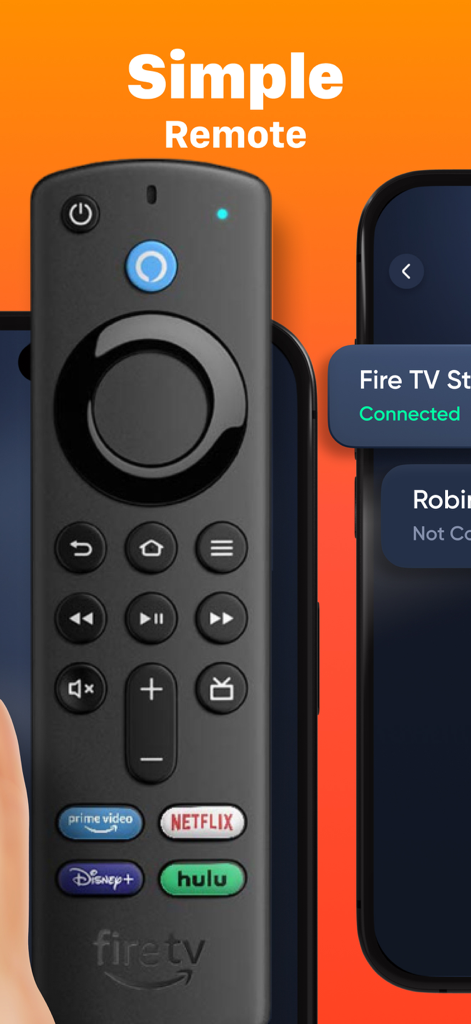
물리적 Fire TV 리모컨 옆 iPhone의 Firestick 리모컨 앱 인터페이스

물리적 Fire TV 리모컨 옆 iPhone의 Firestick 리모컨 앱 인터페이스

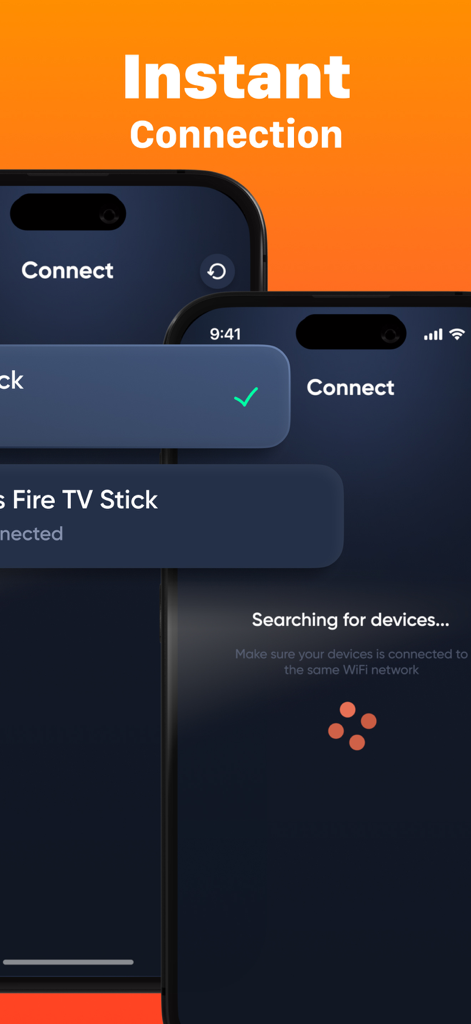
iPhone에서 즉각적인 연결 및 장치 검색 화면을 보여주는 Firestick Remote 앱의 인터페이스.

iPhone에서 즉각적인 연결 및 장치 검색 화면을 보여주는 Firestick Remote 앱의 인터페이스.

iPhone에서 Fire TV 마스터하기

이 앱을 돋보이게 하는 도구, 109K+ 명의 사용자가 선택.

⌨️

번개처럼 빠른 키보드

지루한 화면 클릭은 이제 그만. iPhone의 기본 키보드를 사용하여 몇 초 만에 영화, 앱, 쇼를 검색하세요.

즉각적인 원탭 설정

복잡한 설명서는 잊어버리세요. Wi-Fi를 통해 몇 초 안에 Firestick에 연결하고 스트레스 없이 좋아하는 쇼로 돌아가세요.

🖱️

부드러운 터치패드 제어

익숙한 제스처로 메뉴를 탐색하세요. 최신 터치패드의 정밀도와 속도로 Netflix, Hulu, YouTube를 스와이프하고 탭하세요.

전 세계 사용자들에게 사랑받는 앱

Trusted by 109K+ 명이 이 앱을 사랑합니다.

"

"저는 소파 쿠션 사이에 작은 물리적 리모컨을 계속 잃어버리는데, iPhone은 항상 제 곁에 있습니다. 이 앱은 정말 구세주였습니다. 몇 초 만에 Fire TV에 연결되었고 인터페이스는 원래 리모컨보다 실제로 더 부드러웠습니다. 채널을 변경하기 위해 베개 더미를 뒤질 필요가 없어졌습니다!"

Sarah M.
"

"키보드 입력 기능은 저에게 완전한 게임 체인저입니다. 방향 패드로 영화 제목을 검색하는 것을 싫어했는데, 이제는 휴대폰으로 모든 것을 입력하거나 음성 검색을 사용할 수 있습니다. 놀라울 정도로 반응이 빠르고 스트리밍 경험을 훨씬 더 효율적으로 만들어 주었습니다."

David L.

앱 소개

에 대해 알아야 할 모든 것 Firestick・Fire TV Remote Stick.

설명

Firestick・Fire TV Remote Stick is a convenient and powerful app that turns your smartphone into a fully functional remote for your Fire TV and Firestick devices. Easily navigate menus, control playback, adjust volume, and launch apps — all from your phone. With a fast connection setup and an intuitive interface, it’s the perfect solution if you’ve misplaced your physical remote or want a smarter way to control your TV. KEY FEATURES: • Full Remote Control: Navigate, adjust volume, play/pause, and more. • Quick Setup: Connect to your Fire TV device in seconds. • Keyboard Input: Type faster and easier than with a physical remote. • Touchpad Mode: Smooth and responsive control for easier navigation. • Voice Search: Use your phone’s mic for quick voice commands. Download Firestick・Fire TV Remote Stick today and take full control of your Fire TV experience with just one tap! Payment will be charged to the credit card connected to your iTunes Account when you confirm the initial subscription purchase. Subscriptions automatically renew unless auto-renew is turned off at least 24-hours before the end of the current subscription period. Your account will be charged for renewal within 24-hours prior to the end of the current period, and the cost of the renewal will be identified. You may manage your subscription and auto-renewal may be turned off by going to your Account Settings after the purchase. Any unused portion of a free trial period, if offered, will be forfeited when you purchase a subscription, where applicable. Privacy Policy: https://docs.google.com/document/d/18yZQK6dE_bJx0EiUGdPTJ7ZRdnI7AoSRRJUoKWNi7Vk/edit?usp=sharing Terms of Use: https://docs.google.com/document/d/1TQzDN6y5pzRZSQUAZ2M132mD0upxLG0loz8tNEVRDBk/edit?usp=sharing

최신 버전

2.0

크기

100.3 MB

출시일

2023년 12월 4일

Fire TV 경험을 업그레이드할 준비가 되셨나요?

물리적 리모컨을 버리고 iPhone 키보드 입력의 속도와 즉각적인 터치패드 탐색을 선택한 100,000명 이상의 사용자와 함께하세요. 지금 다운로드하고 다시는 리모컨을 찾지 마세요.

다운로드: App Store
FAQ

자주 묻는 질문

에 대해 알아야 할 모든 것 Firestick・Fire TV Remote Stick

Firestick・Fire TV Remote Stick는 무엇인가요?

Firestick・Fire TV Remote Stick은 스마트폰을 Fire TV 및 Firestick 기기의 완벽한 기능을 갖춘 리모컨으로 변환하여 탐색, 재생 제어 및 앱 실행을 지원합니다.

Firestick・Fire TV Remote Stick은 전체 리모컨 기능을 제공하나요?

네, Firestick・Fire TV Remote Stick은 스마트폰에서 직접 탐색, 볼륨 조절, 재생/일시 중지 등 전체 리모컨 기능을 제공합니다.

Firestick・Fire TV Remote Stick에서 키보드를 사용할 수 있나요?

네, Firestick・Fire TV Remote Stick은 키보드 입력을 지원하여 사용자가 기존의 물리적 리모컨보다 더 빠르고 쉽게 입력할 수 있습니다.

Firestick・Fire TV Remote Stick에 터치패드 기능이 있나요?

네, Firestick・Fire TV Remote Stick에는 부드럽고 반응성이 뛰어난 제어를 위한 터치패드 모드가 포함되어 있어 Fire TV 기기에서 탐색 기능을 향상시킵니다.

Firestick・Fire TV Remote Stick은 음성 검색을 지원하나요?

네, Firestick・Fire TV Remote Stick을 사용하면 휴대폰 마이크를 사용하여 Fire TV를 제어하기 위한 빠른 음성 명령을 사용할 수 있습니다.

Firestick・Fire TV Remote Stick은 기기에 얼마나 빨리 연결되나요?

Firestick・Fire TV Remote Stick은 동일한 Wi-Fi 네트워크에서 기기를 검색하여 빠르게 연결되므로 몇 초 안에 신속하게 설정할 수 있습니다.

Firestick・Fire TV Remote Stick 구독에 대한 결제는 어떻게 처리되나요?

Firestick・Fire TV Remote Stick에 대한 결제는 최초 구독 구매 시 iTunes 계정으로 청구됩니다. 구독은 기간 종료 24시간 전에 해제하지 않으면 자동 갱신됩니다.

Firestick・Fire TV Remote Stick의 자동 갱신을 끄려면 어떻게 해야 하나요?

구매 후 계정 설정에 액세스하여 Firestick・Fire TV Remote Stick 구독을 관리하고 자동 갱신을 해제할 수 있습니다.

Firestick・Fire TV Remote Stick을 구독하면 무료 평가판은 어떻게 되나요?

Firestick・Fire TV Remote Stick에 대해 무료 평가판 기간이 제공되는 경우, 구독 구매 시 해당 무료 평가판의 미사용 부분은 소멸됩니다.

Firestick・Fire TV Remote Stick의 개인정보처리방침은 어디에서 찾을 수 있나요?

Firestick・Fire TV Remote Stick의 개인정보처리방침은 앱 스토어 설명에 제공된 링크를 통해 확인할 수 있습니다: docs.google.com/document/d/18yZQK6dE_bJx0EiUGdPTJ7ZRdnI7AoSRRJUoKWNi7Vk/edit.