Kiosk Pro Plus

Kiosk Pro Plus

다운로드: App Store
Spark by MWM logo
로고: Kiosk Pro Plus

Kiosk Pro Plus: iPad를 안전하고 원격 관리되는 대화형 키오스크로 전환하십시오

통행량이 많은 환경을 위해 설계된 전문가용 잠금 브라우저입니다. 소매 또는 이벤트 기기 관리를 위한 원격 콘텐츠 업데이트, 강력한 보안 제어 및 오프라인 안정성을 통해 원활한 방문자 경험을 제공하십시오.

개발사

Kiosk Group, Inc.

카테고리

Business

다운로드

174K+

사용자 평점

4.2/5

총 평가 수

0

지원 언어

30

전문적인 제어 기능

이 인터페이스를 사용하는 174K+ 명의 사용자.

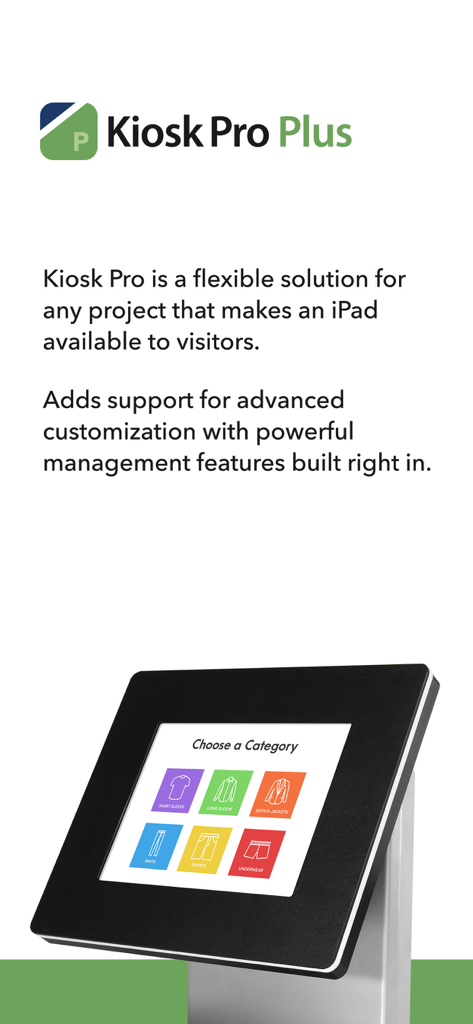
전문 키오스크 스탠드에 설치된 iPad와 소매 인터페이스를 보여주는 Kiosk Pro Plus 앱 프로모션 화면

전문 키오스크 스탠드에 설치된 iPad와 소매 인터페이스를 보여주는 Kiosk Pro Plus 앱 프로모션 화면

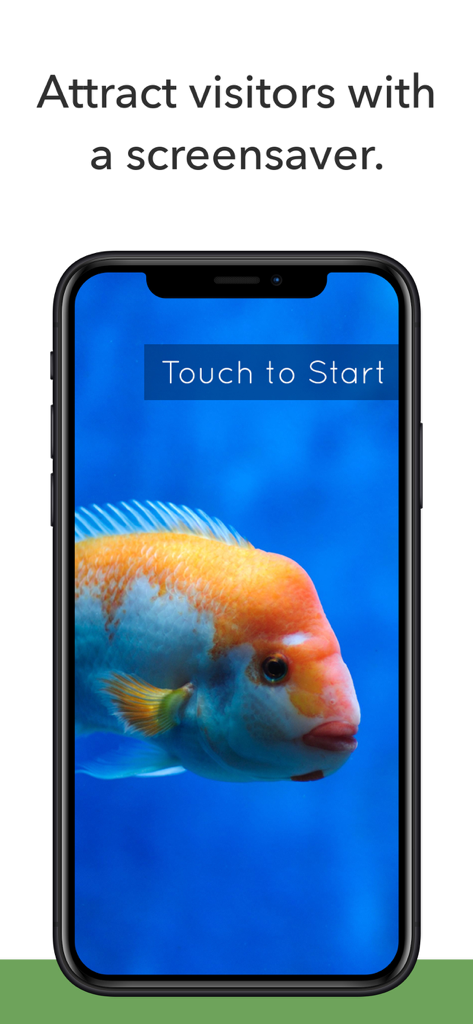
주황색 물고기와 '시작하려면 터치' 버튼이 있는 Kiosk Pro Plus 화면 보호기 기능을 표시하는 스마트폰 화면.

주황색 물고기와 '시작하려면 터치' 버튼이 있는 Kiosk Pro Plus 화면 보호기 기능을 표시하는 스마트폰 화면.

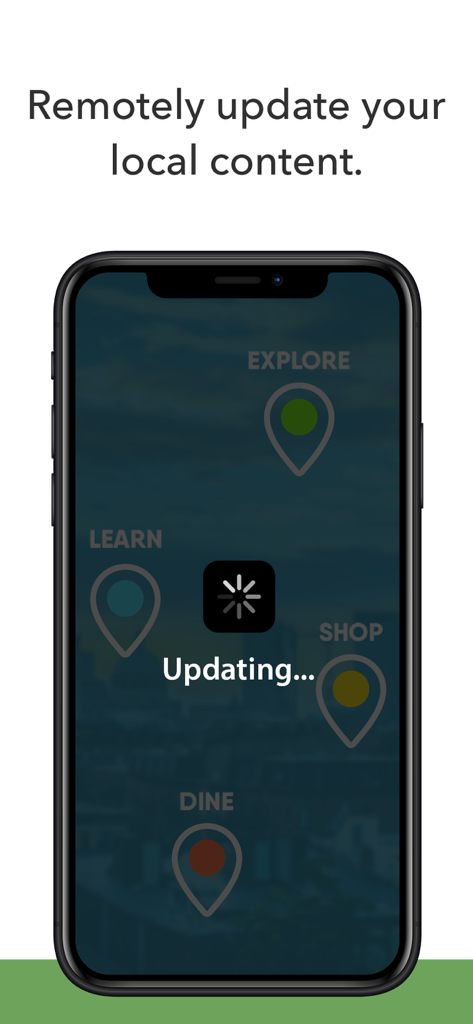
'업데이트 중' 상태와 로딩 스피너 아이콘이 있는 원격 콘텐츠 업데이트 진행률을 표시하는 스마트폰 화면.

'업데이트 중' 상태와 로딩 스피너 아이콘이 있는 원격 콘텐츠 업데이트 진행률을 표시하는 스마트폰 화면.

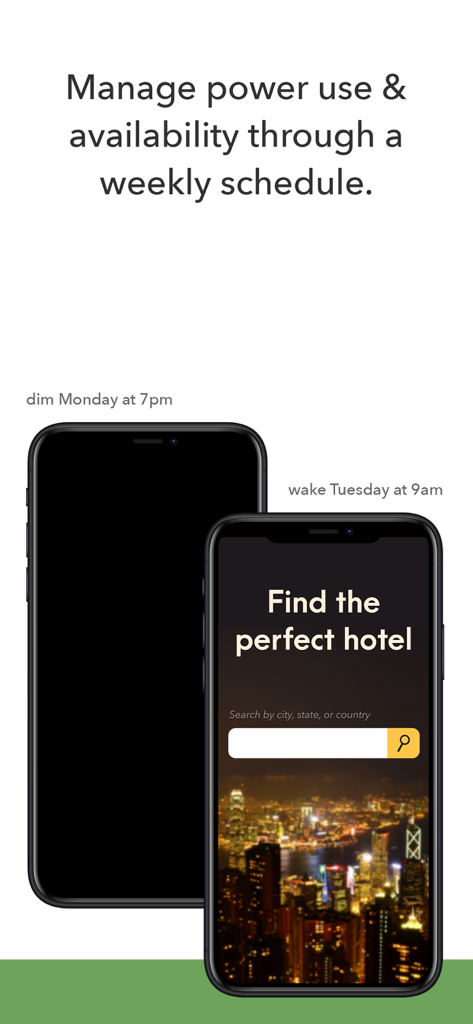
키오스크 장치에 대한 Kiosk Pro Plus 전원 관리 및 주간 일정을 보여주는 그래픽

키오스크 장치에 대한 Kiosk Pro Plus 전원 관리 및 주간 일정을 보여주는 그래픽

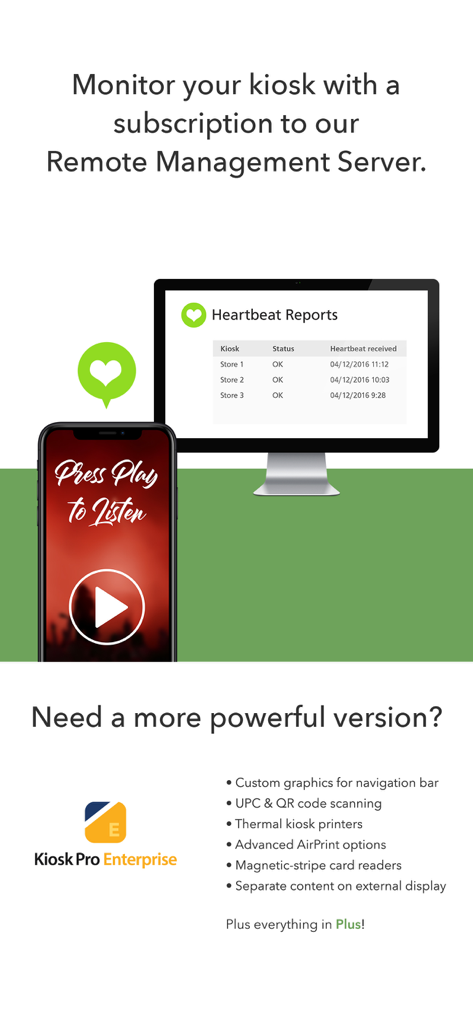
하트비트 보고서 및 키오스크 엔터프라이즈 기능 목록을 보여주는 원격 관리 서버 대시보드.

하트비트 보고서 및 키오스크 엔터프라이즈 기능 목록을 보여주는 원격 관리 서버 대시보드.

iPad를 전문가용 키오스크로 전환하십시오

이 앱을 돋보이게 하는 도구, 174K+ 명의 사용자가 선택.

🔒

완벽한 잠금 보안

제한된 탐색 기능을 통해 기기를 특정 웹사이트 또는 프레젠테이션으로 잠금 처리하여 무단 브라우징을 방지하고 개인 데이터를 보호합니다.

☁️

중앙 집중식 원격 업데이트

Dropbox 또는 자체 원격 서버를 통해 콘텐츠 및 설정을 즉시 업데이트하여 모든 기기를 한 곳에서 관리하십시오.

원활한 브랜드 경험

탐색 표시줄 및 상태 표시줄을 숨겨 브라우저의 복잡성을 제거하고 웹 콘텐츠에 맞춤형 네이티브 애플리케이션과 같은 모양과 느낌을 제공하십시오.

전 세계 사용자들에게 사랑받는 앱

Trusted by 174K+ 명이 이 앱을 사랑합니다.

"

"Kiosk Pro Plus는 연례 컨퍼런스에 게임 체인저였습니다. 저희는 20대의 iPad를 몇 분 만에 세련되고 전문적인 수준의 리드 캡처 스테이션으로 전환했습니다. 브라우저 탐색 표시줄을 숨기고 유휴 타이머를 설정하는 기능 덕분에 디스플레이가 항상 '브랜드'에 맞게 보이고 팀이 수동으로 재설정하지 않아도 다음 방문자를 위해 준비되었습니다. 표준 하드웨어를 프리미엄 경험으로 바꾸는 가장 안정적인 방법입니다."

Sarah Jenkins, TechVibe Events 마케팅 이사
"

"세 개의 다른 갤러리 윙에 걸쳐 태블릿 기기를 관리하는 것은 Kiosk Pro Plus로 전환하기 전에는 악몽이었습니다. 원격 관리 및 Dropbox 동기화를 통해 사무실 책상에서 모든 기기의 전시 콘텐츠를 동시에 업데이트할 수 있었습니다. 더 중요한 것은 잠금 기능이 완벽하다는 것입니다. 배포 이후 단 한 명의 방문자도 앱을 종료하거나 설정을 변경하지 못했습니다. 공개 시설에 필수적입니다."

Michael Rodriguez, City Museum Group 수석 시스템 관리자

앱 소개

에 대해 알아야 할 모든 것 Kiosk Pro Plus.

설명

Kiosk Pro is a flexible solution for any project that makes an iPad available to visitors. As a specialized web browser, Kiosk Pro Plus can display web pages, documents or audio & video files. Show content that’s hosted online or stored locally on the device. Kiosk Pro Plus builds on the functionality included in our Basic version, adding a screensaver loop, a schedule for when the kiosk is available for use, and the ability to update locally stored files from a remote server or Dropbox account. ATTRACT VISITORS • Define a homepage as the starting place for the presentation. • Set an idle timer so that when a visitor walks away, the next person will have a fresh experience, starting right at the beginning. • Increase visitor turnover at your kiosk by setting a browsing time limit. • Clear the cache and/or cookies to secure personal information. • Display a screensaver loop using local images and/or videos. LIMIT NAVIGATION • Specify what’s off limits on the web by creating lists of allowed & restricted domains. • Block access to other apps, including the native email or phone, that could otherwise be opened through links. • Disable touch interaction when used for digital signage. • Autofill username & password for specific URLs. CONTROL THE DISPLAY • Hide status, address, and/or navigation bars to make your content look like a native app. • Allow windows to open in multiple tabs. • Customize the navigation with your own color scheme and bookmarked links. • Works in any language - add your own translated text for on-screen alerts and navigation. WORKS OFFLINE • Store content locally for offline viewing. • Shift between online and offline content automatically if your device drops its internet connection. REMOTE MANAGEMENT • Update your app settings or content files by uploading them onto your own servers or by syncing with your Dropbox account. • Set up email alerts for power loss, remote updates, or motion detection. • Have your kiosks check in with regular heartbeats and monitor all your kiosks from a single location through our cloud-based Remote Management Server. MANAGE AVAILABILITY & POWER USE • Create a schedule to control when the kiosk is available for use. • Control the screen brightness from inside the app settings or dim to minimum brightness while idle. USE ADVANCED FUNCTIONS WITH OUR JAVASCRIPT API • Access the iPad’s camera for capturing photos and videos. • Save visitor form data locally on the device and collect signatures. Support is built right into our apps with documentation of every feature and direct access to our extensive Knowledge Base. Kiosk Pro Plus is compatible with most web content, including HTML web pages, PDFs, and multimedia (including .mp4 video). While certain Powerpoint, Keynote, and Word files are also supported, they are displayed as static documents. Kiosk Pro Plus cannot display pop-ups, other apps, or Flash-based content. To prevent visitors from exiting Kiosk Pro Plus, you must enable Guided Access in the iPad settings or use Apple’s Configurator app to supervise the iPad into Single App Mode. Our professional kiosk enclosures secure your iPad from theft or damage. See KioskGroup.com for more details!

최신 버전

11.3

크기

35.9 MB

출시일

2011년 10월 14일

전문 키오스크 기기 관리를 시작할 준비가 되셨습니까?

174,000개 이상의 설치 사례에 동참하여 iPad를 안정적이고 잠금 처리된 대화형 디스플레이로 전환하고 완벽한 원격 관리를 경험하십시오.

다운로드: App Store