Logic Art-Nonogram Puzzle Game

Logic Art-Nonogram Puzzle Game

다운로드: App Store
Spark by MWM logo
로고: Logic Art-Nonogram Puzzle Game

로직 아트-노노그램 퍼즐 게임: 논리가 창의성을 만나는 곳

수천 개의 매력적인 그림 십자 퍼즐로 긴장을 푸세요. 짧은 일일 휴식부터 거대한 100x100 걸작까지, 자신의 속도로 정신을 날카롭게 하고 아름다운 픽셀 아트를 공개하세요.

개발사

FURYU Corporation

카테고리

Games

다운로드

1M+

사용자 평점

4.5/5

총 평가 수

62K+

지원 언어

2

논리의 캔버스

이 인터페이스를 사용하는 1M+ 명의 사용자.

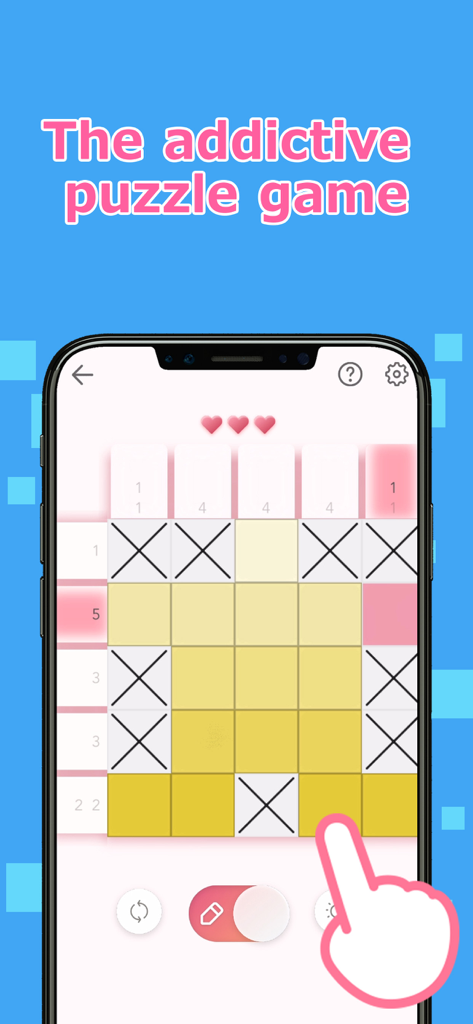
노란색 칸과 X 표시가 있는 5x5 그리드를 보여주는 로직 아트 노노그램 퍼즐 게임 플레이

노란색 칸과 X 표시가 있는 5x5 그리드를 보여주는 로직 아트 노노그램 퍼즐 게임 플레이

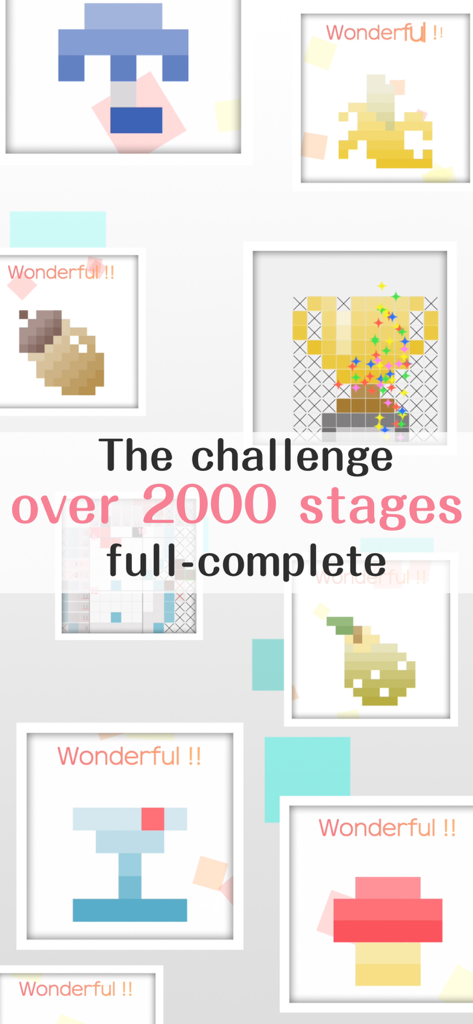
2000개 이상의 스테이지를 특징으로 하는 로직 아트 게임의 완료된 픽셀 아트 퍼즐 모음

2000개 이상의 스테이지를 특징으로 하는 로직 아트 게임의 완료된 픽셀 아트 퍼즐 모음

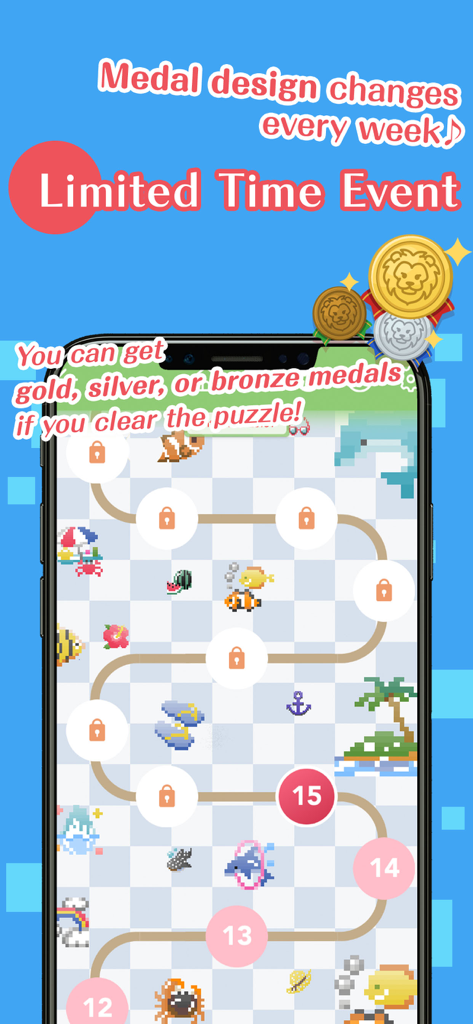
레벨 맵과 보상 메달을 보여주는 로직 아트 노노그램 퍼즐 게임의 기간 한정 이벤트 화면

레벨 맵과 보상 메달을 보여주는 로직 아트 노노그램 퍼즐 게임의 기간 한정 이벤트 화면

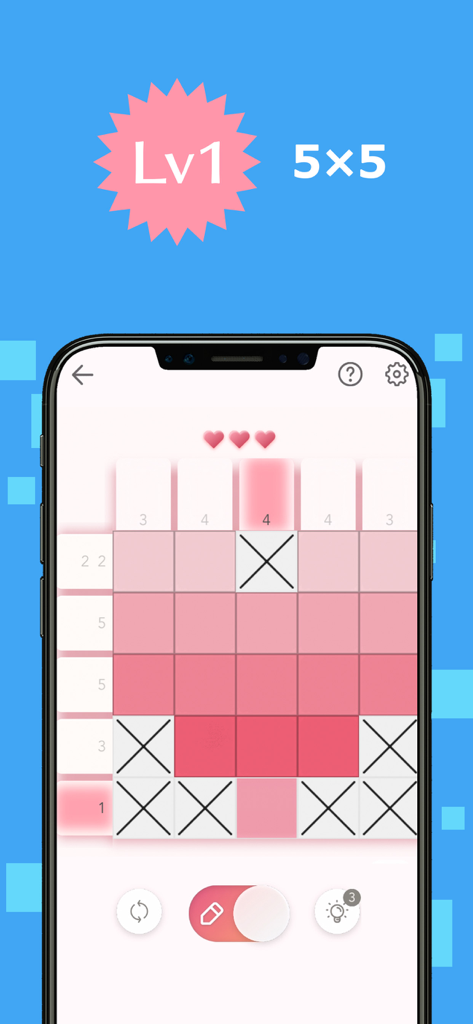
분홍색 픽셀 아트 그리드를 특징으로 하는 로직 아트 모바일 앱의 레벨 1 5x5 노노그램 퍼즐

분홍색 픽셀 아트 그리드를 특징으로 하는 로직 아트 모바일 앱의 레벨 1 5x5 노노그램 퍼즐

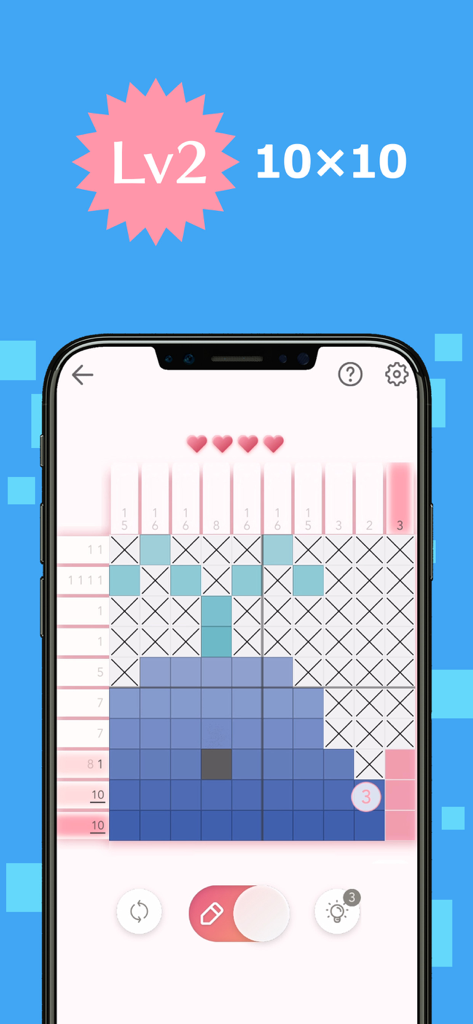
고래 픽셀 아트를 형성하는 10x10 노노그램 퍼즐을 보여주는 모바일 화면

고래 픽셀 아트를 형성하는 10x10 노노그램 퍼즐을 보여주는 모바일 화면

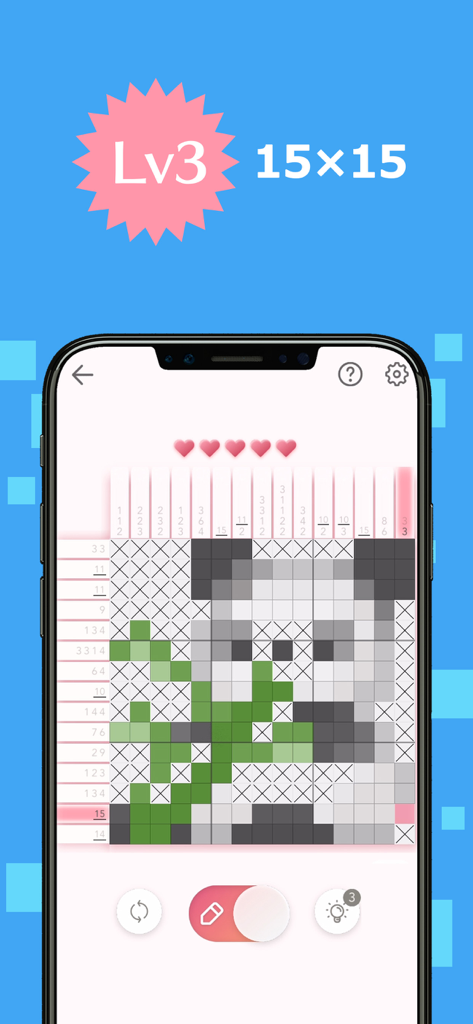
팬더 픽셀 아트 일러스트를 공개하는 15x15 노노그램 논리 퍼즐 그리드

팬더 픽셀 아트 일러스트를 공개하는 15x15 노노그램 논리 퍼즐 그리드

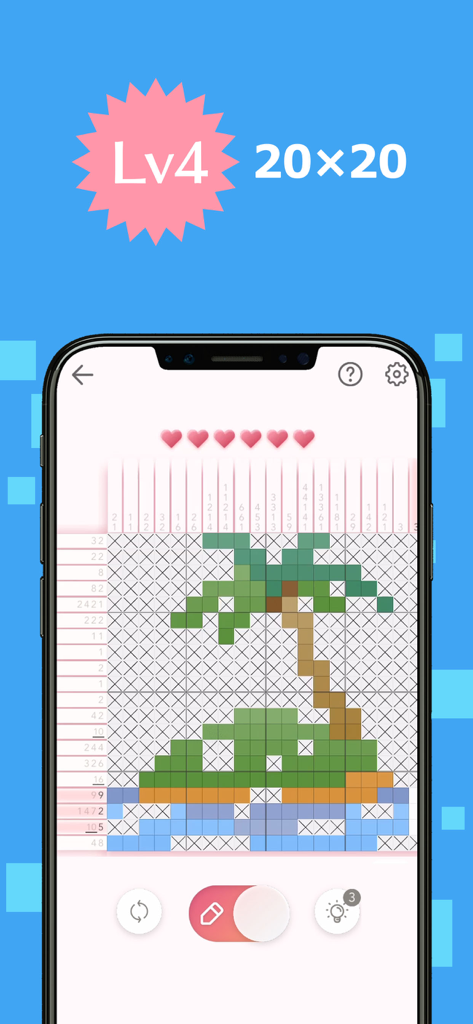
픽셀 아트 야자수를 형성하는 레벨 4 퍼즐 그리드를 보여주는 로직 아트 노노그램 게임 플레이

픽셀 아트 야자수를 형성하는 레벨 4 퍼즐 그리드를 보여주는 로직 아트 노노그램 게임 플레이

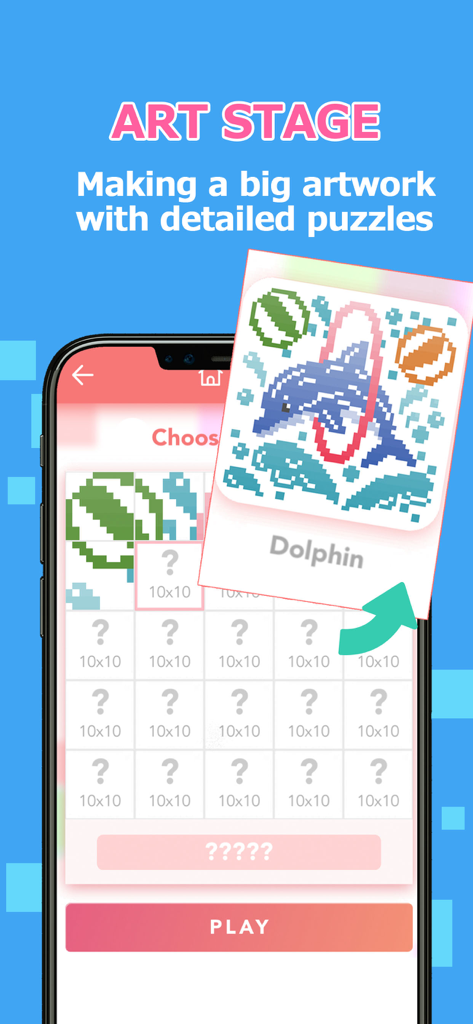
플레이어가 큰 돌고래 픽셀 아트를 공개하기 위해 여러 퍼즐을 완성하는 로직 아트의 아트 스테이지 기능을 보여주는 모바일 게임 스크린샷

플레이어가 큰 돌고래 픽셀 아트를 공개하기 위해 여러 퍼즐을 완성하는 로직 아트의 아트 스테이지 기능을 보여주는 모바일 게임 스크린샷

논리의 기술을 마스터하세요

이 앱을 돋보이게 하는 도구, 1M+ 명의 사용자가 선택.

🧘‍♀️

스트레스 없는 해결

자동 저장 및 편안한 BGM으로 차분한 경험을 즐기세요. 짧은 휴식이나 밤에 긴장을 풀기에 완벽합니다.

🧩

모든 기술 수준을 위한 퍼즐

빠른 5x5 그리드부터 거대한 100x100 특별 스테이지까지, 당신의 속도와 전문성에 맞는 완벽한 도전을 찾아보세요.

🎨

당신의 걸작을 공개하세요

당신의 논리가 살아 움직이는 것을 지켜보세요. 그리드를 완성하여 생동감 넘치는 픽셀 아트를 잠금 해제하고 매일 꾸준히 참여한 것에 대한 보상 메달을 획득하세요.

전 세계 사용자들에게 사랑받는 앱

Trusted by 1M+ 명이 이 앱을 사랑합니다.

"

"로직 아트는 저의 아침 의식이 되었습니다. 커피 한 잔과 함께 하루를 시작하는 것이 좋습니다. 인터페이스가 매우 깔끔하고 퍼즐은 스트레스를 받지 않고 뇌를 깨우기에 완벽한 수준의 도전 과제입니다. 작은 픽셀 아트 그림이 살아 움직이는 것을 보는 것은 매우 만족스럽습니다!"

Sarah M.
"

"스도쿠와 십자말풀이를 즐기는 사람으로서 이 앱은 제가 찾던 바로 그것입니다. 특별 스테이지는 거대하며 태블릿에서 몇 시간 동안 집중적인 휴식을 제공합니다. 자동 저장 기능이 정말 마음에 듭니다. 번거로움 없이 바로 중단했던 곳부터 다시 시작할 수 있습니다. 진정으로 최고의 노노그램 경험입니다."

James R.

앱 소개

에 대해 알아야 할 모든 것 Logic Art-Nonogram Puzzle Game.

설명

We've never seen anything like the fun puzzle game called Logic Art with free to play! It is the right way of killing time and play a short time. Also, If you need to relax or want to be a refresh, Logic Art would help you to change your mind. Let's play a simple nonogram puzzle, Logic Art. − How to play Logic Art The game's goal is to complete a puzzle with numbers of left and above parts, which are tips for solving it. The numbers show how many squares are filled out, and if the numbers are over two, they must have one blank square between each number. It has four different difficulty levels Level one is the easiest level that everyone can solve all stages without any tips. On the other hand, level four has the most difficult stages. If you are stuck in a stage, no hesitate to use the hint button. Also, you can use the hint repeatedly. Although you don't complete a stage when you have to stop the game, you can directly close the game because it has an automatic save function. Don't worry about the lose your game data. − About Special Stage The special stage is a challenging mode that you have to solve 25 quizzes to complete one artwork. It has different sizes' puzzles such as 25×25 for beginner, 100×100 for master, etc. We are recommending you to start from the 25×25 stage firstly. − About Daily Stage The Daily stage is updating a new stage every day. You could also get a reward medal in the game if you complete it full of a month. You can play any past stages whenever you want. − Logic Art's functions ■Pen button Using for filling out blank squares you can paint multi squares if you keep pushing and moving the button on your display. Also, you don't need to remember how many squares you would fill out already. The left side of the column would show the numbers of served areas. (× button has also the same function) Please careful that if you put your marking in a wrong place, your energy power would be less. ■× button Using for marking as unnecessary squares If you know a square that is obviously blank, you should put X mark on it. ■Reset button Using for delete a stage data If you want to restart and delete the stage data, you should push with the button. Never give up ! ■Bulb button Using for seeing a hint If you tap the bulb button, somewhere's the answer would be appeared soon. You can use the button only three times per day, however, if you watch advertising, you can use hints continuously. ■Heart button If you mark in the wrong place, your energy power would be less. The button would appear in the auto check mode on only. ■Backward, forward button You can move forward and backward. The button would appear in the auto check mode off only. ■About game mode You can choose the mode such as auto-check and map color from the setting. ■Auto-check If you turn the auto-check mode on, you can easily notice where is the wrong choice square. It also is for beginners. However, if you mark in the wrong place, your energy power would be less. In addition, even though your energy power becomes zero, you can keep playing the game by watching advertising. You can change your setting whenever you want from the setting button. ■Coloring If you turn the coloring mode on, you can see all squares by finalized painted color. Usually, it would be all pink in color if you choose the auto-check off mode. You can enjoy guessing what is an artwork's theme If you want to turn it on the mode, you can set it up from the setting button. ■Auto save You can stop the game whenever you want because the game has an auto-save function. However, if you uninstall the app itself, the game's data would be deleted together. ■BGM You can change a back ground music setting from the setting button. ■Free to play ■Smooth effect, and making refresh feeling with the game

최신 버전

1.12.1

크기

188.8 MB

출시일

2019년 9월 26일

다음 걸작을 공개할 준비가 되셨나요?

지금 1백만 명 이상의 퍼즐 애호가들과 함께하세요. 로직 아트를 무료로 다운로드하고 정신적 명료함과 창의적인 휴식의 완벽한 조화를 경험하세요.

다운로드: App Store