Mail: Email, Cloud, Calendar

Mail: Email, Cloud, Calendar

다운로드: App Store
Spark by MWM logo
로고: Mail: Email, Cloud, Calendar
Mail: 이메일, 클라우드, 캘린더를 위한 AI 기반 허브

앱 전환 피로를 멈추세요. Gmail, Outlook, Yahoo를 하나의 통합된 작업 공간에 연결하여 신경망이 긴 스레드를 요약하고 스마트 도구가 워라밸을 최적화합니다.

개발사

V Kontakte OOO

카테고리

Productivity

다운로드

27M+

사용자 평점

4.8/5

총 평가 수

2M+

지원 언어

23

완전한 통제의 미리보기

이 인터페이스를 사용하는 27M+ 명의 사용자.

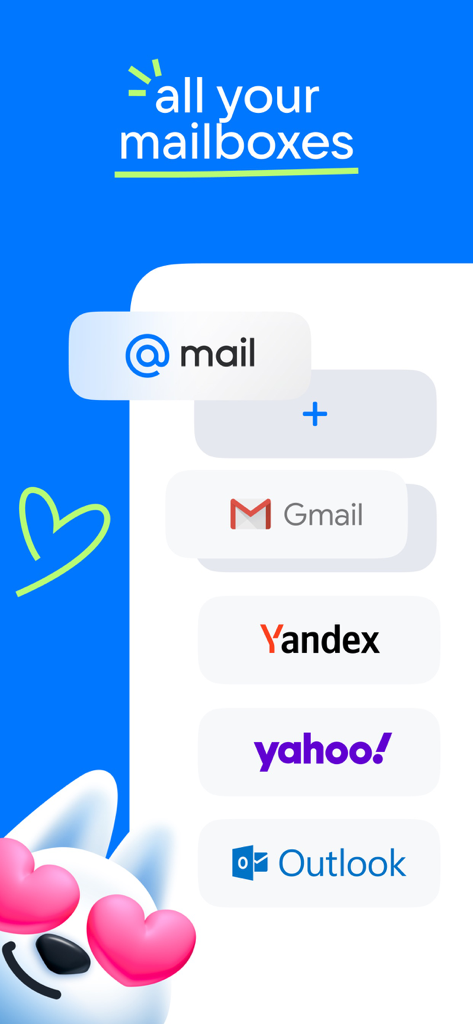
Gmail 및 Outlook과 같은 여러 이메일 제공업체를 하나의 앱으로 통합하는 그래픽

Gmail 및 Outlook과 같은 여러 이메일 제공업체를 하나의 앱으로 통합하는 그래픽

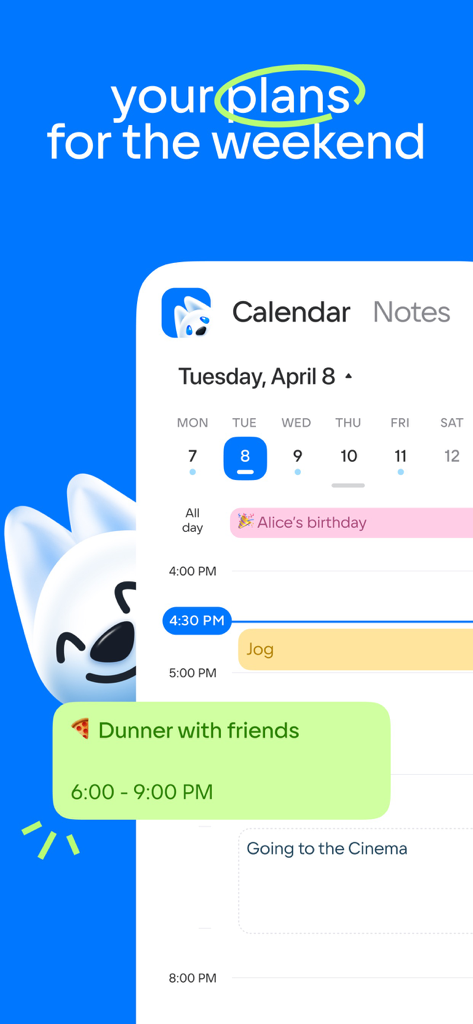
개인 계획 및 이벤트가 포함된 일일 일정을 보여주는 Mail 앱의 캘린더 보기

개인 계획 및 이벤트가 포함된 일일 일정을 보여주는 Mail 앱의 캘린더 보기

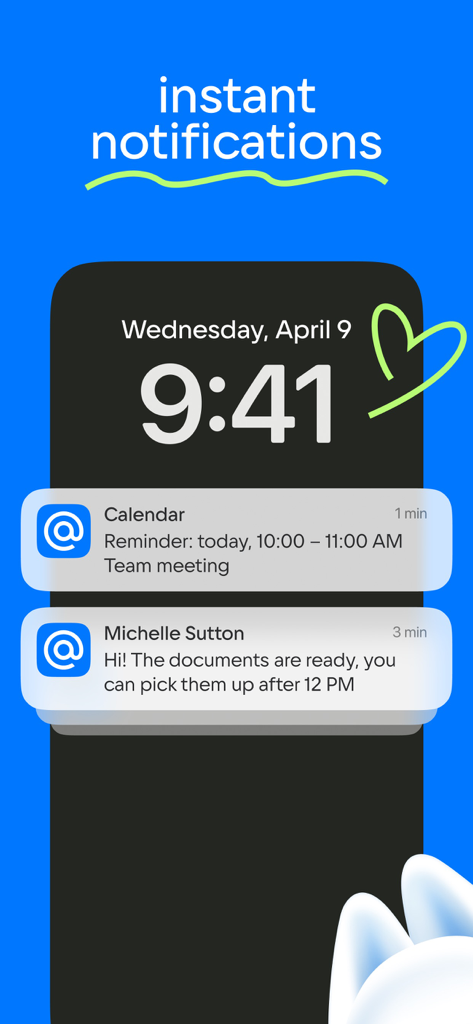
Mail 앱의 즉각적인 이메일 및 캘린더 알림을 보여주는 iPhone 잠금 화면

Mail 앱의 즉각적인 이메일 및 캘린더 알림을 보여주는 iPhone 잠금 화면

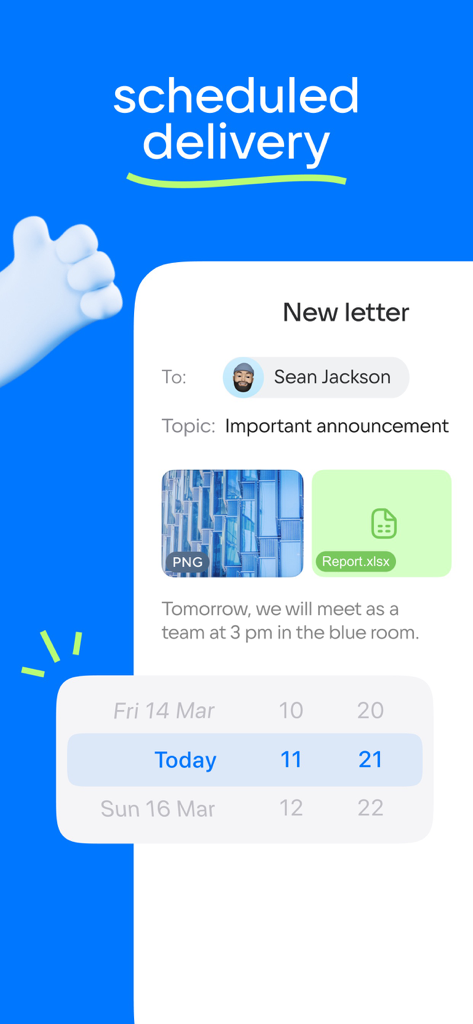
날짜 및 시간 선택기로 이메일 배달 예약을 위한 인터페이스.

날짜 및 시간 선택기로 이메일 배달 예약을 위한 인터페이스.

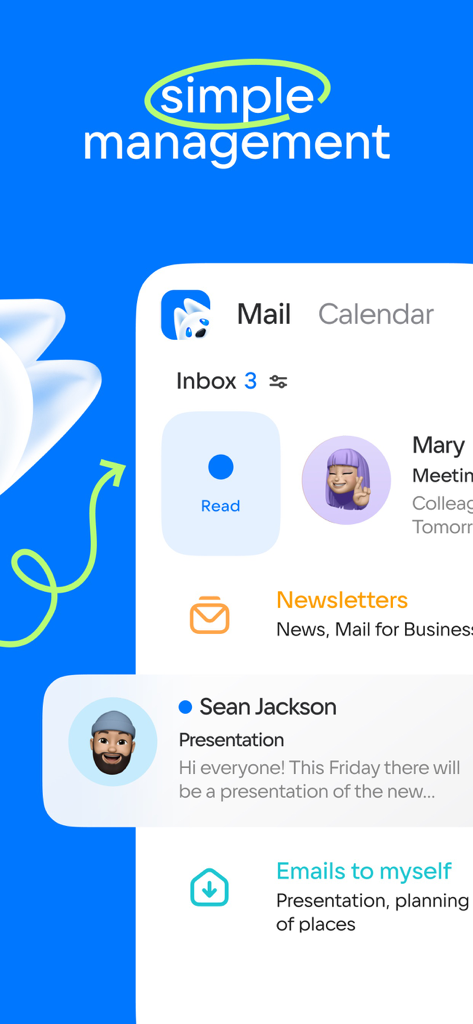
메일 및 캘린더 탭이 있는 이메일 받은 편지함 및 관리 기능을 보여주는 모바일 앱 인터페이스

메일 및 캘린더 탭이 있는 이메일 받은 편지함 및 관리 기능을 보여주는 모바일 앱 인터페이스

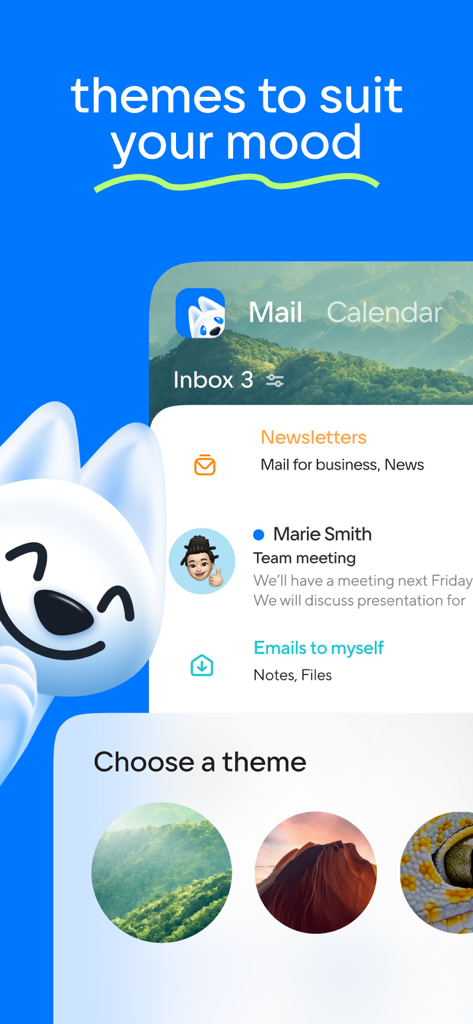
받은 편지함에 숲과 협곡과 같은 사용자 지정 가능한 배경 테마를 보여주는 Mail 앱의 스크린샷

받은 편지함에 숲과 협곡과 같은 사용자 지정 가능한 배경 테마를 보여주는 Mail 앱의 스크린샷

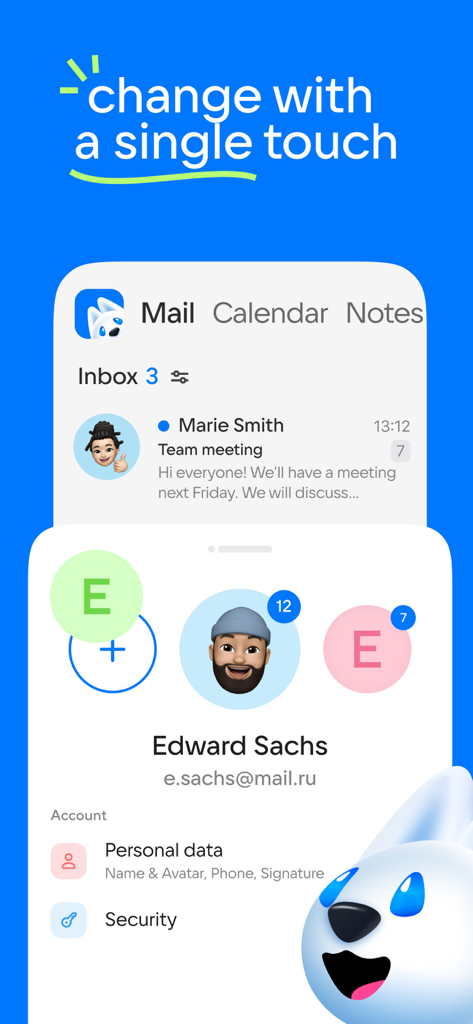
여러 계정 프로필과 전환 옵션을 보여주는 이메일 앱의 인터페이스.

여러 계정 프로필과 전환 옵션을 보여주는 이메일 앱의 인터페이스.

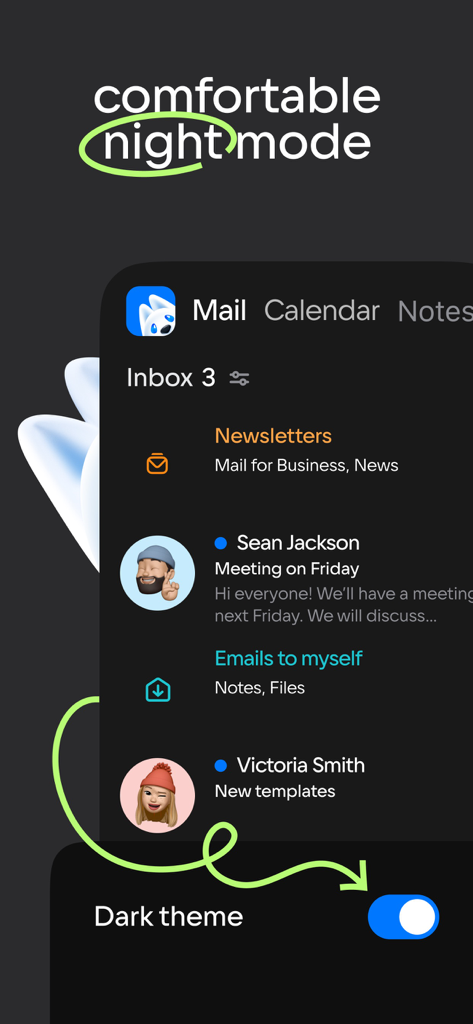
다크 테마가 활성화된 편안한 야간 모드를 보여주는 이메일 앱 인터페이스

다크 테마가 활성화된 편안한 야간 모드를 보여주는 이메일 앱 인터페이스

AI 기반 생산성으로 하루를 마스터하세요

이 앱을 돋보이게 하는 도구, 27M+ 명의 사용자가 선택.

🤖

AI 기반 이메일 요약

긴 스레드에 빠지지 마세요. 신경망이 이메일을 읽고 즉각적인 컨텍스트 요약을 제공하여 더 빠르게 처리할 수 있습니다.

📥

모든 것을 위한 받은 편지함 하나

Gmail, Outlook, Yahoo 등을 연결하세요. 단 한 번의 클릭으로 모든 업무 및 개인 계정을 전환하세요.

🏝️

전략적 휴가 계획

급여와 일정을 기준으로 다음 휴가에 가장 좋은 날짜를 계산하는 스마트 캘린더로 휴가 시간을 최대한 활용하세요.

전 세계 사용자들에게 사랑받는 앱

Trusted by 27M+ 명이 이 앱을 사랑합니다.

"

"업무용과 부업용으로 4개의 다른 이메일 계정을 관리하는 것은 악몽이었습니다. AI 요약 기능은 게임 체인저입니다. 긴 스레드를 몇 초 안에 필요한 정보로 요약해 줍니다. 마침내 제 시간을 존중하고 받은 편지함 제로 목표를 현실적으로 유지해 주는 앱입니다."

Elena Rodriguez
"

"캘린더의 휴가 계획 도구는 정말 천재적입니다. 올해 휴가 시간을 완벽하게 최대한 활용하는 데 도움이 되었습니다. 메일, 클라우드 스토리지, 플래너가 모두 하나의 앱에 있어서 홈 화면의 혼란을 많이 줄였습니다. 바쁜 전문가에게는 정말 궁극의 생산성 허브입니다."

David Sterling

앱 소개

에 대해 알아야 할 모든 것 Mail: Email, Cloud, Calendar.

설명

Mail is now more than just an email client. Mail is a set of services for a productive life and work. For you in a single application: fast Mail service, a convenient Calendar, Notes, Cloud for photos, Documents, Shopping, News. Add accounts from other email clients to your mail: Yandex.Mail, Microsoft Outlook, Gmail from Google, Hotmail, Rambler, Yahoo - and switch between them with one click. Brief summaries of long letters. Let the neural network in the Mail app read all your long emails and give you a quick summary of the context so you don't waste time. The best dates for holidays in the Calendar app. The calendar will tell you which month is best to take a vacation and which days are best to include in it. Select the "Year" tab and enter your salary. Manage new email notifications. Customize only the push notifications and messages you need in the Mail app: select the folders you care about and comfortable times to receive the notifications. Accounts of all mail clients in one application. Collect all your emails in one application - read incoming emails that come to you via Microsoft Outlook, Yahoo, Gmail from Google, Yandex.Mail, Hotmail, Rambler, and Zimbra in one click. Only the services you need in the Mail app. A fast email app with a neural network, a useful Calendar, which will remind you of meetings and plans and to calculate vacation for you, Notes, Weather, News, Cloud for storing photos, documents and scans. Bring order to your newsletters. Newsletters with app updates, news about services, and offers from stores are collected on one page - unsubscribe from any that are irrelevant and keep the ones are relevant. Translations into other languages. We have added a convenient email translator. Useful if you read foreign newsletters or send business mails abroad. Just open the email or write the text and select the language - a translation will appear instantly. Grouping letters by subject and address. The email client collects all emails into threads, and also automatically sorts newsletters, news, notifications from social networks, and personal emails into folders. A planner for your affairs. Work meetings, reminders of important dates, checklists, calls. A link to call is just one click away when you add a meeting to your work calendar. The cloud is a safe place for documents and photos. The Cloud service will save files from emails and find scans of documents. Upload all your photos and videos to the cloud to free up your smartphone memory. Use the dark background in the Mail application to make it easier on your eyes. Choose a bright interface for Mail and Cloud to work with during the day, and use a dark interface at night. Contacts from your address book and email clients in your application. Choose who to send a letter to and the Mail app will suggest contacts from your address book and all accounts in your emails. Quick actions with emails. Manage your emails in the app and in your browser: Mark a new email as important, move it to a new folder, delete it, or leave it unread. Add other email client accounts to the Mail app: Rambler, Gmail from Google, Yandex.Mail, Microsoft Outlook, Hotmail, Yahoo. A convenient offline mode for reading emails. The application will save your mails in the smartphone’s local storage so that you can read them without access to a network, such as when on a plane or in remote parts of nature. WRITE TO US We love to hear from you. Tell us what you think of the Mail app. Use the "Write to the developer" section or write a letter to mailapps@corp.mail.ru. A COUPLE MORE LINES Mail is a reliable email client and application that comes with all the services you need for work. Suitable for working with Mail, Yandex.Mail, Rambler, Gmail from Google, Yahoo, Hotmail, Microsoft Outlook and other services that support the IMAP, POP, and SMTP protocols.

최신 버전

15.70.0

크기

468.3 MB

출시일

2012년 3월 29일

AI로 받은 편지함 제로에 도달할 준비가 되셨나요?

2,700만 명의 전문가와 함께 Gmail, Outlook, Yahoo 계정을 하나의 강력한 도구로 통합하세요. 지금 신경망 요약, 안전한 클라우드 스토리지, 스마트 예약을 이용하세요.

다운로드: App Store
FAQ

자주 묻는 질문

에 대해 알아야 할 모든 것 Mail: Email, Cloud, Calendar

Mail: Email, Cloud, Calendar가 여러 이메일 계정을 지원합니까?

네, Mail: Email, Cloud, Calendar는 Yandex.Mail, Microsoft Outlook, Gmail, Hotmail, Rambler, Yahoo, Zimbra와 같은 다양한 이메일 클라이언트의 계정을 통합하여 사용자가 모든 계정을 하나의 애플리케이션에서 관리할 수 있도록 합니다.

Mail: Email, Cloud, Calendar가 긴 이메일 요약을 제공합니까?

네, Mail 앱에는 긴 이메일의 간결한 요약을 제공하는 신경망이 포함되어 있어 사용자가 전체 메시지를 읽지 않고도 빠르게 내용을 파악할 수 있습니다.

Mail: Email, Cloud, Calendar의 캘린더가 휴일 계획에 도움이 될 수 있습니까?

네, Mail: Email, Cloud, Calendar의 캘린더 기능은 사용자가 휴일에 가장 적합한 날짜를 찾는 데 도움이 됩니다. 급여 정보를 기반으로 최적의 월과 요일을 제안합니다.

Mail: Email, Cloud, Calendar에서 이메일 알림을 사용자 지정할 수 있습니까?

네, Mail: Email, Cloud, Calendar는 사용자가 새 이메일 알림을 사용자 지정할 수 있도록 합니다. 특정 폴더와 푸시 알림을 받을 편리한 시간을 선택할 수 있습니다.

Mail: Email, Cloud, Calendar 애플리케이션에는 어떤 서비스가 포함되어 있습니까?

Mail: Email, Cloud, Calendar는 빠른 메일 서비스, 편리한 캘린더, 메모, 사진 및 문서 클라우드 스토리지, 쇼핑, 뉴스 등 핵심 서비스를 제공합니다.

Mail: Email, Cloud, Calendar에 이메일 번역기가 있습니까?

네, Mail: Email, Cloud, Calendar에는 편리한 이메일 번역기가 포함되어 있습니다. 사용자는 텍스트를 열거나 작성하고 언어를 선택하여 외국 뉴스레터나 비즈니스 이메일을 즉시 번역할 수 있습니다.

Mail: Email, Cloud, Calendar가 뉴스레터를 어떻게 관리합니까?

네, Mail: Email, Cloud, Calendar는 뉴스레터를 한 페이지에 모아줍니다. 사용자는 관련 없는 뉴스레터는 쉽게 구독 취소하고 앱 내에서 직접 구독을 관리할 수 있습니다.

Mail: Email, Cloud, Calendar에 다크 모드가 있습니까?

네, Mail 앱은 야간에도 편안하게 볼 수 있도록 어두운 배경 옵션을 제공합니다. 사용자는 원하는 대로 밝은 인터페이스와 어두운 인터페이스를 전환할 수 있습니다.

Mail: Email, Cloud, Calendar를 사용하여 오프라인에서 이메일을 읽을 수 있습니까?

네, Mail: Email, Cloud, Calendar는 오프라인 읽기를 위해 이메일을 로컬 저장소에 저장합니다. 이 기능을 통해 사용자는 비행기 안과 같이 인터넷 연결 없이도 메일에 액세스할 수 있습니다.