MauBank WithMe

MauBank WithMe

다운로드: App Store다운로드: Google Play
Spark by MWM logo
로고: MauBank WithMe

MauBank WithMe: 당신의 모리셔스 은행, 어디에 있든 함께

계좌를 안전하게 관리하고, 즉시 IPS로 자금을 이체하고, 집에 있는 가족을 쉽게 지원하세요. 전 세계 어디에서나 연결되고 제어할 수 있도록 설계된 모리셔스 최고의 모바일 뱅킹 앱의 강력함을 경험하세요.

개발사

MauBank Ltd

카테고리

Finance

다운로드

19K+

사용자 평점

5.0/5

총 평가 수

0

지원 언어

1

새로운 뱅킹 경험

이 인터페이스를 사용하는 19K+ 명의 사용자.

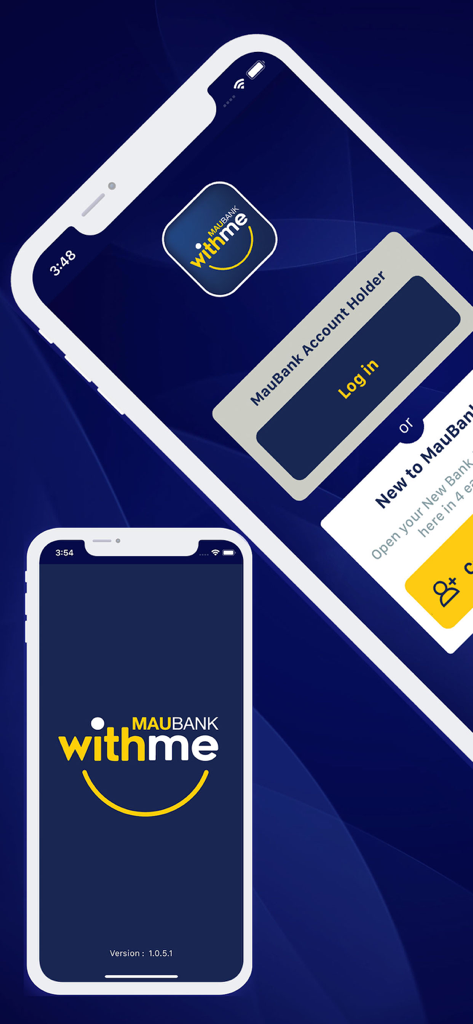
MauBank WithMe 모바일 앱 로그인 및 등록 화면

MauBank WithMe 모바일 앱 로그인 및 등록 화면

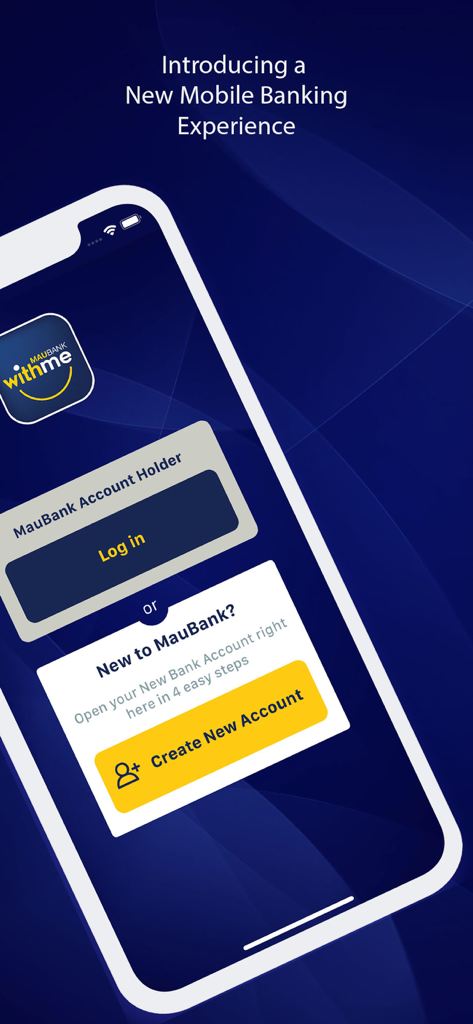
로그인 및 계정 생성 옵션이 있는 MauBank WithMe 모바일 뱅킹 앱 환영 화면

로그인 및 계정 생성 옵션이 있는 MauBank WithMe 모바일 뱅킹 앱 환영 화면

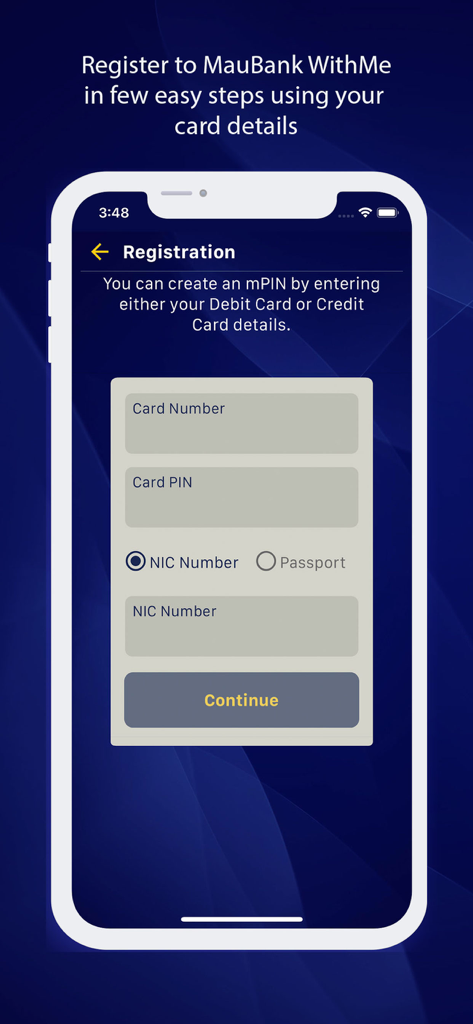
새 사용자 카드 및 ID 세부 정보 입력용 MauBank WithMe 등록 화면

새 사용자 카드 및 ID 세부 정보 입력용 MauBank WithMe 등록 화면

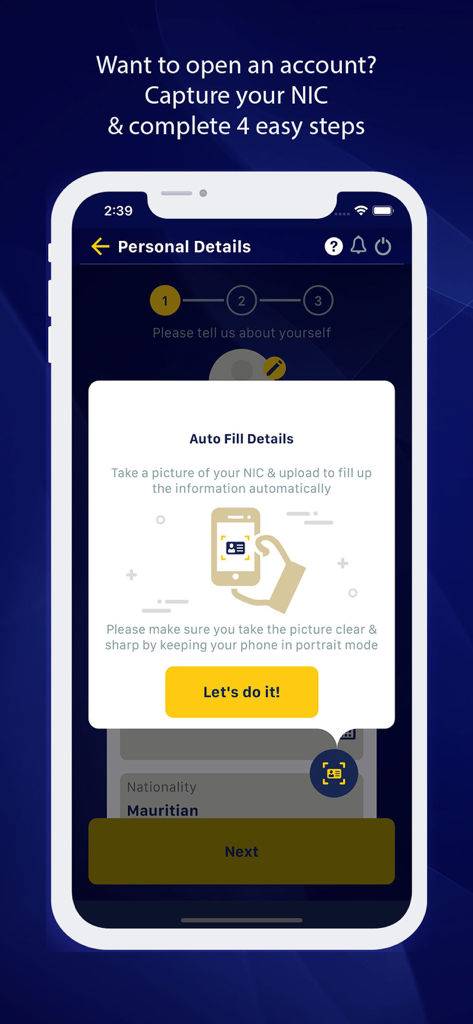
자동 은행 계좌 개설을 위해 주민등록증 스캔을 요청하는 모바일 앱 화면

자동 은행 계좌 개설을 위해 주민등록증 스캔을 요청하는 모바일 앱 화면

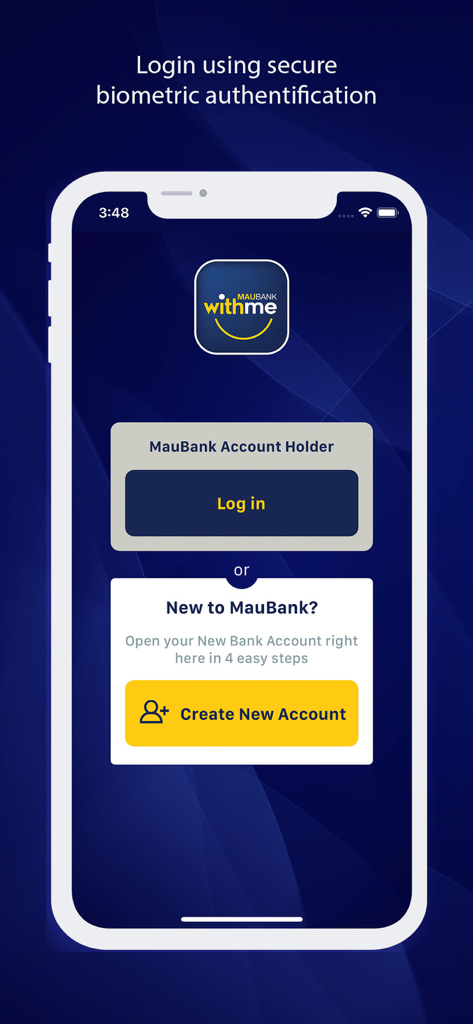
생체 인증이 있는 MauBank WithMe 모바일 앱 로그인 및 계정 생성 화면

생체 인증이 있는 MauBank WithMe 모바일 앱 로그인 및 계정 생성 화면

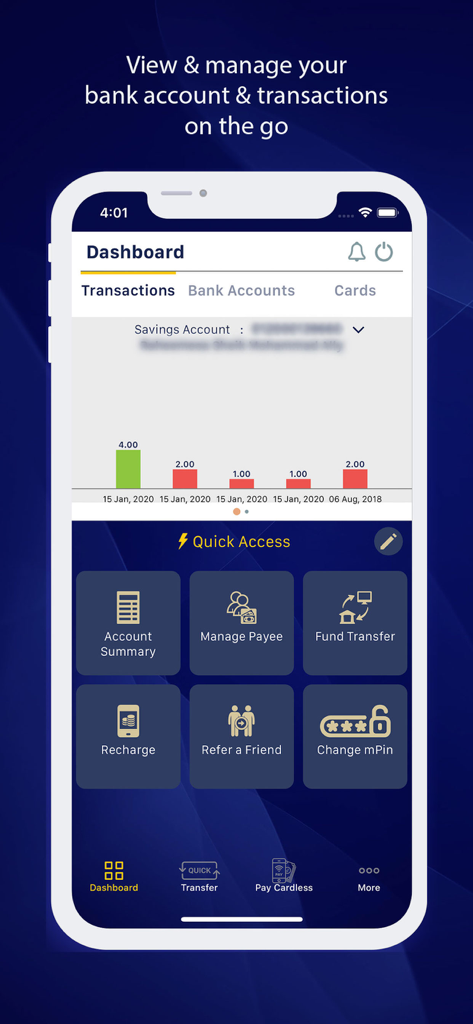
계정 개요 및 빠른 액세스 기능이 있는 MauBank WithMe 모바일 뱅킹 대시보드

계정 개요 및 빠른 액세스 기능이 있는 MauBank WithMe 모바일 뱅킹 대시보드

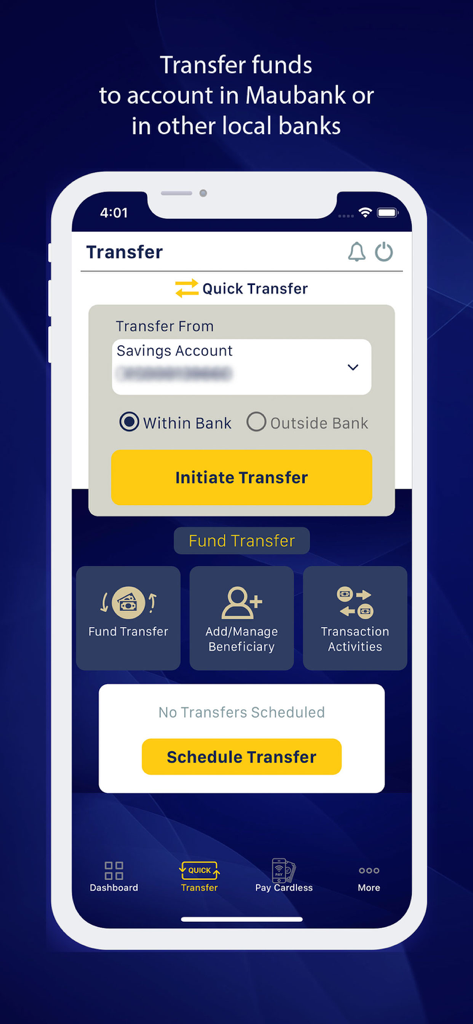
은행 내 또는 다른 현지 은행으로 자금을 이체하기 위한 MauBank WithMe 앱 화면

은행 내 또는 다른 현지 은행으로 자금을 이체하기 위한 MauBank WithMe 앱 화면

모리셔스와 당신을 잇는 금융 다리

이 앱을 돋보이게 하는 도구, 19K+ 명의 사용자가 선택.

💸

사랑하는 사람을 위한 즉각적인 지원

IPS를 통해 즉시 현지 은행으로 자금을 이체하거나 몇 번의 탭으로 모리셔스에 있는 가족과 친구의 휴대폰을 충전하세요.

🛡️

완벽한 원격 카드 제어

카드를 즉시 차단 또는 차단 해제하고, 새 PIN을 설정하고, 실시간으로 거래 한도를 관리하여 해외에서도 자산을 안전하게 보호하세요.

🆔

디지털 우선 편의성

4단계로 원격으로 새 계좌를 개설하고 Face ID 또는 지문 인증을 사용하여 안전하고 비밀번호 없는 액세스를 즐기세요.

전 세계 사용자들에게 사랑받는 앱

Trusted by 19K+ 명이 이 앱을 사랑합니다.

"

"뉴욕에서 모리셔스 계좌를 관리하는 것이 이렇게 쉬웠던 적은 없었습니다. 생체 인식 로그인과 은행에 전화하지 않고도 카드를 즉시 차단하거나 차단 해제할 수 있는 기능이 마음에 듭니다. 해외에 살면서 마음의 평화를 줍니다."

Sameer Ramlall
"

"저는 WithMe를 사용하여 부모님께 돈을 보내고 휴대폰 요금을 즉시 충전합니다. 카드 없는 인출 기능은 정말 훌륭합니다. 송금하면 카드 없이도 MauBank ATM 어디에서든 현금을 찾을 수 있습니다. 해외 거주자에게 필수품입니다!"

Priya Deshmukh

앱 소개

에 대해 알아야 할 모든 것 MauBank WithMe.

설명

MauBank WithMe is a user-friendly app that allows you to check your account balances, transfer money, manage your debit and credit cards and recharge your mobile. WithMe even lets you open an account from your phone, at any time and from any place convenient to you. Using state of the art application technology, WithMe is a mobile application having functionalities of an Internet Banking platform, with additional features.  The online banking application combines simplicity and seamless user experience, while ensuring secure access to your MauBank accounts and services. 
 Register WithMe in a few steps! Simply download the app from App Store, create the mPIN of your choice using your debit/credit card, PIN, NIC/Passport and Mobile number to enjoy WithMe - A New Banking Experience. MauBank WithMe Mobile Banking Application lets you: 1. View account details and transactions * Check your account balance * Check your transaction history * View your mini-statement * View status of your transactions * Download your account statement
 * Link accounts in other banks 2. Pay and Transfer Funds (MUR and Foreign Currency) * Transfer funds between your own accounts in MauBank * Transfer funds to another MauBank account * Transfer funds from MauBank to another local bank instantly through IPS * Manage your beneficiaries to facilitate your funds transfer * Pay cardless to a mobile number and withdraw money at any MauBank ATM * Recharge your phone and that of your friends and relatives anytime * Setup schedule or recurring funds transfer * Stop schedule/recurring and cardless funds transfer
 * Register your mobile number to receive funds * Pay to a registered mobile number * Scan to Pay a MauCAS QR Code 3. Credit Card * View your Credit card details, available credit, card limit and much more. * Access and download your credit card statements * Pay your Credit card from your Foreign Currency Account or MUR Account * Activate your credit card * Set a new PIN for your credit card 
 * Block/ unblock your credit card anytime * Block/ unblock ATM transactions * Block/ unblock POS transactions 4. Debit Cards * Activate your debit card * Block/ unblock your debit card anytime * Block/ unblock ATM transactions * Block/ unblock POS transactions * Block/ unblock E-Commerce transactions * Set a new PIN for your debit card * Report your debit card as lost or stolen and request for a replacement card 5. Open a new bank account * New to MauBank – Open a Bank account in 4 easy steps using your NIC and a recent Proof of Address
 6. Authenticate using fingerprint or FACE ID * Use your fingerprint or FACE ID for authentication
 7. Manage your services * Block or unblock your debit or credit card * Change your mPIN * Refer WithMe to a friend * De-register your mobile device not in use * Update your personal information * Update your mobile number * Update your beneficiaries’ name and account numbers * Register for e-Statements

최신 버전

1.2.6.25

크기

82.9 MB

출시일

2018년 9월 28일

당신의 주머니 속 모리셔스 은행

전 세계 어디에서든 재정을 관리하는 글로벌 커뮤니티에 참여하세요. MUR 계좌를 안전하게 보호하고, 집에 있는 가족을 지원하고, 국경 없는 뱅킹을 즐기세요. 지금 MauBank WithMe를 다운로드하세요.

다운로드: App Store다운로드: Google Play