micro:bit

micro:bit

다운로드: App Store다운로드: Google Play
Spark by MWM logo
로고: micro:bit

micro:bit: 창의적인 코딩 프로젝트를 현실로 만드세요

어린 메이커와 학생들을 위한 궁극의 STEM 동반자입니다. 블루투스를 통해 무선으로 프로그램을 플래싱하고, Microsoft MakeCode로 제작하며, iPad나 iPhone에서 직접 실시간 센서 데이터를 모니터링하세요.

개발사

Micro:bit Educational Foundation

카테고리

Education

다운로드

478K+

사용자 평점

3.4/5

총 평가 수

700

지원 언어

5

블록에서 현실로

이 인터페이스를 사용하는 478K+ 명의 사용자.

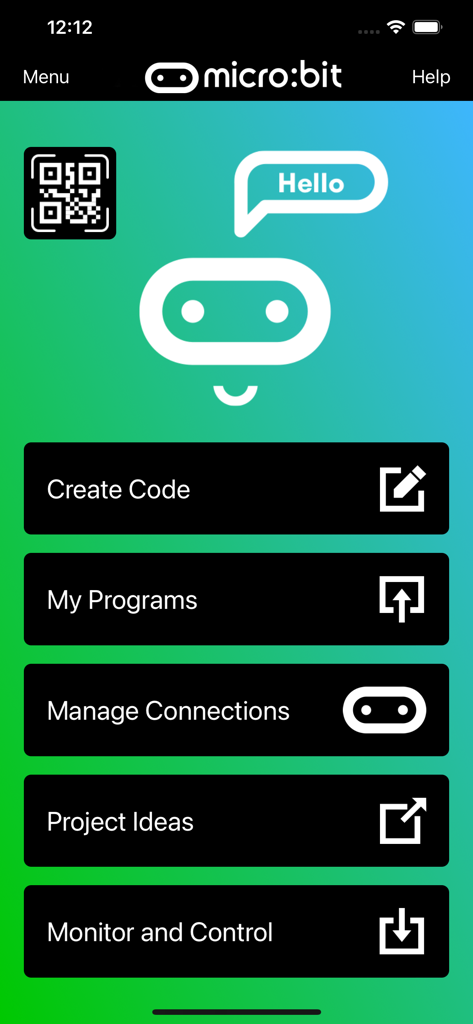
코드 만들기, 내 프로그램, 모니터링 및 제어 옵션이 포함된 micro:bit 모바일 앱의 메인 메뉴

코드 만들기, 내 프로그램, 모니터링 및 제어 옵션이 포함된 micro:bit 모바일 앱의 메인 메뉴

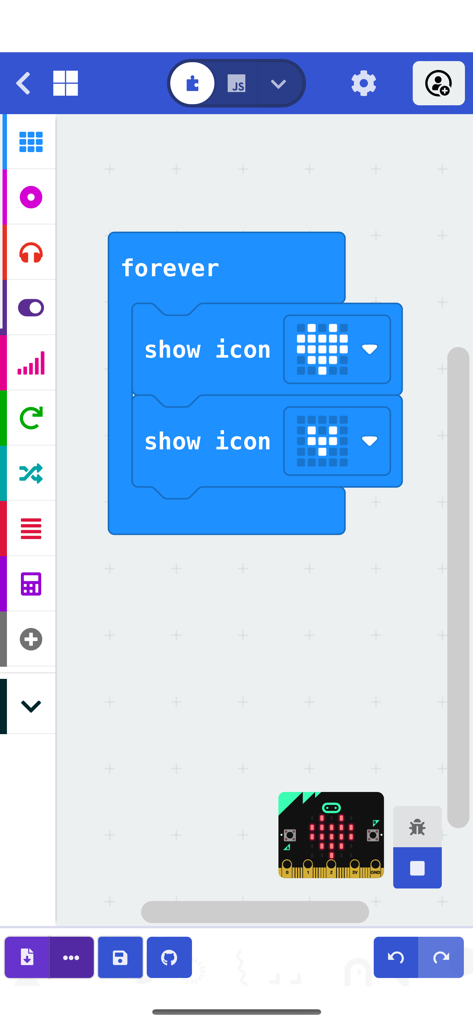
하트 애니메이션 프로그램이 표시된 micro:bit 앱의 블록 기반 코딩 인터페이스

하트 애니메이션 프로그램이 표시된 micro:bit 앱의 블록 기반 코딩 인터페이스

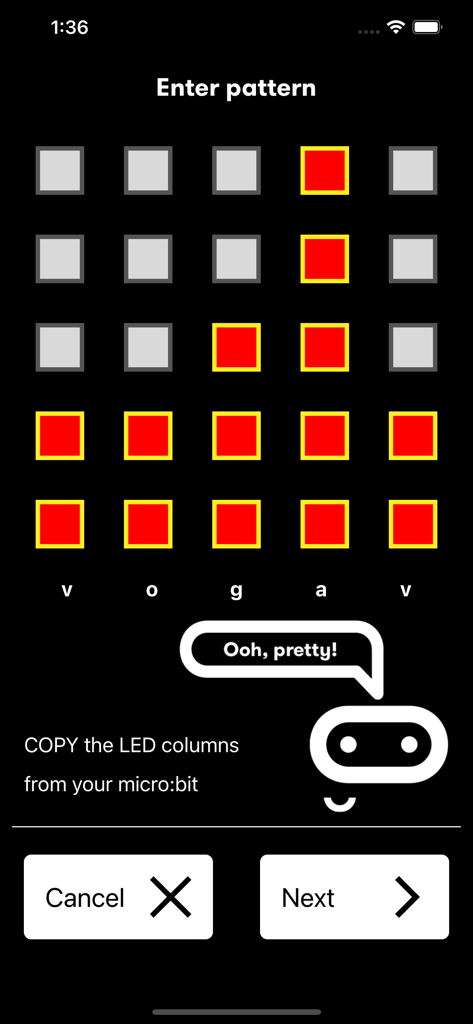
물리적 기기를 페어링하기 위해 micro:bit 앱에서 LED 패턴을 입력하는 인터페이스

물리적 기기를 페어링하기 위해 micro:bit 앱에서 LED 패턴을 입력하는 인터페이스

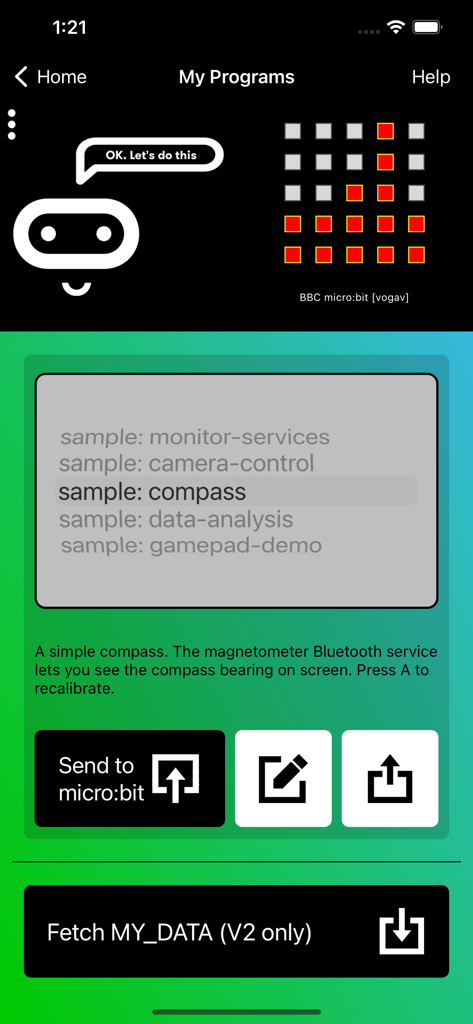
나침반 코딩 프로젝트를 표시하는 micro:bit 앱의 내 프로그램 화면

나침반 코딩 프로젝트를 표시하는 micro:bit 앱의 내 프로그램 화면

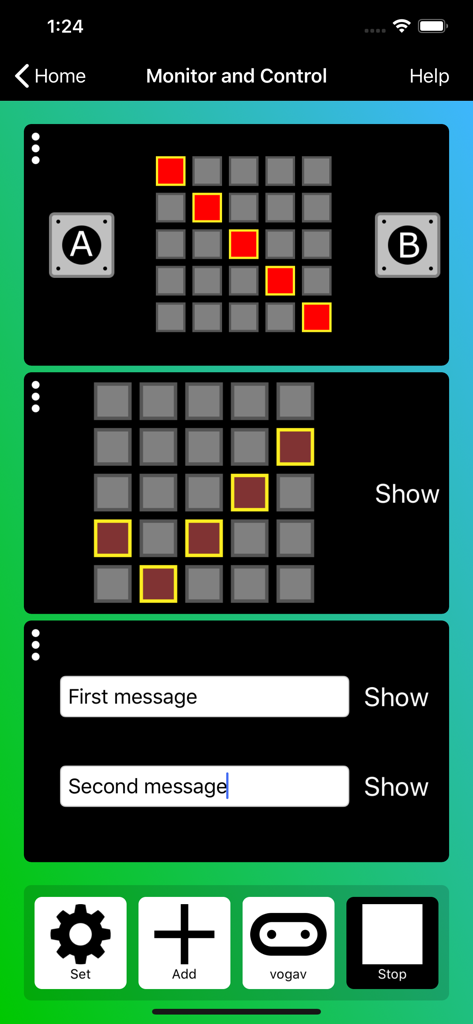
LED 매트릭스 및 메시지 제어 기능이 포함된 micro:bit 앱 모니터링 및 제어 인터페이스

LED 매트릭스 및 메시지 제어 기능이 포함된 micro:bit 앱 모니터링 및 제어 인터페이스

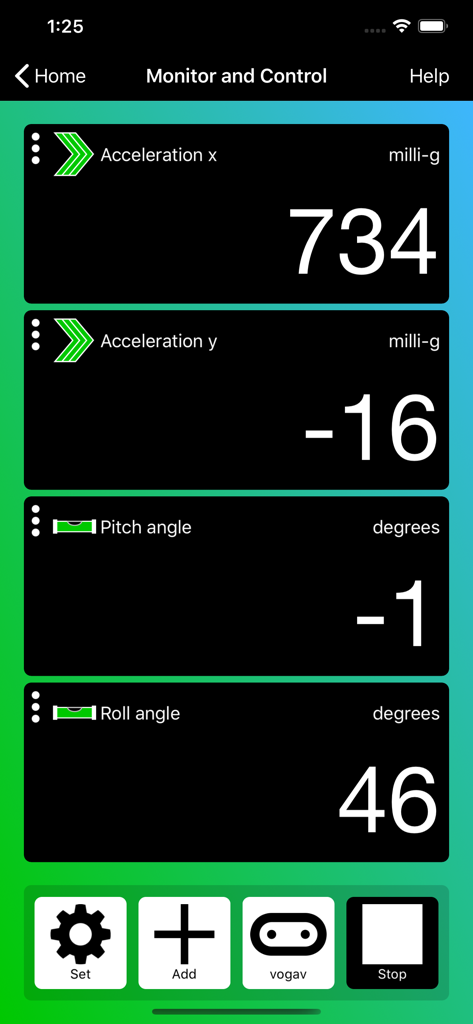
가속도 및 회전 실시간 센서 데이터를 표시하는 micro:bit 앱 모니터링 및 제어 인터페이스

가속도 및 회전 실시간 센서 데이터를 표시하는 micro:bit 앱 모니터링 및 제어 인터페이스

피지컬 코딩으로 창의력을 발휘하세요

이 앱을 돋보이게 하는 도구, 478K+ 명의 사용자가 선택.

무선 블루투스 플래싱

케이블 하나 없이 몇 초 만에 코드를 micro:bit로 전송하세요. 교실에서의 자유로운 활동과 이동 중 제작에 완벽합니다.

📊

실시간 모니터링 및 제어

센서 데이터를 실시간으로 시각화하고 iPhone 또는 iPad에서 직접 기기의 버튼 및 LED와 상호 작용하세요.

🧩

직관적인 블록 프로그래밍

내장된 Microsoft MakeCode 편집기로 STEM 기술을 익히세요. 익숙한 Scratch 스타일의 인터페이스에서 블록을 끌어다 놓아 복잡한 프로그램을 만드세요.

전 세계 사용자들에게 사랑받는 앱

Trusted by 478K+ 명이 이 앱을 사랑합니다.

"

"무선 블루투스 플래싱은 우리 교실의 판도를 완전히 바꾸어 놓았습니다! 더 이상 엉킨 USB 케이블이나 오래된 데스크톱의 포트 문제를 걱정할 필요가 없어요. 학생들은 학교 iPad를 사용하여 코딩하고 프로젝트가 즉시 구현되는 것을 보는 것을 정말 좋아합니다. 실시간 센서 모니터링 덕분에 데이터 과학 개념을 대화식으로 쉽고 이해하기 좋게 설명할 수 있게 되었습니다."

Sarah J., 중학교 STEM 교사
"

"이 앱으로 나만의 게임과 가젯을 만드는 게 너무 즐거워요! 소파에 앉아 쉬면서 휴대폰으로 코드를 작성하고 micro:bit로 전송할 수 있다는 게 정말 멋집니다. 게임패드 시뮬레이터는 제가 가장 좋아하는 기능인데, 제가 만든 DIY 로봇을 전문가처럼 무선으로 제어할 수 있게 해주거든요."

Leo, 12세 메이커

앱 소개

에 대해 알아야 할 모든 것 micro:bit.

설명

The micro:bit app is the essential companion to the BBC micro:bit, the pocket sized programmable computer. The app allows you to flash any micro:bit hex file to your device, as well as including online access to the Microsoft MakeCode editor for simple block-based programming. When your program is ready, the app beams it to the micro:bit via Bluetooth wirelessly. Easy-to-follow screens lead you through the process of pairing your iPad (or iPhone) to the micro:bit and then transferring your program code. Compared with previous versions, the micro:bit app Version 3.1 contains these additional features: • A simpler pairing and micro:bit discovery flow • The micro:bit V2 can be put into pairing mode by triple-tapping the reset button • Retrieval of the micro:bit data log files from off your micro:bit • Pair with any number of micro:bits • Choose which micro:bit is currently connected • Store HEX files in the app • Choose a HEX file for flashing • Export and delete HEX files • Import stored HEX files directly into JavaScript Blocks editor • Rapid download from JavaScript Blocks editor • Monitor data detected by micro:bit sensors • Use the range of micro:bit Bluetooth services in real time • Display messages on the micro:bit LEDs • Send control commands to the micro:bit buttons and pins • De-bug your program code while it is running in the micro:bit • Use a simulated gamepad to send commands to the micro:bit • View camera images ready for taking photos or video As well as providing more flexible handling of your program scripts and HEX files, a major addition in Version 3 is the Monitor and Control page. This lets you observe real-time data from the micro:bit sensors, send messages directly to the LEDs and control the micro:bit buttons and pins from your iPad or iPhone. Monitor is ideal for exploiting Bluetooth services in real time, and for de-bugging your program code while it is running in the micro:bit. The MakeCode code editor now requires iOS 13 or later.

최신 버전

3.1.1

크기

59.3 MB

출시일

2016년 3월 31일

코드를 현실로 만들 준비가 되셨나요?

iPad 또는 iPhone에 micro:bit 앱을 다운로드하고 Microsoft MakeCode를 사용하여 몇 초 만에 무선 프로젝트 제작을 시작하세요. 수천 명의 어린 메이커들과 함께 여러분의 아이디어를 오늘 바로 현실로 만들어 보세요.

다운로드: App Store다운로드: Google Play