Microsoft SharePoint

Microsoft SharePoint

다운로드: App Store다운로드: Google Play
Spark by MWM logo
로고: Microsoft SharePoint

Microsoft SharePoint: 지능형 모바일 인트라넷

어디서나 팀 및 파일과 연결된 상태를 유지하세요. 개인화된 뉴스, 회사 리소스, AI 기반 검색에 액세스하여 이동 중에도 생산성을 높일 수 있습니다.

개발사

Microsoft Corporation

카테고리

Productivity

다운로드

15M+

사용자 평점

4.5/5

총 평가 수

466K+

지원 언어

31

실제 작동 중인 워크플레이스

이 인터페이스를 사용하는 15M+ 명의 사용자.

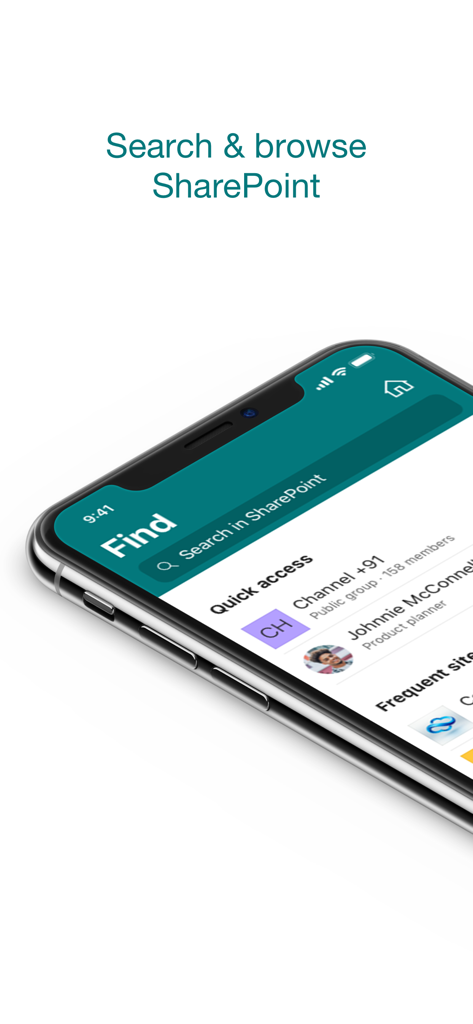
Microsoft SharePoint 모바일 앱 검색 및 브라우즈 인터페이스
Microsoft SharePoint 모바일 앱 검색 및 브라우즈 인터페이스

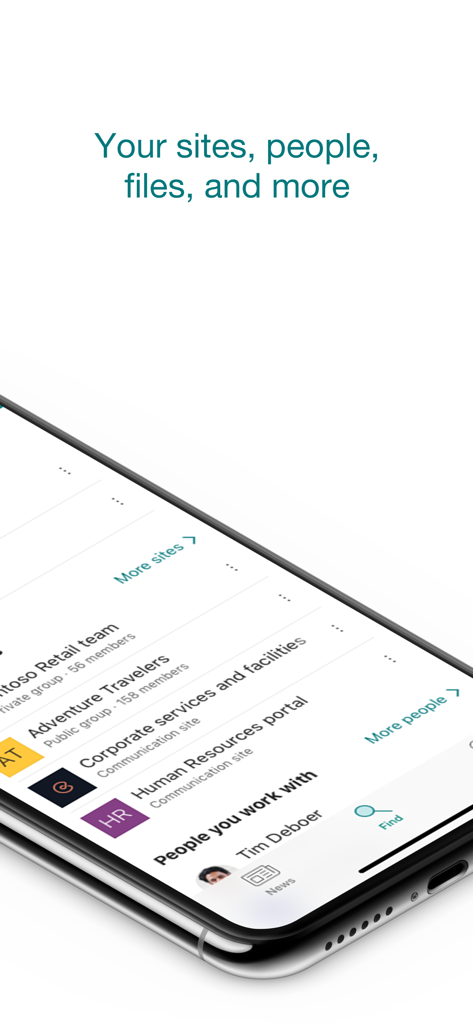
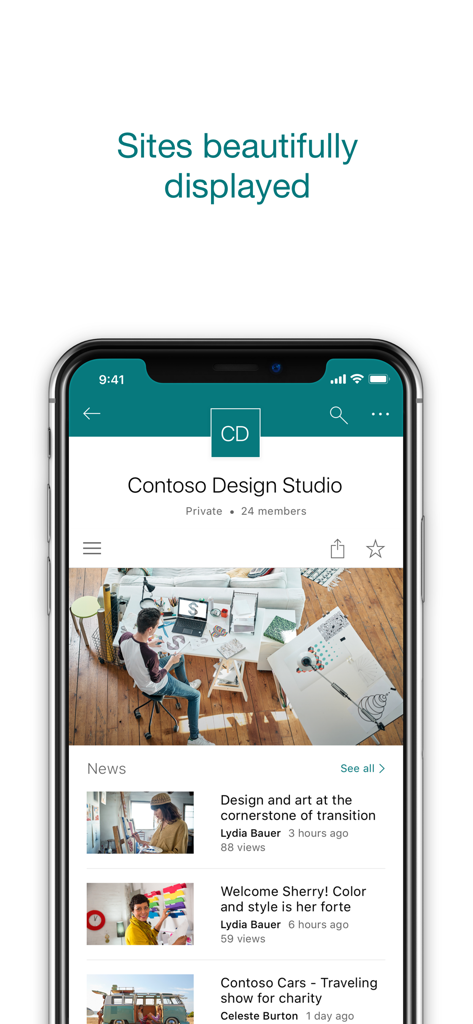
회사 사이트 및 전문 연락처 목록을 보여주는 Microsoft SharePoint 모바일 앱 인터페이스

회사 사이트 및 전문 연락처 목록을 보여주는 Microsoft SharePoint 모바일 앱 인터페이스

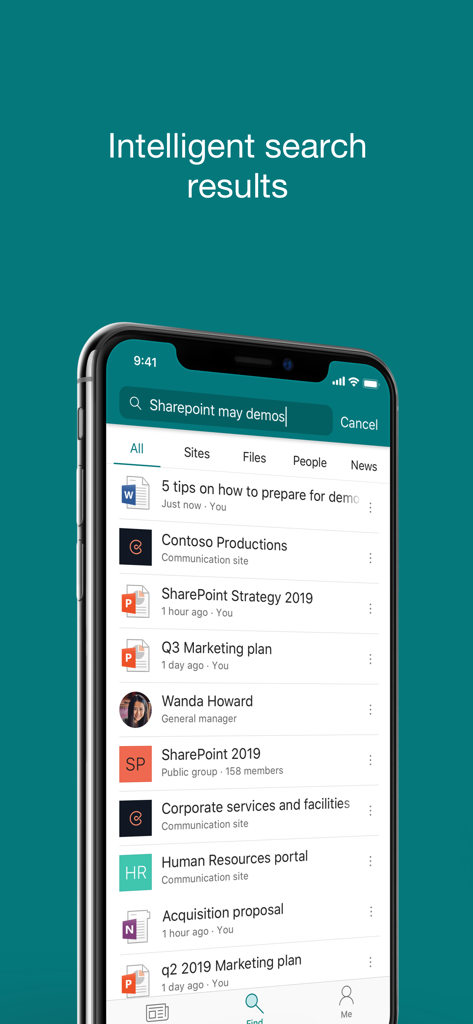
문서, 인물 및 회사 사이트에 대한 지능형 검색 결과를 표시하는 Microsoft SharePoint 모바일 앱 인터페이스

문서, 인물 및 회사 사이트에 대한 지능형 검색 결과를 표시하는 Microsoft SharePoint 모바일 앱 인터페이스

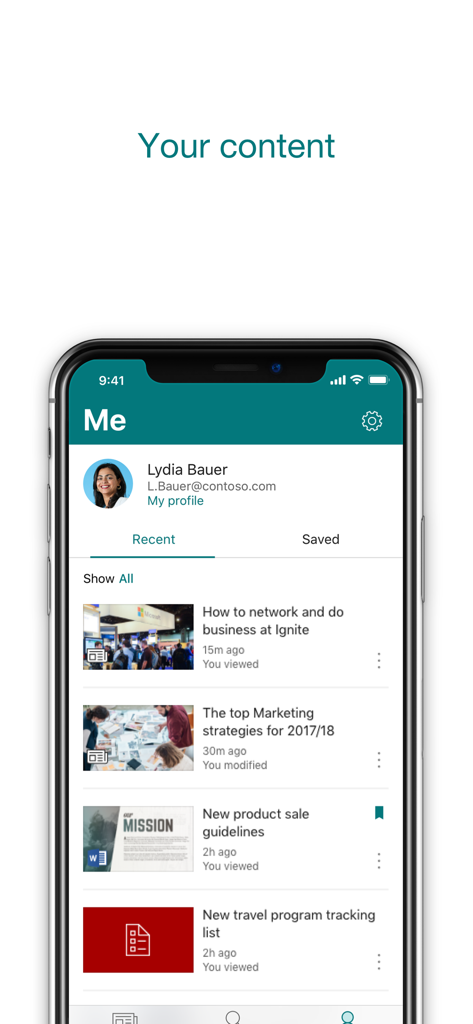
최근 파일 및 회사 뉴스 목록을 보여주는 Microsoft SharePoint 모바일 앱의 개인화된 사용자 프로필 화면

최근 파일 및 회사 뉴스 목록을 보여주는 Microsoft SharePoint 모바일 앱의 개인화된 사용자 프로필 화면

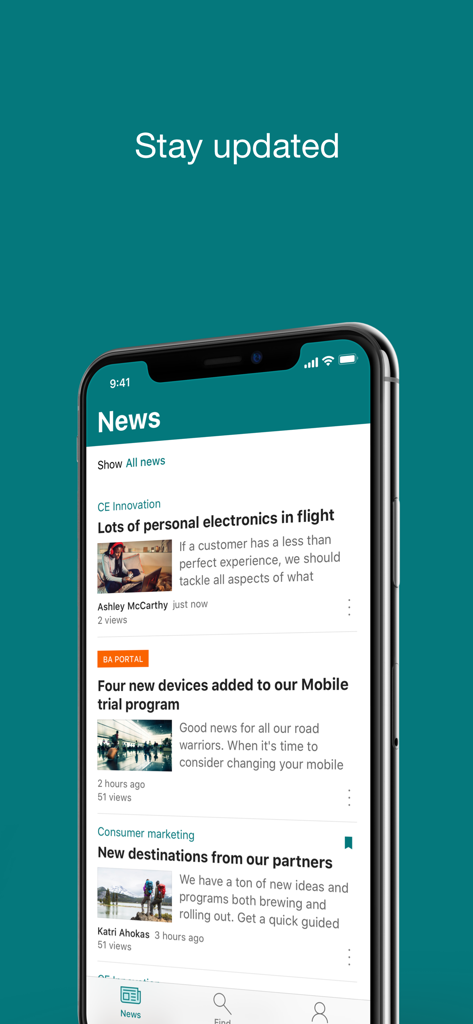
모바일 장치의 Microsoft SharePoint 뉴스 피드

모바일 장치의 Microsoft SharePoint 뉴스 피드

기업 기사가 포함된 팀 사이트 뉴스 피드를 표시하는 Microsoft SharePoint 앱 인터페이스

기업 기사가 포함된 팀 사이트 뉴스 피드를 표시하는 Microsoft SharePoint 앱 인터페이스

어디서나 생산성 강화

이 앱을 돋보이게 하는 도구, 15M+ 명의 사용자가 선택.

🔍

지능형 파일 검색

폴더를 뒤지는 일은 그만두세요. Microsoft AI가 현재 프로젝트와 협업을 기반으로 필요한 정확한 문서와 사이트를 찾아줍니다.

👥

손쉬운 전문 지식 활용

동료를 신속하게 찾고 연락하세요. 풍부한 프로필을 보고 팀 구조를 이해하며 동료가 무엇을 작업하고 있는지 최신 상태로 유지할 수 있습니다.

📢

실시간 기업 인사이트

흐름을 놓치지 마세요. 뉴스, 보고서, 상태 업데이트가 포함된 개인화된 피드에 액세스하거나 현장에서 직접 자신의 진행 상황을 공유할 수 있습니다.

전 세계 사용자들에게 사랑받는 앱

Trusted by 15M+ 명이 이 앱을 사랑합니다.

"

"AI 기반 검색은 제 업무 방식에 있어 완벽한 게임 체인저입니다. 고객 미팅을 위해 이동하는 동안 필요한 정확한 문서를 불러올 수 있어 많은 시간을 절약할 수 있었습니다. 앱이 제 프로젝트의 우선순위를 실제로 이해하고 있는 것 같아요."

사라 젠킨스(Sarah Jenkins), 시니어 프로젝트 매니저
"

"모바일 뉴스 기능 덕분에 하이브리드 팀의 참여를 유도하기가 훨씬 수월해졌습니다. 회사 이벤트의 빠른 업데이트와 사진을 즉시 공유할 수 있는 점이 마음에 듭니다. 또한 인물 검색 기능을 통해 부서 간 협업 시 이름과 얼굴을 대조하기가 매우 간단합니다."

마커스 첸(Marcus Chen), 기업 커뮤니케이션 리드

리뷰 분석

사용자 리뷰 인사이트.

감정 점수

33%
부정적

요약

The mobile app elicits strong negative feedback, largely due to severe login and stability issues, including frequent crashes, freezing, and persistent authentication problems, particularly affecting iOS and iPad users. Critical file management deficiencies are also common, with users reporting difficulties uploading, downloading, or reliably opening various documents. The user interface is widely criticized for being complex, unintuitive, and hard to navigate, with issues like broken buttons and inconsistent displays. Despite these significant drawbacks, some users recognize the app's potential for team collaboration, centralized information access, and secure document organization.

주요 테마

User Interface and Usability(13)
File Management and Access(12)
Login and Stability Issues(10)
Collaboration and Centralization(5)
Overall Positive Experience(5)
App Performance(3)

앱 소개

에 대해 알아야 할 모든 것 Microsoft SharePoint.

설명

Find files, news, sites and people - personalized for you and your organization. SharePoint infuses AI into the mobile app experience to keep you focused and productive while on the go. AI builds an understanding of what you work on, how you work, and how your colleagues' work relates to you. When you need expertise, content, or resources when you're on the go, SharePoint is a great place to start looking.   · Browse your sites, files, people and more to get back to what you were working on  · Use search to find and discover important content · Access your personalized view of team sites, communication sites, and news posts  · Tap on a user to get to their contact card and see who they work with and what they are working on · Create news posts on the go and share your updates, reports, status, and experiences with your team · Sign in to your SharePoint sites, whether they're in the cloud or on-premises. The app works with SharePoint Online and SharePoint Server versions 2013 and higher · Add multiple accounts, and easily switch between them   What people are saying:   The SharePoint mobile app has been featured in TechCrunch, The Verge, ZDNet, PCWorld and Computerworld.   Over 2 years of app store reviews: "making collaboration easier than ever!!""" "keeps me connected with my office documents and coworkers" "seamless integration with other Office apps" "it's so easy and simple to use!!"   Note: To sign in to SharePoint, your organization needs to have an Office 365 subscription that includes SharePoint Online or an on-premises SharePoint Server. This app is provided by Microsoft. Data provided through the use of this store and this app may be accessible to Microsoft and transferred to, stored, and processed in the United States or any other country where Microsoft or its affiliates maintain facilities.

최신 버전

4.55.2

크기

76.1 MB

출시일

2016년 6월 20일

업무를 수행하는 모든 곳의 지능형 인트라넷

연결성과 생산성을 유지하는 1,500만 명 이상의 전문가들과 함께하세요. 모바일 장치에서 바로 AI 기반 포커스를 통해 파일, 뉴스 및 팀 전문 지식에 액세스하십시오.

다운로드: App Store다운로드: Google Play
FAQ

자주 묻는 질문

에 대해 알아야 할 모든 것 Microsoft SharePoint

Microsoft SharePoint 모바일 앱은 무엇인가요?

Microsoft SharePoint 모바일 앱은 조직 전체의 파일, 뉴스, 사이트 및 사람을 찾는 것을 개인화합니다. 작업과 동료의 연결을 이해하여 생산성을 유지하도록 AI를 사용합니다.

Microsoft SharePoint 앱 내에서 콘텐츠를 검색할 수 있나요?

예, Microsoft SharePoint 앱에는 중요 콘텐츠를 찾고 검색하는 검색 기능이 포함되어 있습니다. 사이트, 파일, 사람 및 뉴스 전반에 걸쳐 검색할 수 있습니다.

Microsoft SharePoint 앱은 온-프레미스 서버를 지원하나요?

예, Microsoft SharePoint 앱은 SharePoint Online(클라우드) 및 온-프레미스 SharePoint Server 버전 2013 이상과 모두 함께 작동합니다. 사용자는 각 SharePoint 사이트에 로그인합니다.

Microsoft SharePoint 앱을 사용하여 뉴스 게시물을 만들 수 있나요?

예, Microsoft SharePoint 앱을 사용하여 이동 중에 뉴스 게시물을 만들 수 있습니다. 이를 통해 팀과 업데이트, 보고서, 상태 및 경험을 공유할 수 있습니다.

Microsoft SharePoint 앱에 로그인하기 위한 요구 사항은 무엇인가요?

Microsoft SharePoint 앱에 로그인하려면 조직에서 SharePoint Online 또는 온-프레미스 SharePoint Server가 포함된 Office 365 구독이 필요합니다.

앱에서 여러 SharePoint 계정을 관리할 수 있나요?

예, Microsoft SharePoint 앱을 사용하면 여러 계정을 추가하고 계정 간에 쉽게 전환할 수 있습니다. 이 기능은 다양한 조직의 요구 사항을 지원합니다.

Microsoft SharePoint 앱은 어떻게 콘텐츠를 개인화하나요?

Microsoft SharePoint 앱은 모바일 경험에 AI를 통합합니다. 사용자의 작업, 작업 방식, 동료의 작업이 사용자와 어떻게 관련되는지에 대한 이해를 구축하여 콘텐츠를 개인화합니다.

Microsoft SharePoint 앱에서 최근 및 저장된 콘텐츠를 볼 수 있나요?

예, Microsoft SharePoint 앱은 콘텐츠의 개인화된 보기를 제공합니다. 앱 내에서 "최근" 및 "저장됨" 항목에 대한 섹션에 액세스할 수 있습니다.

Microsoft SharePoint 앱을 통해 동료의 연락처 정보를 볼 수 있나요?

예, Microsoft SharePoint 앱에서 사용자를 탭하면 연락처 카드를 액세스할 수 있습니다. 또한 누가 누구와 함께 일하는지, 무엇을 하고 있는지 보여줍니다.

Microsoft SharePoint 앱이 미국 외부에서 데이터를 처리하나요?

예, Microsoft SharePoint 앱 사용을 통해 제공되는 데이터는 Microsoft에서 액세스하고 Microsoft 또는 그 계열사가 시설을 유지하는 미국 또는 기타 국가에서 전송, 저장 및 처리될 수 있습니다.