PDF Scanner-Document Scan App+

PDF Scanner-Document Scan App+

다운로드: App Store
Spark by MWM logo
로고: PDF Scanner-Document Scan App+
PDF 스캐너 - 문서 스캔 앱+: 스캔, 서명, 공유를 위한 강력한 모바일 오피스

문서를 손쉽게 디지털화하고, OCR로 텍스트를 추출하며, 전문가 수준의 전자 서명을 추가하세요. 바쁜 직장인과 학생이 언제 어디서든 정리되고 종이 없는 환경을 유지할 수 있는 최고의 도구입니다.

개발사

Smart Tool Studio

카테고리

Business

다운로드

35K+

사용자 평점

1.0/5

총 평가 수

0

지원 언어

10

주머니 속 당신의 오피스

이 인터페이스를 사용하는 35K+ 명의 사용자.

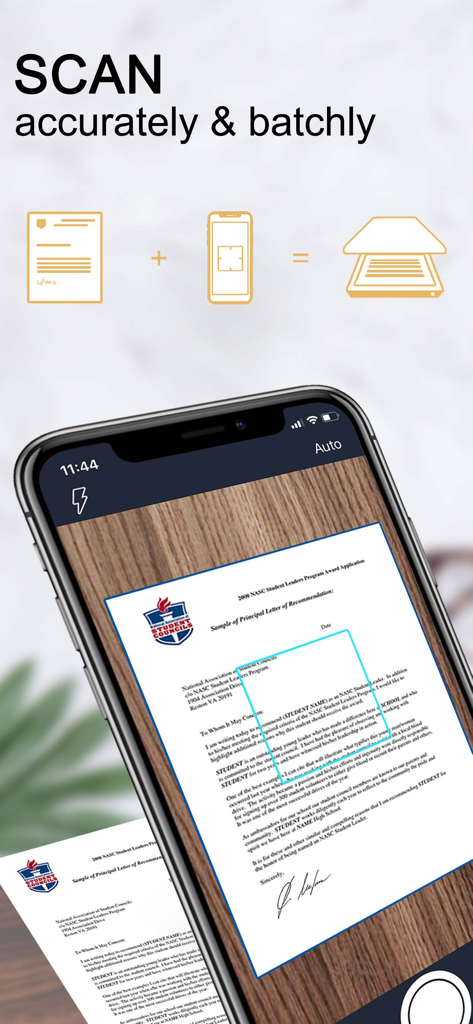
모바일 앱 인터페이스에서 자동 가장자리 감지를 통한 정확한 문서 스캔

모바일 앱 인터페이스에서 자동 가장자리 감지를 통한 정확한 문서 스캔

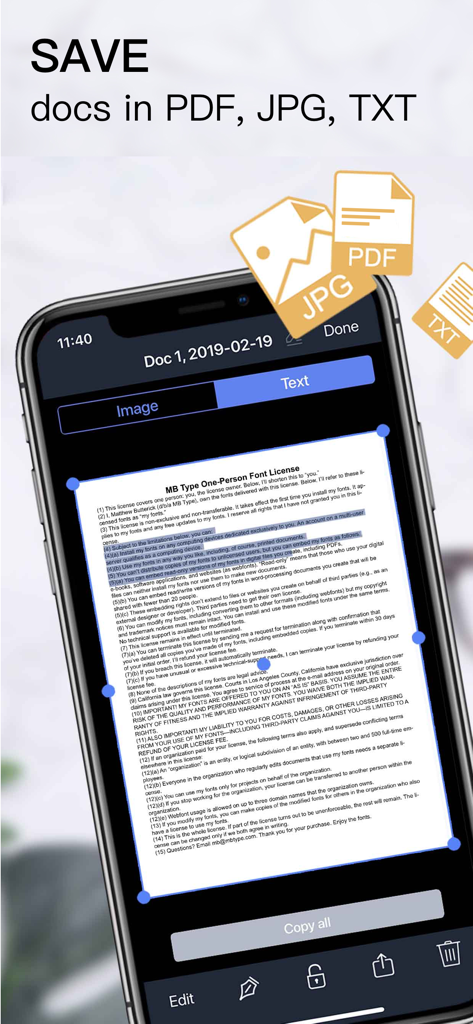
PDF JPG 또는 TXT로 저장 옵션이 있는 문서 스캔을 보여주는 스마트폰 화면

PDF JPG 또는 TXT로 저장 옵션이 있는 문서 스캔을 보여주는 스마트폰 화면

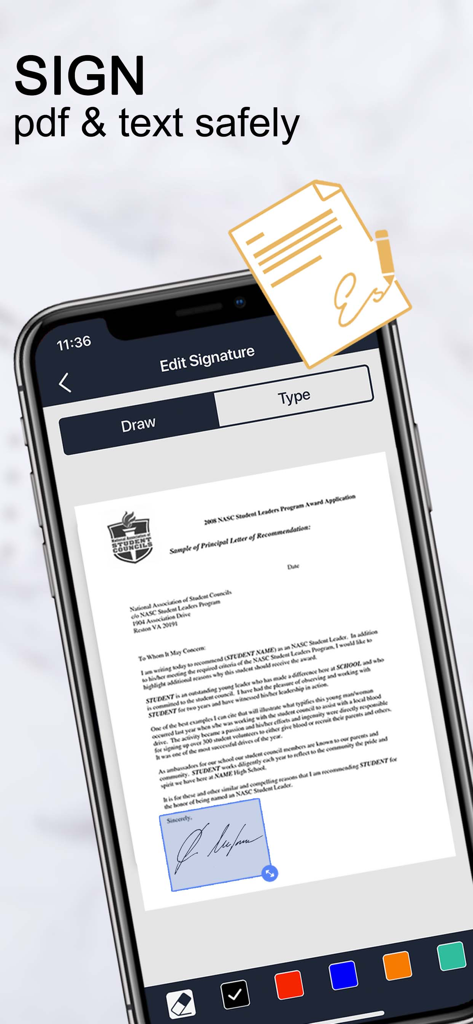
스캐너 앱 내 PDF 문서에 대한 디지털 서명 기능을 보여주는 iPhone 화면

스캐너 앱 내 PDF 문서에 대한 디지털 서명 기능을 보여주는 iPhone 화면

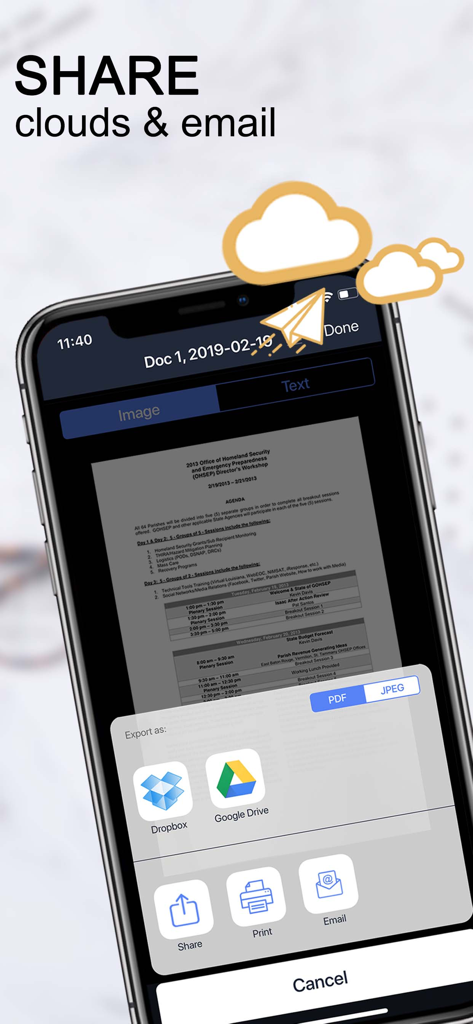
클라우드 스토리지 및 이메일로 내보내기 옵션을 보여주는 문서 스캔 앱 인터페이스

클라우드 스토리지 및 이메일로 내보내기 옵션을 보여주는 문서 스캔 앱 인터페이스

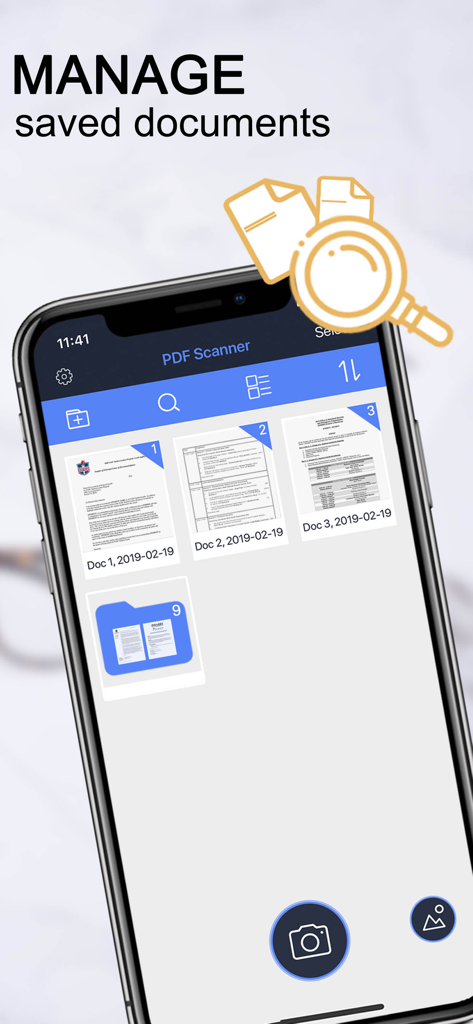
저장 및 관리된 문서 목록을 보여주는 PDF 스캐너 앱 인터페이스

저장 및 관리된 문서 목록을 보여주는 PDF 스캐너 앱 인터페이스

전체 오피스가 주머니 안에

이 앱을 돋보이게 하는 도구, 35K+ 명의 사용자가 선택.

📄

전문가 수준의 배치 스캔

자동 가장자리 감지 및 전문가 필터를 사용하여 영수증, 책, 계약서 더미를 선명한 PDF로 빠르게 변환하세요.

✍️

언제 어디서든 서명 및 편집

전자 서명을 문서에 즉시 추가하고 몇 초 안에 이메일, 팩스 또는 클라우드를 통해 전송하여 거래를 성사시키세요.

☁️

스마트 OCR 및 클라우드 동기화

OCR을 사용하여 이미지에서 텍스트를 자동으로 추출하고 Google Drive 또는 Dropbox에서 파일을 정리하고 안전하게 보관하세요.

전 세계 사용자들에게 사랑받는 앱

Trusted by 35K+ 명이 이 앱을 사랑합니다.

"

"항상 이동 중인 부동산 중개업자로서 이 앱은 정말 유용합니다. 계약서를 스캔하고, 전자 서명을 추가하고, 현장을 떠나기 전에 Google Drive에 업로드할 수 있습니다. 빠르고 전문적이며 가장자리 감지 기능은 항상 완벽합니다."

Sarah Jenkins
"

"OCR 기능은 제 공부에 판도를 바꾸는 기능입니다. 도서관의 인쇄 자료를 휴대폰에서 바로 편집 가능한 텍스트로 즉시 변환할 수 있습니다. 또한 폴더 잠금 기능 덕분에 개인 문서와 인증서가 안전하다는 사실에 안심할 수 있습니다."

Marcus Thorne

앱 소개

에 대해 알아야 할 모든 것 PDF Scanner-Document Scan App+.

설명

“Scanner APP” is the best handy scanner app that turns your iPhone into a powerful mobile scanner. Fast & Easy to scan, sign, share any document in PDF,JPEG,PNG or TXT format anywhere and anytime. It will be an indispensable tool in your work and personal life, with the document scanner you can scan anything such as passport, business card, certification, contract, invoice, note, etc. Scanner APP turn your iPhone into a powerful scannable tool and a functional pdf reader. Meanwhile, multiple editing feature including e-signature ensure your doc more professional! you can edit and e-sign the scanned document as you need and email, fax, print or save it to cloud eventually. Not only as a PDF converter can it scan photo to PDF , But also as a text scanner it allows to turn an image to text with OCR(optical character recognition) feature. It helps you quickly convert image to text, recognize text or copy text from pictures. Scanner APP support full iOS 14 and iPhone XR / XS / XS Max / 11 / 11 Pro. Say goodbye to heavy paper documents and get a professional portable PDF scanner now! Scanner APP provides you more features than Scanner for me and other apps. Scanner APP Main Function: Scan Whatever U Want: - Photo - Book & Note - Passport & Name card - Certification & Contract, etc. Document Scanner: -Batch Scan -Scan document into PDF or JPEG -Save the scanned image as black and white or other filter -Automatic and correct edge detection for any scannable object Document Editor: -Crop , Larger, Narrow, whirl image and saved -Add a signature on your scanned documents -Lock the scanned document -Text recognition (OCR) -Share & printer saved documents Document Sharing: - Share your scanned documents by email - Save as JPEG to Camera Roll - Share and upload documents to Dropbox - Share and upload documents to Google Drive File Manager: - Create folder, move or copy documents - Folder Lock - Batch share or delete - Search documents by any keyword you want - Sort documents by name created date, or size - Choose between table and collection view modes “Scanner APP” your portable scanner, view and manage your files anytime, anywhere, and meet your daily business and life needs. GOT ANY QUESTIONS, FEEL FREE TO EMAIL: Please email us at mobileusercontact@gmail.com and we’ll help you figure it out. Privacy Policy: http://adpdf.mobilestudio.cc/policy.html Terms of Use: http://adpdf.mobilestudio.cc/terms.html

최신 버전

1.0.3

크기

45.5 MB

출시일

2020년 11월 17일

아이폰을 고성능 모바일 오피스로 전환할 준비가 되셨나요?

이미 35,000명 이상의 전문가들이 몇 초 안에 문서를 스캔, 전자 서명, 정리하고 있습니다. 지금 다운로드하고 빠르고 종이 없는 워크플로우를 향한 여정을 시작하세요.

다운로드: App Store