PDFChef: photo to PDF scanner

PDFChef: photo to PDF scanner

다운로드: App Store
Spark by MWM logo
로고: PDFChef: photo to PDF scanner
PDFChef: 전문가용 모바일 스캐너 및 PDF 편집기

iPhone을 강력한 포켓 오피스로 만드세요. 고품질 문서를 스캔하고, 전자 서명을 추가하고, 언제 어디서든 몇 초 안에 PDF를 편집하세요.

다운로드: App Store

개발사

Movavi Emea LLC

카테고리

Business

다운로드

152K+

사용자 평점

4.6/5

총 평가 수

600

지원 언어

7

한눈에 보는 모바일 오피스

이 인터페이스를 사용하는 152K+ 명의 사용자.

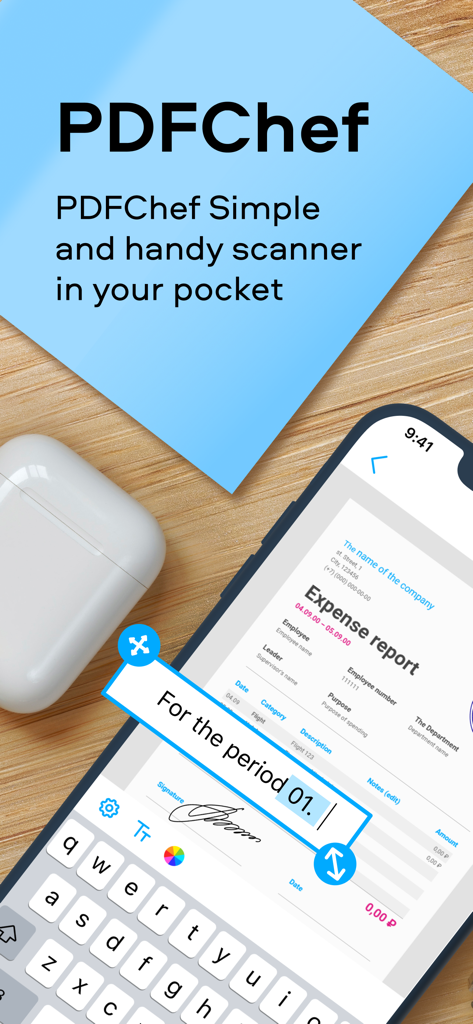
PDFChef 모바일 앱 인터페이스로 전자 서명이 포함된 경비 보고서 스캔 및 편집

PDFChef 모바일 앱 인터페이스로 전자 서명이 포함된 경비 보고서 스캔 및 편집

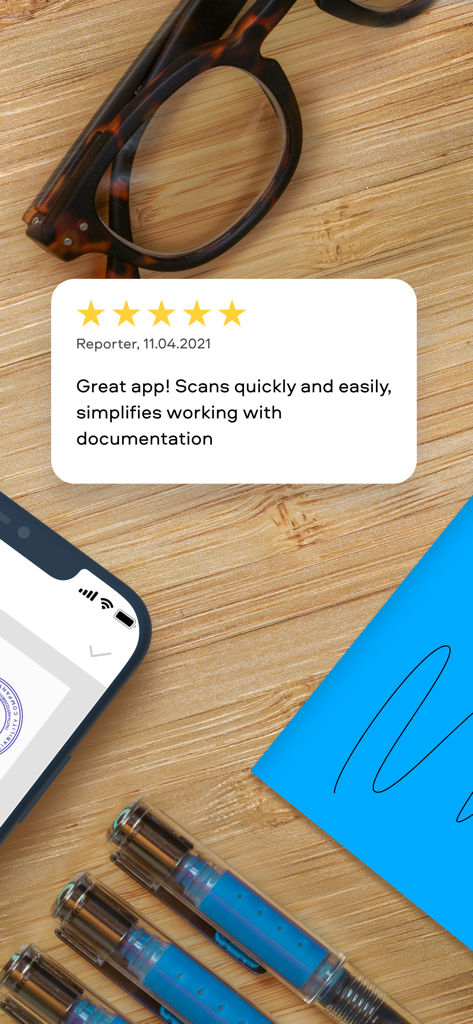
전문적인 책상 배경에 표시된 PDFChef 스캐너 앱에 대한 별 5개 고객 리뷰

전문적인 책상 배경에 표시된 PDFChef 스캐너 앱에 대한 별 5개 고객 리뷰

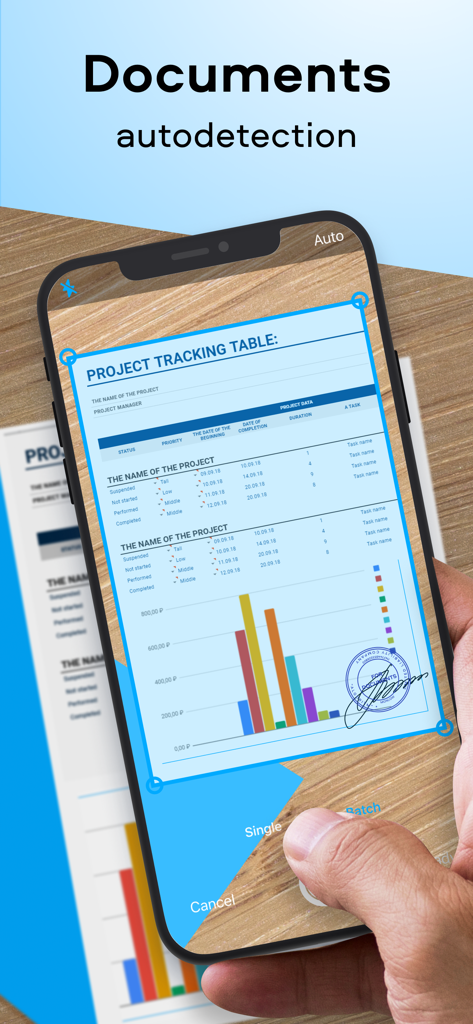
PDFChef 앱에서 자동 가장자리 감지를 사용하여 비즈니스 문서 스캔 중인 iPhone 사용자

PDFChef 앱에서 자동 가장자리 감지를 사용하여 비즈니스 문서 스캔 중인 iPhone 사용자

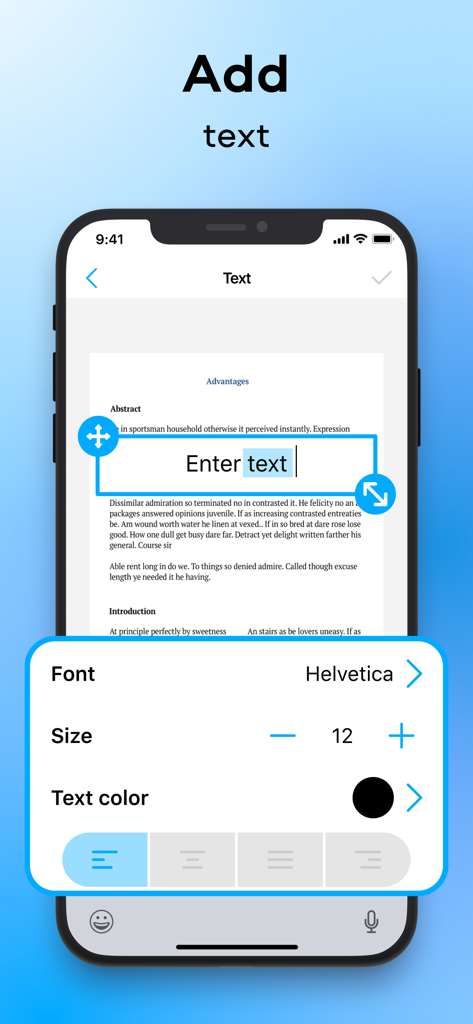
PDFChef를 사용하여 스캔된 문서에 텍스트를 추가하고 서식을 지정하는 방법을 보여주는 모바일 앱 인터페이스

PDFChef를 사용하여 스캔된 문서에 텍스트를 추가하고 서식을 지정하는 방법을 보여주는 모바일 앱 인터페이스

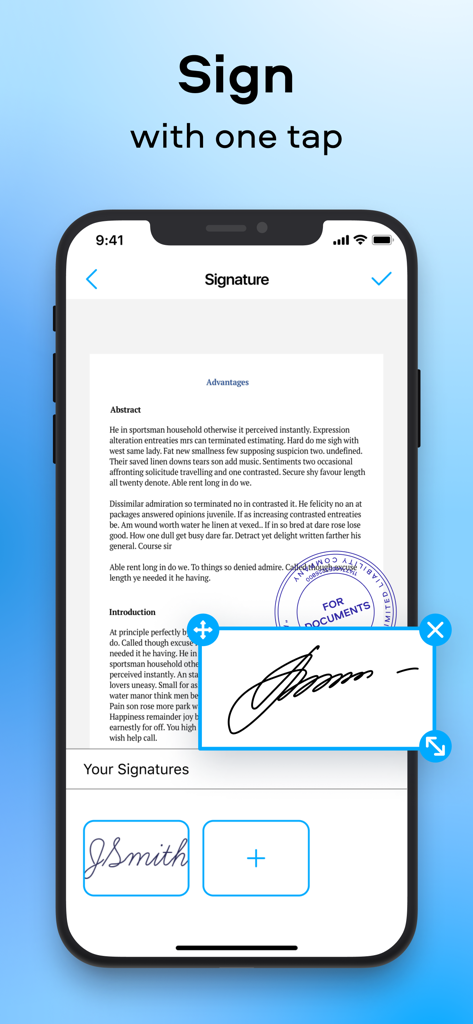
모바일 기기에서 PDF 문서에 서명하는 방법을 보여주는 PDFChef 앱 인터페이스

모바일 기기에서 PDF 문서에 서명하는 방법을 보여주는 PDFChef 앱 인터페이스

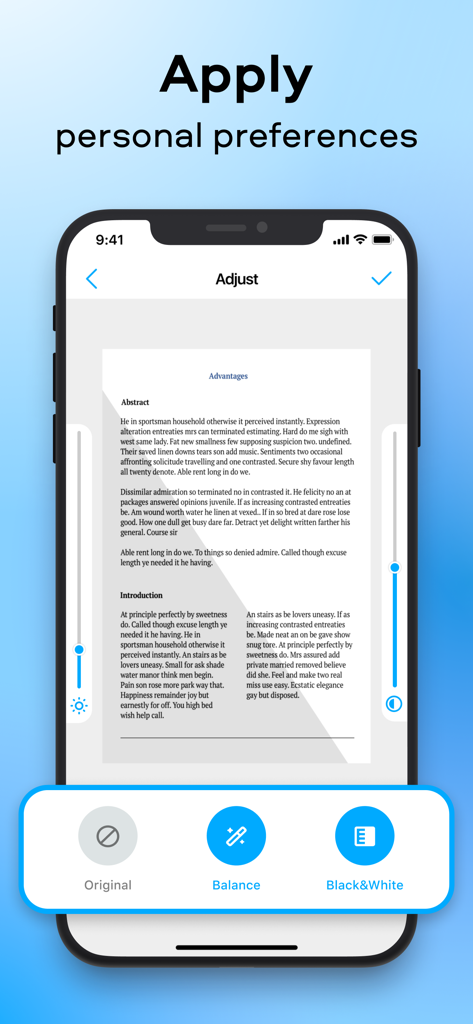
밝기 및 대비 슬라이더와 균형 및 흑백과 같은 필터가 있는 문서 조정 도구를 보여주는 PDFChef 앱 인터페이스

밝기 및 대비 슬라이더와 균형 및 흑백과 같은 필터가 있는 문서 조정 도구를 보여주는 PDFChef 앱 인터페이스

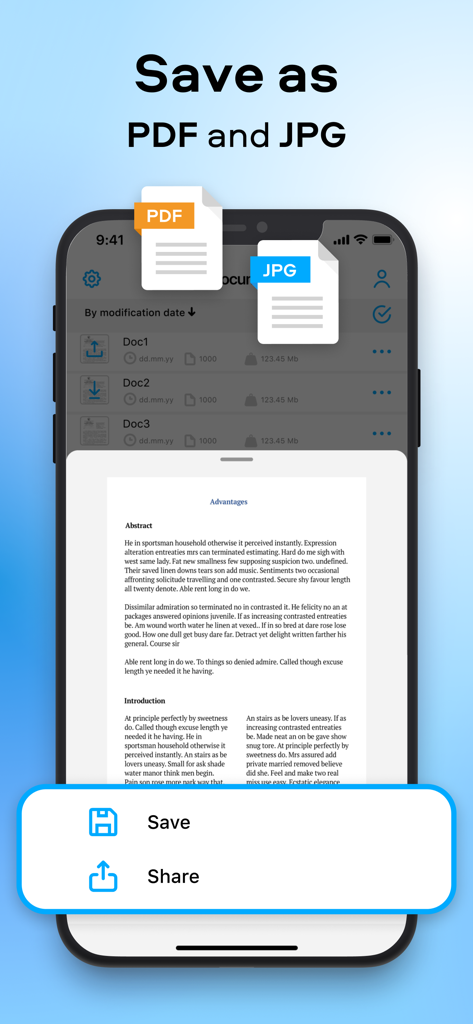
PDF 및 JPG 형식에 대한 문서 저장 옵션을 보여주는 PDFChef 모바일 앱 인터페이스

PDF 및 JPG 형식에 대한 문서 저장 옵션을 보여주는 PDFChef 모바일 앱 인터페이스

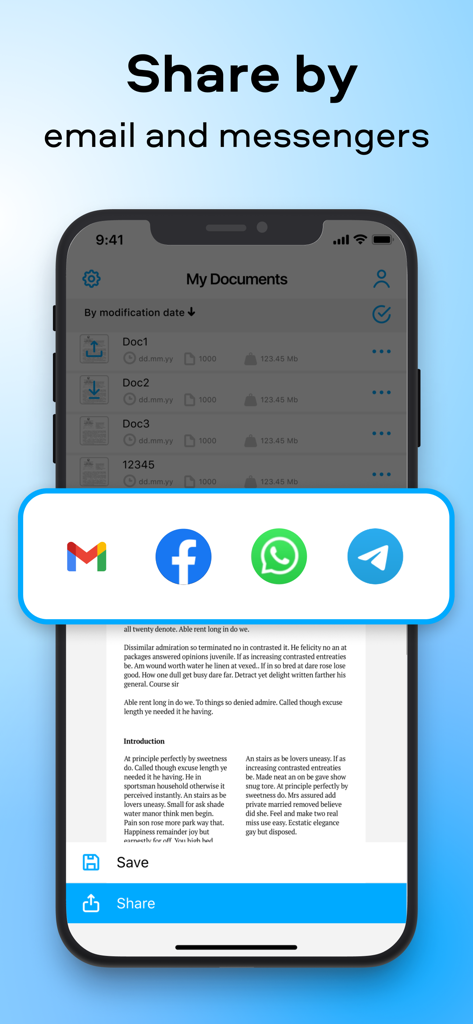
이메일 및 메신저 앱을 통해 스캔된 문서를 공유하는 옵션을 보여주는 PDFChef 모바일 앱

이메일 및 메신저 앱을 통해 스캔된 문서를 공유하는 옵션을 보여주는 PDFChef 모바일 앱

이동 중에도 전문가용 문서 스튜디오

이 앱을 돋보이게 하는 도구, 152K+ 명의 사용자가 선택.

📄

고화질 디지털 스캔

스마트 자르기와 자동 품질 조정으로 선명한 스캔을 캡처하여 문서가 항상 전문적으로 보이도록 합니다.

✍️

데스크톱 수준의 PDF 편집

브랜드 무결성을 유지하기 위해 기기에서 직접 텍스트를 추가하고, 회사 로고를 삽입하고, 사용자 지정 워터마크 또는 스탬프를 적용하세요.

🖋️

즉시 서명 및 공유

보안 전자 서명을 적용하고 완성된 문서를 이메일이나 Slack을 통해 발송하여 어디에 있든 비즈니스를 계속 진행하세요.

전 세계 사용자들에게 사랑받는 앱

Trusted by 152K+ 명이 이 앱을 사랑합니다.

"

"PDFChef는 제 부동산 사업에 생명줄입니다. 여러 페이지 계약서를 스캔하고, 전자 서명을 적용하고, 부동산을 떠나기도 전에 고객에게 보낼 수 있습니다. 빠르고 전문적이며 사용하기 매우 쉽습니다."

Sarah Jenkins, Realtor
"

"프리랜서 컨설턴트로서 제 문서는 깔끔해야 합니다. 이 앱은 제 휴대폰을 고가의 스캐너로 바꿔주며, 워터마킹부터 텍스트 편집까지 모든 것을 처리합니다. 제 덩치 큰 데스크톱 스캐너를 완전히 대체했습니다."

Marcus Thorne

앱 소개

에 대해 알아야 할 모든 것 PDFChef: photo to PDF scanner.

설명

PDFChef Scanner is the ultimate document scanner for iOS devices. The app has everything you need to digitize paperwork on the go. Scan documents on your iPhone or iPad, turn them into editable PDFs, add text, and apply your signature. Share completed documents with colleagues and associates via email or IM. A concise and intuitive UI of the app saves you time figuring out the interface and lets you instantly find whatever option you need. SCAN. With the PDFChef Scanner app, you can scan documents in high quality and adjust the scan area (cropping frame) as needed. TURN INTO PDFS. Turn scanned paper documents into full-fledged editable PDF files for easier document management. EDIT. Add text to the digital copy of your document, insert and format graphic objects, including logos, watermarks, and stamps. Apply an electronic signature. SAVE AND SHARE. Save any changes in just two clicks. Share your perfected documents with others so that they can view or edit your work. If you’re looking for a fast and efficient document scanning solution, PDFChef Scanner is just what you need. This app transforms your device into a pocket document scanner. Subscription for the Premium Version includes: - unlimited number of scans - new feature releases for free - higher-priority technical support Subscriptions will be charged to your iTunes account as soon as the purchase is confirmed. Any unused portion of a free trial period will be also forfeited once a subscription is purchased. Subscriptions are billed monthly or annually at the rate selected depending on the subscription plan. Subscriptions will renew automatically within 24 hours of the end of the current subscription period. Subscriptions will renew automatically unless auto-renew is turned off at least 24 hours prior to the end of the current billing period. You can manage subscriptions and turn off the auto-renewal by going to Account Settings. Purchase the Premium Version and you get an unlimited number of scanning and editing operations and free access to new feature releases.  The purchase is billed once and does not expire after a specific time period – see the Movavi privacy policy https://www.movavi.com/privacy.html, terms of service https://www.movavi.com/tos.html.

최신 버전

2.0.4

크기

25.1 MB

출시일

2020년 4월 10일

사무실을 어디든 가지고 갈 준비가 되셨나요?

매달 150,000명 이상의 전문가들과 함께 몇 초 만에 깔끔한 문서를 스캔, 서명, 공유하세요. 지금 PDFChef를 다운로드하고 워크플로우를 간소화하세요.

다운로드: App Store