Sibelius

Sibelius

다운로드: App Store다운로드: Google Play
Spark by MWM logo
로고: Sibelius

Sibelius: 영감이 떠오르는 곳 어디든 전문 음악 악보

업계 표준 악보 도구 세트를 iPad 및 iPhone으로 가져오세요. Apple Pencil의 정밀도와 스튜디오에서 무대까지 끊김 없는 클라우드 동기화를 통해 악보를 완벽하게 작곡, 편집 및 검토하세요.

다운로드: App Store

개발사

Avid Technology Inc

카테고리

Music

다운로드

631K+

사용자 평점

4.3/5

총 평가 수

9K+

지원 언어

9

마에스트로의 시점

이 인터페이스를 사용하는 631K+ 명의 사용자.

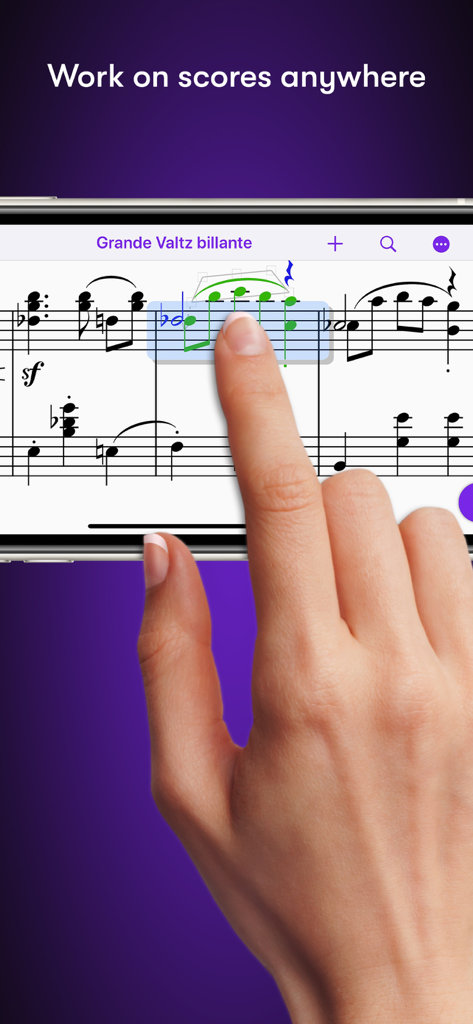
스마트폰에서 Sibelius 앱을 사용하여 음악 악보를 편집하는 손

스마트폰에서 Sibelius 앱을 사용하여 음악 악보를 편집하는 손

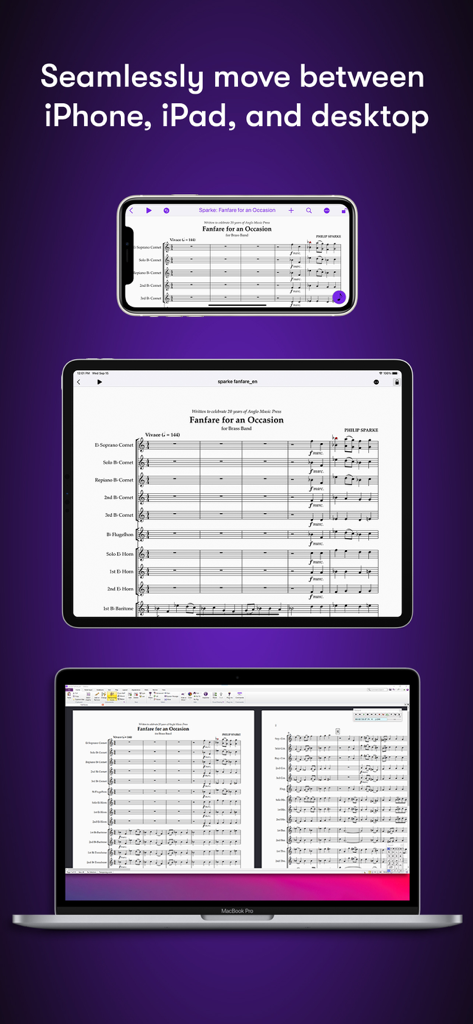
iPhone, iPad 및 MacBook 데스크톱에 표시되는 Sibelius 음악 악보

iPhone, iPad 및 MacBook 데스크톱에 표시되는 Sibelius 음악 악보

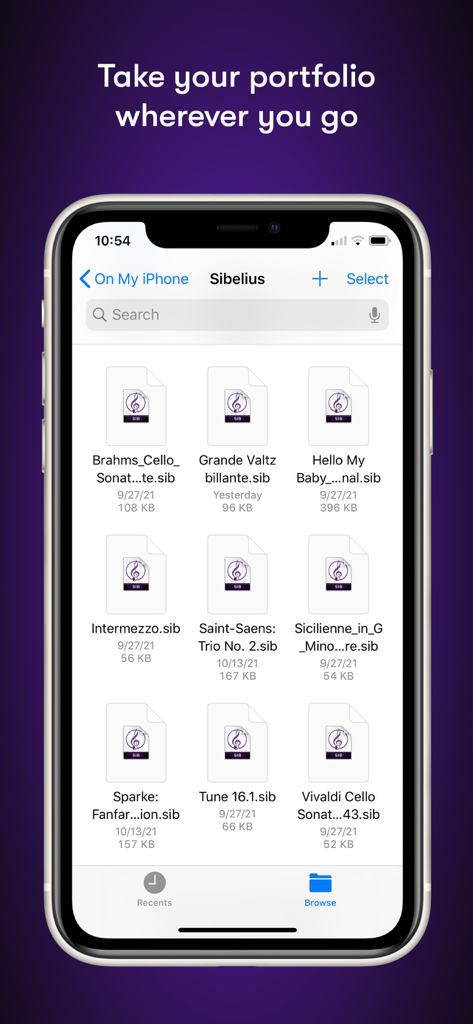
iPhone에서 음악 악보 프로젝트 목록을 보여주는 Sibelius 모바일 앱 파일 관리자

iPhone에서 음악 악보 프로젝트 목록을 보여주는 Sibelius 모바일 앱 파일 관리자

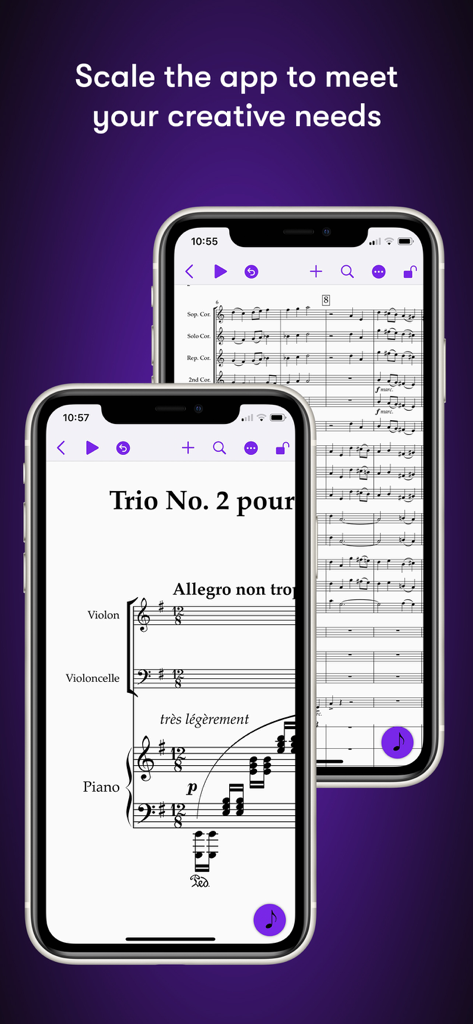
iPhone 화면에서 음악 악보를 표시하는 Sibelius 모바일 앱

iPhone 화면에서 음악 악보를 표시하는 Sibelius 모바일 앱

제한 없는 전문 악보

이 앱을 돋보이게 하는 도구, 631K+ 명의 사용자가 선택.

🌍

언제 어디서든 작곡

완벽한 모바일-데스크톱 워크플로우를 통해 세계 최고의 악보 소프트웨어를 스튜디오에서 커피숍으로 가져가세요.

✏️

직관적인 터치 및 펜 입력

펜과 종이 경험을 재현하세요. Apple Pencil 제스처를 사용하여 더할 나위 없이 정밀하게 음표를 기울이고, 탭하고, 드래그하여 배치하세요.

🎧

비전을 상세하게 들어보세요

고품질 샘플 라이브러리와 인간적인 재생을 통해 악보를 검토하고 다듬어 편곡의 모든 뉘앙스를 포착하세요.

전 세계 사용자들에게 사랑받는 앱

Trusted by 631K+ 명이 이 앱을 사랑합니다.

"

"영화 오케스트레이터로서 작은 수정 작업조차 스튜디오 책상에 묶여 있어야 했습니다. 이제 스코어링 스테이지에서 iPad와 Apple Pencil로 직접 마지막 순간의 변경을 처리할 수 있습니다. 워크플로우는 완벽합니다. Mac에서 태블릿으로 프로젝트를 옮기는 것은 마법과 같고, 음표 입력의 정밀도는 전문적인 등급의 악보에 필요한 것입니다."

Marcus Thorne
"

"모바일용 Sibelius는 제 학습 방식을 완전히 바꿔 놓았습니다. 통근 중에 멜로디를 포착하고 도서관에서 전체 편곡을 완성할 수 있습니다. 태블릿에서의 음악 악보가 타협처럼 느껴지지 않은 것은 이번이 처음입니다. Apple Pencil 통합으로 작성이 마치 펜과 종이처럼 자연스럽게 느껴지지만, 업계 최고의 소프트웨어의 모든 강력한 기능을 갖추고 있습니다."

Elena Rodriguez

앱 소개

에 대해 알아야 할 모든 것 Sibelius.

설명

Sibelius brings professional music notation to iPad and iPhone, putting the workflows used by countless composers, orchestrators, and arrangers at your fingertips. Seamlessly move between iPad, iPhone and desktop, and from studio to coffeeshop to scoring stage, and write anywhere inspiration strikes. # Work on scores anywhere Sibelius for mobile puts the #1 selling music notation program at your fingertips—literally. Work with the same tools and features used by countless composers and production houses every day on your iPad and iPhone. Whether writing down ideas, creating full-blown compositions, or reviewing scores, you have the freedom to create wherever you’re comfortable. #Take your portfolio to go Forget having to bring and break out your laptop when meeting with clients and collaborators. Instead, you can conveniently take the world’s most powerful notation toolset and your entire music portfolio with you wherever you go—ideal for those unexpected opportunities. And for tandemly working through last-minute revisions. # Hear your music in stunning detail Sibelius includes a high-quality sample library filled with a variety of musical instrumentation, so you can hear what your music will sound like when performed by real musicians. The Espressivo advanced notation interpretation even lets you adjust rhythm and swing to create a more humanistic feel. # Speed your workflow Sibelius for mobile is designed to take full advantage of Apple Pencil and iPad touch capabilities. Its elegant, streamlined interface provides the most intuitive and efficient workflows possible while supporting the same keyboard shortcuts you know and love from working on the desktop version, so you’ll feel right at home. # Get innovative note entry Experience the pen and paper workflow reimagined. Enter notes with the onscreen Keypad or a keyboard, and Sibelius takes care of all note layout. Touch a note and drag up or down to change its value, or drag left or right to add a flat or sharp. With an Apple Pencil, tap a note and tilt up or down to add a flat or sharp, or tilt left or right to choose the note value. # Have everything you need In addition to the Keypad, Sibelius for mobile features a Create menu that’s optimized for iOS, making it easy to add clefs, key signatures, time signatures, barlines, symbols, text styles, and more to your score from searchable galleries. You can also quickly search through all Sibelius commands using the Command Search, putting the entire app at your fingertips. # Move tiers to meet needs Sibelius is designed to grow with you to support your creative aspirations and project needs. From the introductory (and free) Sibelius First to the industry-standard Sibelius Ultimate, you can add more notation capabilities and instrument parts to take on more creative opportunities by simply upgrading your subscription tier. # Have everything on one creative platform Seamlessly move from desktop to tablet and back without ever having to import or export files. That’s because whether on mobile or desktop, you’re always in Sibelius. With files saved to iCloud, Dropbox, Google Drive, or other iOS-supported cloud service, you have easy anywhere access to all your ideas and scores. # Enable a hybrid workflow While Sibelius for mobile is fully featured, providing many of the same tools as its desktop counterpart, there are some notation and layout features only available in the desktop version, making it an integral part of a complete workflow (compare versions). Plus, the mobile version comes free with the desktop version, enabling you to work where and how you want.

최신 버전

2025.12.1

크기

1.4 GB

출시일

2021년 7월 29일

어디서든 다음 걸작을 쓰세요

세계 최고의 작곡가 및 오케스트레이터와 함께하세요. iPad 또는 iPhone에 Sibelius를 다운로드하고 영감이 떠오르는 곳 어디든 업계 표준 악보 도구를 가져가세요.

다운로드: App Store다운로드: Google Play
FAQ

자주 묻는 질문

에 대해 알아야 할 모든 것 Sibelius

Sibelius란 무엇인가요?

Sibelius는 iPad, iPhone 및 데스크톱용 전문가용 악보 작성 애플리케이션입니다. 작곡가, 편곡가, 편곡가를 위한 워크플로우를 제공하여 이동 중에도 악보 생성 및 검토가 가능합니다.

iPad 및 iPhone에서 Sibelius를 사용할 수 있나요?

예, Sibelius는 iPad 및 iPhone용으로 제공되어 모바일 및 데스크톱 장치 간의 원활한 이동이 가능합니다. 이를 통해 사용자는 어디서든 악보 및 작곡 작업을 할 수 있습니다.

모바일용 Sibelius는 데스크톱 버전과 동일한 기능을 제공하나요?

모바일용 Sibelius는 데스크톱 버전과 동일한 도구를 많이 제공하여 완전한 기능을 갖춘 경험을 제공합니다. 일부 고급 악보 작성 및 레이아웃 기능은 완전한 워크플로우를 위해 데스크톱 버전에서만 제공됩니다.

Sibelius는 모바일 장치에서 혁신적인 음표 입력을 어떻게 지원하나요?

Sibelius는 화면 키패드 또는 키보드를 통해 혁신적인 음표 입력을 제공합니다. 사용자는 드래그하여 음표 값을 변경하거나 Apple Pencil을 기울여 플랫/샵을 추가하여 펜과 종이 워크플로우를 재창조할 수 있습니다.

Sibelius의 구독 옵션은 무엇인가요?

Sibelius는 무료 Sibelius First와 업계 표준인 Sibelius Ultimate를 포함한 다양한 구독 등급을 제공합니다. 사용자는 필요에 따라 구독을 업그레이드하여 더 많은 악보 작성 기능과 악기 파트에 액세스할 수 있습니다.

다른 장치에서 Sibelius 악보에 액세스할 수 있나요?

예, Sibelius를 사용하면 데스크톱, iPad, iPhone 간에 악보를 원활하게 이동할 수 있습니다. iCloud, Dropbox, Google Drive 또는 기타 iOS 지원 클라우드 서비스에 저장된 파일은 어디서든 쉽게 액세스할 수 있습니다.

Sibelius에는 음악 재생을 위한 샘플 라이브러리가 포함되어 있나요?

예, Sibelius에는 다양한 악기가 포함된 고품질 샘플 라이브러리가 포함되어 있습니다. 이를 통해 사용자는 자신의 음악이 실제 음악가에 의해 연주될 때 어떻게 들릴지 알 수 있어 창의적인 프로세스를 향상시킬 수 있습니다.