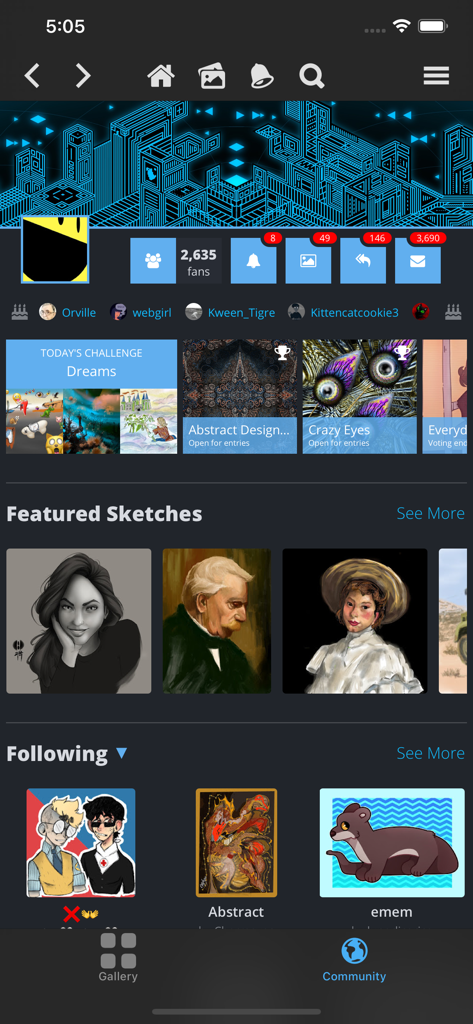
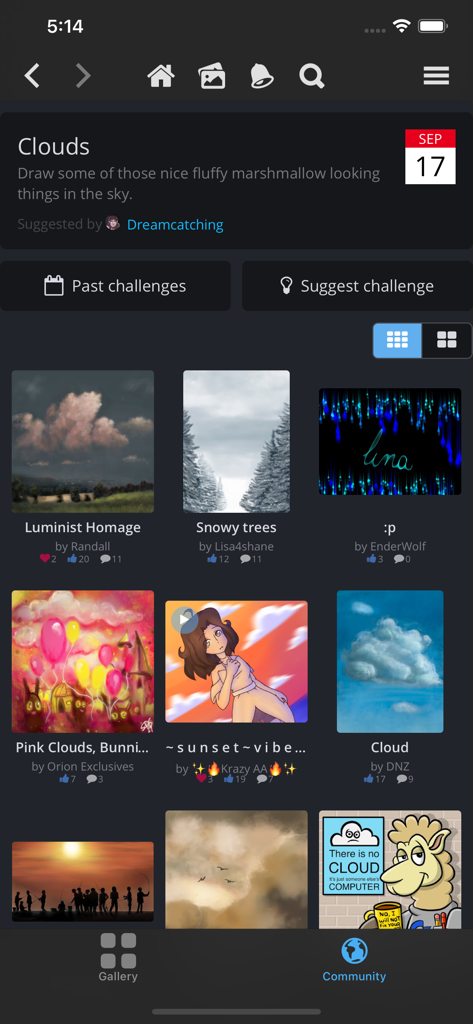
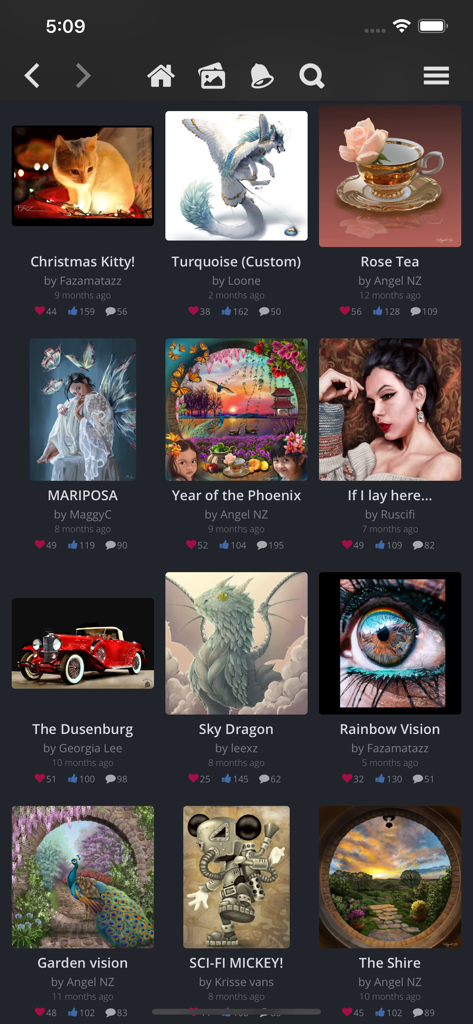
SketchClub not only gives you fantastic tools to sketch, draw, doodle, paint, and edit photos but also helps motivate you to keep creating! Check out the community where there’s a new drawing challenge every day, along with regular competitions and even co-ops where you can pick up where another artist left off. Don’t sketch alone, join us today!
CORE FEATURES
• Brush, Blur, Eraser, Fill, Pen, Pixels, Procedural, Select, Smudge, Text, and Vector tools
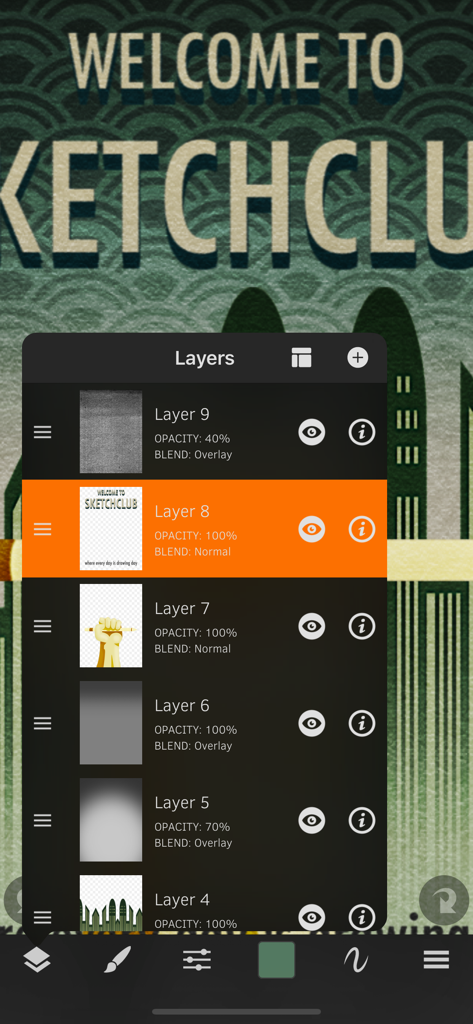
• Hundreds of Layers with configurable blending, naming, and color tagging
• Create your own comics and manga with the Pen and Text tools
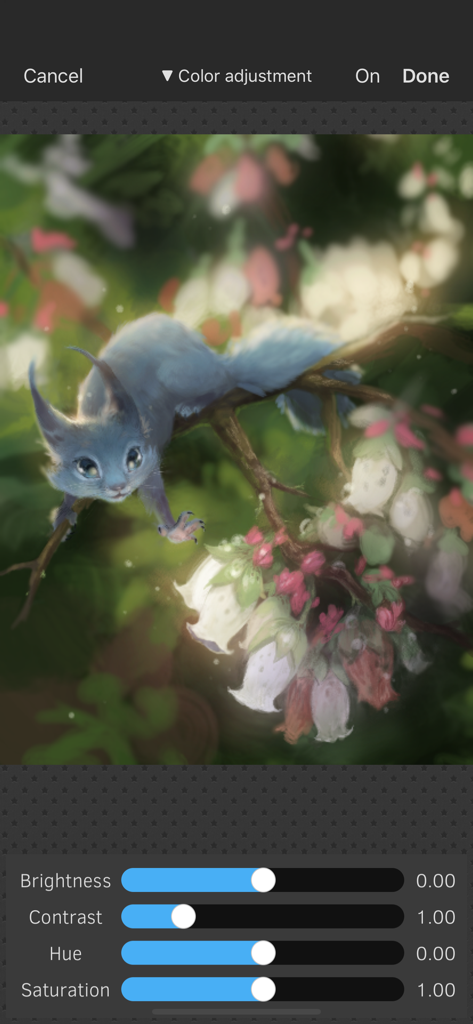
• Layer filters for color adjust, blurs, edges, noise, vignette and more
• Layer transform with skew, shear, perspective, and tiling
• Super fast brush and compositing engine
• Up to 16K canvas size with presets including standard 300 DPI print sizes
• Line, circle, square, and triangle shapes with automatic aspect ratio snapping
• Horizontal, vertical, and dual mirroring modes
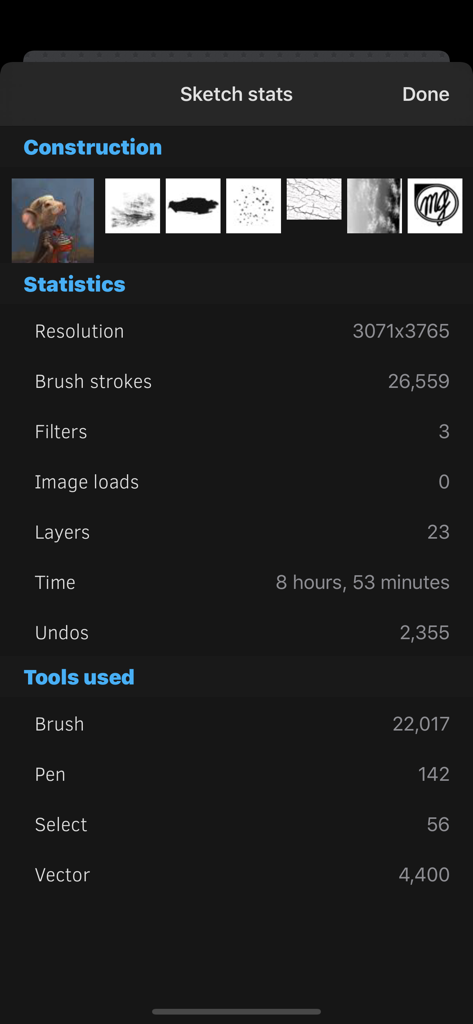
• Canvas recording and export in full 1080 HD
• Background autosave and persistent undo history
• Universal binary supports both iPhones and iPads
• 10 years running of continuous updates and improvements!
TOOLS
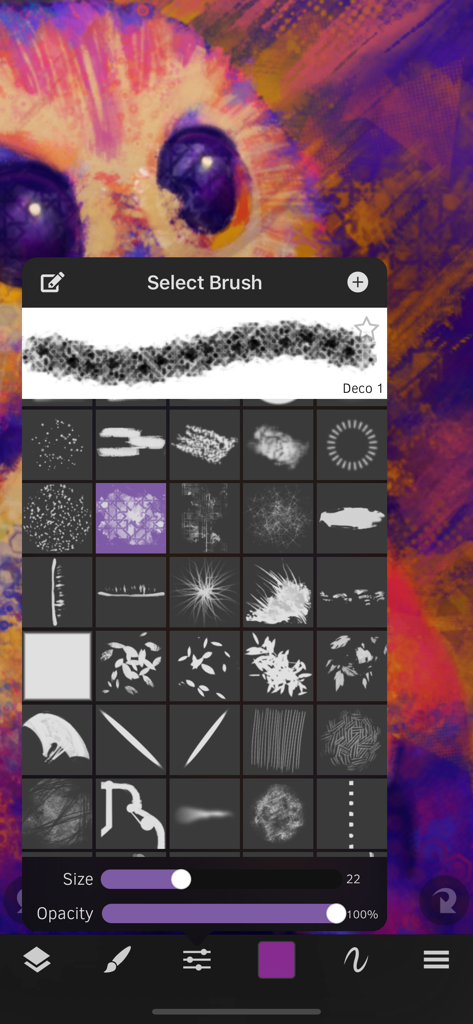
• Brushes with high resolution shapes, pattern textures, and input curves
• Loads of built in tool presets plus thousands more from the community
• Export sketches and presets to iCloud, Dropbox, Email and more
• Create and share custom brush presets in community library
• Pen tool presets include calligraphy, fountain pen, gel pen, and more
• Pen and Vector tools include simplify for smooth lines even with shaky hands
• Create smooth filled shapes and gradient with Vector
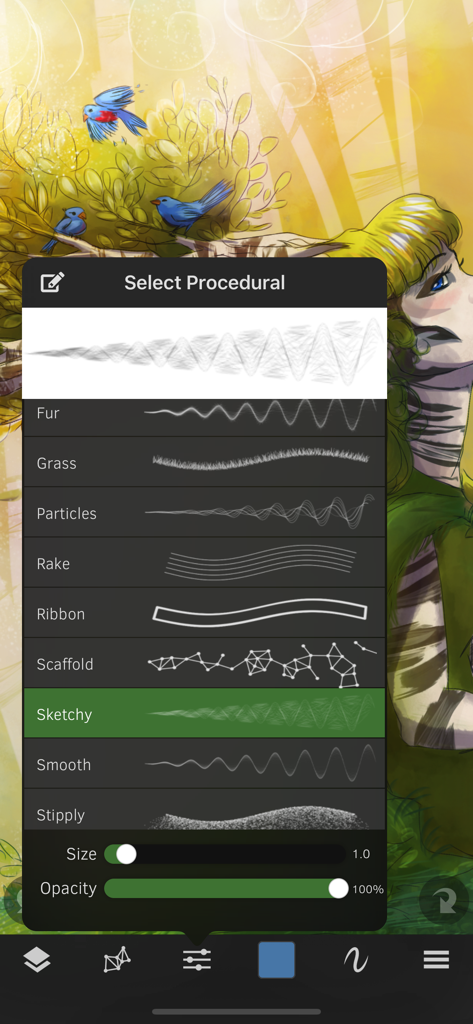
• Procedural Sketchy and Smooth for amazing fast results
• Procedural Bristles for realistic oil paint simulation
• Animated GIF export
CUSTOMIZE
• Configurable color themes to make Sketch Club uniquely yours
• Customizable shortcut bar for single tap access to your favorite functionality
• Popup quick color swatch and size and opacity controls
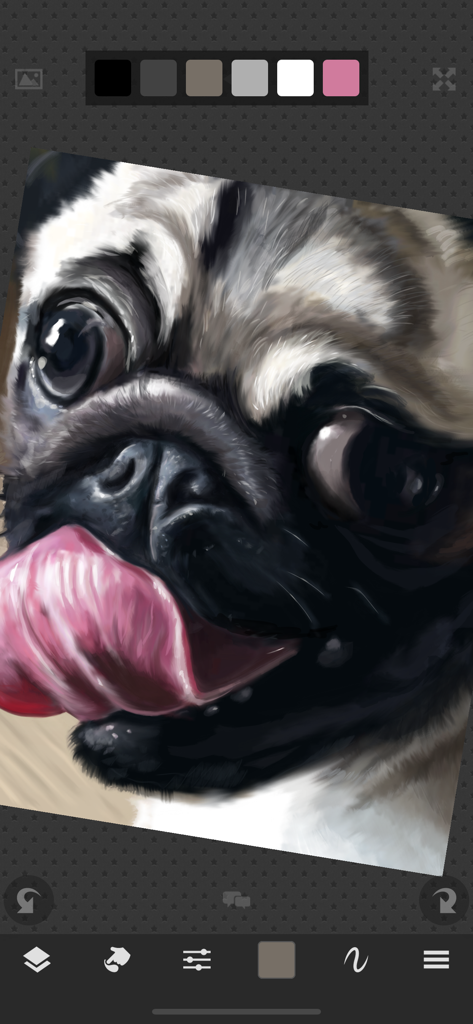
• Floating reference image with color sampling
COMMUNITY
• New challenge every day and new competition every week!
• Massive library of shared brushes, templates, and textures
• Live stream and chat for feedback and fun while you draw
• Learn through tutorials, speed painting videos, and live classes
• Follow other artists and gain fans as you share your creations
• Community whiteboard with realtime collaborative drawing and fun events
• Annual awards honoring the best creations every year
FOR THE PROS
• Excellent iPad Pro and Apple Pencil support
• PSD file format export
• RGB and hexadecimal color inputs
• Bluetooth stylus support for Adonit, Hex3, Pogo, SonarPen, and Wacom
• Screen mirroring modes for presentations and demos
• Draw in Multiply, Normal, Overlay, and Screen brush blend modes
• Input curves with angle, distance, fade, pressure, random, speed tilt, and time
What are you waiting for, create with us in SketchClub today!