Slow Motion' Video Editor

Slow Motion' Video Editor

다운로드: App Store
Spark by MWM logo
로고: Slow Motion' Video Editor
느린 화면' 영상 편집기: 전문가 수준의 스포츠 하이라이트 및 액션 클립 제작

240 FPS 영상을 놀라운 영화 같은 순간으로 변환하세요. 모든 세부 사항을 정밀하게 보여주는 운동선수, GoPro 크리에이터, 블로거를 위한 최고의 도구입니다.

개발사

Loyal Foundry, Inc.

카테고리

Photo & Video

다운로드

2M+

사용자 평점

4.4/5

총 평가 수

47K+

지원 언어

1

정밀도의 힘

이 인터페이스를 사용하는 2M+ 명의 사용자.

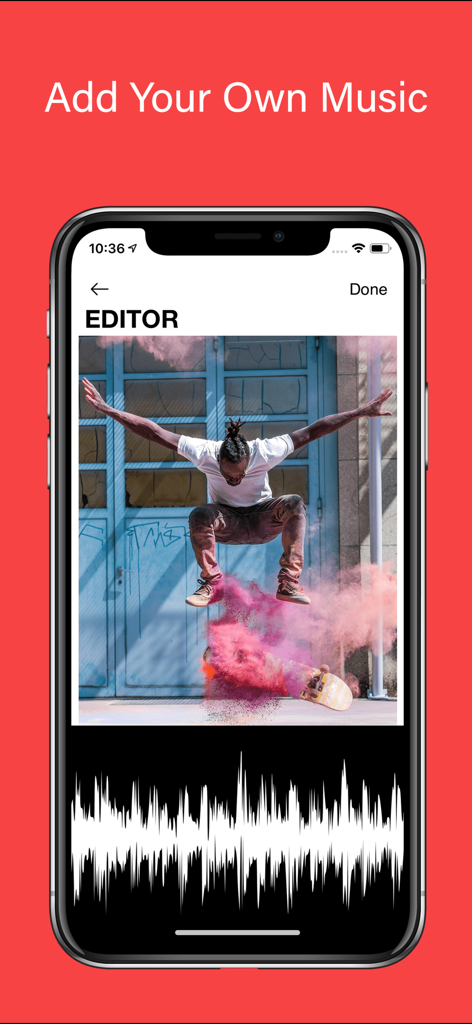
느린 화면 영상 편집기 앱에서 스케이트보드 영상에 음악을 추가하는 방법을 보여주는 인터페이스

느린 화면 영상 편집기 앱에서 스케이트보드 영상에 음악을 추가하는 방법을 보여주는 인터페이스

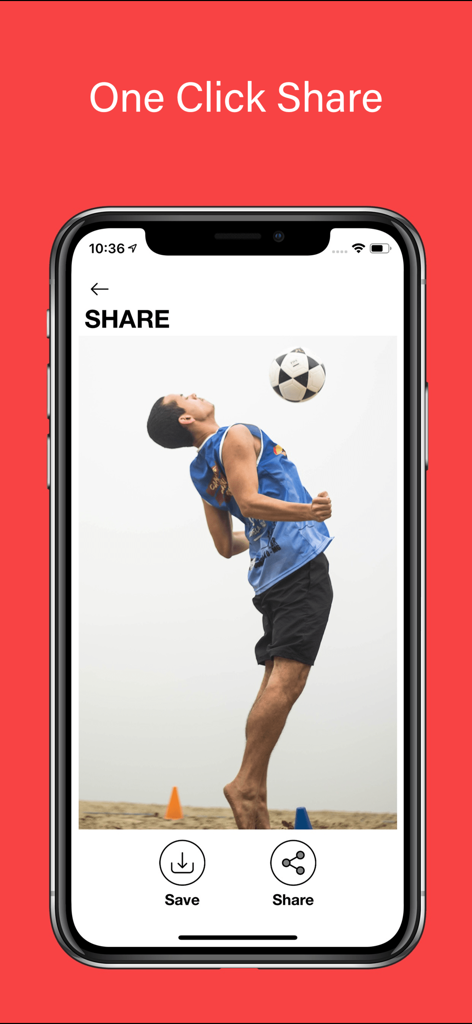
축구 선수 하이라이트와 함께 원클릭 공유 기능을 보여주는 느린 화면 영상 편집기 인터페이스

축구 선수 하이라이트와 함께 원클릭 공유 기능을 보여주는 느린 화면 영상 편집기 인터페이스

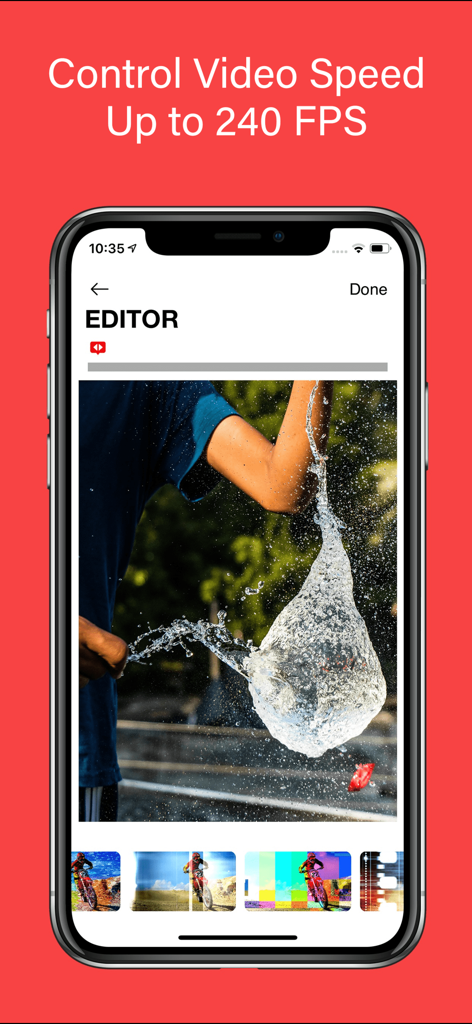
물풍선 터뜨리기 영상과 함께 240 FPS에서 고속 영상 편집을 보여주는 느린 화면 영상 편집기 앱 화면

물풍선 터뜨리기 영상과 함께 240 FPS에서 고속 영상 편집을 보여주는 느린 화면 영상 편집기 앱 화면

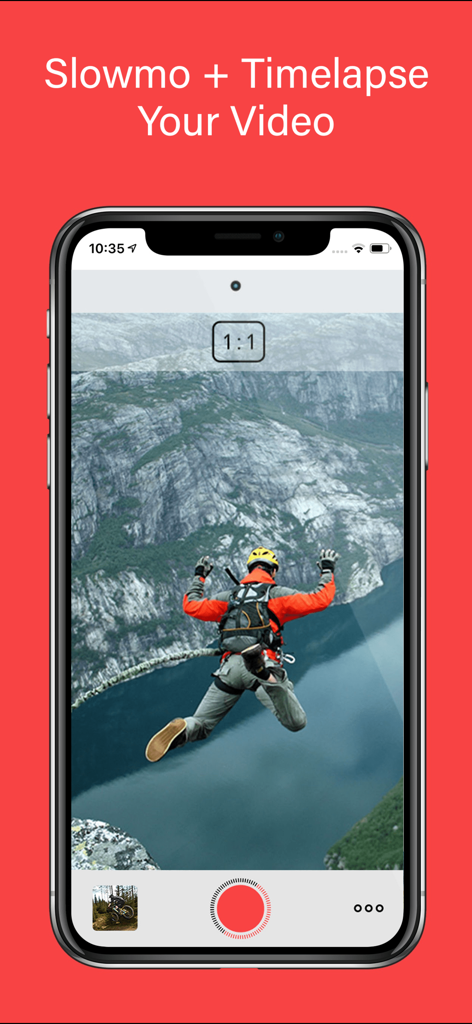
베이스 점프 영상을 보여주는 느린 화면 영상 편집기 모바일 앱 인터페이스

베이스 점프 영상을 보여주는 느린 화면 영상 편집기 모바일 앱 인터페이스

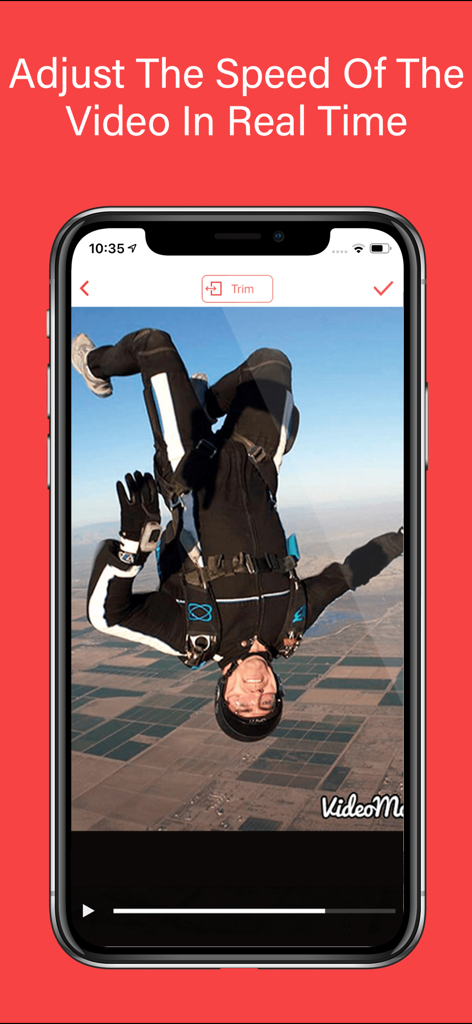
스카이다이빙 영상의 실시간 영상 속도 조절을 보여주는 모바일 화면

스카이다이빙 영상의 실시간 영상 속도 조절을 보여주는 모바일 화면

모든 플레이를 걸작으로 만드세요

이 앱을 돋보이게 하는 도구, 2M+ 명의 사용자가 선택.

⏱️

전문가 수준의 속도 제어

60~240 FPS를 지원하여 영상을 마스터하세요. 슬로우 모션과 일반 속도 간을 원활하게 전환하여 정확한 타격 순간을 강조하세요.

🏆

하이라이트 릴을 위한 제작

운동선수를 위한 최고의 도구입니다. 복잡한 기술을 느리게 하여 Hudl 하이라이트를 향상시키고 영입 프로필에 경쟁 우위를 더하세요.

🎬

영화 같은 음악 및 테마

동기화된 오디오와 전문적인 테마로 스토리텔링을 향상시키세요. 몇 초 안에 TikTok 및 Instagram을 위한 임팩트 있는 바이럴 준비 동영상을 만드세요.

전 세계 사용자들에게 사랑받는 앱

Trusted by 2M+ 명이 이 앱을 사랑합니다.

"

"이 앱은 제 영입 영상에 있어서 게임 체인저입니다. 제 경기 영상을 가지고 풋워크를 Hudl 프로필에 완벽하게 느리게 할 수 있었습니다. 240 FPS에서도 품질이 놀랍도록 선명하게 유지되며, 흥겨운 음악을 추가하는 것도 정말 쉬웠습니다. 이번 시즌 대학 스카우트들의 눈에 띄는 데 확실히 도움이 되었습니다!"

Jackson M., 고등학생 쿼터백
"

"GoPro 사용자로서 저는 수십 개의 모바일 편집기를 사용해봤지만, 이 편집기만이 고속 프레임 속도를 이렇게 정밀하게 처리합니다. 산악자전거 클립에서 기술적인 점프를 강조하기 위해 모든 클립에 사용합니다. 인터페이스는 직관적이며, 슬로우 모션과 일반 속도 간의 전환이 완전히 매끄럽습니다."

Chloe V., 어드벤처 콘텐츠 크리에이터

앱 소개

에 대해 알아야 할 모든 것 Slow Motion' Video Editor.

설명

Introducing Video Editor Slow Motion, the ultimate iOS app for transforming your videos into stunning masterpieces. With its advanced features and user-friendly interface, this app empowers you to unleash your creativity and take your video editing skills to new heights. Whether you're a professional filmmaker, an aspiring vlogger, or a GoPro enthusiast, Video Editor Slow Motion is your go-to tool for creating mesmerizing slow-motion videos. With the ability to adjust the speed of your videos, Slow Motion Video Editor gives you complete control over your footage. Seamlessly apply slow motion or timelapse effects to any video, allowing you to capture every detail or compress time effortlessly. Imagine slowing down a thrilling action sequence, highlighting intricate techniques in sports footage, or creating smooth slow-motion clips for your Hudl highlights. The possibilities are endless. The app's intuitive interface and sleek design make it a breeze to navigate through its powerful features. With just a few taps, you can splice together different clips, seamlessly transitioning between slow motion and regular speed segments. The built-in HUDL integration allows sports enthusiasts to enhance their Hudl highlights with breathtaking slow-motion moments, giving their performance an extra edge. Video Editor Slow Motion supports a wide range of video formats, including GoPro footage, ensuring that your adrenaline-pumping adventures can be beautifully transformed into captivating slow-motion masterpieces. Bring out the thrilling moments of your GoPro recordings by slowing them down, revealing the intricate details of every action-packed scene. Whether you're capturing extreme sports, breathtaking landscapes, or epic adventures, Video Editor Slow Motion lets you relive those moments in all their glory. Video Editor Slow Motion goes beyond the realm of time manipulation, offering additional features to enhance your videos. You can choose from a variety of themes to give your videos a professional touch, adding a layer of visual coherence and personalization. Furthermore, you can elevate your videos by adding music, perfectly synchronized with the slow-motion sequences, to create a captivating audio-visual experience. With the flexibility to create videos ranging from 60 to 240 frames per second, Video Editor Slow Motion empowers you to experiment with different speeds, finding the perfect balance for each scene. Capture the essence of motion with stunning clarity, whether you're freezing a split-second technique or showcasing a fast-paced event. Video Editor Slow Motion' offers flexible subscription options. You can choose between the Slow Motion weekly, monthly, or yearly subscription, providing you with access to all the premium features and regular updates. By subscribing, you unlock unlimited possibilities and continuous enhancements to fuel your video editing journey. For your convenience, subscription charges will be processed through your iTunes account, ensuring a seamless and secure payment experience. You can manage your subscription at any time, giving you full control over your membership. Should you decide to cancel, simply do so at least 24 hours before the end of your current subscription period to avoid auto-renewal. To understand how your data is collected and utilized, as well as the terms of use, please refer to our comprehensive Privacy Policy and Terms of Use, available at https://www.loyal.app/privacy-policy. So what are you waiting for? Unleash your creativity and make world-class videos with Video Editor Slow Motion'. Elevate your storytelling, capture the beauty of motion, and leave your audience in awe. Download the app now and embark on a mesmerizing video editing journey like never before!

최신 버전

12.0.6

크기

115.2 MB

출시일

2015년 4월 1일

모든 초를 하이라이트 릴에 담으세요

2백만 명 이상의 운동선수 및 크리에이터와 함께하세요. 몇 번의 탭만으로 고속 영상을 Hudl, TikTok 또는 Instagram을 위한 놀랍고 전문가 수준의 슬로우 모션으로 변환하세요.

다운로드: App Store
FAQ

자주 묻는 질문

에 대해 알아야 할 모든 것 Slow Motion' Video Editor

Slow Motion' Video Editor에서 동영상에 음악을 추가할 수 있나요?

네, Slow Motion' Video Editor에서는 음악을 추가하여 슬로우 모션 시퀀스와 완벽하게 동기화된 영상을 만들 수 있어 매혹적인 시청각 경험을 선사합니다.

Slow Motion' Video Editor에서 비디오 속도 제어를 위해 지원되는 최대 프레임 속도는 얼마인가요?

Slow Motion' Video Editor는 초당 최대 240프레임(FPS)까지 비디오 속도를 제어할 수 있어 사용자가 명확성과 모션 캡처를 위해 다양한 속도를 실험할 수 있습니다.

Slow Motion' Video Editor의 구독은 어떻게 작동하나요?

Slow Motion' Video Editor는 유연한 주간, 월간 또는 연간 구독 옵션을 제공합니다. 이러한 구독은 모든 프리미엄 기능과 정기 업데이트를 잠금 해제하며, 요금은 iTunes 계정을 통해 처리됩니다.

Slow Motion' Video Editor 구독을 취소할 수 있나요?

네, Slow Motion' Video Editor 구독은 언제든지 관리하고 취소할 수 있습니다. 자동 갱신을 피하려면 현재 구독 기간이 종료되기 최소 24시간 전에 취소해야 합니다.

Slow Motion' Video Editor에서 GoPro 영상을 지원하나요?

네, Slow Motion' Video Editor는 GoPro 영상을 포함한 다양한 비디오 형식을 지원합니다. 이를 통해 아드레날린이 솟구치는 모험을 매혹적인 슬로우 모션 걸작으로 만들 수 있습니다.

Slow Motion' Video Editor 앱에서 직접 동영상을 공유할 수 있나요?

네, Slow Motion' Video Editor는 '원클릭 공유' 기능을 제공하여 사용자가 편집한 동영상을 애플리케이션 인터페이스에서 직접 저장하거나 공유할 수 있습니다.

Slow Motion' Video Editor에서 실시간으로 동영상 속도를 조절할 수 있나요?

네, Slow Motion' Video Editor를 사용하면 동영상의 속도를 실시간으로 조절하여 슬로우 모션 또는 타임랩스 효과를 적용하기 위한 영상에 대한 완전한 제어권을 제공합니다.

Slow Motion' Video Editor가 HUDL과 통합되나요?

네, Slow Motion' Video Editor에는 HUDL 통합 기능이 내장되어 있습니다. 이를 통해 스포츠 애호가들은 숨 막히는 슬로우 모션 순간으로 Hudl 하이라이트를 향상시켜 경기력에 추가적인 이점을 더할 수 있습니다.