smART sketcher projector

smART sketcher projector

다운로드: App Store
Spark by MWM logo
로고: smART sketcher projector
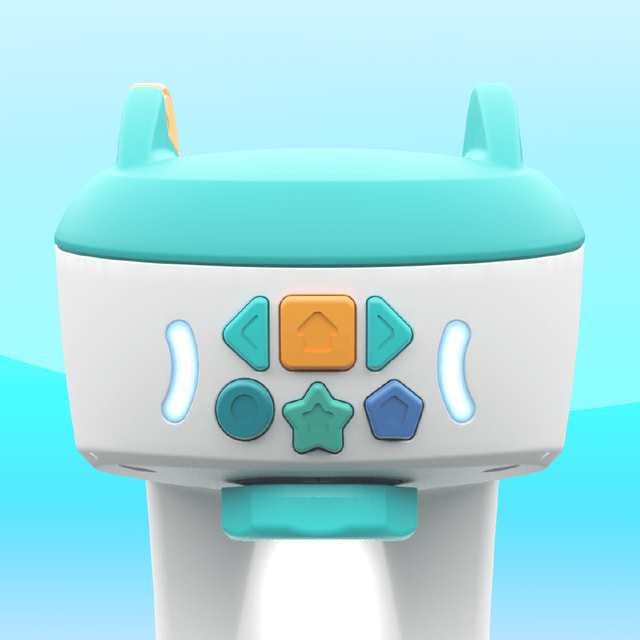
smART sketcher 프로젝터: 스크린 타임을 창의적인 자신감으로 바꾸세요

자녀가 단계별 프로젝션을 사용하여 전문가처럼 스케치하고, 그리고, 쓸 수 있게 하는 '피지탈(phygital)' 도구로 디지털 놀이와 신체적 기술 사이의 격차를 해소하세요.

다운로드: App Store

개발사

FlyCatcher LTD

카테고리

Entertainment

다운로드

445K+

사용자 평점

3.3/5

총 평가 수

500

지원 언어

1

창의력의 작동 방식

이 인터페이스를 사용하는 445K+ 명의 사용자.

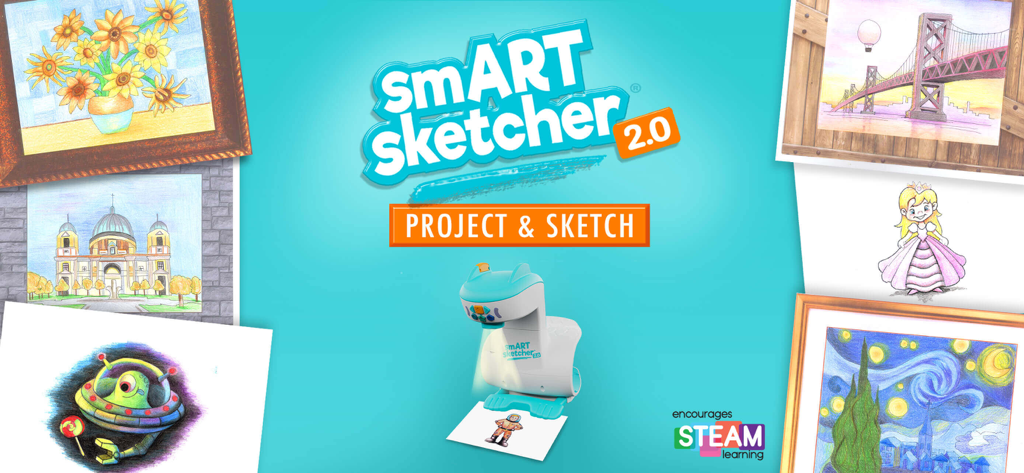
다채로운 스케치와 그림으로 둘러싸인 smART sketcher 2.0 프로젝터 장치, 청록색 배경

다채로운 스케치와 그림으로 둘러싸인 smART sketcher 2.0 프로젝터 장치, 청록색 배경

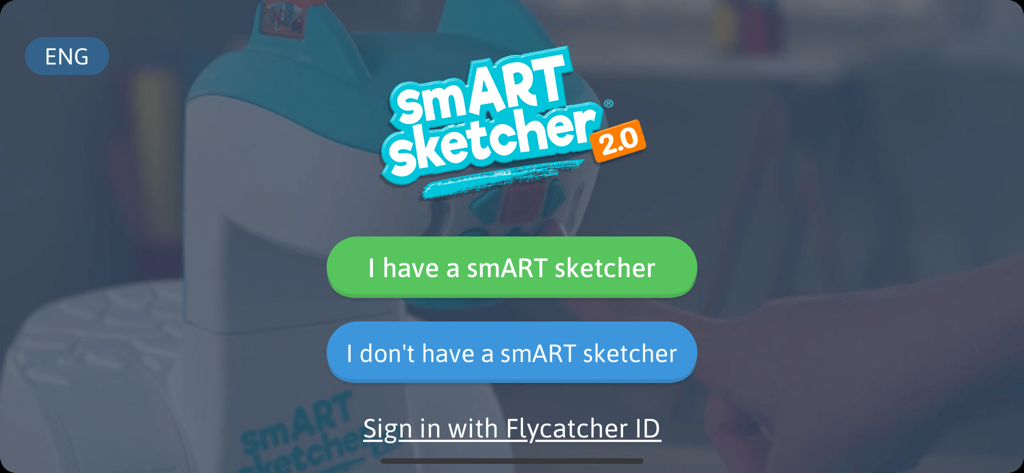
smART sketcher 프로젝터 앱의 환영 화면, 장치 연결 또는 로그인 옵션 포함

smART sketcher 프로젝터 앱의 환영 화면, 장치 연결 또는 로그인 옵션 포함

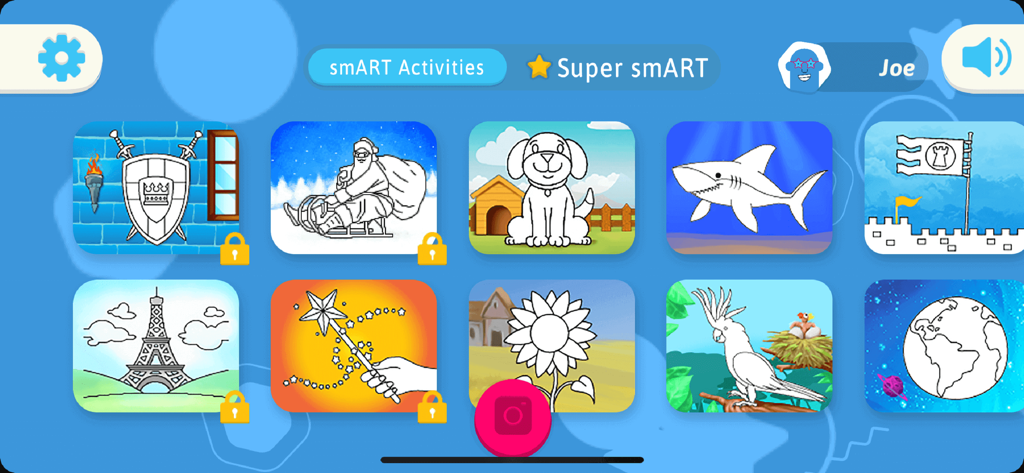
smART sketcher 프로젝터 앱에서 개, 상어, 해바라기 등 그리기 활동 메뉴

smART sketcher 프로젝터 앱에서 개, 상어, 해바라기 등 그리기 활동 메뉴

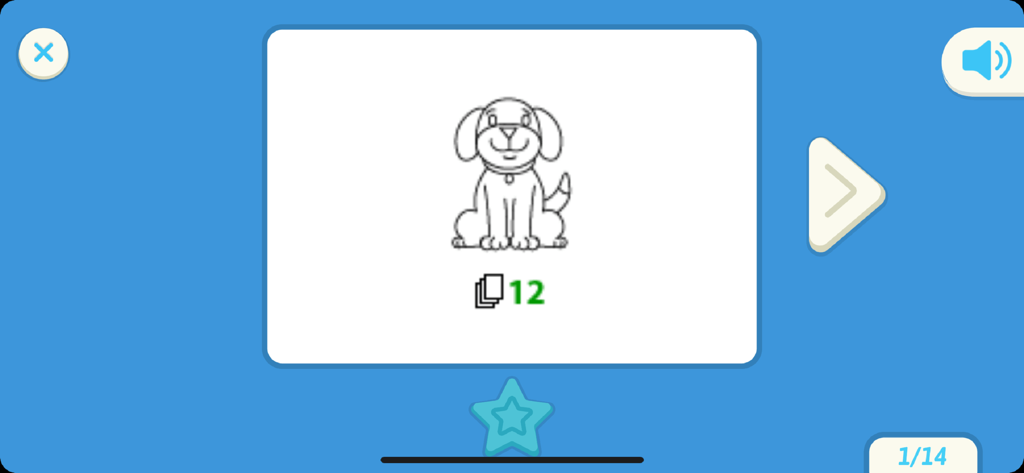
smART sketcher 프로젝터 앱 인터페이스에서 개 그림 수업을 보여주는 화면

smART sketcher 프로젝터 앱 인터페이스에서 개 그림 수업을 보여주는 화면

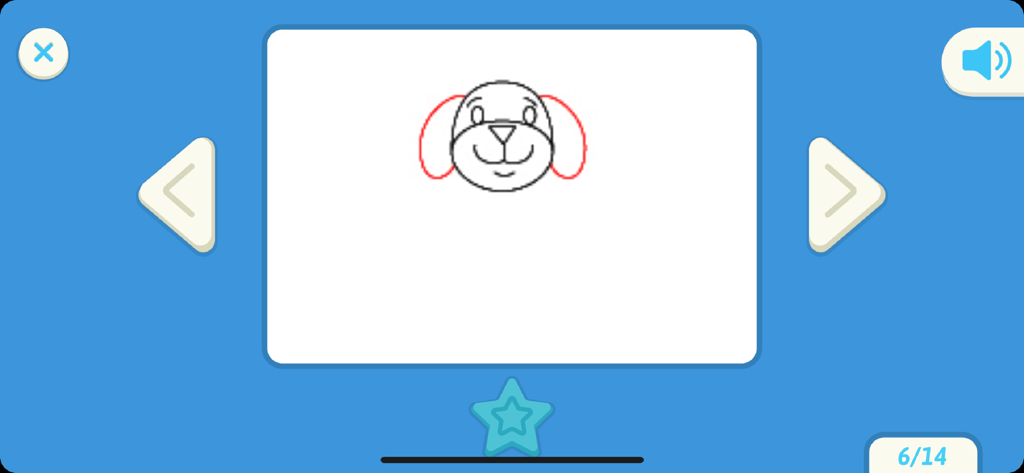
smART sketcher 프로젝터 앱에서 개의 얼굴을 단계별로 그리는 튜토리얼

smART sketcher 프로젝터 앱에서 개의 얼굴을 단계별로 그리는 튜토리얼

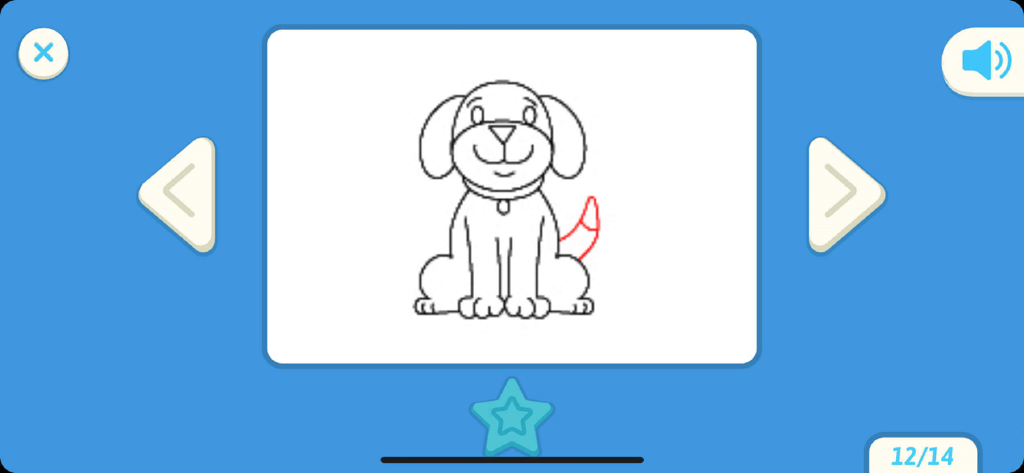
smART sketcher 프로젝터 앱 인터페이스에서 단계별 개 그리기 튜토리얼

smART sketcher 프로젝터 앱 인터페이스에서 단계별 개 그리기 튜토리얼

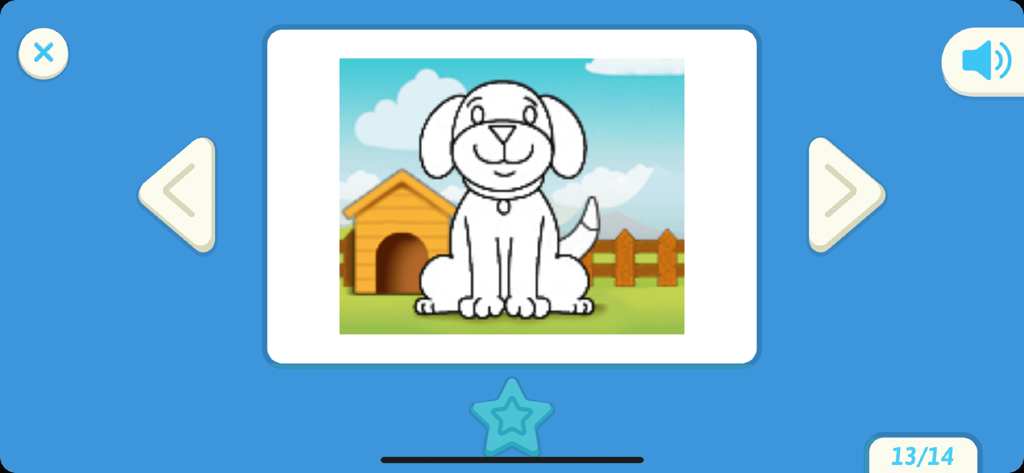
smART sketcher 프로젝터 앱의 사용자 인터페이스, 만화 개 그림 표시

smART sketcher 프로젝터 앱의 사용자 인터페이스, 만화 개 그림 표시

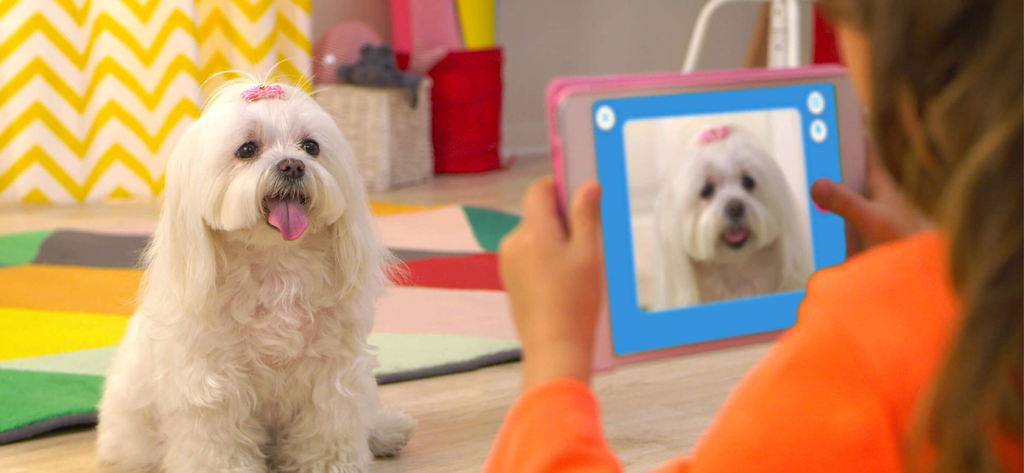
아이 태블릿으로 흰색 몰티즈 개 사진을 찍어 smART sketcher 앱으로 스케치하는 모습

아이 태블릿으로 흰색 몰티즈 개 사진을 찍어 smART sketcher 앱으로 스케치하는 모습

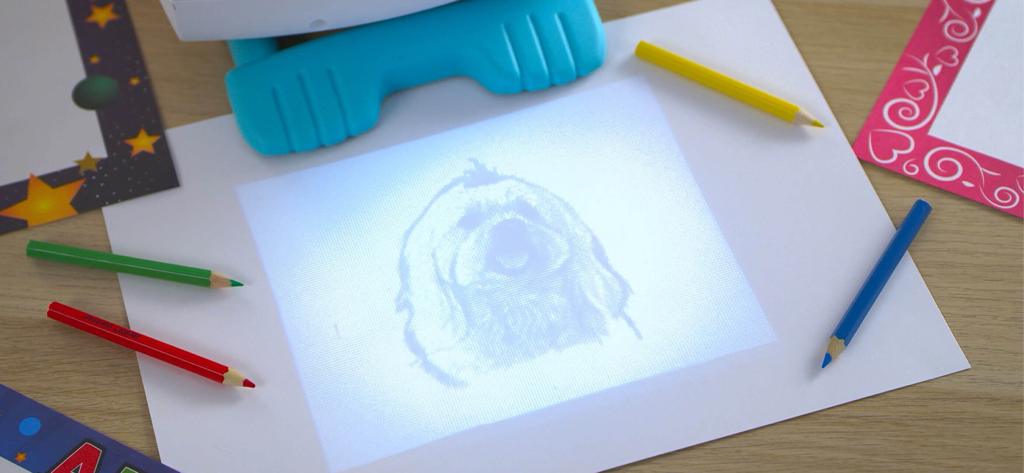
smART sketcher 프로젝터가 종이에 개 스케치를 투영하여 색연필로 따라 그릴 수 있게 하는 모습

smART sketcher 프로젝터가 종이에 개 스케치를 투영하여 색연필로 따라 그릴 수 있게 하는 모습

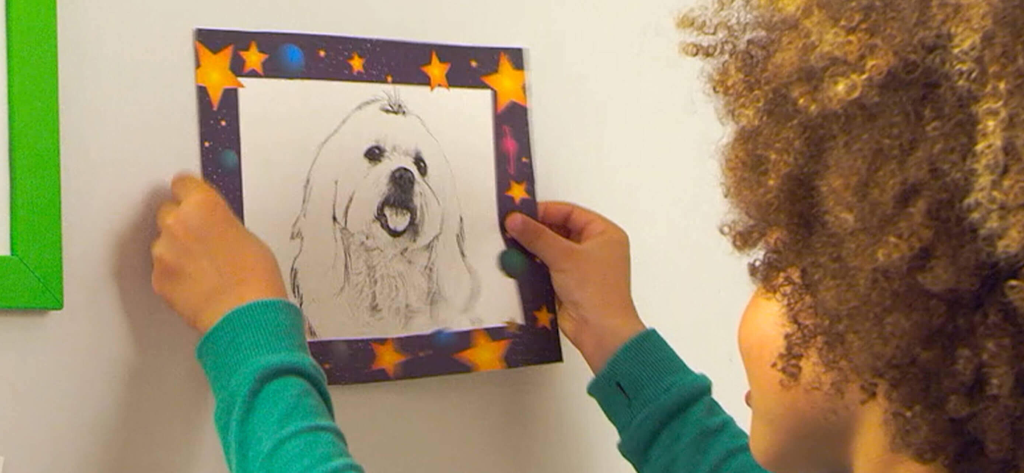
완성된 개의 연필 스케치를 들고 있는 아이

완성된 개의 연필 스케치를 들고 있는 아이

생산적인 놀이로 창의력에 불을 붙이세요

이 앱을 돋보이게 하는 도구, 445K+ 명의 사용자가 선택.

🎨

세상을 따라 그리세요

기기의 모든 사진을 스케치 가능한 윤곽선으로 변환하세요. 개인적인 추억을 손으로 그린 예술로 바꾸는 기술의 마법입니다.

✍️

초기 문해력 마스터하기

단계별 가이드가 재미있는 커리큘럼 기반 연습을 통해 어린이가 대문자, 소문자, 필기체 쓰기를 마스터하도록 돕습니다.

🚀

예술적 자신감 구축

지도된 그리기 시퀀스는 복잡한 그림을 간단한 단계로 나누어 소근육 발달과 성취감을 조성합니다.

전 세계 사용자들에게 사랑받는 앱

Trusted by 445K+ 명이 이 앱을 사랑합니다.

"

"부모로서 저는 스크린 타임을 더 생산적으로 만드는 방법을 항상 찾고 있습니다. smART sketcher는 6살 아들의 소근육 발달에 게임 체인저였습니다. 글자를 어려워하던 아이가 자신감을 가지고 복잡한 그림을 따라 그리고 색칠하게 되었습니다. 디지털 재미와 현실 세계의 창의력 사이의 격차를 완벽하게 해소합니다!"

Sarah M.
"

"제 딸은 우리 강아지 사진을 찍어서 종이에 바로 투영할 수 있다는 것을 정말 좋아합니다! 단계별 지도는 아이가 전문 예술가처럼 느끼게 해주며, 몇 시간 동안 몰입하게 합니다. 태블릿을 내려놓고 연필을 집도록 실제로 장려하는 첫 번째 스마트 장난감입니다."

David L.

앱 소개

에 대해 알아야 할 모든 것 smART sketcher projector.

설명

The smART sketcher Projector App is compatible with both the original smART sketcher® Projector and the smART sketcher® 2.0 Projector. Please note this App is not compatible with the smART sketcher® AI Projector. Sketch, draw, and learn to write like a pro using the smART sketcher® Projector and this FREE APP. Step-by-step instructions guide small – or large – hands through the entire process. It makes learning playful and engaging. Just as it should be! Note: You need to have a smART sketcher® Projector to use this app. smART sketcher® puts the fun of sketching, drawing, and writing into the hands of kids ages 5 to 105 using a smART sketcher® Projector. Kids can download photos from any mobile device or use pre-loaded activity packs for endless play-and-learning activities. smART sketcher® encourages creativity, small motor development, storytelling, and early reading skills. It helps bridge the gap between schoolwork, homework and play! NEW!!! - Play smarter! Up your smART sketcher® experience with a Super smART subscription. Join the smART sketcher® members-only program and receive exclusive content. It’s the newest and smARTest way to play! - 3 subscription plans to choose from. - Receive new members-only activities every month. - Play on all of your connected Apple mobile devices registered with your Flycatcher ID. - Try 1 month for free! After the free-trial, a monthly/yearly auto-renewable subscription will be activated. We’re pretty sure you’re going to love this, but if you don’t, you can cancel your subscription anytime. One month of free-trial is available for new subscribers only. Check our EULA at https://www.flycatcher.toys/smart-sketcher/eula/ and privacy policy at https://www.flycatcher.toys/smart-sketcher/privacy-policy/ for full details. Play 3 ways: Imagine anything! Download any photo from your mobile device. Project it on paper with your connected smART sketcher® Projector. Filter it for crayon, marker, or pencil drawing. Sketch like a pro! Color it in to add your own details. Sketch and color Choose a pre-loaded picture on your smART sketcher® Projector. Step-by-step instructions show you how to draw it like a pro! Watch the finished image come to life with sound and movement. Write and play Learn to form upper case, lower case and cursive letters the correct way with step-by-step instructions, plus curriculum-based early reading content, and lots of space to practice your skills! If you want to extend the fun, additional smART sketcher® activity products are available for separate purchase at https://www.flycatcher.toys/smart-sketcher-2/ : - smART sketcher® Creativity Packs, containing 50 learn-to-draw activities, are available in a variety of age-appropriate themes. - smART sketcher® Learn-A-Language Alphabet Packs, containing 50 writing and early reading activities, are available in separate languages as well as cursive writing. - smART sketcher® Creativity Set, contains 20 sheets of framed paper, 5 reusable magnetic frames, 6 crayons, 6 markers, and 6 colored pencils. Everything is organized in a convenient carry-and-stow case. - smART sketcher® Picture This! Frames, contains 20 sheets of framed paper and 5 magnetic frames to display finished work. For app support contact us at https://www.flycatcher.toys/support/ Our privacy policy and terms of use for apps are accepted if you download this app. smART sketcher® is a trademark of Flycatcher Toys INC © 2025. All rights reserved.

최신 버전

4.71

크기

46.6 MB

출시일

2017년 9월 19일

자녀의 내면 예술가에게 영감을 줄 준비가 되셨나요?

놀이와 학습 사이의 격차를 해소하기 위해 오늘 무료 앱을 다운로드하세요. smART sketcher® 프로젝터를 연결하고 몇 분 안에 걸작을 만들기 시작하세요.

다운로드: App Store
FAQ

자주 묻는 질문

에 대해 알아야 할 모든 것 smART sketcher projector

어떤 smART 스케쳐 프로젝터가 smART 스케쳐 프로젝터 앱과 호환되나요?

smART 스케쳐 프로젝터 앱은 오리지널 smART 스케쳐® 프로젝터와 smART 스케쳐® 2.0 프로젝터와 호환됩니다. smART 스케쳐® AI 프로젝터와는 호환되지 않습니다.

smART 스케쳐 프로젝터 앱을 사용하기 위해 smART 스케쳐 프로젝터가 필요한가요?

네, smART 스케쳐 프로젝터 앱을 사용하려면 실제 smART 스케쳐® 프로젝터가 필요합니다. 앱은 기능 사용을 위해 프로젝터 연결이 필요합니다.

사용자는 smART 스케쳐 프로젝터 앱으로 어떤 활동을 할 수 있나요?

사용자는 smART 스케쳐 프로젝터 앱을 사용하여 스케치하고, 그림을 그리고, 쓰기를 배울 수 있습니다. 창의적이고 교육적인 활동을 위한 단계별 지침을 제공합니다.

smART 스케쳐 프로젝터 앱의 권장 연령대는 어떻게 되나요?

smART 스케쳐 프로젝터 앱은 5세에서 105세 사이의 어린이 및 개인을 위해 설계되었습니다. 광범위한 연령층에 걸쳐 창의성과 학습을 장려합니다.

smART 스케쳐 프로젝터 앱으로 내 사진을 사용할 수 있나요?

네, smART 스케쳐 프로젝터 앱을 사용하면 모바일 기기에서 사진을 다운로드할 수 있습니다. 그런 다음 그림을 그리기 위해 프로젝션하고 필터링할 수 있습니다.

smART 스케쳐 프로젝터 앱의 Super smART 구독은 무엇인가요?

Super smART 구독은 독점 콘텐츠와 새로운 월간 활동을 제공하는 회원 전용 프로그램입니다. 추가적인 놀이 및 학습 옵션으로 smART 스케쳐 경험을 향상시킵니다.

smART 스케쳐 프로젝터 앱은 Super smART 구독에 대한 무료 체험을 제공하나요?

네, 신규 구독자는 Super smART 구독을 한 달 동안 무료로 체험할 수 있습니다. 체험 후에는 월간 또는 연간 자동 갱신 구독이 활성화됩니다.

smART 스케쳐 프로젝터에 추가 활동 제품을 사용할 수 있나요?

네, 추가 smART 스케쳐® 활동 제품을 별도로 구매할 수 있습니다. 여기에는 창의력 팩, 언어 학습 알파벳 팩, 창의력 세트, Picture This! Frames가 포함됩니다.

smART 스케쳐 프로젝터 앱에 대한 지원은 어떻게 받을 수 있나요?

smART 스케쳐 프로젝터 앱 지원은 https://www.flycatcher.toys/support/ 에서 문의할 수 있습니다.

smART 스케쳐 프로젝터 앱의 개인정보처리방침은 어디에서 찾을 수 있나요?

smART 스케쳐 프로젝터 앱의 개인정보처리방침은 https://www.flycatcher.toys/smart-sketcher/privacy-policy/ 에서 확인할 수 있습니다. 이 정책은 앱 다운로드 시 동의하게 됩니다.