Designer's Wonderful Toolbox.
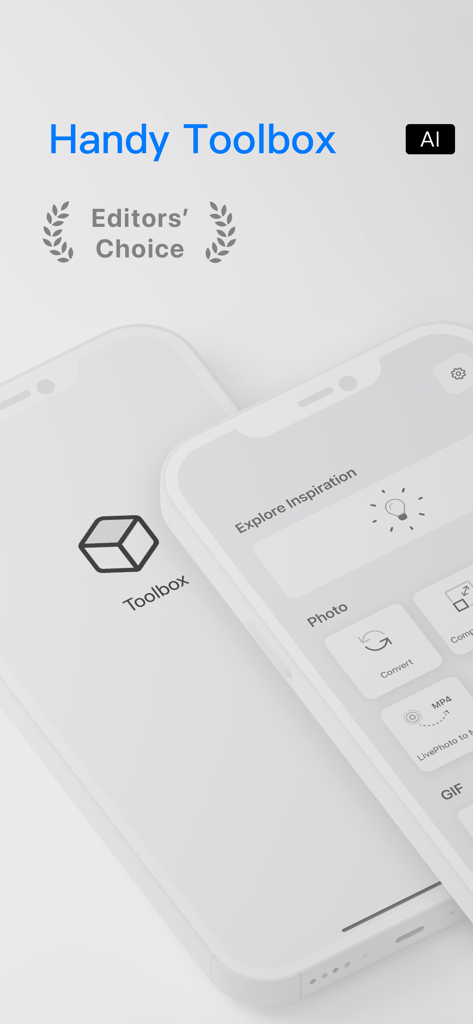
Handy toolbox for your multimedia and files converting and editing. WYSIWYG [Explore Inspiration] function. Unparalleled user experience and powerful performance.
*** Won the AppStore Editor's Choice ***
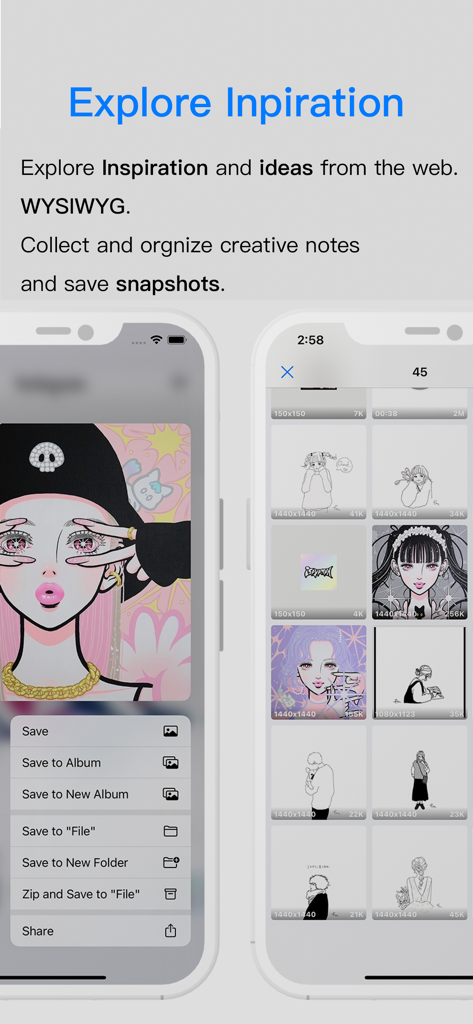
We support getting pictures, audio and video data from the network. Automatically collects and saves snapshots for you. For your subsequent review and recall. There are also many functions such as snapshots long pictures of web pages.
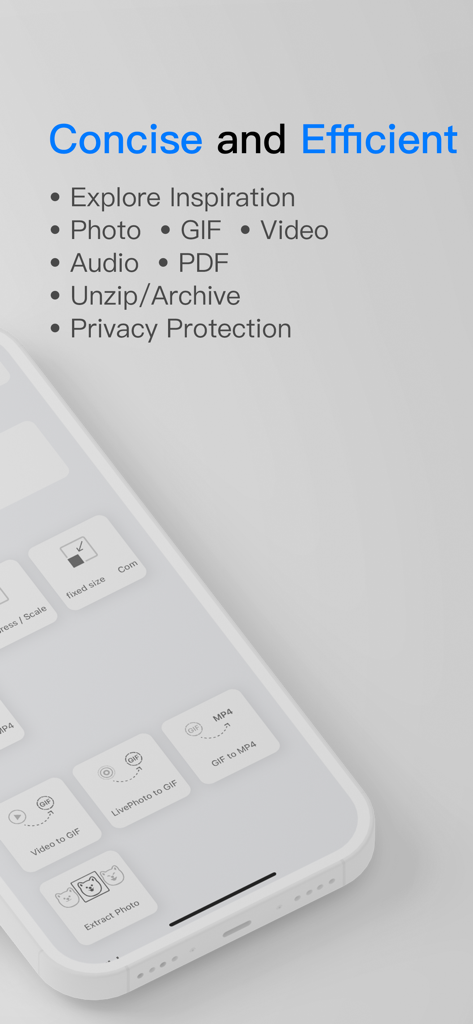
We support the conversion and editing of multiple file formats such as Photos, GIFs, Videos, Audios, PDFs, and Archives. 【Batch】
Privacy protection: All processing of our tools happens locally. Maximum protection of your privacy.
● Explore inspiration
Just like you collect graphic notes online. When you explore inspiration online, Toolbox will automatically collect multimedia data such as pictures, audio and video for you, and save them as snapshots. For your subsequent review and recall. WYSIWYG.
In any content of other APPs, click on the system share button, and select "Collect in Toolbox" to directly enter the Toobox to explore inspiration.
You can also select "Copy Link" anywhere to go back to the Toobox, automatically recognize the link and explore inspiration (need to turn on auto-read pasteboard in settings)
You can also directly capture long images of web pages in the browser. Save complete memories.
Come and use your first inspiration note.
● Photo
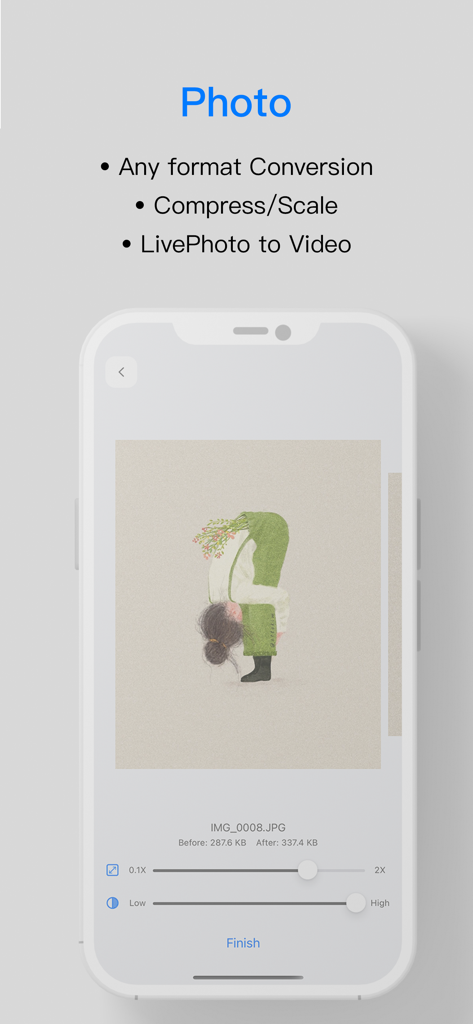
• Format conversion - Supports conversion of images in any format to common formats such as JPG, PNG, BMP, WEBP, 【Batch】
(Detailed supported formats: HEIC, LivePhoto, JPG, PNG, BMP, GIF, WEBP, TIF, EPS, APNG...)
• Compression/Scale - Compress photo, support the reduction and enlargement of the picture resolution, 【Batch】
• Compress to the specified size - One-click compression to the specified size, 【Batch】
• Convert LivePhoto to MP4, 【Batch】
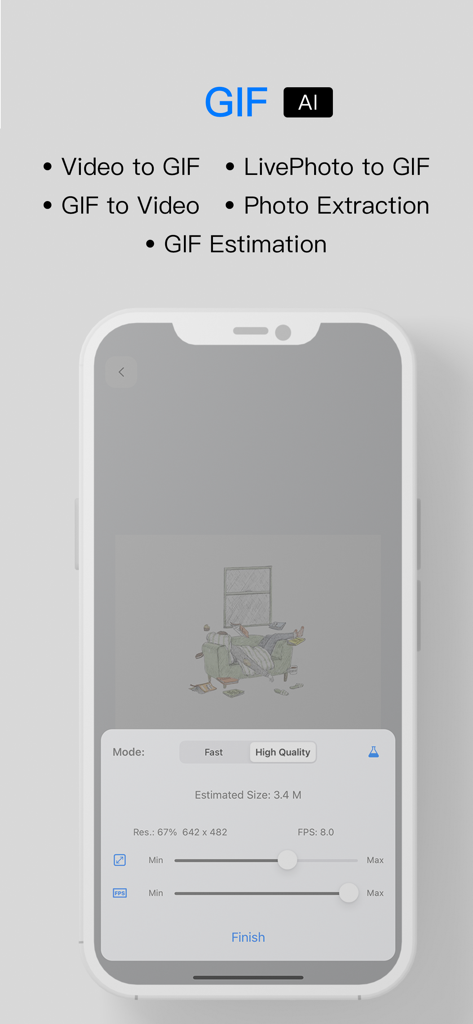
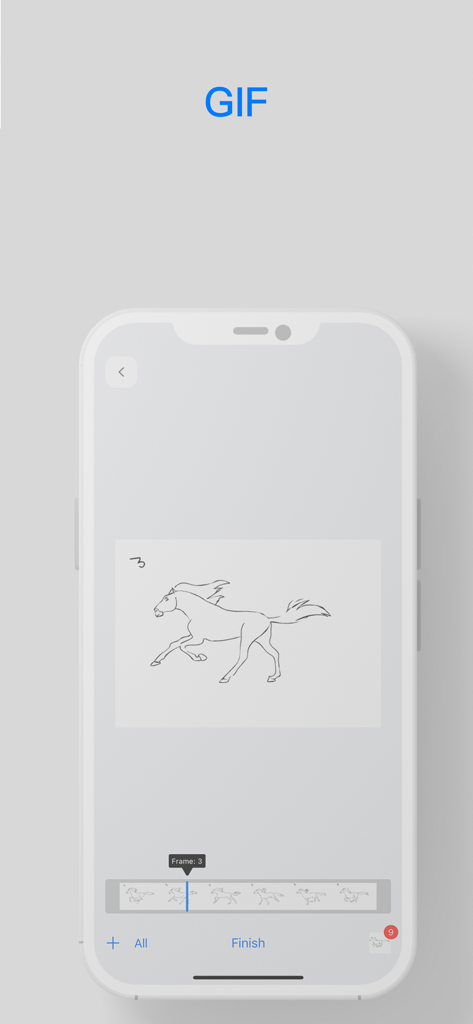
● GIF 【Support Estimation Using AI】
• Video to GIF - Small, fast and better GIF conversion engine
• GIF to MP4 - 【Batch】
• Convert LivePhoto to GIF
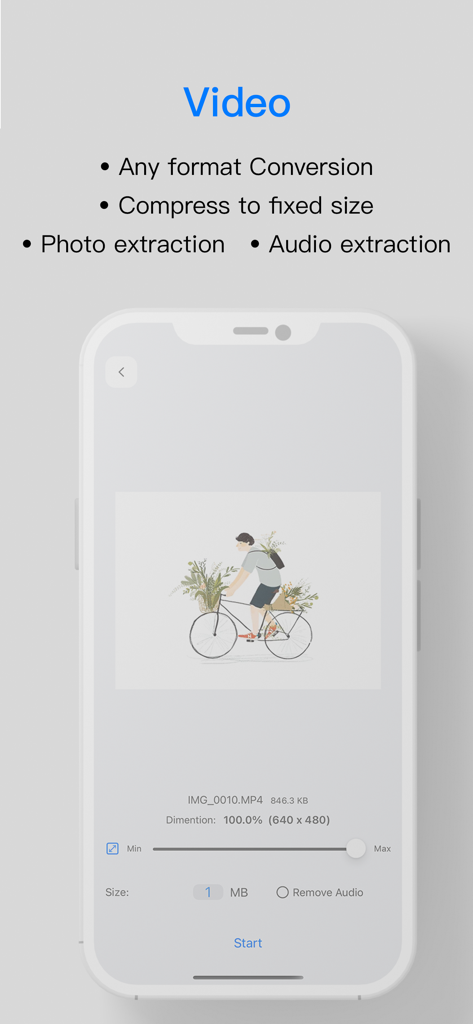
● Video
• Convert to MP4 - Convert ALL video formats to MP4, 【Batch】
(Detailed supported formats: WEBM, AVI, WMV, MPEG, MP4, M4V, MOV, FLV, F4V, RMVB, 3GP, TS, M4S...)
• Compression - Does not change the video quality, only modifies the video resolution, 【Batch】
• Compress to a specified size - Compress to a specified size-compress the video to a specified size, preserve the video quality to the utmost extent, modify the video resolution at the same time, and whether to retain the audio
• Photo extraction
• Audio extraction
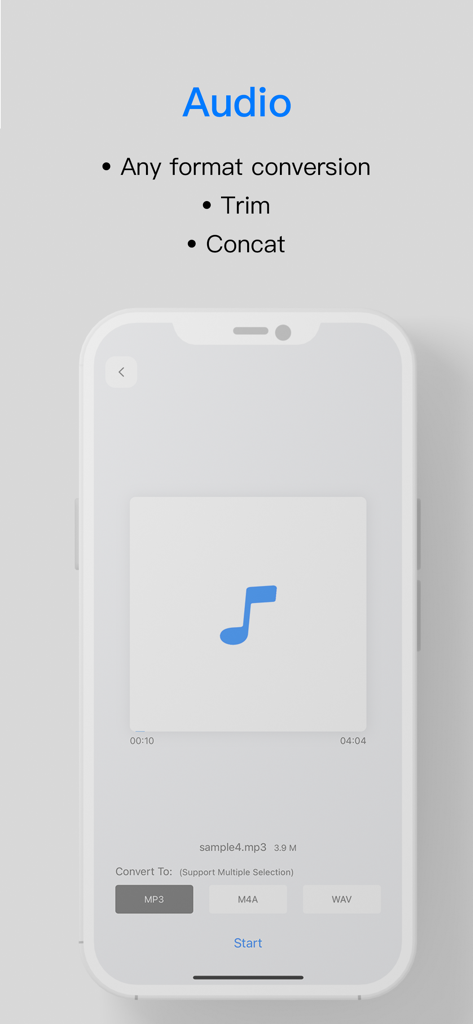
● Audio
• Format conversion - Support All audio formats, 【Batch】
(Detailed supported formats: AAC, OGG, M4A, WAV, FLAC, MP3, AIFF, MID, WMA, CAF, AMR, AC3, TS, OPUS...)
• Trim
• Concat
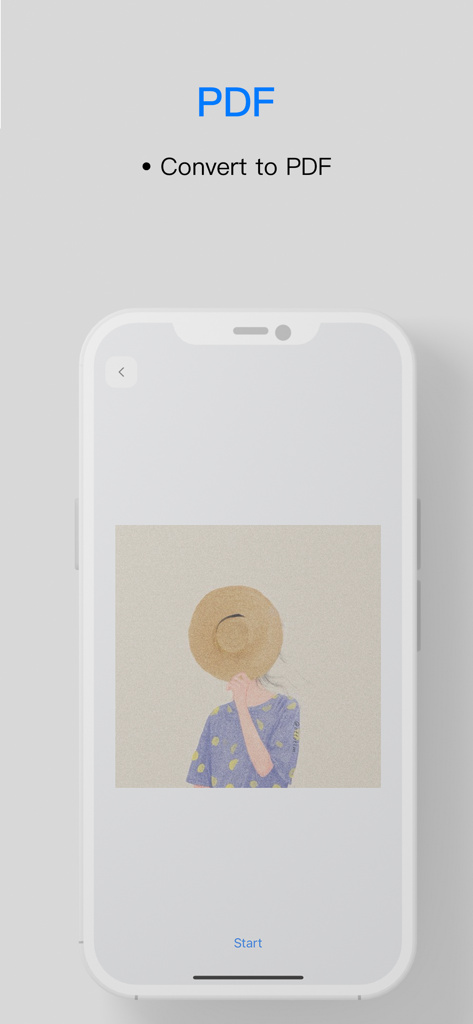
● PDF
• Convert to PDF - Convert images to PDF, 【Batch】
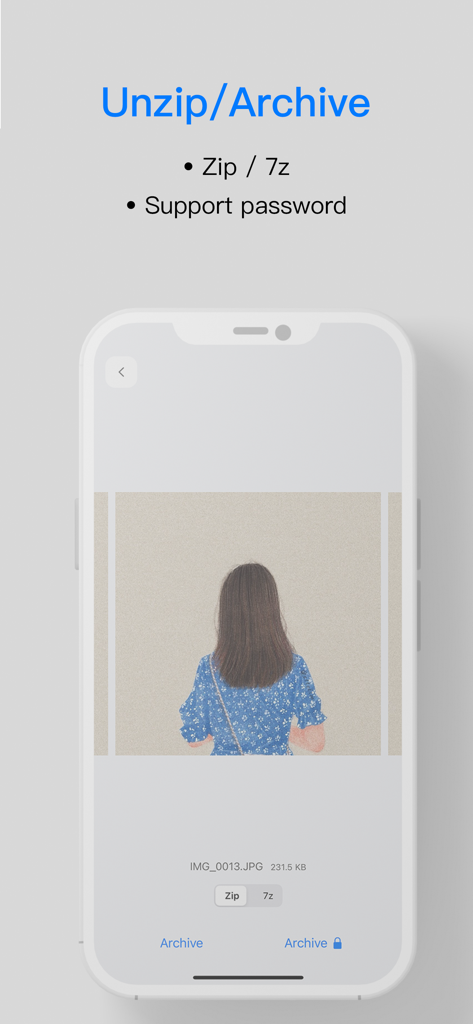
● Unzip/Compression
• Unzip - Support zip and 7z. Support compressed files with password protection
• Compression - Compress and package multiple media or files, and support password setting. Support zip and 7z.
All tools support selecting source materials from [Photo] or [File].
We know that thinking from the perspective of users can better serve users. We want to make the most of every commonly used function. Smaller, faster, better, great performance, lower power consumption.
We understand the importance of privacy and take personal privacy very seriously. All our processing runs locally and does not upload to the background.
Thank you to everyone who supports us. If you like [Toolbox], please leave a good comment to support us. If you have new needs, ideas or any questions, you can talk with us at any time.
Email: support@paperclipglobal.com
Learn more about our terms of use:
Terms of Service: https://www.paperclipglobal.com/allaroundtools/termsofservice.html
Privacy Policy: https://www.paperclipglobal.com/allaroundtools/privacypolicy.html
Contact us: contact@paperclipglobal.com