
Calculate84



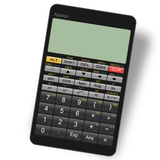
Ditch the expensive hardware. Experience fast, interactive touch-screen graphing with the familiar layout you know and the smart features you deserve.
Publisher
Category
EducationDownloads
4M+User Rating
Total Ratings
49K+Locales
1Discover the interface used by 4M+ users.
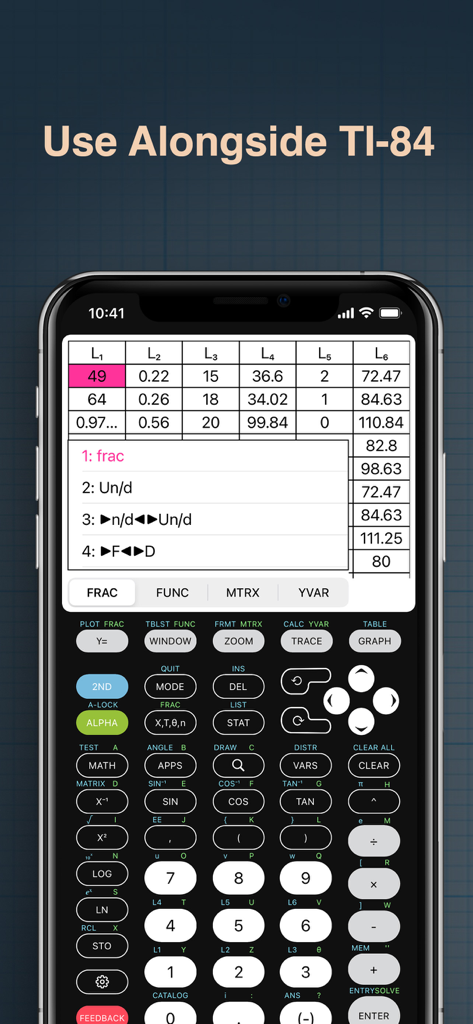
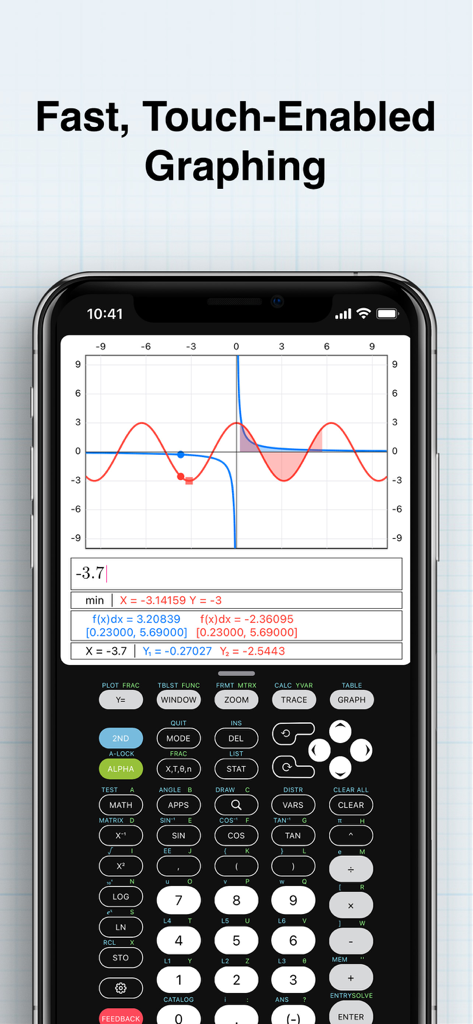

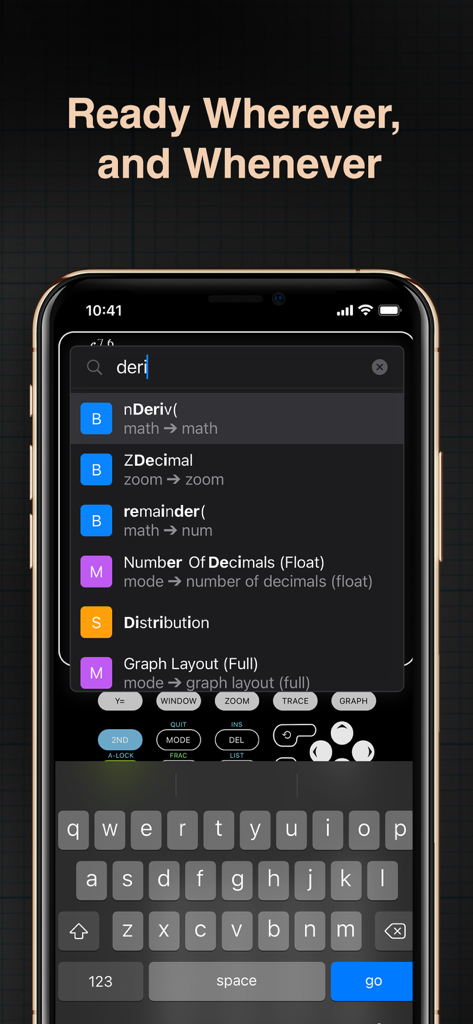
The tools that make this app stand out, trusted by 4M+ users.
Pinch to zoom and swipe to explore functions instantly. No more waiting for the slow, pixelated screens of traditional hardware.
Stop spamming the arrow keys. Effortlessly scroll through your previous calculations and graphs just like a modern messaging app.
Get more than just a Syntax Error. Our smart messages help you understand exactly what went wrong so you can finish your homework faster.
Trusted by 4M+ people who love this app.
"Calculate84 is a total lifesaver for my AP Calculus homework. I was so tired of carrying around a bulky $120 calculator, and this app is honestly much faster. The scrollable history and touch-screen graphing make it so much more intuitive than the old hardware versions."
"As a STEM major, I need a reliable calculator that I can use alongside my digital textbooks. This app feels exactly like the TI-84 I grew up with, but the intelligent error messages actually explain what I did wrong. It’s the best tool in my digital backpack."
Everything you need to know about Calculate84.
Description
Latest Version
2.6.0
Size
68.2 MB
First Released
Aug 17, 2019
Ditch the $150 clunky hardware. Download the modern graphing calculator that actually makes sense, with scrollable history and intelligent feedback right in your pocket.
Everything you need to know about Calculate84
Calculate84 is a modern graphing calculator application designed for the iPhone. It offers fast, interactive touch-screen graphing, scrollable windows, and intelligent inline error messages.
Yes, Calculate84 provides intelligent, inline error messages directly within the calculation interface. This design eliminates pop-up windows, offering a streamlined and useful user experience.
Yes, Calculate84 performs fast and interactive touch-screen graphing. Users can manipulate and explore graphs directly on the screen, allowing for dynamic interaction with functions and data.
Users can send feedback for the Calculate84 app by pressing the red feedback button located within the application's interface. This provides a direct channel for user input to the developers.
Yes, Calculate84 is designed to be used alongside TI-84 calculators. Its interface and functionality suggest it can serve as a compatible or supplementary tool for TI-84 users.
Yes, Calculate84 features scrollable windows, which eliminates the need for repeatedly pressing arrow keys to navigate content. This design enhances user convenience and interaction within the app.
The privacy policy for Calculate84 is available online at https://www.calculate84.com/privacy-policy. Users can access this link to understand how their data is handled by the application.
Apps with similar features and user experience

An Truong

振龙 张

Dinh Phuc

Desmos, Inc.
Tran Duy

Jindrich Houska
Noriyasu Kutsuzawa

An Truong

TLA Systems Ltd.