
iZip – Zip Unzip Unrar


Bring desktop-grade file power to your iPhone and iPad. Securely compress, encrypt, and unzip any archive format with seamless integration across iCloud, Google Drive, and Dropbox.
Publisher
Category
UtilitiesDownloads
13M+User Rating
Total Ratings
373K+Locales
10Discover the interface used by 13M+ users.


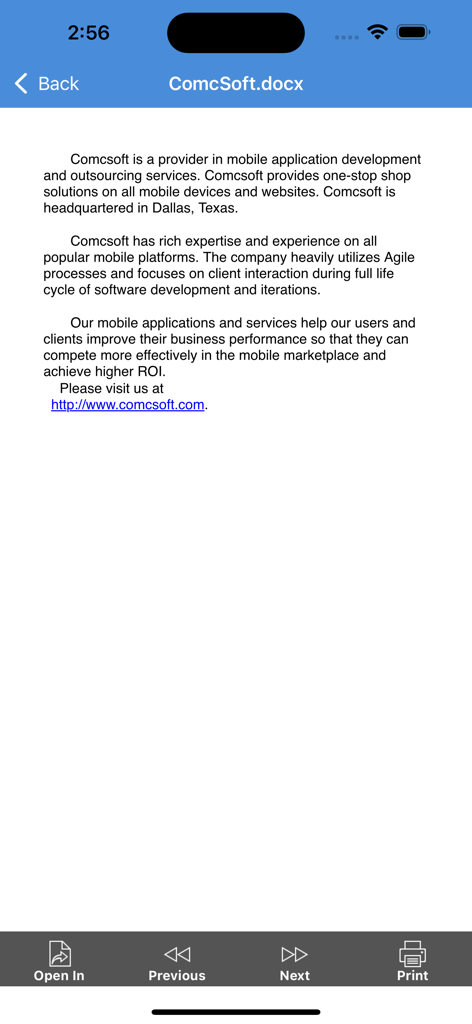
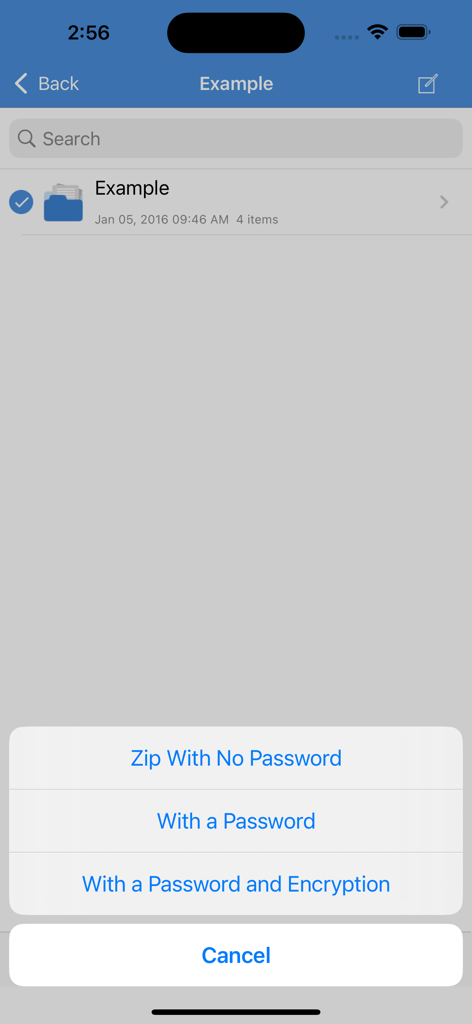
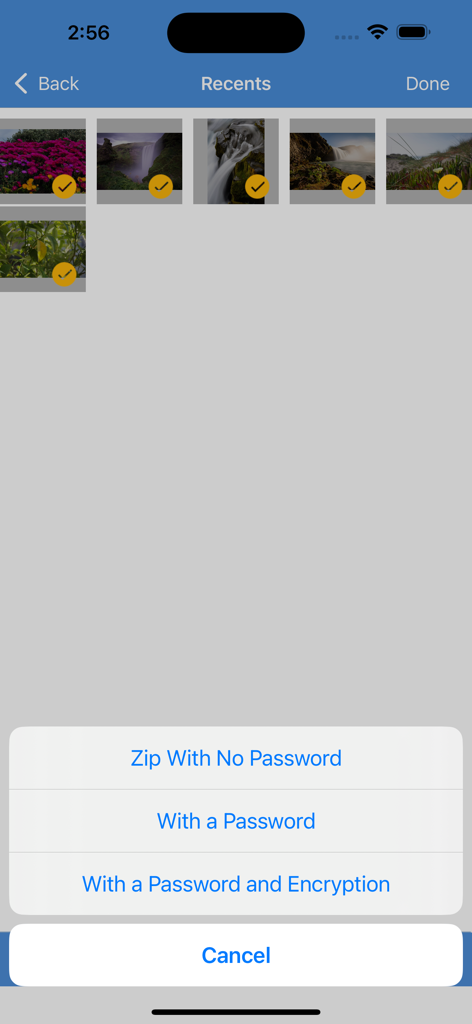


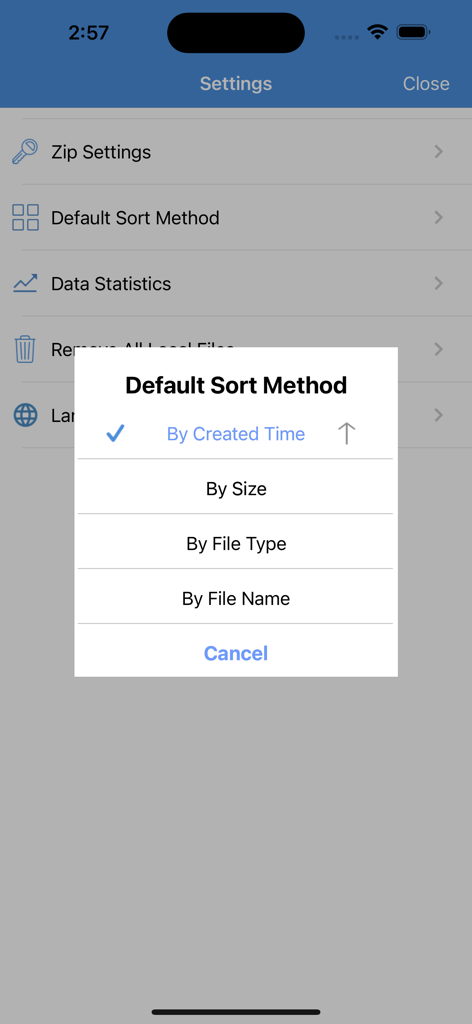

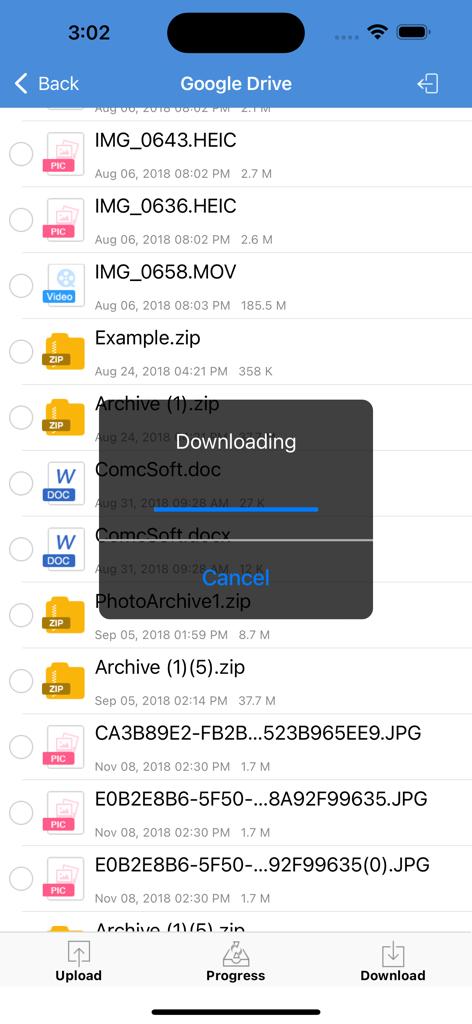
The tools that make this app stand out, trusted by 13M+ users.
Stop hitting 'format not supported' walls. Effortlessly open RAR, 7Z, ZIPX, ISO, and dozens of other compressed formats directly on your mobile device.
Protect your professional privacy with powerful AES encryption and biometric security. Secure your sensitive documents with Face ID or Touch ID integration.
Connect directly to iCloud, Dropbox, and Google Drive. Compress, upload, and share large files or photo albums without ever leaving the app.
Trusted by 13M+ people who love this app.
"As a project manager constantly on the move, iZip is an absolute essential for my iPad Pro. I frequently receive complex RAR and 7Z files while traveling, and this app handles them as easily as a desktop. The seamless integration with Dropbox and iCloud means I can manage my entire workflow without ever needing to open a laptop."
"Finally, a mobile file manager that takes security seriously. I use the AES encryption to protect sensitive client contracts and love the Face ID integration for extra privacy. The HEIC to JPG converter is also a huge time-saver for my design work. It is easily the most reliable utility app on my iPhone."
Everything you need to know about iZip – Zip Unzip Unrar.
Description
Latest Version
26.01
Size
79.9 MB
First Released
Jan 13, 2011
Join over 13 million professionals who trust iZip for secure encryption, multi-format unzipping, and seamless cloud integration. Get the #1 utility for your iPhone and iPad today.
Everything you need to know about iZip – Zip Unzip Unrar
iZip unzips various formats, including password-protected and AES-encrypted ZIP files. It supports RAR, 7Z, ZIPX, TAR, GZIP, and many other compressed file types.
iZip decompresses ZIP, RAR, 7Z, ZIPX, TAR, GZIP, BZIP, TGZ, TBZ, ISO, DEB, CAB, JAR, RPM, and CBS. It also handles password-protected and AES encrypted ZIP files.
Yes, iZip compresses files into ZIP format with a password. The iZip Pro version also supports AES encryption for advanced security during compression.
iZip integrates with iCloud, Dropbox, Box, OneDrive, and Google Drive. Users can directly open, upload, and download files from these services within the iZip app.
Yes, iZip opens and views various document types. These include DOC, Excel, PPT, PDF, TXT, RTF, Pages, JPG, GIF, PNG, audios, and videos directly.
Yes, iZip Pro supports HEIC to JPG conversion. It also allows setting default photo sizes (Original, Medium, Small) during image processing within the iZip app.
Yes, iZip Pro supports Face ID and Touch ID. This feature provides enhanced security for accessing the application on compatible iPhone and iPad devices.
iZip supports sharing files through Email, Message, Airdrop, or by using the "Open in another App" function. This offers flexible sharing options.
Yes, iZip compresses photos and videos from the Photo Album. Users can choose to secure these compressed files with a password or AES encryption.
Yes, iZip supports the iOS Files app. Users open files from iCloudDrive, other cloud drives, and third-party apps, and save files to these locations via the Document Browser.
iZip supports password protection for compressed files. The iZip Pro version further offers AES encryption, providing a robust security layer for your archives.
iZip enables file management by opening files from local or cloud sources, appending content to existing ZIP archives, and sorting files by created time, size, or name.
Yes, iZip allows users to print documents directly from the application. This function is available when viewing supported document types.
Apps with similar features and user experience

Little Sweet Technology Co., Ltd.

书勇 贾

PENGHUI ZHAO

FANGZHOU INTERACTIVE TECHNOLOGY CO., LIMITED

TIMON SOFTWARE SOLUTIONS COMPANY LIMITED

书敏 贾

琳 胡

瑞 胡

ComcSoft Corporation