
Ringtone Maker +



Stop using the same default sounds as everyone else. Join 6 million users and turn any song, video, or voice recording into a professional ringtone directly on your iPhone—no iTunes or sync cables required.
Publisher
Category
MusicDownloads
6M+User Rating
Total Ratings
195K+Locales
5Discover the interface used by 6M+ users.
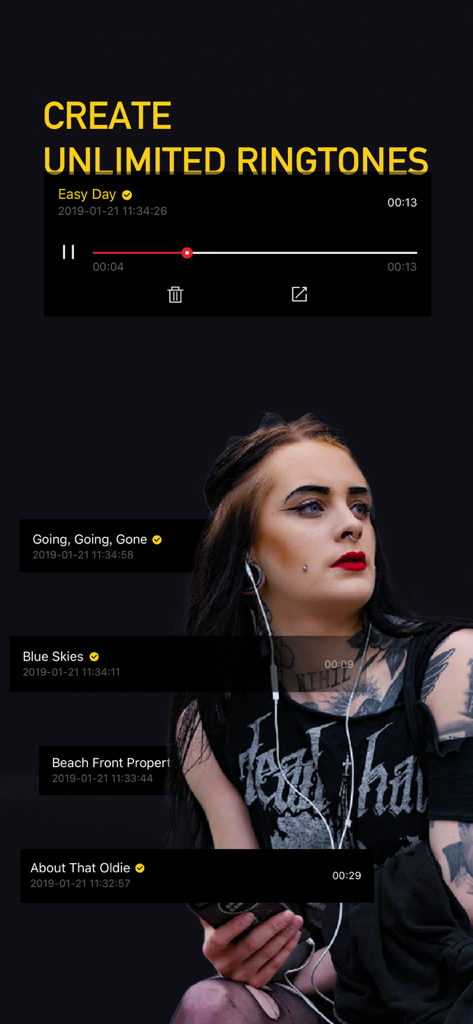
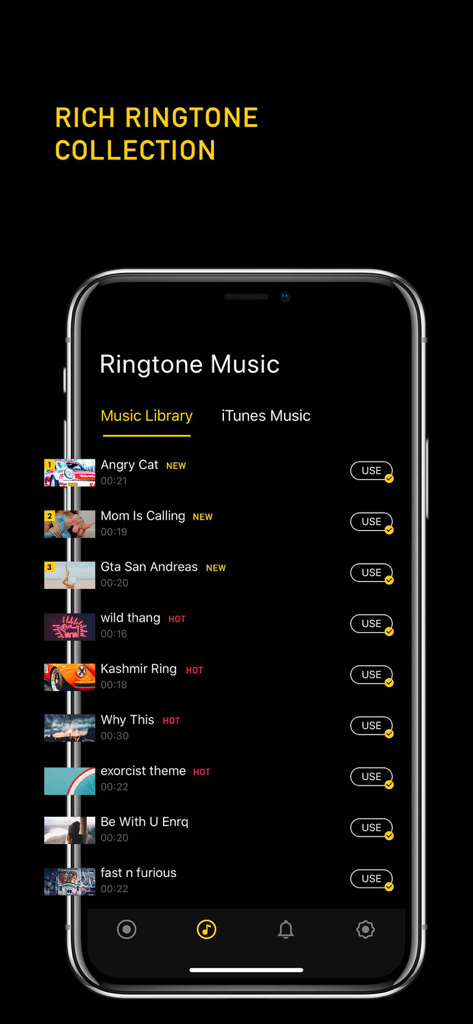
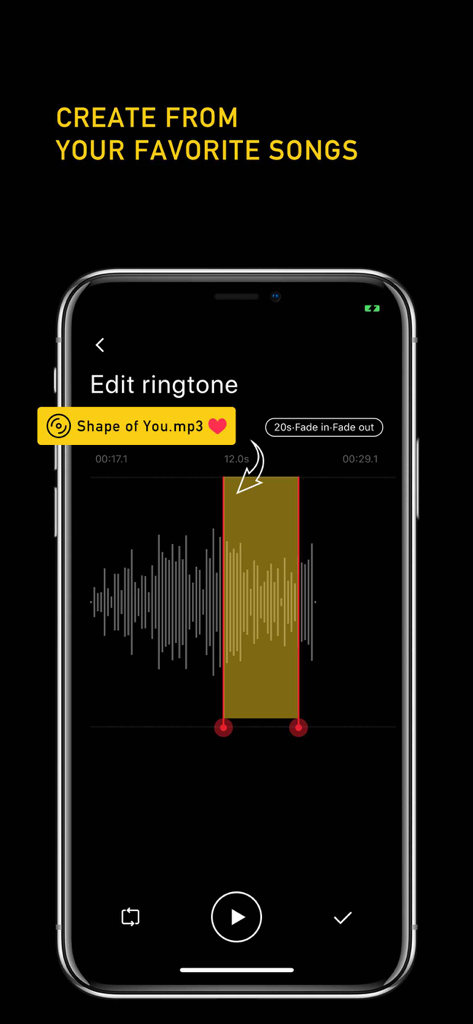
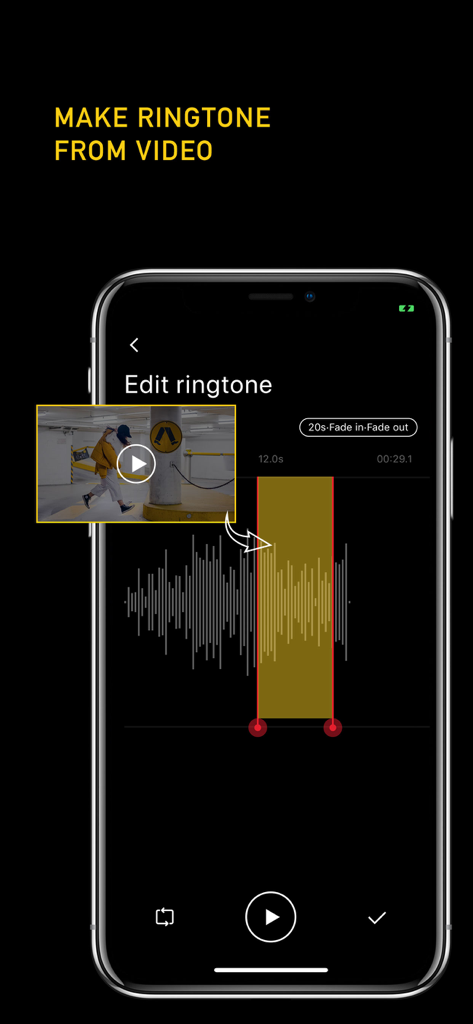
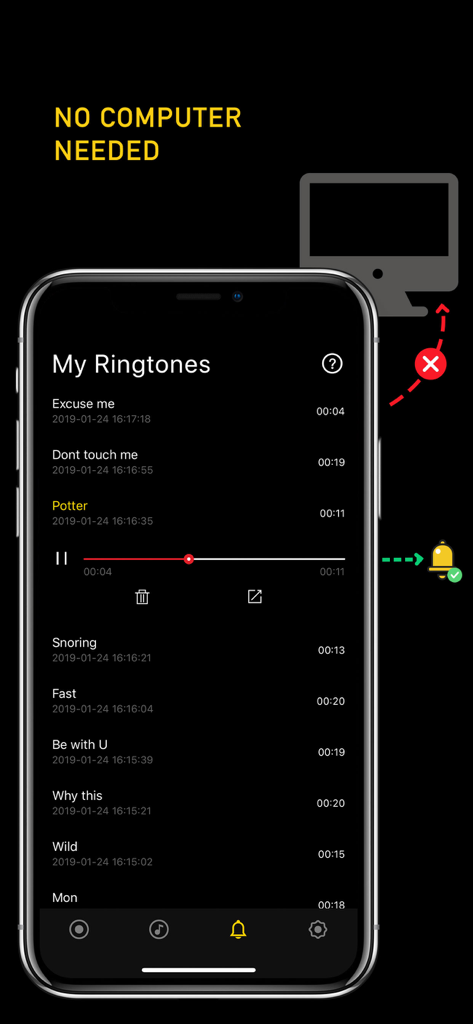
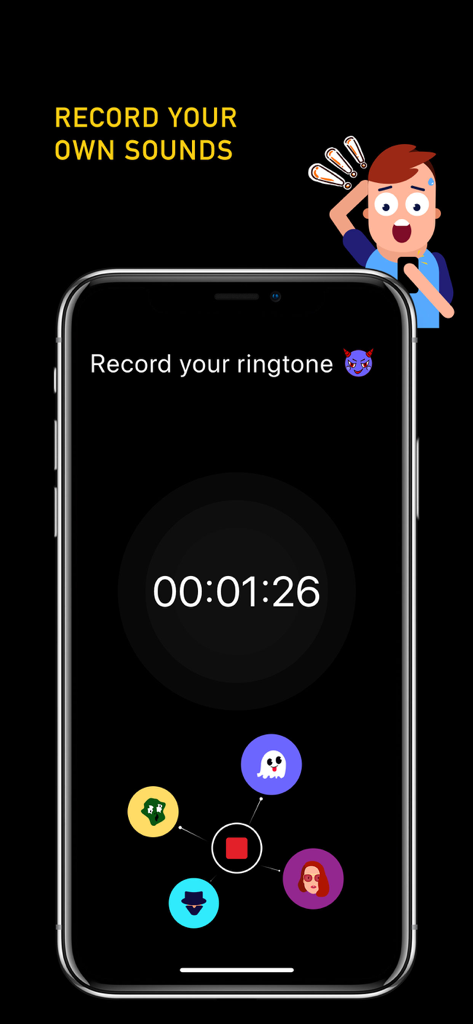
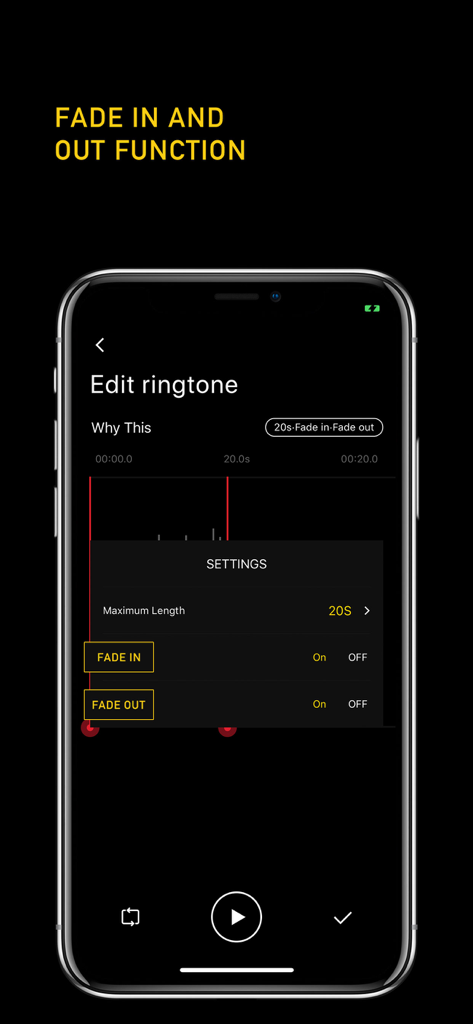
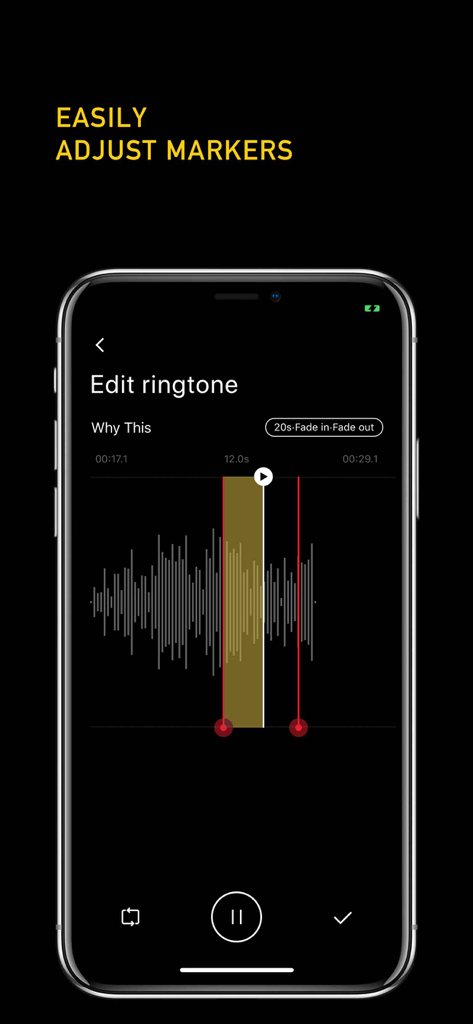
The tools that make this app stand out, trusted by 6M+ users.
Forget the hassle of iTunes. Set your favorite songs as ringtones directly on your iPhone with zero wires and zero stress.
Found a viral sound on TikTok or Instagram? Simply import your screen recordings and turn them into unique tones instantly.
Easily trim audio with precision markers and add fade-in or fade-out effects for a professional, polished finish every time.
Trusted by 6M+ people who love this app.
"I am obsessed! I saw a viral clip on TikTok and wanted the audio as my ringtone immediately. With this app, I just screen-recorded the video and converted it to a ringtone in seconds. The fact that I don't need a computer or iTunes to set it up is a complete game-changer for iPhone users."
"Finally, a way to customize my iPhone sounds without the technical headache. The interface is super intuitive, and the fade-in/out effects make my ringtones sound professional rather than just a jarring clip. It’s the easiest tool I’ve found to make my phone actually feel like mine."
Everything you need to know about Ringtone Maker +.
Description
Latest Version
1.1
Size
77.3 MB
First Released
Jan 28, 2019
Join 6M+ users and start personalizing your iPhone. Create your custom ringtone in seconds—no computer or iTunes required.
Everything you need to know about Ringtone Maker +
Ringtone Maker + is an iPhone app that allows users to create, edit, and customize personalized ringtones directly on their device. It offers features like converting songs and videos, and recording sounds.
Yes, Ringtone Maker + allows you to install and set all your custom ringtones directly from your iPhone without needing a computer or iTunes synchronization.
Yes, Ringtone Maker + allows users to create an unlimited number of custom ringtones directly on their iPhone.
Ringtone Maker + enables you to create ringtones from your favorite songs. You can easily adjust start and end markers and apply fade in and fade out effects.
Yes, Ringtone Maker + can convert any video from your gallery into a ringtone. This feature allows for diverse sound sources directly on your device.
Yes, Ringtone Maker + includes fade in and fade out effects. You can easily toggle these functions when editing your ringtones to refine the sound.
Yes, Ringtone Maker + allows you to record your own sounds directly within the app. These recordings can then be used to create custom ringtones for your iPhone.
Ringtone Maker + allows users to easily adjust the start and end markers on the waveform. This provides precise control over the ringtone's length and selected section.
Apps with similar features and user experience
苏娟 陈

Shenzhen Chuangyuan Huaqi technology Co., LTD

Appflow Software - FZCO

BUD TECHNOLOGIES, PTE. LTD.
Dream United, Ltd.

TOWER OF HANOI SOFTWARE COMPANY LIMITED

Oleksandr Pylaiev

Ion Danilov
TwinBit Ltd