Air Manager

Air Manager

Download on App StoreDownload on Google Play
Spark by MWM logo
Logo of Air Manager

Air Manager: Professional Touch-Screen Flight Simulator Cockpits

Elevate your immersion by transforming your iPad into a fully customizable, tactile flight deck. Seamlessly connect to MSFS 2024, X-Plane, and Prepar3D with over 1,000 high-fidelity instruments at your fingertips.

Publisher

Sim Innovations B.V.

Category

Games

Downloads

58K+

User Rating

3.0/5

Total Ratings

100

Locales

1

Your Flight Deck, Perfected

Discover the interface used by 58K+ users.
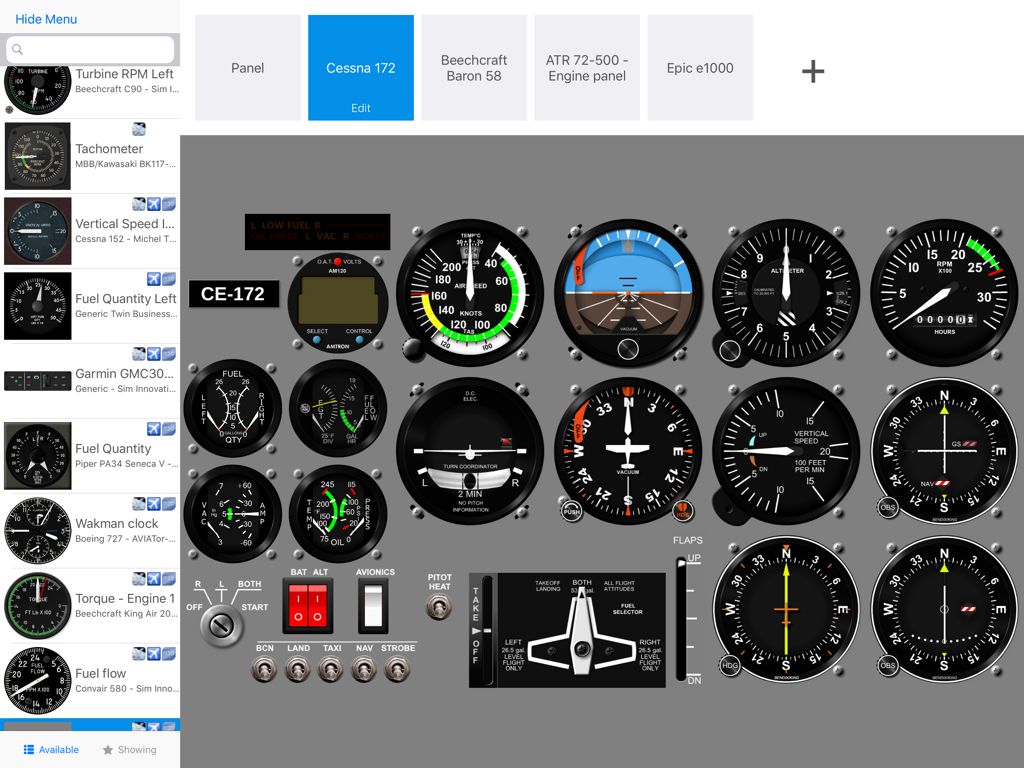
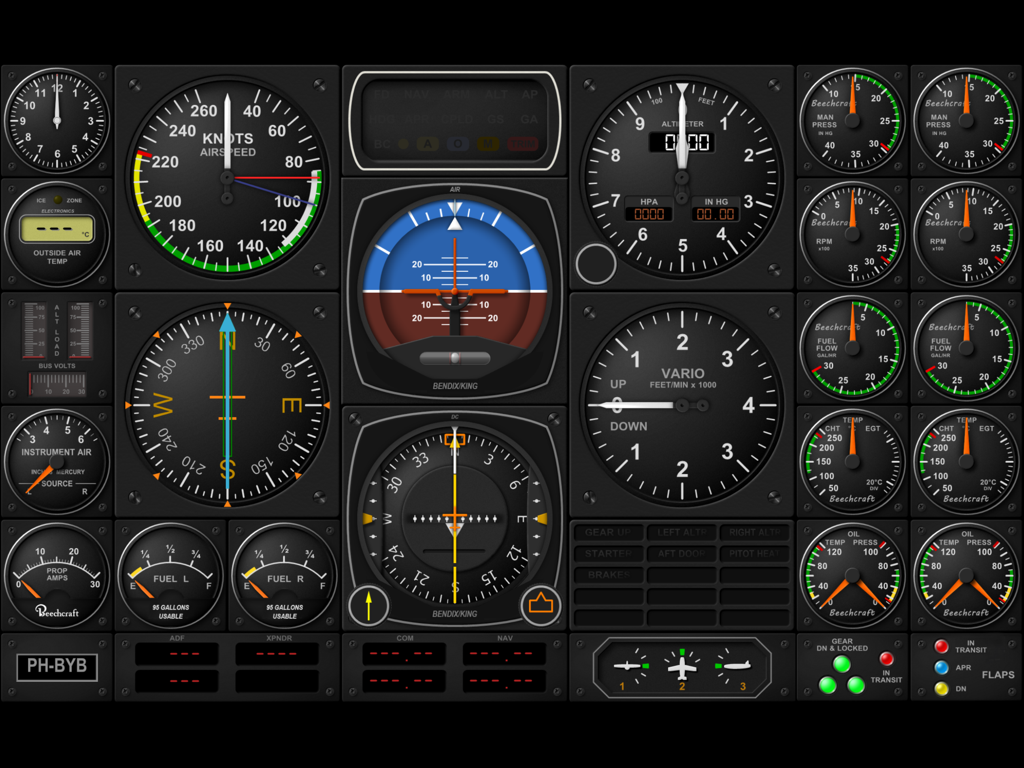
A custom Cessna 172 flight instrument panel interface in the Air Manager app

A custom Cessna 172 flight instrument panel interface in the Air Manager app

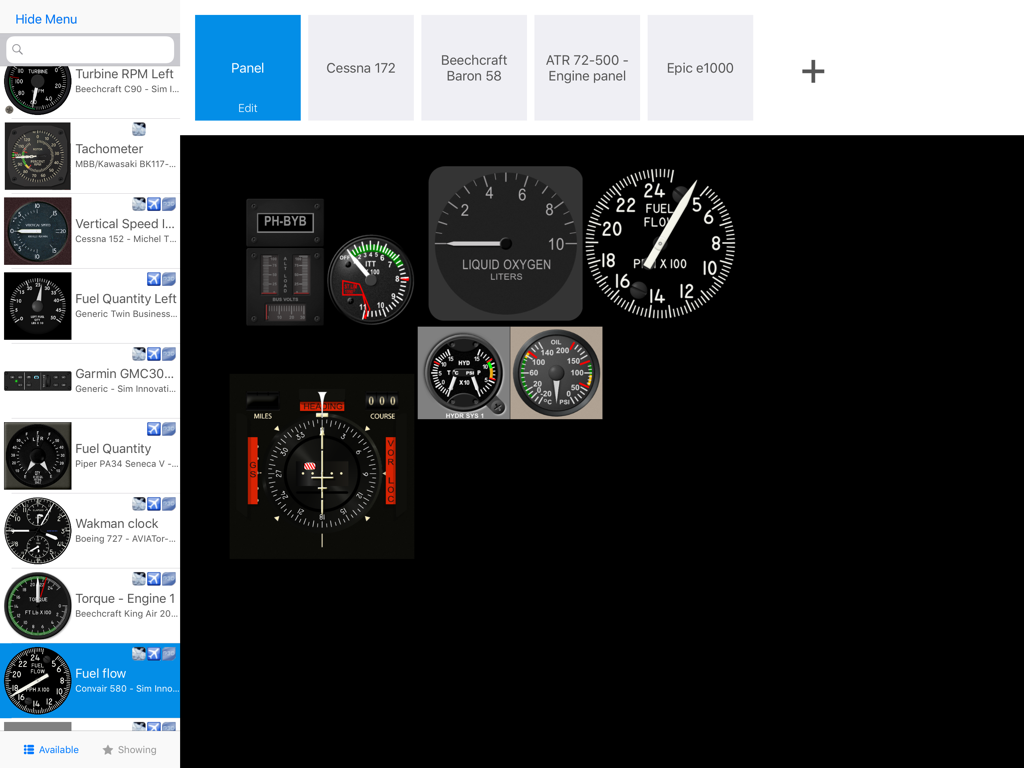
Customizing a flight simulator instrument panel in Air Manager

Customizing a flight simulator instrument panel in Air Manager

A custom digital aircraft cockpit instrument panel for flight simulators

A custom digital aircraft cockpit instrument panel for flight simulators

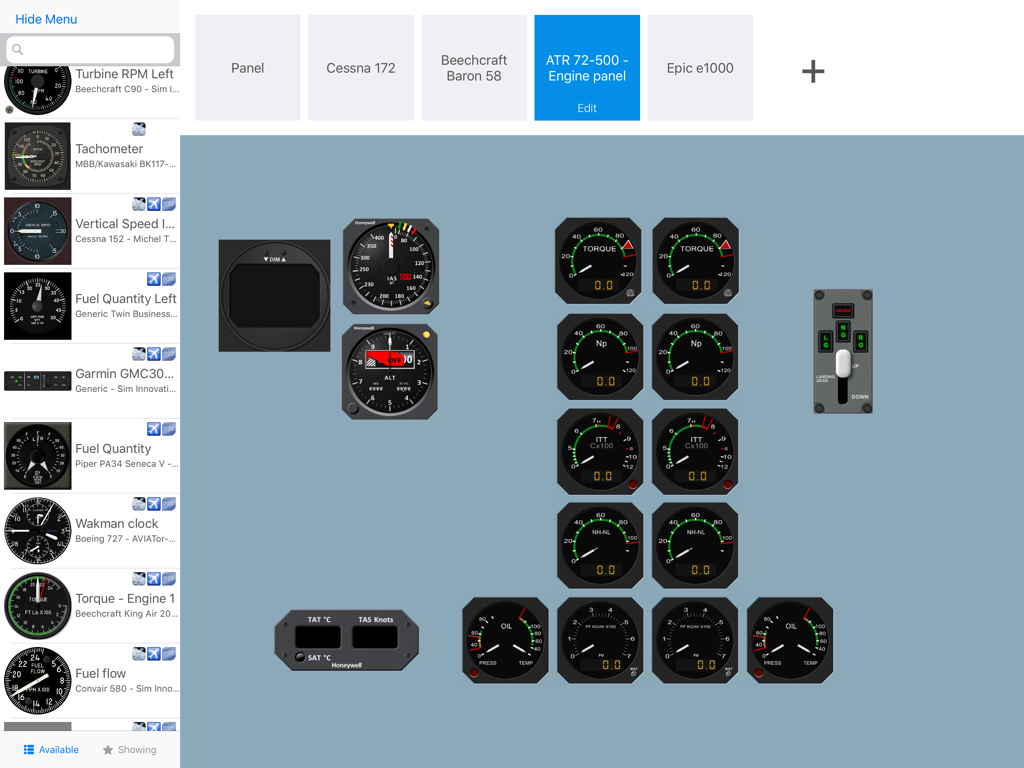
Air Manager interface for designing custom flight simulator instrument panels on an iPad

Air Manager interface for designing custom flight simulator instrument panels on an iPad

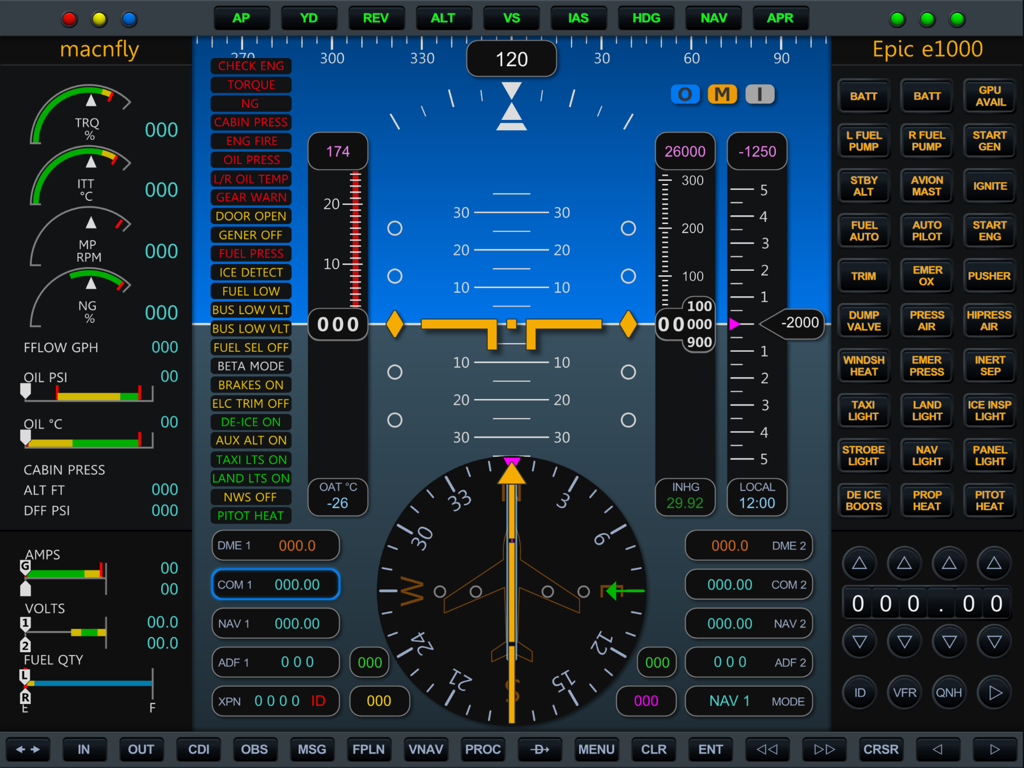
A detailed Epic E1000 digital cockpit display with flight instruments and engine gauges in the Air Manager app

A detailed Epic E1000 digital cockpit display with flight instruments and engine gauges in the Air Manager app

Ultimate Cockpit Realism

The tools that make this app stand out, trusted by 58K+ users.

🏗️

Custom Panel Builder

Design and scale your own instrument layouts in minutes. Save multiple configurations for every aircraft in your virtual hangar, from light props to heavy jets.

🖐️

Tactile Touch Controls

Interact with your cockpit naturally. Adjust altimeters, tune radios, and flip switches with high-precision touch instead of immersion-breaking mouse clicks.

🚀

Universal Sim Integration

Seamlessly sync with MSFS 2024, X-Plane, and Prepar3D. Experience ultra-responsive performance that keeps your virtual flight data in perfect harmony.

Loved by users worldwide

Trusted by 58K+ people who love this app.

"

"Air Manager has completely transformed my home cockpit setup. Instead of spending thousands on physical radio stacks, I now have everything I need right on my iPad. The touch responsiveness is incredible, making frequency changes during a busy approach feel completely natural. It is an absolute must-have for anyone looking to maximize realism and immersion in their flight simulator."

David Richardson
"

"As a systems engineer and long-time simmer, I am blown away by the level of customization. Setting up unique panels for different aircraft takes only minutes thanks to the massive library of over 1000 instruments. It is the most user-friendly way to clear my main monitor for a full outside view without losing access to critical flight data or controls."

Mark Thompson

About the app

Everything you need to know about Air Manager.

Description

Air Manager lets you design custom flight simulator instrument panels on your iPad. Panels can connect to X-plane, FS2020, FS2024, Prepar3d and FSX. Use your iPad as a primary instrument panel and have your computer monitor for outside view only, or use your iPad as a secondary com stack to easily set frequencies through the iPad touch screen. Air Manager comes with more than 1000 free instruments. Add, drag, scale, build your instrument panel in only a matter of minutes. Save your created panels, and switch between them quickly. User friendly No difficult settings or downloading and configuring of third party applications. You can download the necessary plugins from our website for free. We offer a complete solution! Place instruments anywhere you like Tap an instrument to add it to the canvas, hold and drag to rearrange, and pinch to scale, it’s as easy as that. Loads of free instruments The application comes with more than 1000 free instruments, and this collection keeps growing. Buttons, Switches and Knobs Controls like Buttons, Switches, and Knobs let you control the simulator from your 2D panels, so your Flight Simulation is super realistic. Setting a radio frequency or the altimeter setting, moving electrical switches, and controlling the autopilot are just a few examples of what you can do without directly accessing the flight simulator. Multiplatform and multi simulator The Air Manager plugin runs on Microsoft Window, Mac OSX, and Linux, both 32 bits and 64 bits, and is compatible with Laminar Research X-Plane 9, 10 and 11, Microsoft FSX and Lockheed Martin Prepar3D.

Latest Version

5.0.0

Size

896.8 MB

First Released

Feb 16, 2016

Complete Your Professional Home Cockpit Today

Get tactile touch control and professional-grade immersion. Download Air Manager now and choose from over 1,000 instruments for MSFS 2024, X-Plane, and Prepar3D.

Download on App StoreDownload on Google Play