
ArrangeUs




Stop drawing on paper. Design, animate, and sync your dance routines to music so you can spend less time planning and more time creating.
Publisher
Category
ProductivityDownloads
457K+User Rating
Total Ratings
16K+Locales
10Discover the interface used by 457K+ users.
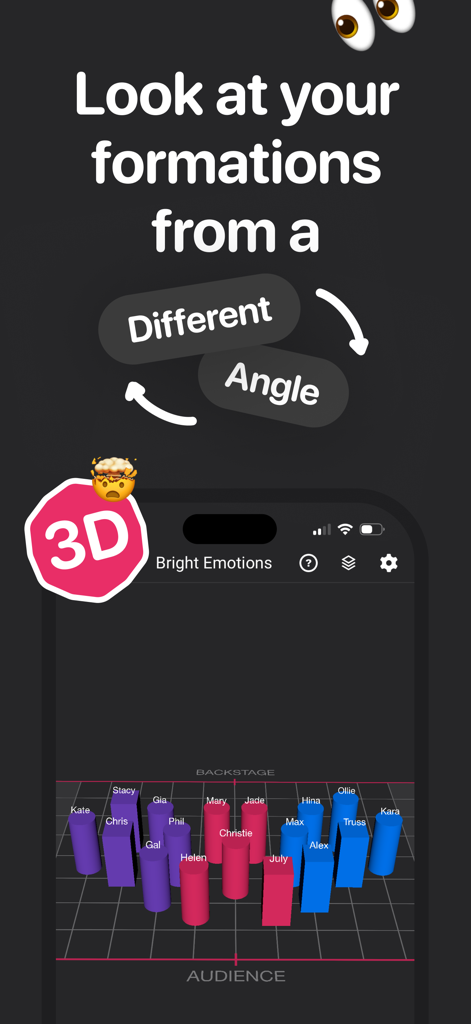
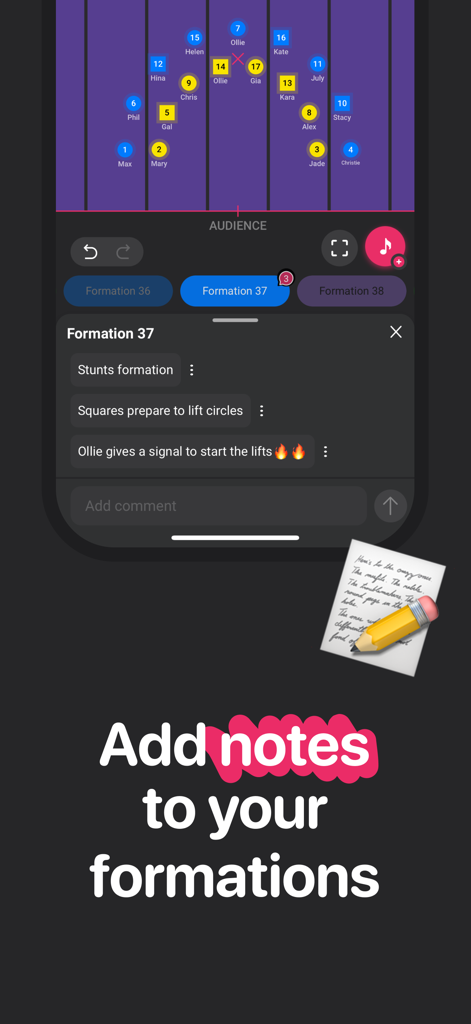
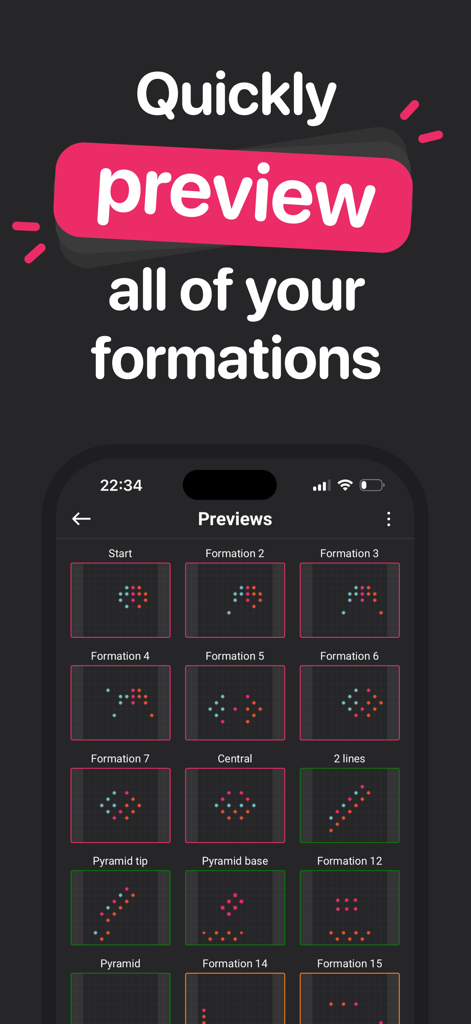
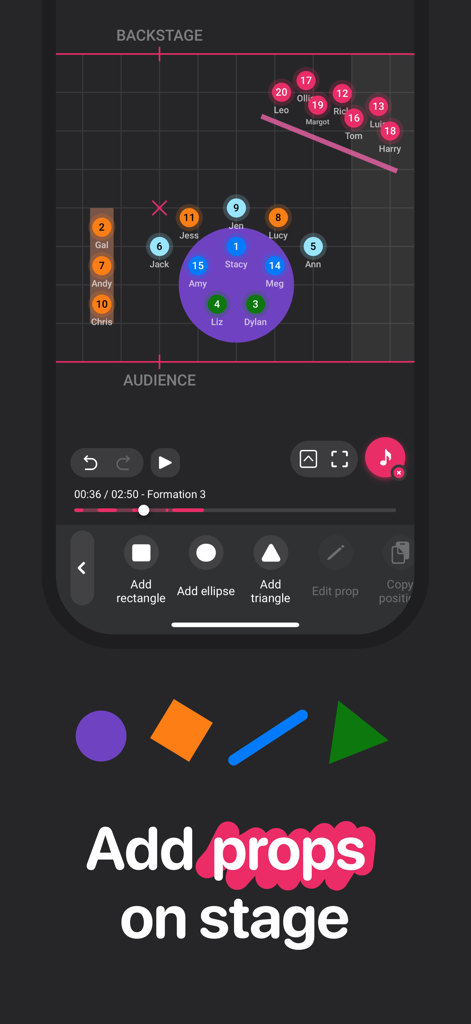
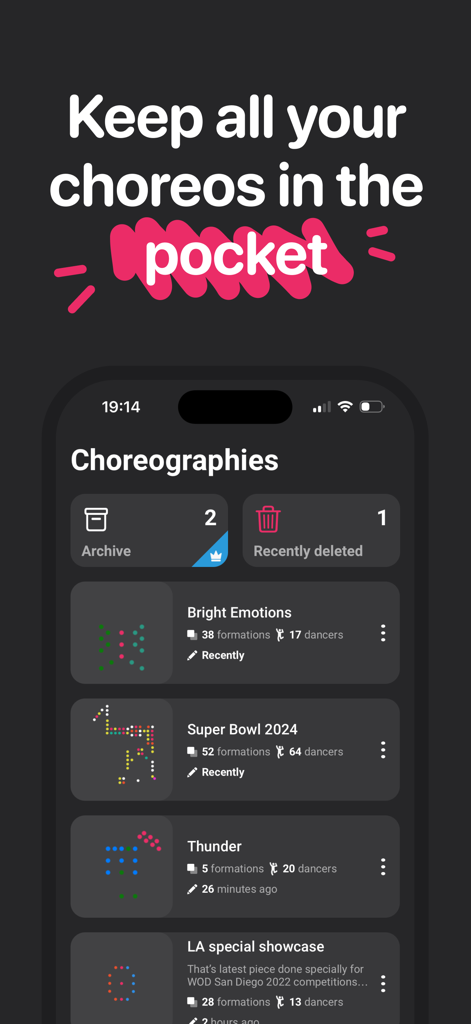
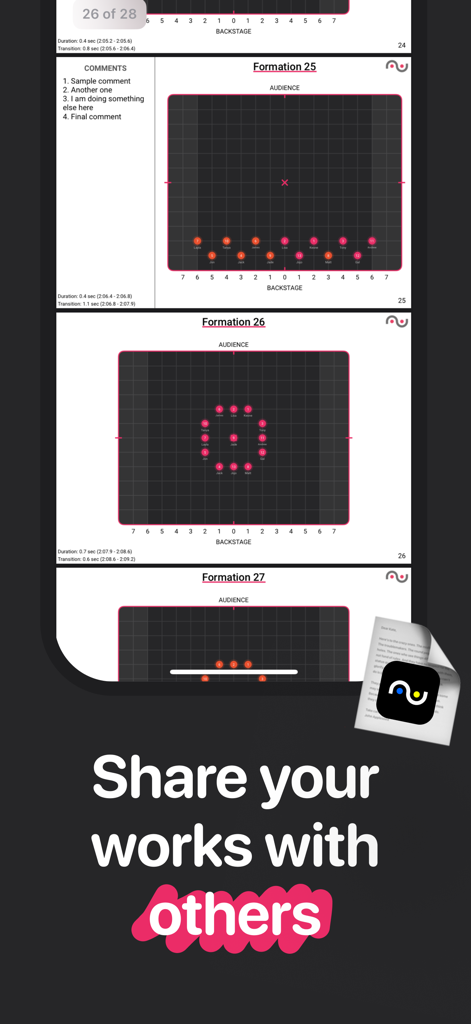
The tools that make this app stand out, trusted by 457K+ users.
Visualize the exact flow between formations to eliminate collisions and ensure smooth transitions before your first rehearsal.
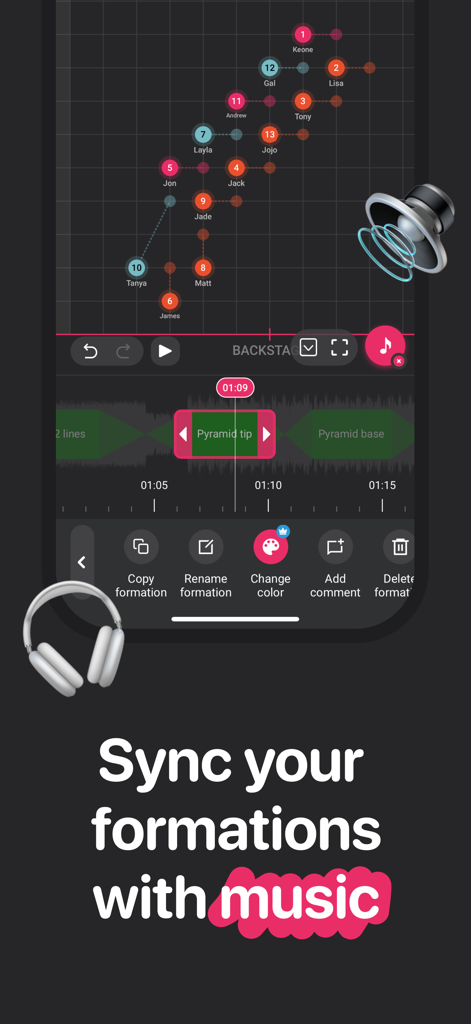
Sync your choreography perfectly to the beat to create high-impact visual moments that maximize your team's musicality.
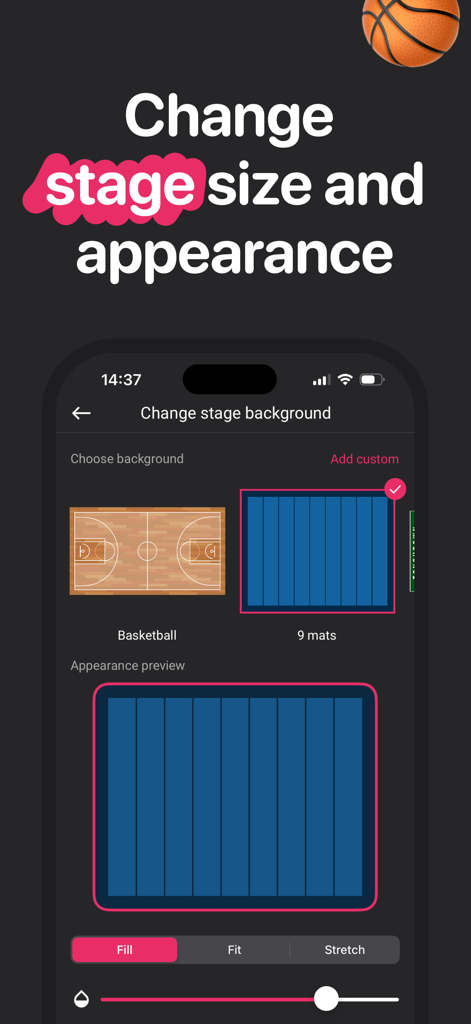
Customize your stage dimensions for any venue and use intelligent presets to build complex, symmetrical patterns in seconds.
Trusted by 457K+ people who love this app.
"ArrangeUs has completely transformed my rehearsal process. I used to spend hours sketching formations on paper, but now I can visualize transitions instantly. The music sync feature is a game-changer for hitting every beat perfectly!"
"Planning our halftime shows is so much easier now. The app makes it simple to show the team exactly where they need to be, which saves us so much 'dead time' during practice. It’s a must-have for any choreographer."
Everything you need to know about ArrangeUs.
Description
Latest Version
2.16.7
Size
46.2 MB
First Released
Jul 6, 2020
Join over 450,000 choreographers who have ditched the paper for the ultimate formation tool. Design, sync, and animate your vision in minutes.
Everything you need to know about ArrangeUs
Yes, ArrangeUs is a mobile application designed to help choreographers easily plan and manage dance formations, transitioning from paper-based methods to a digital format.
Yes, choreographers use ArrangeUs to simplify formation planning. The app helps them move their performance designs from paper to a digital platform with various customization options and tools.
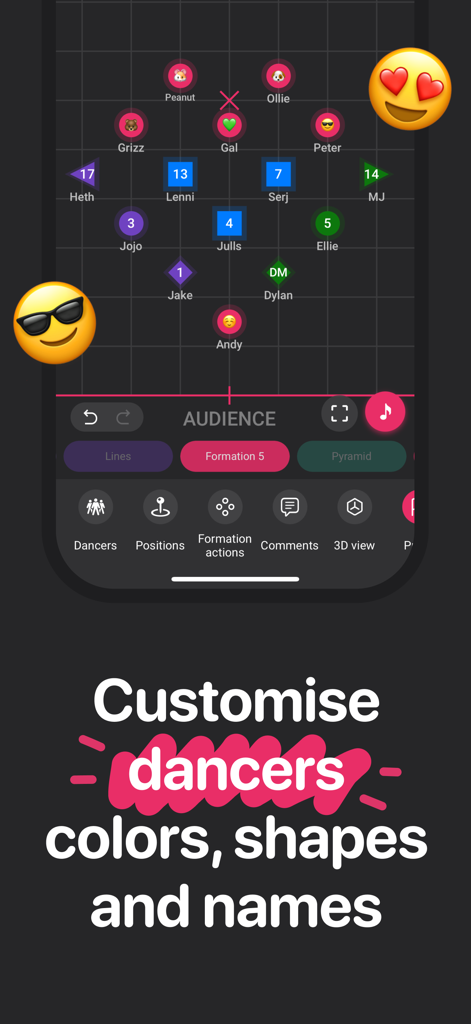
Yes, ArrangeUs allows users to name dancers, change their colors, and customize their shapes within formations. This feature helps distinguish individuals or groups on stage.
Yes, ArrangeUs provides the functionality to watch animated transitions between different formations. This helps choreographers visualize the flow of their performances.
Yes, ArrangeUs enables users to customize the stage by changing its size and appearance. This includes selecting different backgrounds like a basketball court or mat layouts.
Yes, ArrangeUs allows users to synchronize their performance formations with music. The app provides controls for aligning formations to specific points in an audio track.
Yes, ArrangeUs offers a feature to leave comments for each position or add notes to entire formations. This helps choreographers document specific instructions or ideas.
Yes, ArrangeUs provides a 3D view feature, allowing users to examine their formations from various angles. This enhances the visualization and planning process for choreography.
Yes, ArrangeUs allows users to add various props, such as rectangles, ellipses, or triangles, onto the stage. This enables comprehensive planning that includes physical elements.
Yes, ArrangeUs allows users to save their best formation ideas in a Presets collection. It also keeps all created choreographies accessible for future use and organization.
Yes, ArrangeUs enables users to share their choreography works with others. This feature facilitates collaboration and distribution of planned performances.
ArrangeUs has over 750,000 users worldwide. This indicates a large and active community utilizing the application for choreography planning.
Apps with similar features and user experience

F Closs Servicos em Tecnologia da Informacao EIRELI ME

Andreas Rauh
ANDREAROSARIO CENSABELLA
Grzegorz Kipa

Grzegorz Kipa

Cadrage GmbH

True Partners, LLC

Day Well Spent LLC

Grzegorz Kipa
