Background Eraser: AI Remove

Background Eraser: AI Remove

Download on App Store
Spark by MWM logo
Logo of Background Eraser: AI Remove
Background Eraser: AI Remove - Professional Cutouts in Seconds

Join over 15 million creators using AI to instantly remove backgrounds, smooth edges, and export high-resolution PNGs for your shop, social media, and presentations.

Publisher

SUNWOONG JANG

Category

Photo & Video

Downloads

15M+

User Rating

4.5/5

Total Ratings

195K+

Locales

1

Precision in Every Pixel

Discover the interface used by 15M+ users.
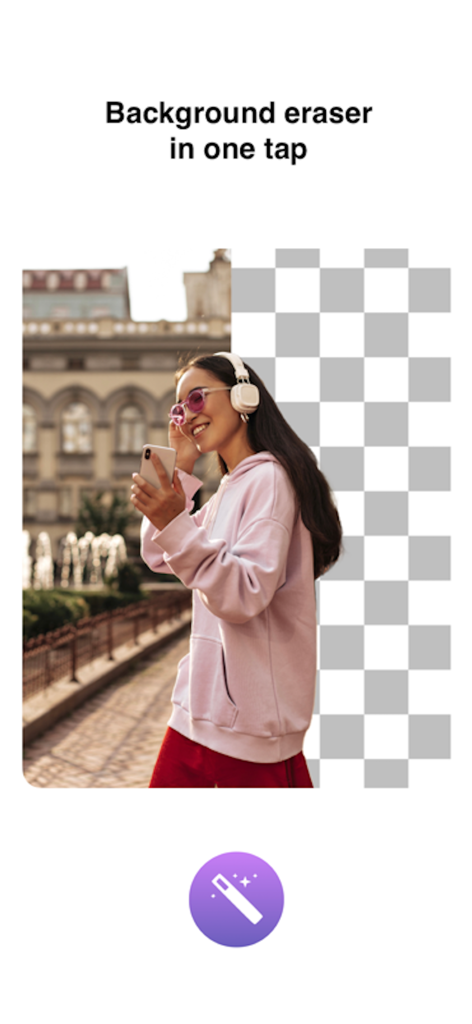
A portrait of a woman showing a one-tap background removal effect

A portrait of a woman showing a one-tap background removal effect

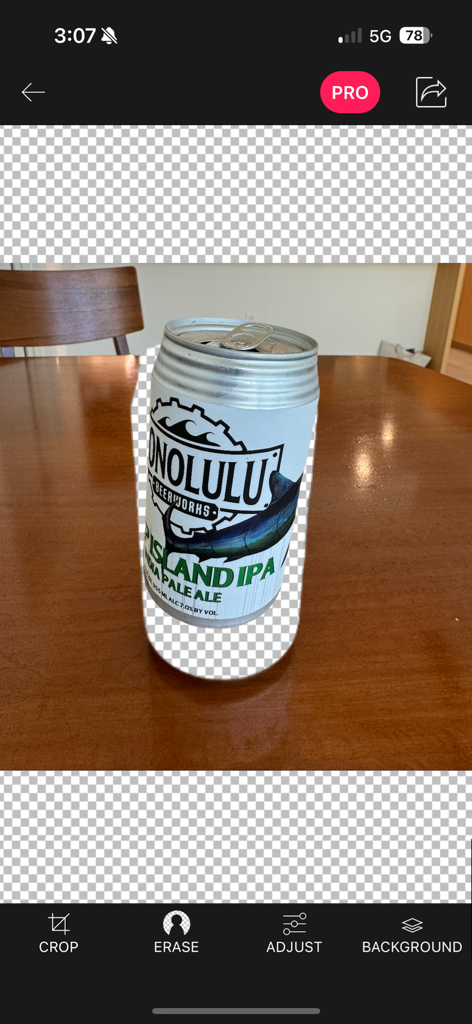
A mobile app interface showing a beer can being isolated from its background using an eraser tool

A mobile app interface showing a beer can being isolated from its background using an eraser tool

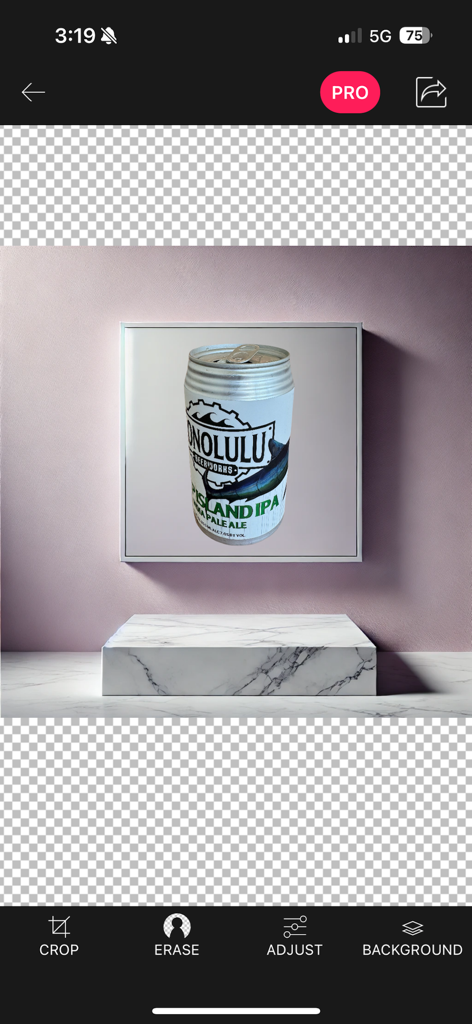
Interface of the Background Eraser app showing a beer can product photo placed on a marble podium with background removal tools

Interface of the Background Eraser app showing a beer can product photo placed on a marble podium with background removal tools

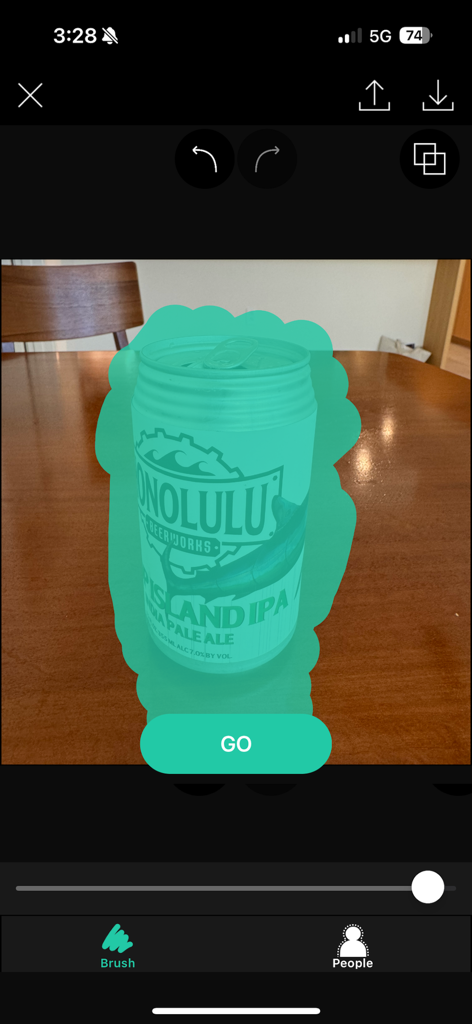
Background Eraser app interface with a brush tool selecting a can for cutout

Background Eraser app interface with a brush tool selecting a can for cutout

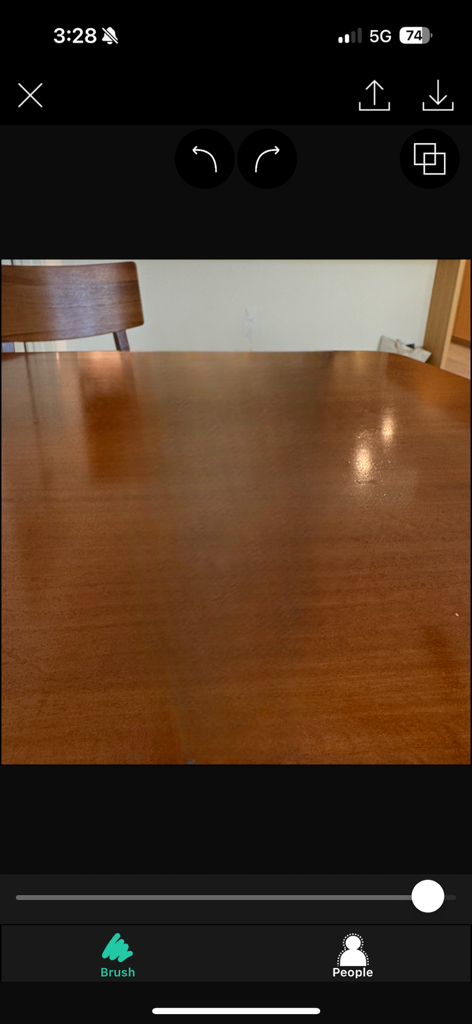
Background Eraser app interface showing a photo of a wooden table with editing tools like brush and people detection

Background Eraser app interface showing a photo of a wooden table with editing tools like brush and people detection

Everything You Need for Flawless Cutouts

The tools that make this app stand out, trusted by 15M+ users.

🪄

One-Tap AI Eraser

Automatically detect and remove backgrounds with intelligent color-matching technology for instant transparency in seconds.

🎯

Professional Precision

Work at the pixel level with zoom and smoothing tools to ensure every edge is perfectly clean for your brand assets.

💎

Studio-Quality Output

Export in ultra-high resolution to keep your product listings and social media content looking sharp on any platform.

Loved by users worldwide

Trusted by 15M+ people who love this app.

"

"As a full-time Poshmark seller, this app is a total game-changer for my business. I can remove messy backgrounds from my product shots in seconds, and the 'Smooth' tool makes my listings look like professional studio photos. It has saved me hours of manual editing every single week!"

Sarah J., Boutique Owner
"

"I've tried dozens of background removers, but this is the only one that maintains high-resolution quality without pixelation. The AI is incredibly accurate, and I love the flexibility of exporting transparent PNGs directly into my Canva designs and Instagram stories. Truly a must-have for digital creators."

Marcus K., Content Strategist

About the app

Everything you need to know about Background Eraser: AI Remove.

Description

This app helps to remove the background of any picture of yours and maintain transparency with just few taps. Just touch where you want to remove. "Target" function removes the area of similar color automatically. The image which one maintaining transparency background can be used with other apps ex) Keynote. Pages, etc. #Cut Out Tools – Cut images (Zoom in to work for fine pixel-level accuracy) ___#Erase/Restore : Erase/Restore the area you touched ___#Target Area Auto remove tool (Area/Color) : Remove similar color area automatically ___#Reverse tool : Reverse removed area #Crop – Crop your photos with 15 different presets feature quickly and easily. #Adjust Effect - 9 ADJUSTMENT tools (Smooth, brightness, contrast, saturation, exposure, highlights, shadows, temperature, vignette) **”Smooth” - Smoothing image edge #Add Background Photo - Remove & Change your photo background #Full Resolution - Selecting size of output picture (HQ 3264 x 3264 pixel , Normal 1600 x 1600 pixel, LQ 800 x 600 pixel) #PNG/ JPEG File Selection - Selecting size of output picture (PNG_transparent background,JPEG_white background) #Share Instagram, Facebook, Twitter, Mail, Other Apps Terms of Use: https://sites.google.com/view/noonus-ltd/terms-condition Privacy Policy: https://sites.google.com/view/noonus-ltd/privacy-policy SUBSCRIPTION INFO: • Subscription for Background Eraser for full access to all features. • Subscription length: 12 months. • Your payment will be charged to your iTunes Account as soon as you confirm your purchase. • You can manage your subscriptions and turn off auto-renewal from your Account Settings after the purchase. • Your subscription will renew automatically, unless you turn off auto-renew at least 24 hours before the end of the current period. • The cost of renewal will be charged to your account in the 24 hours prior to the end of the current period. • When canceling a subscription, your subscription will stay active until the end of the period. Auto-renewal will be disabled, but the current subscription will not be refunded. • Any unused portion of a free trial period, if offered, will be forfeited when purchasing a subscription.

Latest Version

2.4.0

Size

363.0 MB

First Released

Feb 18, 2014

Ready to Create Like a Pro?

Join over 15 million creators using AI to get pixel-perfect cutouts in seconds. Download now and give your side hustle the professional edge it deserves.

Download on App Store
FAQ

Frequently Asked Questions

Everything you need to know about Background Eraser: AI Remove

What does the "Background Eraser: AI Remove" app do?

The "Background Eraser: AI Remove" app removes the background from any picture with a few taps. It allows users to maintain transparency or add new backgrounds to their photos.

Does "Background Eraser: AI Remove" have an automatic background removal feature?

Yes, "Background Eraser: AI Remove" includes a "Target Area Auto remove tool" that automatically removes areas of similar color. Users can also touch to remove specific areas.

What file formats does "Background Eraser: AI Remove" support for output?

"Background Eraser: AI Remove" supports outputting images as PNG files for transparent backgrounds and JPEG files for white backgrounds. Users select the desired format.

Can users add a new background using "Background Eraser: AI Remove"?

Yes, "Background Eraser: AI Remove" allows users to add a new background photo after removing the original one. This feature is part of the editing tools.

Is a subscription required to access all features in "Background Eraser: AI Remove"?

Yes, a subscription for "Background Eraser: AI Remove" is required for full access to all features. Subscriptions are for a 12-month length.

How can I manage my "Background Eraser: AI Remove" subscription?

Users can manage their "Background Eraser: AI Remove" subscriptions and turn off auto-renewal from their iTunes Account Settings after purchase.

What adjustment tools are available in the "Background Eraser: AI Remove" app?

The "Background Eraser: AI Remove" app offers nine adjustment tools. These include smoothing, brightness, contrast, saturation, exposure, highlights, shadows, temperature, and vignette.

Can I share images directly from "Background Eraser: AI Remove"?

Yes, "Background Eraser: AI Remove" allows direct sharing of images. Users can share their edited photos to Instagram, Facebook, Twitter, Mail, and other applications.

What output resolutions does "Background Eraser: AI Remove" offer?

"Background Eraser: AI Remove" offers multiple output resolutions. Options include HQ (3264x3264 pixel), Normal (1600x1600 pixel), and LQ (800x600 pixel).

What cut-out tools are available in "Background Eraser: AI Remove" for precise editing?

"Background Eraser: AI Remove" provides several cut-out tools for precision. These include Erase/Restore, Target Area Auto remove, and a Reverse tool to manage removed areas.