C. Browser

C. Browser

Download on App Store
Spark by MWM logo
Logo of C. Browser

C. Browser: The Web Bluetooth Solution for IoT Developers

Bypass Safari restrictions and connect your BLE devices directly to web applications. The essential tool for rapid hardware prototyping and testing on iOS.

Publisher

irodori, inc.

Category

Utilities

Downloads

724K+

User Rating

1.6/5

Total Ratings

1K+

Locales

2

Prototyping in Action

Discover the interface used by 724K+ users.
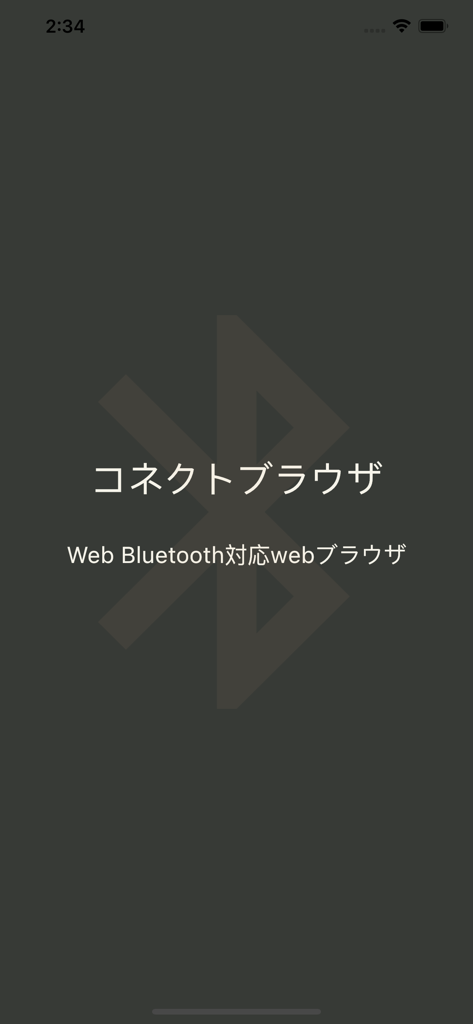
C. Browser splash screen showing a Bluetooth logo and Japanese text for Web Bluetooth compatibility

C. Browser splash screen showing a Bluetooth logo and Japanese text for Web Bluetooth compatibility

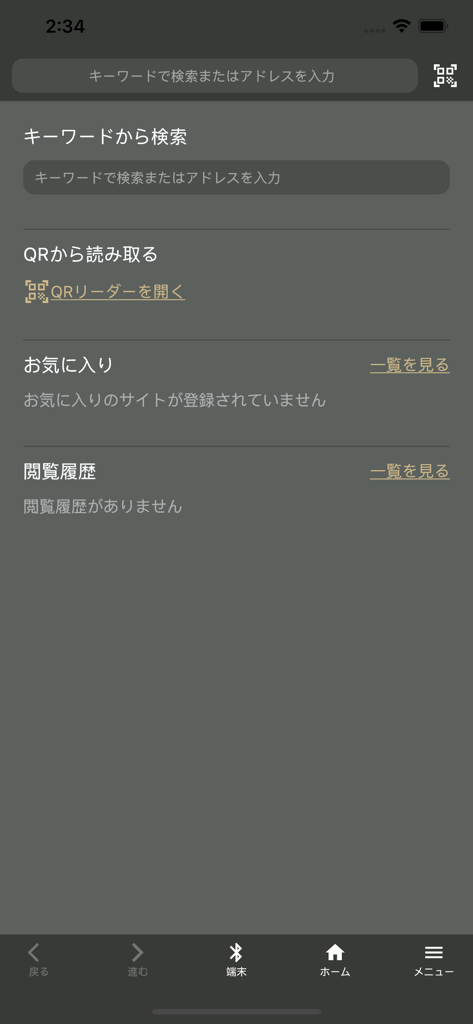
The home interface of the C. Browser app featuring search functions and a Bluetooth device connection button

The home interface of the C. Browser app featuring search functions and a Bluetooth device connection button

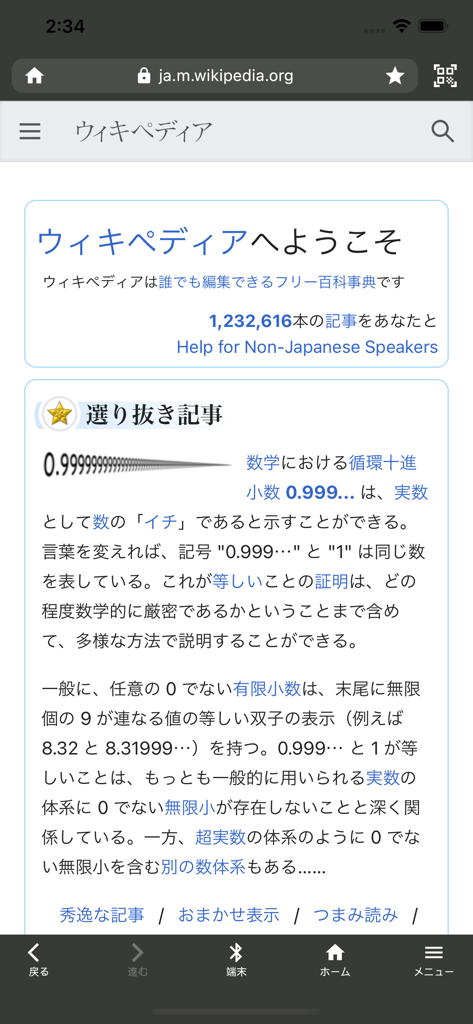
C. Browser app interface displaying a webpage with a bottom toolbar featuring a Bluetooth device connection button

C. Browser app interface displaying a webpage with a bottom toolbar featuring a Bluetooth device connection button

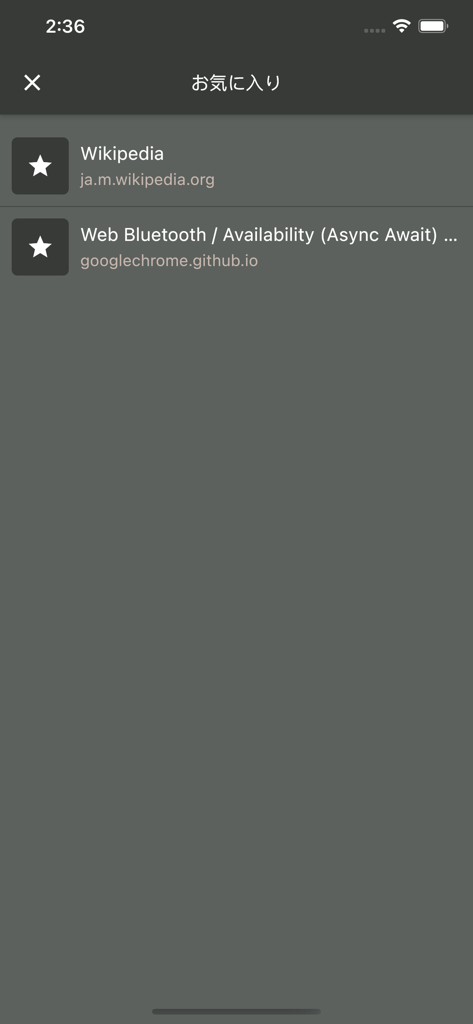
C. Browser favorites screen showing bookmarks for Wikipedia and a Web Bluetooth test page.

C. Browser favorites screen showing bookmarks for Wikipedia and a Web Bluetooth test page.

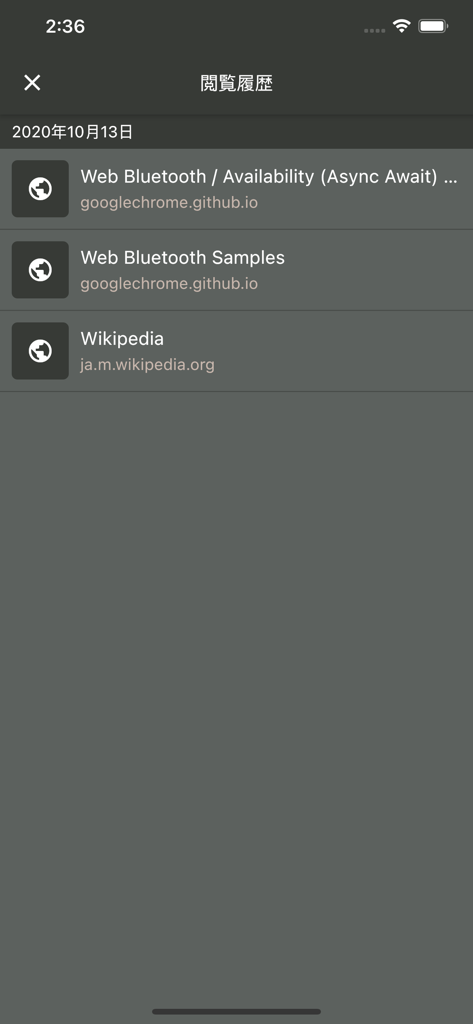
Browsing history in C. Browser showing Web Bluetooth development samples.

Browsing history in C. Browser showing Web Bluetooth development samples.

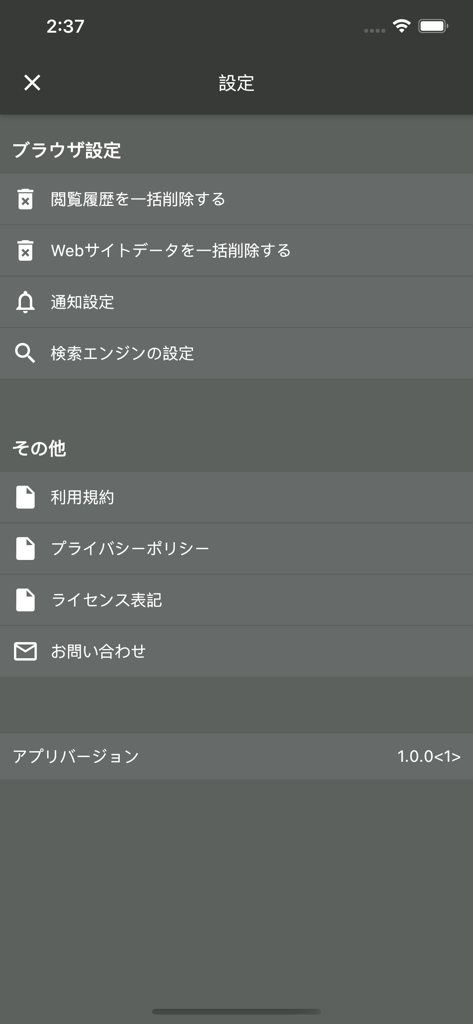
The settings screen of the C. Browser app featuring options for browser configuration, history deletion, and legal information.

The settings screen of the C. Browser app featuring options for browser configuration, history deletion, and legal information.

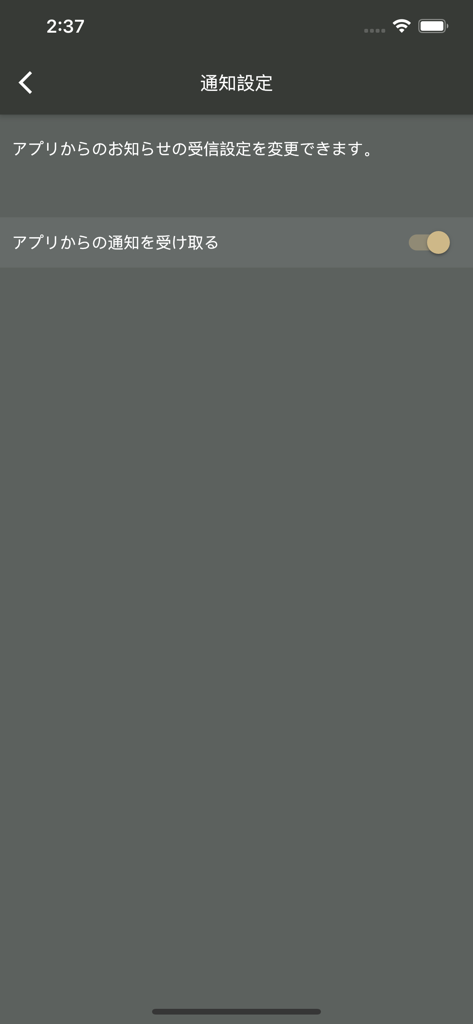
C. Browser app notification settings screen showing a toggle switch for push notifications

C. Browser app notification settings screen showing a toggle switch for push notifications

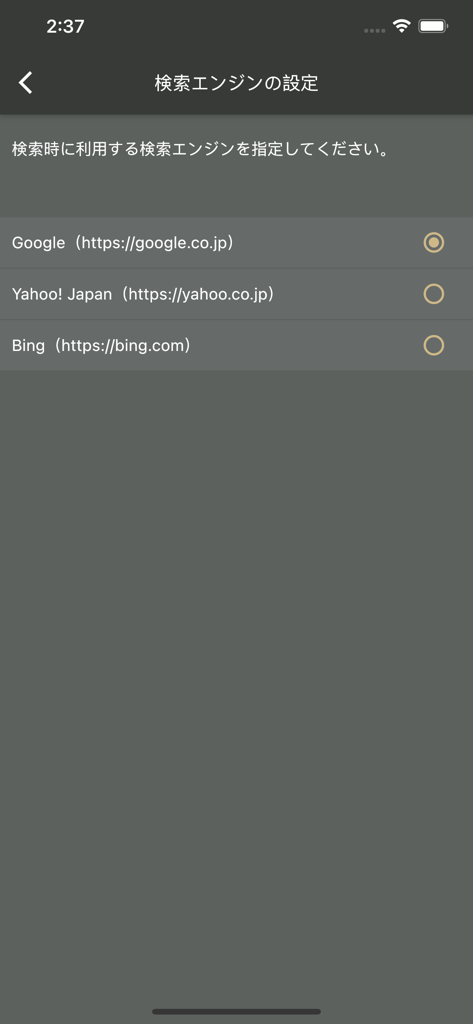
Search engine settings screen in C. Browser showing options for Google, Yahoo Japan, and Bing.

Search engine settings screen in C. Browser showing options for Google, Yahoo Japan, and Bing.

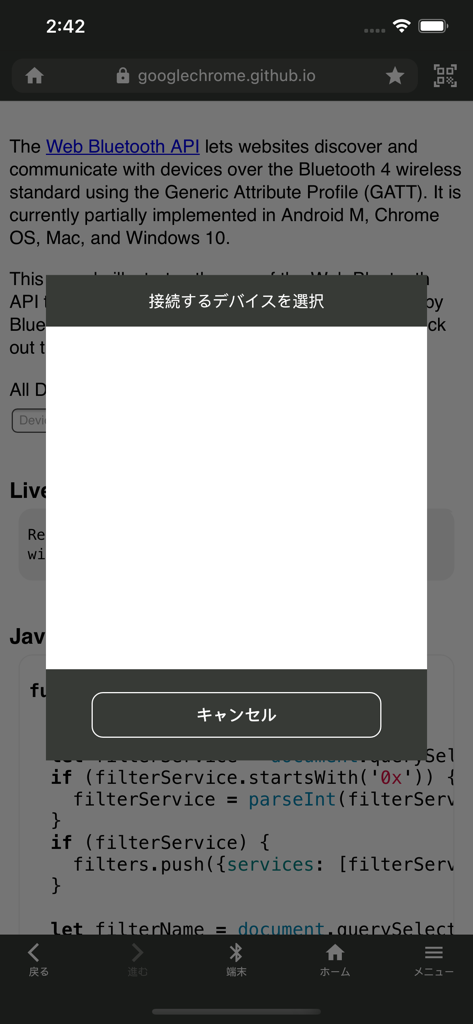
C. Browser app displaying a Bluetooth device selection popup on a technical web page.

C. Browser app displaying a Bluetooth device selection popup on a technical web page.

The Essential Toolkit for IoT Developers

The tools that make this app stand out, trusted by 724K+ users.

Rapid Prototyping

Skip the complex native app development cycle. Test your hardware instantly using standard HTML and JavaScript interfaces to create instant proofs of concept.

🛠️

Full API Integration

Access critical Web Bluetooth functions including GATT server connections, characteristic read/writes, and real-time notifications directly from the web.

📱

Hardware-Agnostic Testing

Connect seamlessly to ESP32, Arduino, or any BLE-enabled device. It is the perfect bridge for makers and engineers who need a 'universal remote' for IoT.

Loved by users worldwide

Trusted by 724K+ people who love this app.

"

"As an IoT developer, C. Browser is indispensable for rapid prototyping. It allows me to test Web Bluetooth APIs on iOS without the overhead of native Swift development, significantly cutting down our PoC timelines."

Alex Chen
"

"I've been searching for a solution to control my Arduino projects via the web on my iPhone. C. Browser works perfectly for connecting to BLE devices through a simple browser interface. A must-have tool for any maker!"

Sarah Jenkins

Review Analysis

Insights from user reviews.

Sentiment Score

5%
Negative

Summary

Users express strong dissatisfaction with this application, primarily due to severe Bluetooth connectivity problems and a cumbersome login process that frequently requires repeated authentication and redirects to web browsers. The user interface is widely criticized as difficult to understand and navigate, with many users deeming the app 'useless' or 'trash' for its lack of core functionality and frustrating user experience. Specifically, iPhone users report recurring issues with establishing or maintaining a connection to their Ploom Aura device after initial pairing.

Common Themes

Bluetooth Connectivity(29)
Overall Performance / Reliability(23)
Ease of Use / UI(17)
Login Process(12)
Core Functionality(12)

About the app

Everything you need to know about C. Browser.

Description

You can enjoy any websites that use Web Bluetooth with this app, and connect IoT device only with a website before creating your native app for prototyping, etc. [Currently Supported Web Bluetooth Functions] - Bluetooth.getAvailability - Bluetooth.requestDevice - BluetoothDevice.addEventListener - BluetoothDevice.removeEventListener - BluetoothRemoteGATTServer.connect - BluetoothRemoteGATTServer.disconnect - BluetoothRemoteGATTServer.getPrimaryService - BluetoothGATTService.getCharacteristic - BluetoothGATTCharacteristic.readValue - BluetoothGATTCharacteristic.writeValue - BluetoothGATTCharacteristic.startNotifications - BluetoothGATTCharacteristic.stopNotifications - BluetoothGATTCharacteristic.addEventListener - BluetoothGATTCharacteristic.removeEventListener

Latest Version

1.3.0

Size

31.3 MB

First Released

Jan 26, 2021

Ready to Bridge the Gap Between Web and Hardware?

Don't let Safari's restrictions stall your workflow. Join over 700k developers and makers who use C. Browser to prototype, test, and control IoT devices directly from the web.

Download on App Store
FAQ

Frequently Asked Questions

Everything you need to know about C. Browser

What is C. Browser?

C. Browser is a web browser designed to support Web Bluetooth. It allows users to enjoy websites utilizing Web Bluetooth and connect IoT devices with web pages, especially useful for prototyping without a native app.

What Web Bluetooth functions does C. Browser support?

C. Browser supports key Web Bluetooth functions including Bluetooth.getAvailability, Bluetooth.requestDevice, and various BluetoothDevice and BluetoothGATTCharacteristic methods for event listening, connection, and value handling.

Can I connect IoT devices using C. Browser?

Yes, C. Browser allows users to connect IoT devices directly with a website. This feature is particularly useful for prototyping, eliminating the immediate need for a dedicated native application.

How do I clear my browsing history in C. Browser?

Users can clear their browsing history in C. Browser. Navigate to the app's settings menu, where an option to "閲覧履歴を一括削除する" (Clear browsing history collectively) is available.

Which search engines are available in C. Browser?

C. Browser supports several search engines. Users can choose between Google (google.co.jp), Yahoo! Japan (yahoo.co.jp), and Bing (bing.com) as their default search engine in the settings.

Does C. Browser have a privacy policy?

Yes, C. Browser provides a privacy policy. Users can access the privacy policy document through the "設定" (Settings) menu under the "その他" (Other) section.

Recommendations

More Like This

Apps with similar features and user experience