Calculator# Hide Photos Videos

Calculator# Hide Photos Videos

Download on App Store
Spark by MWM logo
Logo of Calculator# Hide Photos Videos

Calculator# Hide Photos Videos: Your Ultimate Invisible Privacy Vault

Protect your personal photos, videos, passwords, and notes behind a fully functional calculator disguise. Keep prying eyes away with the market's most advanced stealth security system featuring hack monitoring and panic switch protection.

Publisher

Salman Ashraf

Category

Utilities

Downloads

9M+

User Rating

4.4/5

Total Ratings

60K+

Locales

6

Hidden in Plain Sight

Discover the interface used by 9M+ users.
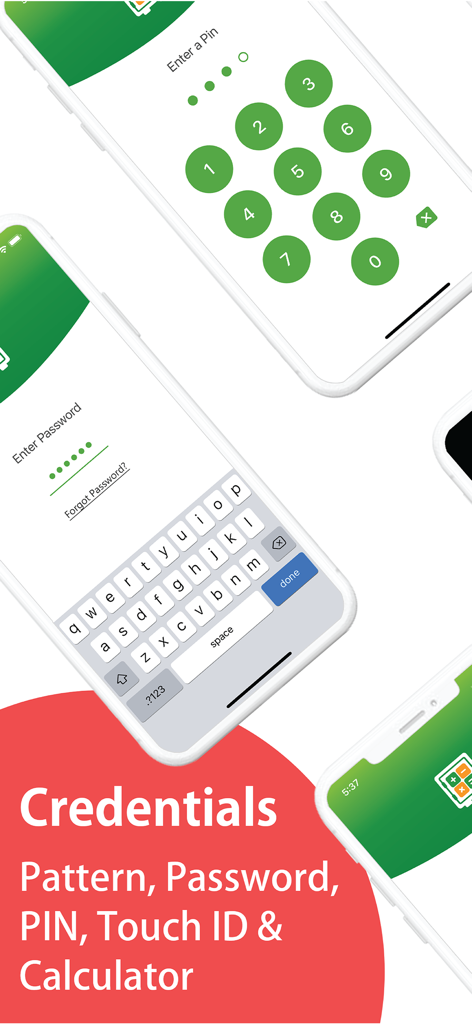
Lock screens for Calculator Hide Photos app featuring PIN and password entry options.

Lock screens for Calculator Hide Photos app featuring PIN and password entry options.

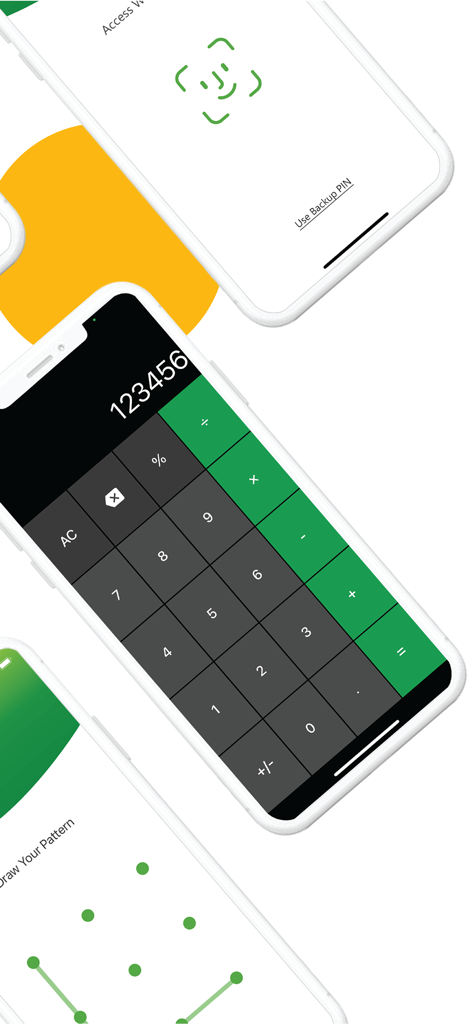
Three iPhones showing different security unlock screens for a vault app including Face ID, a numeric calculator keypad, and a pattern lock.

Three iPhones showing different security unlock screens for a vault app including Face ID, a numeric calculator keypad, and a pattern lock.

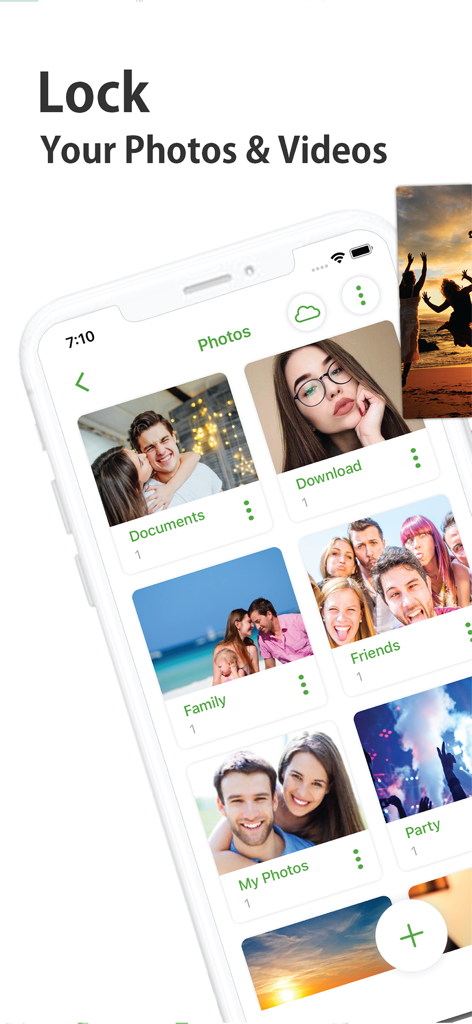
Calculator# app interface showing a private photo and video vault with categorized albums

Calculator# app interface showing a private photo and video vault with categorized albums

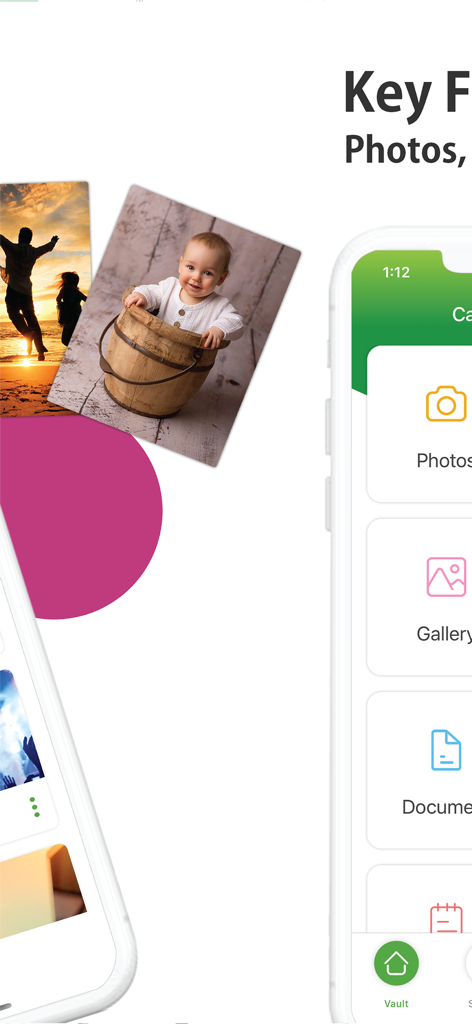
A mobile app interface for hiding private photos, videos, and documents within a secret calculator vault

A mobile app interface for hiding private photos, videos, and documents within a secret calculator vault

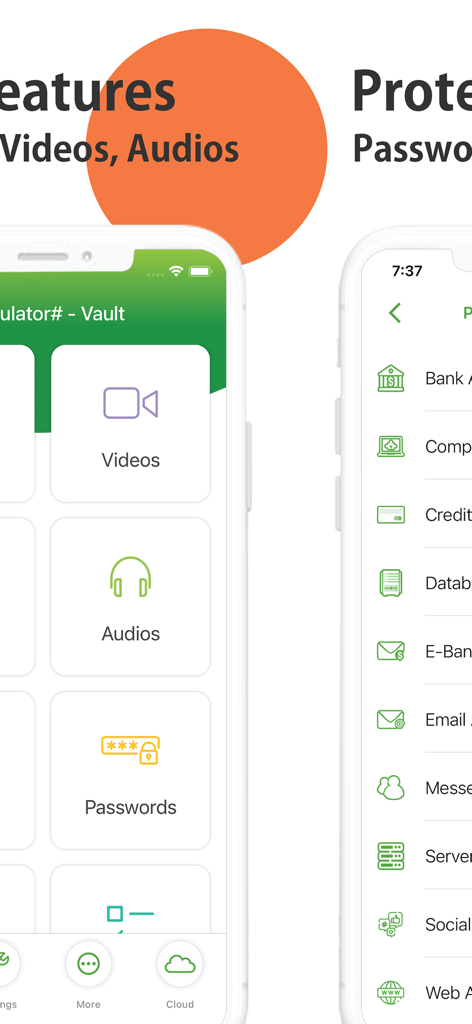
App interface showing options to hide videos and audios and protect sensitive passwords

App interface showing options to hide videos and audios and protect sensitive passwords

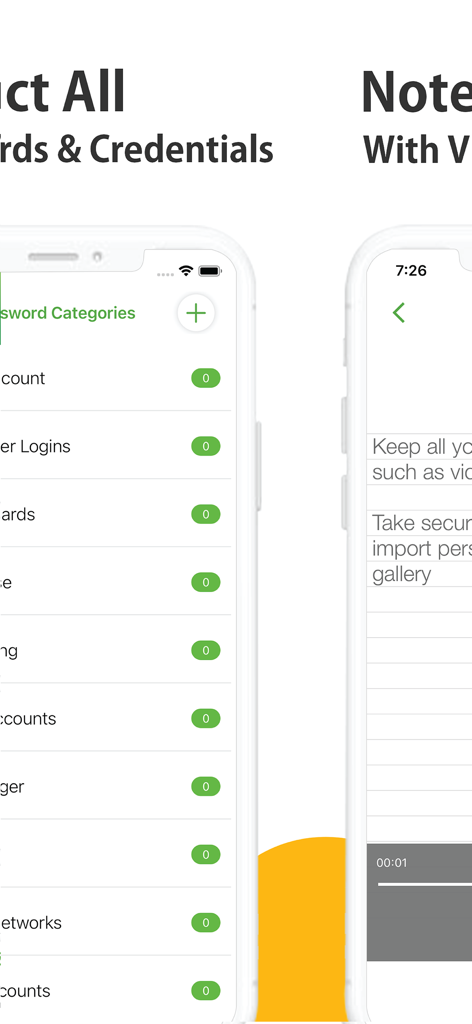
Interface of the Calculator vault app showing secure password management and private notes with voice recording

Interface of the Calculator vault app showing secure password management and private notes with voice recording

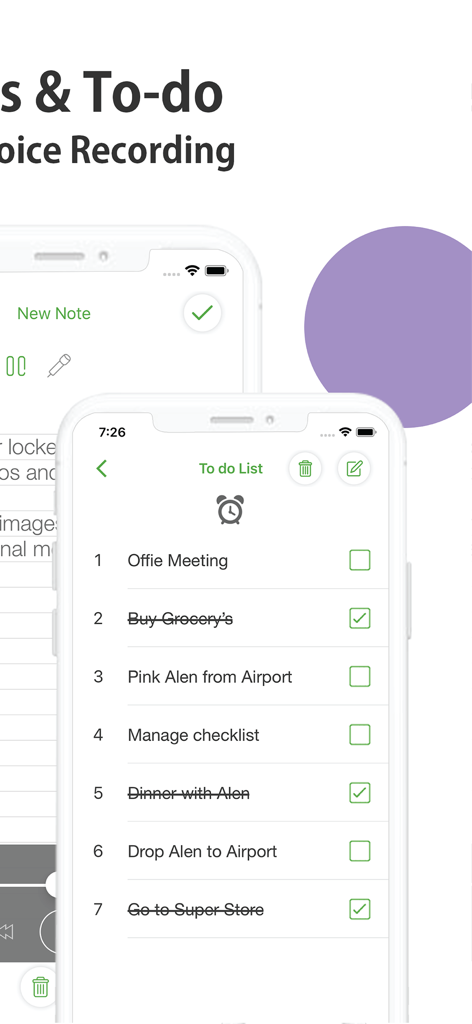
Smartphone screen showing a private to-do list and notes interface within a secure calculator vault app.

Smartphone screen showing a private to-do list and notes interface within a secure calculator vault app.

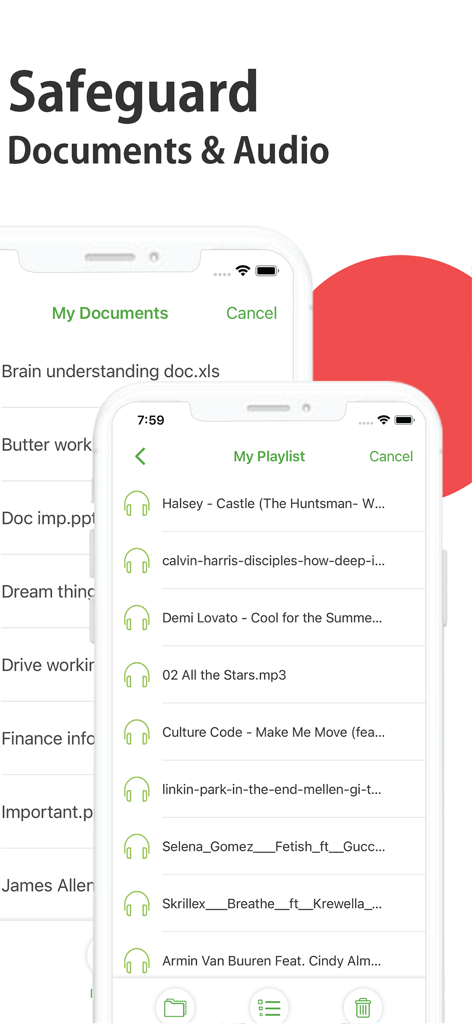
User interface showing hidden documents and a private audio playlist within the secure vault app

User interface showing hidden documents and a private audio playlist within the secure vault app

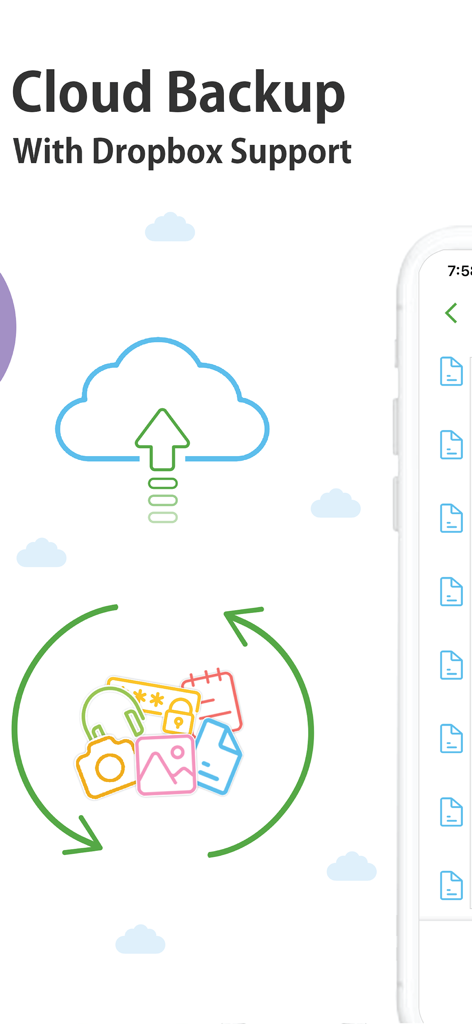
Cloud backup feature with Dropbox support for secure photos and data synchronization.

Cloud backup feature with Dropbox support for secure photos and data synchronization.

Privacy Without Question

The tools that make this app stand out, trusted by 9M+ users.

🧮

Stealth Camouflage

The app hides in plain sight as a working calculator, ensuring your private vault never raises suspicion from friends or family.

🛡️

Complete Digital Vault

Go beyond photos and videos. Secure your passwords, private contacts, and sensitive notes in one encrypted digital safe.

🚨

Panic Switch Protection

Instantly hide your data or trigger a fake crash report to thwart snoopers looking over your shoulder in real-time.

Loved by users worldwide

Trusted by 9M+ people who love this app.

"

"I often hand my phone to friends to show them travel photos, and I always worried they might swipe too far and see my private documents or sensitive work images. This app is a lifesaver. It looks exactly like a calculator, so no one even asks questions. It is the peace of mind I didn't know I needed."

Sarah M.
"

"As a student living in a shared dorm, privacy is hard to come by. I use this for everything—my passwords, private journals, and even secret contacts. The panic switch feature is genius; I can just flip my phone over if someone walks in. This is easily the most secure vault app I have ever used."

Jordan T.

About the app

Everything you need to know about Calculator# Hide Photos Videos.

Description

It looks like a Calculator but it secretly hides your confidential Photos, Videos, Documents, Passwords, Notes, Contacts and To Dos. It disguises itself as a Calculator to make it impossible for prying eyes and hackers from discovering it. It is the most feature-rich app in the market in Security Category. Features: - Hide Photos and Videos from Gallery. - Automatically Deletes them from Gallery (Optional). - Take Pictures and Videos from Camera. - Password-Protect Documents and other Files. - Lock Audios and take Secure Voice Notes. - WiFi Transfer from PC, Mac or other devices. - A built-in Web Browser to Download Files. - A built-in Password Manager and Wallet. - A built-in Secure Notes, To Dos & Reminders. - A built-in Contacts Manager and Importer. - Backup using Cloud Service like Dropbox. - Panic Switch, Disguise Mode & Hack Monitoring. - Calculator, Pin, Password, Pattern & Touch/Face ID. - Works on iPhone and iPad with GUI for both. Photos & Videos: No need to keep your family, private or secret photos & videos in iPhone gallery. The app even deletes these files from your Photos when you move them to the app when needed. Gallery: A built-in secret gallery allows you to organize, view and play all your hidden images and videos inside a protected and discreet interface. Audios: Lock private and confidential audio recordings and conversations and hide specific music files through the phone’s internal storage. Notes: Whether you want to create a list of secret things you keep in your documents or write down your private feelings; you can do so securely with the ‘Notes’ feature. Documents: Secure your confidential documents. You can transfer them even from your PC or Mac using WiFi transfer or from a built-in browser to your iPhone or iPad. Contacts: Now you can import your iPhone contacts or create secret contacts inside app to call secretly. To Dos: Every once in a while, we have some tasks we just don't want to be seen by anyone no matter what. This is why we have for you a secret to do list as well. Passwords: Create and lockdown sensitive credentials like your website logins, bank accounts, computer logins, credit cards, email accounts, social networks, e-banking, instant messenger etc. Cloud Backup: Conveniently backup your locked data into Dropbox. Prevent loss of sensitive data and restore your data in case of loss or theft of device. Lost Password Recovery: You don’t have to worry about forgetting your password. You can conveniently, retrieve your lost password through your registered email. Security Locks: You have the option to setup a Calculator, Touch/Face ID, PIN, Pattern or Password. You can even turn off everything completely. Panic Switch: Prevent shoulder surfers and snoopers from seeing your sensitive data, enable panic switch to quickly switch to another app. Disguise Mode: Confuse snoopers by enabling a fake error message box, it displays a fake crash notification to thwart further attempts on hacking your data. Hack Monitor: Tells you who has been trying invalid passwords to try to open your vault. Logs all such attempts and shows it to you. Calculator# is free with ads and limitations and you can purchase it to get a fully-functional and ad-free version for a year. Calculator# subscription plans: Annual: $4.99 Payments and Renewal: Payment will be charged to iTunes Account at confirmation of purchase. Subscription automatically renews unless auto-renew is turned off at least 24-hours before the end of the current period. Account will be charged for renewal within 24-hours prior to the end of the current period. You can manage or turn off auto-renew in your Account settings at any time after purchase. No cancellation of the current subscription is allowed during the active period. End User License Agreement: https://www.newsoftwares.net/ns-vault/license Terms of use: https://www.newsoftwares.net/legal/terms/ Privacy policy: https://www.newsoftwares.net/legal/privacy/

Latest Version

3.3.24

Size

62.8 MB

First Released

Nov 24, 2016

Secure Your Privacy in Plain Sight

Join 9 million users who trust the ultimate disguised vault to keep photos, videos, and sensitive data invisible. Download Calculator# today and reclaim your peace of mind.

Download on App Store
FAQ

Frequently Asked Questions

Everything you need to know about Calculator# Hide Photos Videos

What is Calculator# Hide Photos Videos?

Calculator# Hide Photos Videos is an app that disguises itself as a calculator. It secretly hides confidential photos, videos, documents, passwords, notes, contacts, and to-dos to prevent unauthorized access.

How does Calculator# Hide Photos Videos hide media?

Calculator# hides photos and videos by moving them from the iPhone gallery into its protected interface. The app automatically deletes them from the gallery after transfer, if configured.

What types of data can Calculator# Hide Photos Videos secure?

Calculator# Hide Photos Videos secures photos, videos, documents, audios, notes, contacts, to-dos, and passwords. It protects all these sensitive data types within a hidden vault.

Does Calculator# offer cloud backup for hidden files?

Yes, Calculator# offers convenient cloud backup for locked data. It supports Dropbox, enabling users to prevent data loss and restore their data if a device is lost or stolen.

What security features does Calculator# include?

Calculator# Hide Photos Videos includes Panic Switch, Disguise Mode, and Hack Monitoring. It also provides multiple security locks: Calculator, PIN, Password, Pattern, and Touch/Face ID.

What is the cost of Calculator# Hide Photos Videos?

Calculator# Hide Photos Videos is free with ads and limitations. A fully-functional, ad-free version is available through an annual subscription, which costs $4.99.

Can I recover a forgotten password for Calculator#?

Yes, Calculator# provides a lost password recovery option. Users can retrieve their forgotten password securely through their registered email address.

Does Calculator# support WiFi transfer for documents?

Yes, Calculator# supports WiFi Transfer. This feature allows users to transfer documents and other files from a PC, Mac, or other devices to their iPhone or iPad.

Does Calculator# Hide Photos Videos include a password manager?

Yes, Calculator# includes a built-in Password Manager and Wallet. Users can create and secure sensitive credentials such as website logins, bank accounts, and credit cards.

What is the Disguise Mode feature in Calculator#?

The Disguise Mode in Calculator# Hide Photos Videos protects user data by displaying a fake crash notification. This feature confuses snoopers and thwarts attempts to access the hidden vault.

Is Calculator# Hide Photos Videos compatible with iPad?

Yes, Calculator# Hide Photos Videos is compatible with both iPhone and iPad devices. It offers a dedicated graphical user interface (GUI) optimized for each platform.