Calculator - Pad Edition

Calculator - Pad Edition

Download on App Store
Spark by MWM logo
Logo of Calculator - Pad Edition
Calculator - Pad Edition: The Missing Pro Calculator for iPad

The ultimate all-in-one tool for students and professionals. Handle everything from scientific equations and programming to currency conversion and bill splitting with a beautiful, native-style design.

Publisher

Ratha Sou

Category

Utilities

Downloads

19M+

User Rating

4.6/5

Total Ratings

724K+

Locales

34

Power at a Glance

Discover the interface used by 19M+ users.
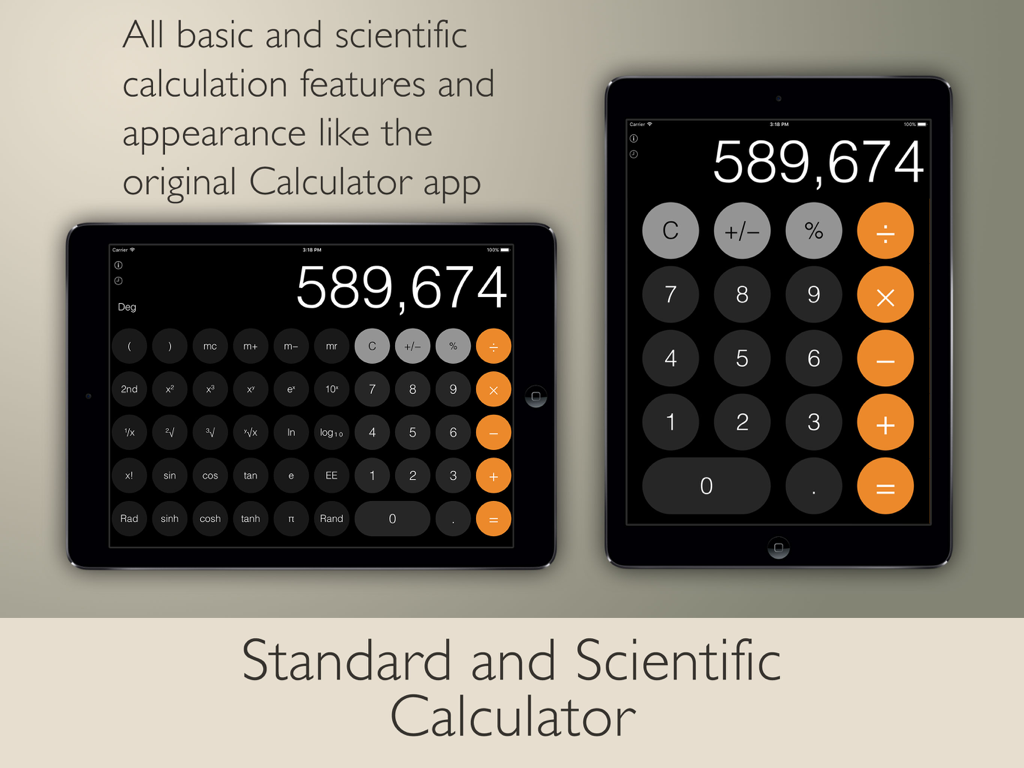
Two iPads showing Calculator Pad Edition in both standard portrait and scientific landscape modes with a flat UI design.

Two iPads showing Calculator Pad Edition in both standard portrait and scientific landscape modes with a flat UI design.

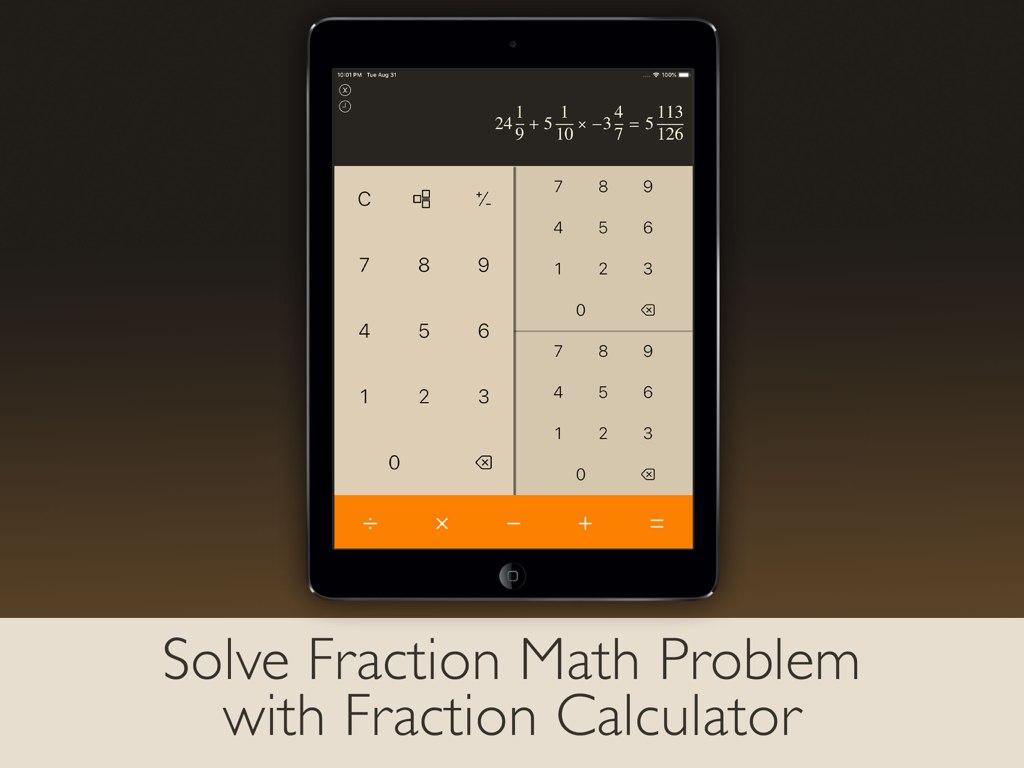
iPad screen displaying the fraction calculator mode of the Calculator Pad Edition app with a solved complex fraction equation.

iPad screen displaying the fraction calculator mode of the Calculator Pad Edition app with a solved complex fraction equation.

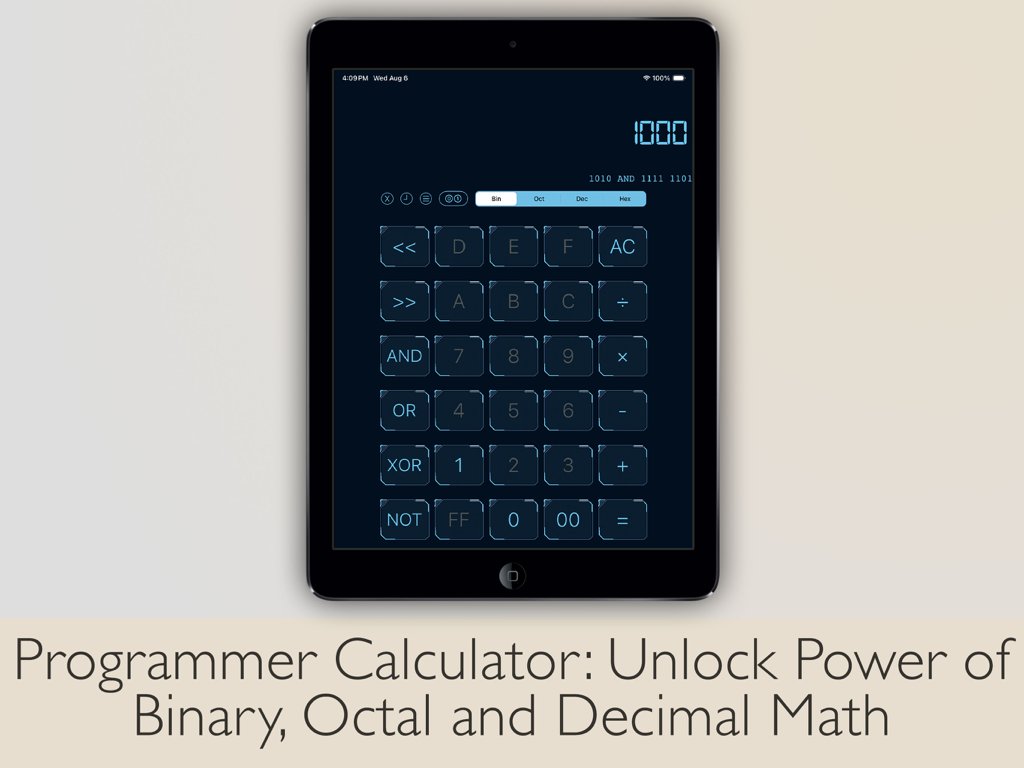
Programmer calculator interface for binary octal and decimal math on iPad

Programmer calculator interface for binary octal and decimal math on iPad

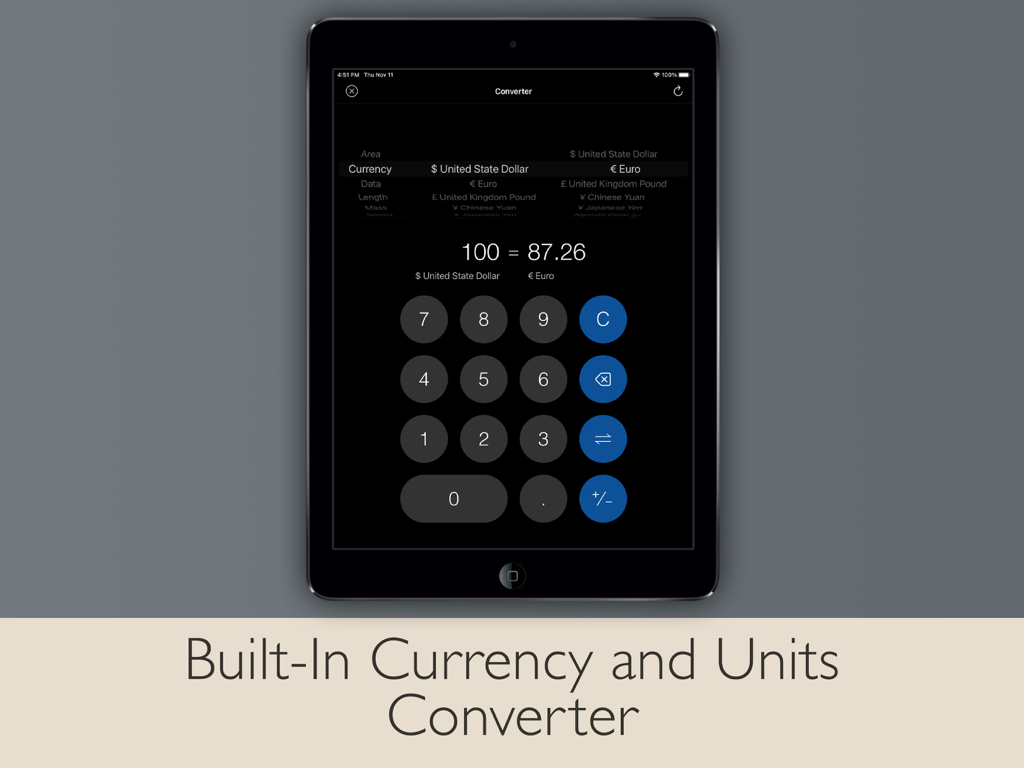
Calculator Pad Edition app interface showing a currency and units converter on an iPad screen

Calculator Pad Edition app interface showing a currency and units converter on an iPad screen

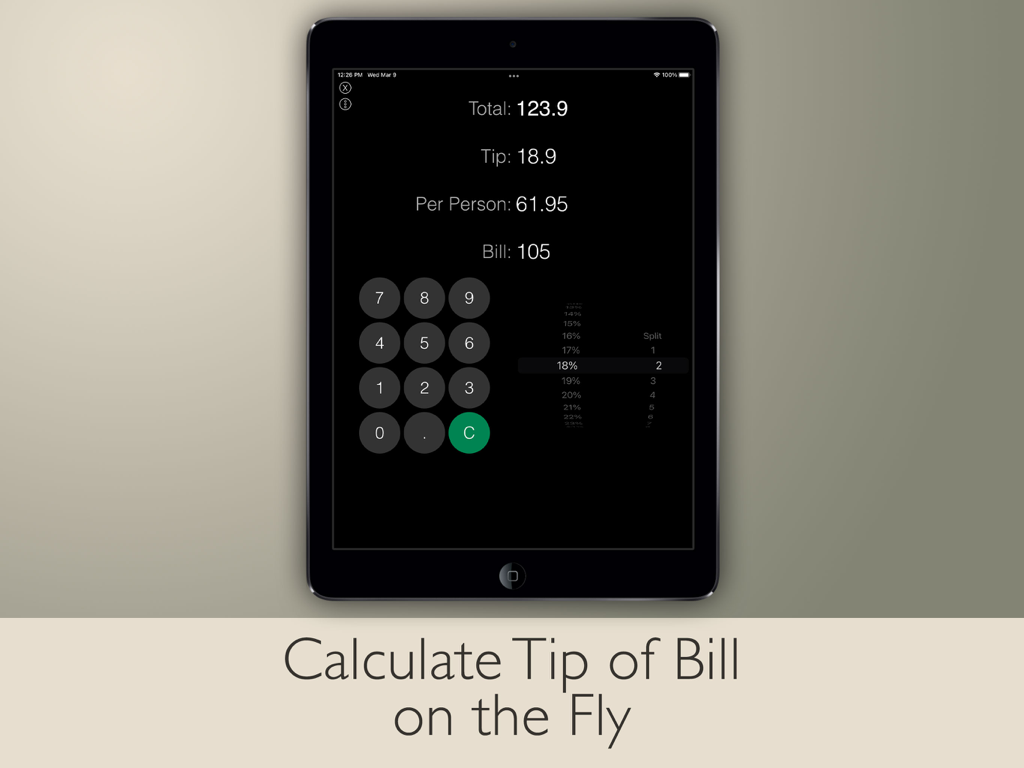
iPad tip calculator and bill splitter interface showing calculation for total tip and amount per person

iPad tip calculator and bill splitter interface showing calculation for total tip and amount per person

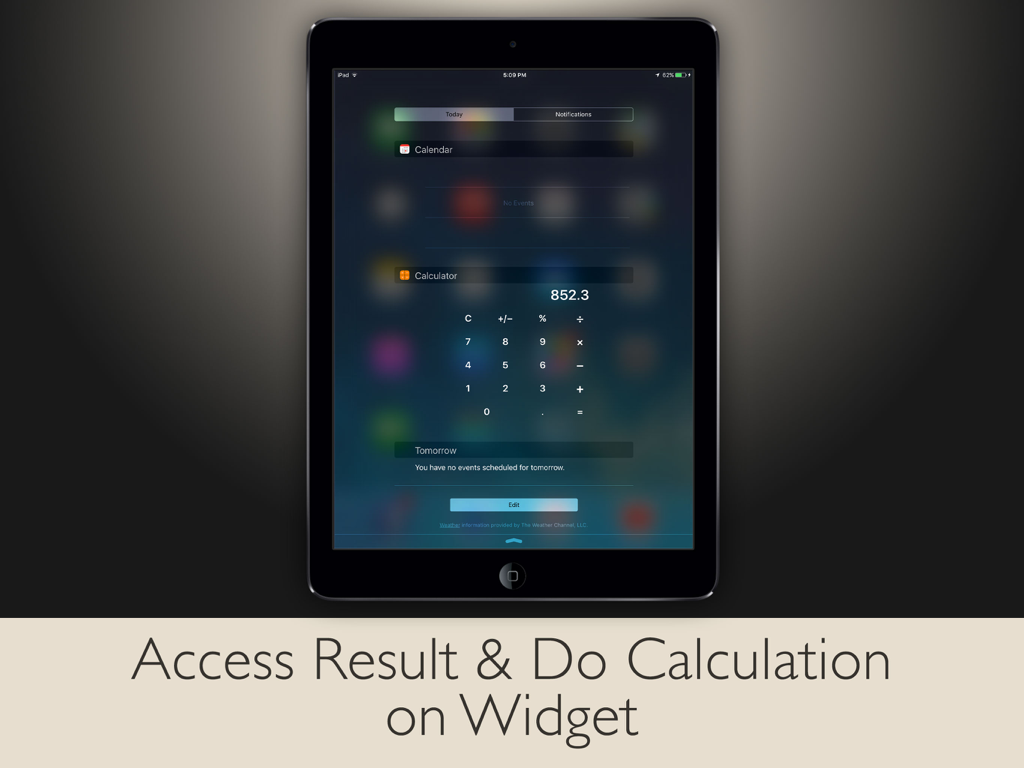
iPad calculator widget in the Today View for quick access and calculations

iPad calculator widget in the Today View for quick access and calculations

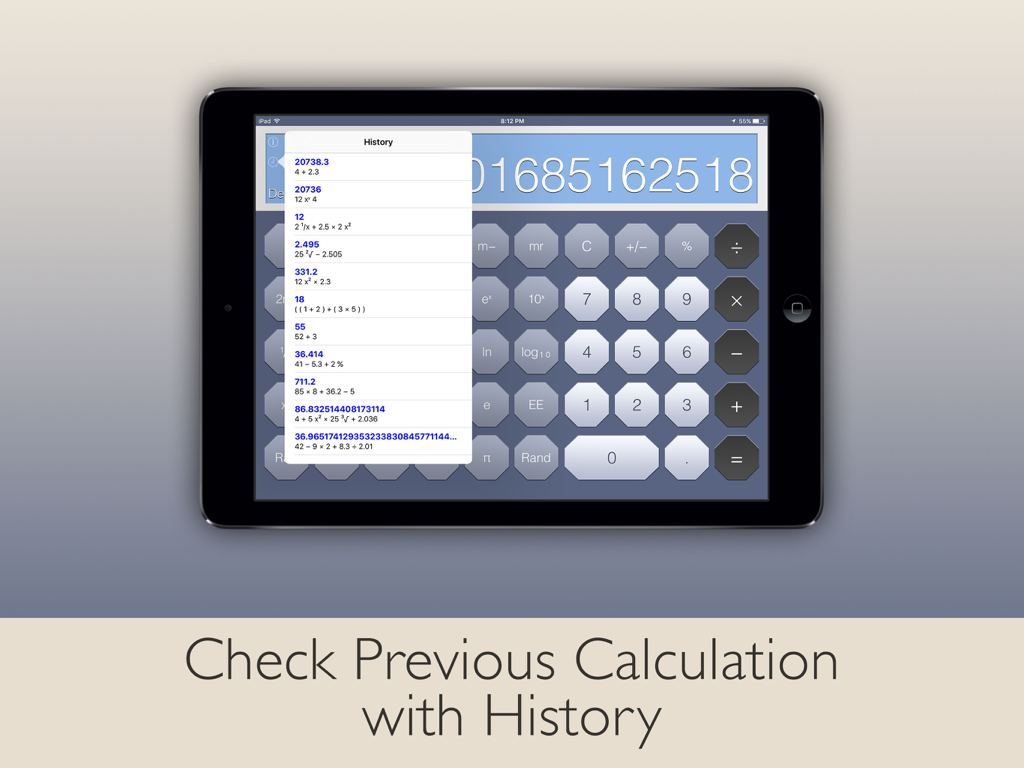
Scientific calculator for iPad displaying previous calculation history in a pop-up menu.

Scientific calculator for iPad displaying previous calculation history in a pop-up menu.

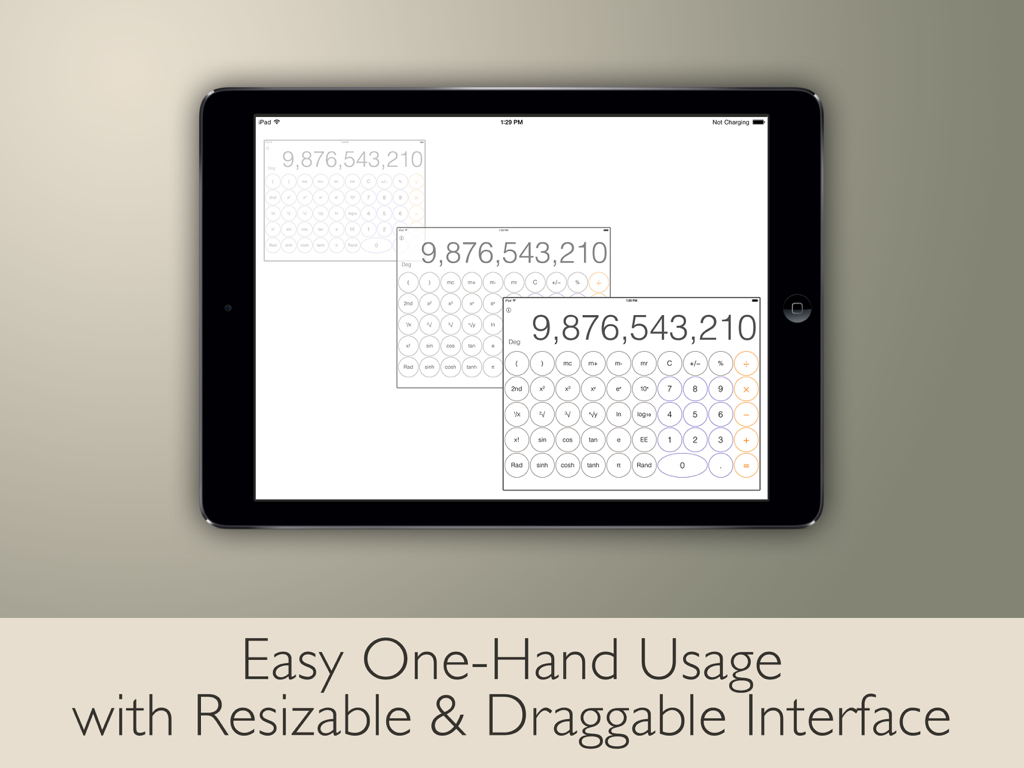
iPad calculator with resizable and draggable interface for easy one hand usage

iPad calculator with resizable and draggable interface for easy one hand usage

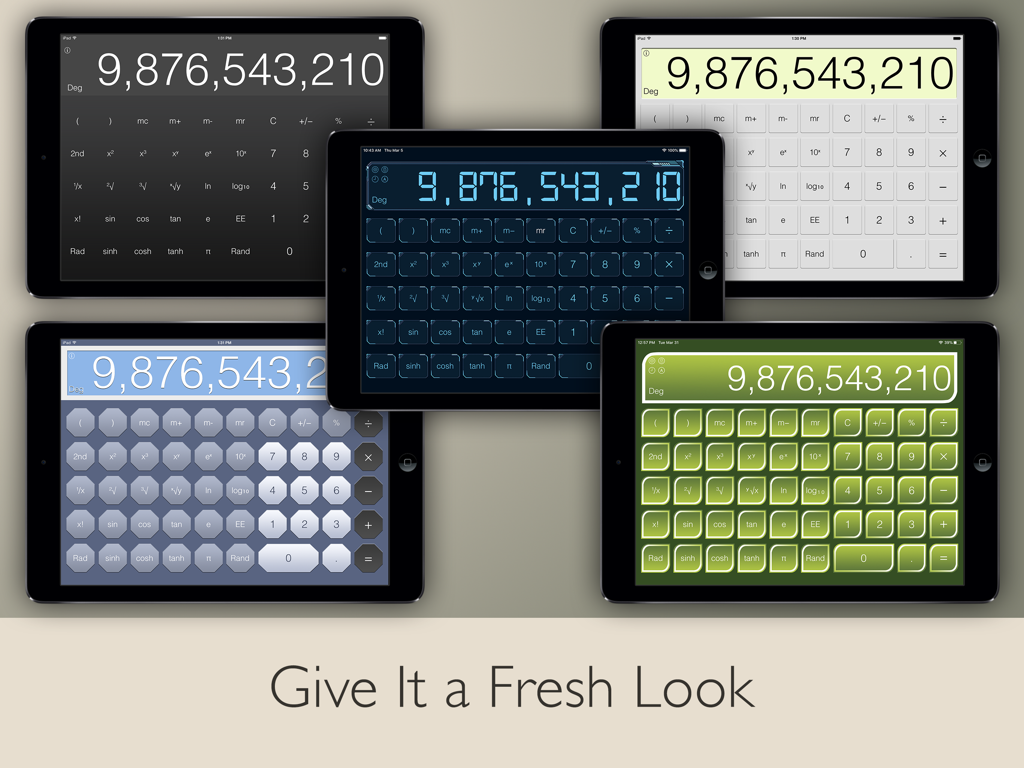
Five iPads displaying different color themes of the Calculator Pad Edition app including dark light blue and green styles

Five iPads displaying different color themes of the Calculator Pad Edition app including dark light blue and green styles

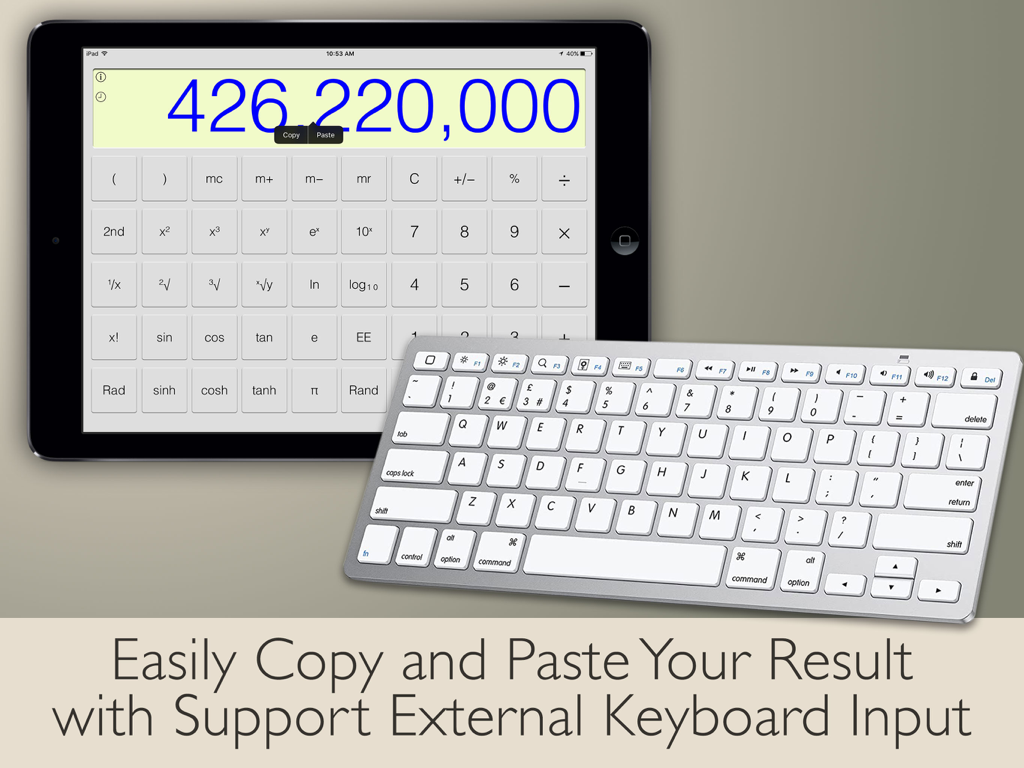
Scientific calculator app on iPad showing large numbers with an external wireless keyboard

Scientific calculator app on iPad showing large numbers with an external wireless keyboard

The All-in-One Utility iPad Deserves

The tools that make this app stand out, trusted by 19M+ users.

📐

Advanced Scientific & Fraction Tools

Master complex STEM assignments or engineering tasks with full scientific functions and a dedicated mode for fraction math.

🔄

Universal Converter Suite

Instantly access daily currency exchange rates and over 20 unit categories, including length, mass, and temperature.

💻

Built for Pro Productivity

Maximize your workflow with Split View multitasking support and external hardware keyboard input for a laptop-like experience.

Loved by users worldwide

Trusted by 19M+ people who love this app.

"

"As an engineering major, the fraction and scientific modes are absolute lifesavers for my coursework. I love that it supports Split View, allowing me to calculate complex equations while reading my digital textbooks without skipping a beat."

Sarah M., STEM Student
"

"This is exactly what the iPad was missing. The clean interface matches the iOS aesthetic perfectly, and the unit converter has everything from currency for my travels to torque for my DIY projects. It's the ultimate all-in-one utility."

David R., Project Manager

About the app

Everything you need to know about Calculator - Pad Edition.

Description

Designed to fill in for the missing calculator app on the iPad with simplicity and functionality. This app features the modern design of flat UI of iOS which look like original built-in app. Users can make basic calculation in portrait and handy scientific calculation in landscape. It provides all scientific functions such as root, power, factorial, exponential, divisions, and logarithm are supported. Including trigonometric functions like sine, cosine, tangent, arch, and more. Unlock the power of binary, octal, decimal, and hexadecimal math with Programmer Calculator. Solve fraction math problem quickly and easily with Fraction Calculator. Includes international currency conversion and variety of units conversion categories. Tip calculator to calculate tip percentage for food and drink on the fly. Save time when use bill splitter, and tip exactly what you mean to, no more, no less. BASIC/SCIENTIFIC CALCULATOR • All functions like the original calculator app • Basic calculation in portrait • Scientific calculation in landscape • Manual basic & scientific calculator switching in portrait or landscape orientation • Access result and do calculation on widget • Switch between Degrees and Radians calculations • Make more complex calculations with Memory buttons • Simply swipe on the digits to delete a single wrong digit UNIT CONVERTER • Currency converter with daily updated exchange rates in the universal currency • Freely convert units from variety of categories • All catalogs in converter include: Currency, Area, Data, Length, Mass, Velocity, Temperature, Time, Volume, Acceleration, Angle, Current, Energy, Force, Illumination, Inductance, Magnitude, Power, Pressure, Radiation and Torque FRACTION CALCULATOR • Built-in fraction calculator to solve fraction math • Display result in proper fraction, improper fraction or decimal number PROGRAMMER CALCULATOR • Multi-base calculations with seamlessly switch between binary, octal, decimal and hexadecimal • Perform arithmetic and logical operations • Directly view and manipulate the individual bits of the binary number with built-in Bit Editor TIP CALCULATOR • Calculate tip of bill on the fly • Split the bill to share with others • Simply swipe to round any number of total, tip, or per person • Built-in share function to easily share the number with others SIMPLICITY • View whole calculation equation in calculator • Check previous calculation with history • Copy and paste numbers from or into display • Support split view multitasking • Support external hardware keyboard input INTERFACE • Get new feel of different looks with multiple themes • Easy one-hand usage with resizable and draggable interface • Pinch to scale calculator size • Quick actions by tap and hold calculator area • Buttons feedback sound to ensure you touch the buttons correctly NOTES: • To add widget in iOS 14 or later, scroll to the bottom of the widget list, tap Edit, tap Customize, add Calculator widget, and tap Done.

Latest Version

7.0.2

Size

45.6 MB

First Released

Aug 14, 2013

Complete Your iPad Experience Today

Join over 19 million users who have upgraded their productivity with the most powerful, all-in-one calculator designed specifically for iPad.

Download on App Store
FAQ

Frequently Asked Questions

Everything you need to know about Calculator - Pad Edition

Does Calculator - Pad Edition support scientific calculations?

Yes, Calculator - Pad Edition supports both basic and scientific calculations. Basic functions are available in portrait mode, while scientific functions like trigonometry and logarithms appear in landscape mode.

Does Calculator - Pad Edition include a unit converter?

Yes, Calculator - Pad Edition includes a comprehensive unit converter. It handles currency with daily updated exchange rates, along with various categories like area, data, length, mass, and temperature.

Can Calculator - Pad Edition handle fraction calculations?

Yes, Calculator - Pad Edition features a built-in Fraction Calculator. It solves fraction math problems and displays results as proper fractions, improper fractions, or decimal numbers.

Does Calculator - Pad Edition offer a programmer calculator?

Yes, Calculator - Pad Edition provides a Programmer Calculator. It supports multi-base calculations, allowing seamless switching between binary, octal, decimal, and hexadecimal bases for arithmetic and logical operations.

Does Calculator - Pad Edition have a tip calculator and bill splitter?

Yes, Calculator - Pad Edition features a Tip Calculator. It calculates tip percentages on the fly and includes a bill splitter to easily share costs among multiple people.

Can Calculator - Pad Edition be accessed via an iOS widget?

Yes, Calculator - Pad Edition supports access via a widget. Users can add the Calculator widget to view results and perform calculations directly from the iOS widget list.

Does Calculator - Pad Edition save calculation history?

Yes, Calculator - Pad Edition records previous calculations. Users can check their calculation history to review past equations and results within the app.

Does Calculator - Pad Edition support external keyboard input?

Yes, Calculator - Pad Edition supports external hardware keyboard input. This feature allows users to easily input numbers and operations, enhancing usability.