
Clients: Your Client Book, CRM



Escape the bloat of traditional CRMs. Effortlessly organize contacts, track notes, and connect with customers on the move with a simple, beautiful tool that just works.
Publisher
Category
BusinessDownloads
96K+User Rating
Total Ratings
1K+Locales
10Discover the interface used by 96K+ users.
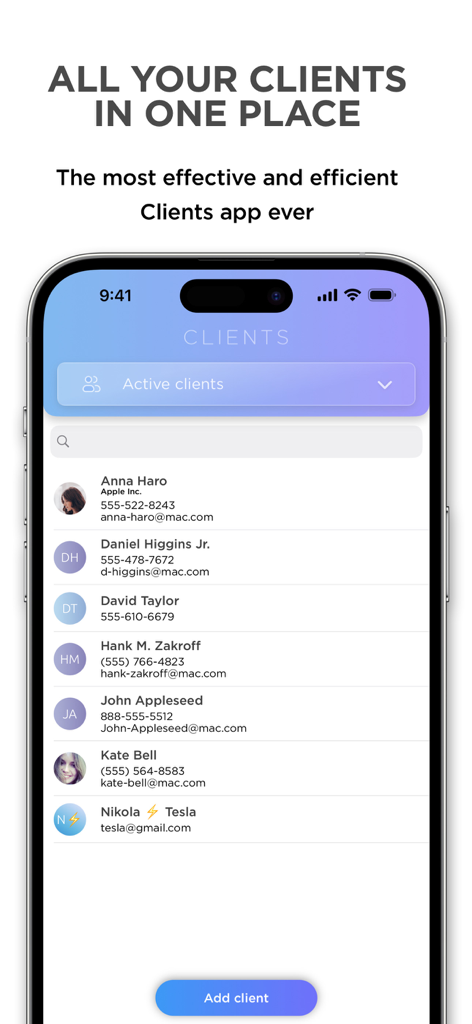
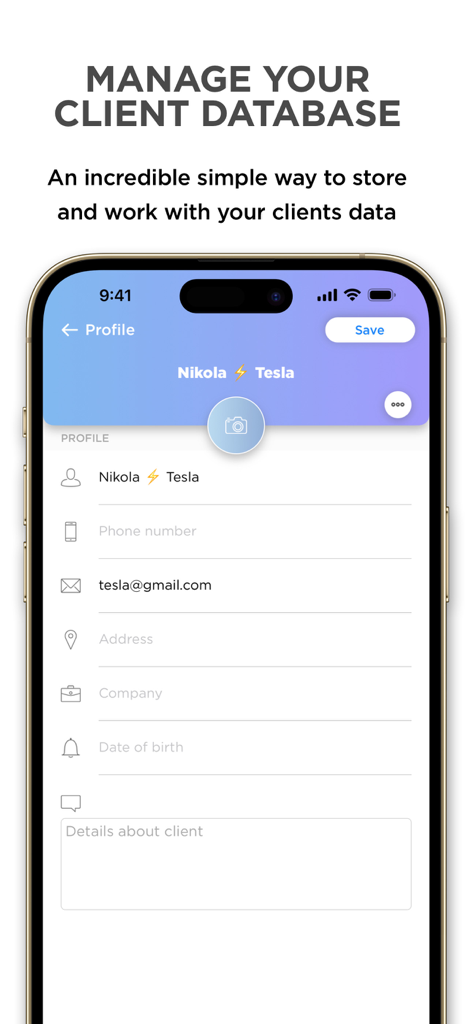
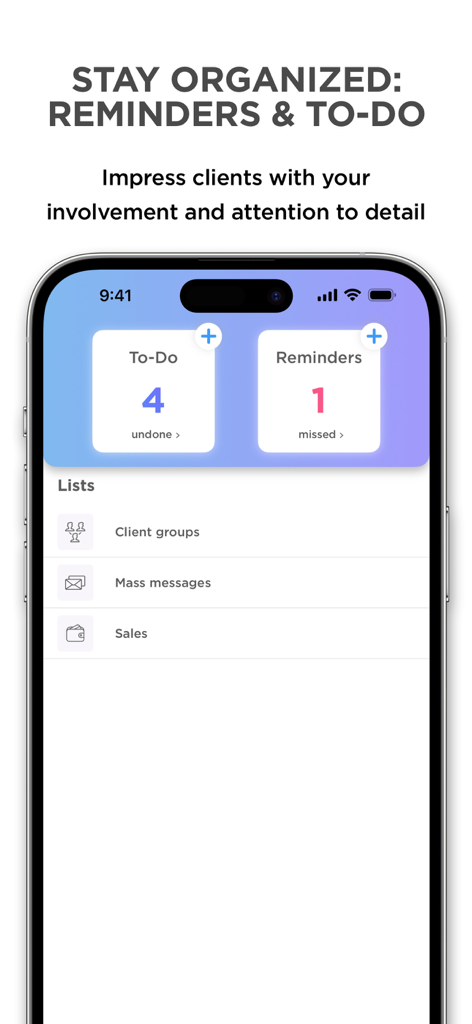
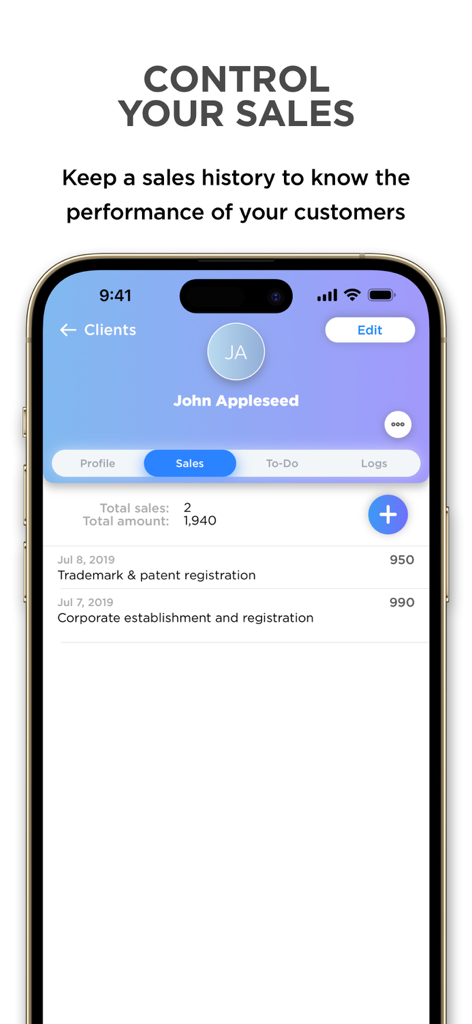
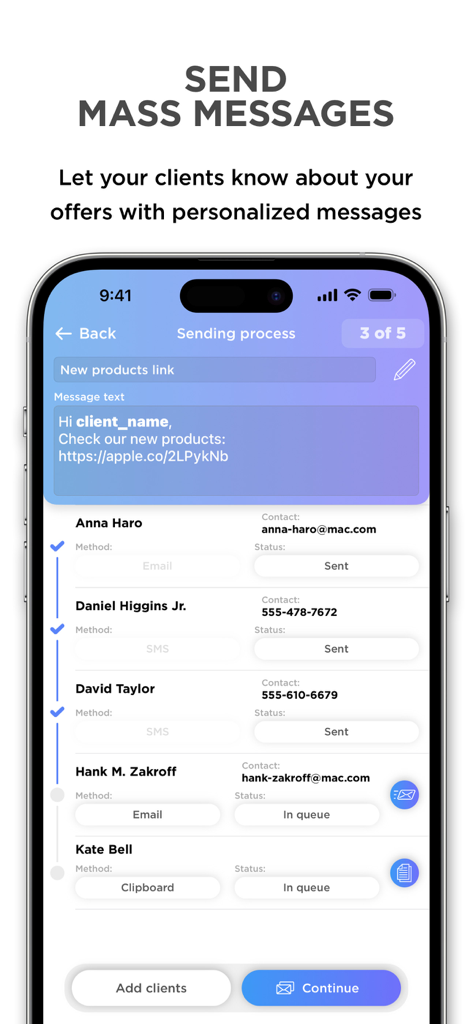
The tools that make this app stand out, trusted by 96K+ users.
Ditch the desk. Manage appointments, update notes, and access your client data from your car, a cafe, or a job site.
Reach out instantly. Call, text, or email your clients directly from the app to stay responsive and professional on the go.
Finally, a CRM that isn't a headache. Enjoy a beautiful, clutter-free interface that puts your relationships first, not complex data entry.
Trusted by 96K+ people who love this app.
"As a freelance photographer, I’ve tried every CRM under the sun, but they were always too complex. This app is a breath of fresh air. It’s beautifully designed and keeps my client notes and contact history right where I need them—on my phone while I’m on location."
"I’m a personal trainer and always on the move between sessions. Clients has completely replaced my messy paper notebook. The ability to set reminders and call clients directly from the app has made my workflow so much smoother. It’s the perfect tool for any solopreneur."
Everything you need to know about Clients: Your Client Book, CRM.
Description
Latest Version
1.9.25
Size
43.7 MB
First Released
Apr 8, 2017
Join over 96,000 solopreneurs who manage their entire client world from their pocket. No bloat, no learning curve—just the simple, beautiful CRM you’ve been looking for.
Everything you need to know about Clients: Your Client Book, CRM
The Clients app is a simple application designed to comfortably store and operate client data. It serves as a universal solution for organizing client communication and managing client interactions.
The Clients app is a universal solution suitable for both self-employed individuals and employees of large corporations. It organizes client communication effectively for diverse professional needs.
Yes, the Clients app allows users to perform tasks remotely. You can make notes, import contacts, add reminders, and communicate with clients from any location, without needing physical presence.
The Clients app provides features to send emails and SMS messages directly to customers, and also allows calling customers from within the app, streamlining client communication workflows.
Yes, the Clients app allows you to add detailed client information. This includes phone numbers, email addresses, physical addresses, company names, dates of birth, and additional custom details.
Yes, the Clients app includes sales tracking functionality. Users can view a client's total sales, total amount, and a detailed history of individual sales transactions.
Yes, the Clients app enables users to send mass messages to clients. You can compose personalized messages and select multiple contacts for simultaneous delivery via email or SMS.
Yes, the Clients app offers dedicated sections for "To-Do" tasks and "Reminders." It helps users stay organized by displaying undone tasks and missed reminders clearly.
The Terms of Use for the Clients app are accessible via the provided link in the app description: https://clients.is/terms/. This document outlines the app's legal terms.
The Clients app prioritizes simplicity and efficiency, distinguishing itself from typical CRM systems by avoiding questionable or overly complex functions. It focuses on essential client management.
Apps with similar features and user experience
Zoho Corporation

Linq, LLC

Evgeniia Tikhonova

LinkedIn Corporation

HubSpot

LEADCONNECTOR LLC

Shaun Clark

Zoho Corporation
zaal LLC