Construction Master Pro Calc

Construction Master Pro Calc

Download on App StoreDownload on Google Play
Spark by MWM logo
Logo of Construction Master Pro Calc

Construction Master Pro Calc: The Industry-Standard Math Tool for Professionals

Eliminate costly errors and save time on the job site. Master feet-inch-fractions, complex right-angle layouts, and volume estimates with the precision of the world’s most trusted construction calculator, now available on your device.

Download on App Store

Publisher

Calculated Industries, Inc.

Category

Utilities

Downloads

606K+

User Rating

4.8/5

Total Ratings

38K+

Locales

1

Precision at Your Fingertips

Discover the interface used by 606K+ users.

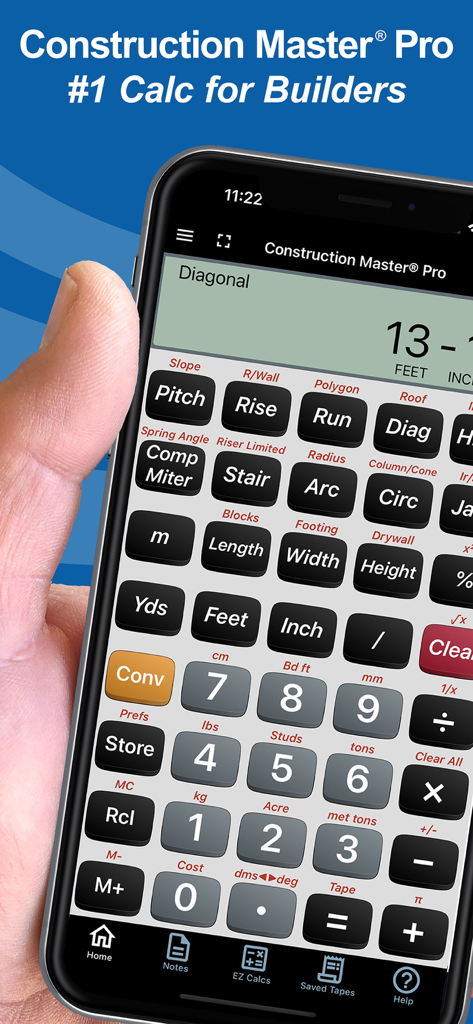
Hand holding a smartphone displaying the Construction Master Pro calculator app for construction professionals

Hand holding a smartphone displaying the Construction Master Pro calculator app for construction professionals

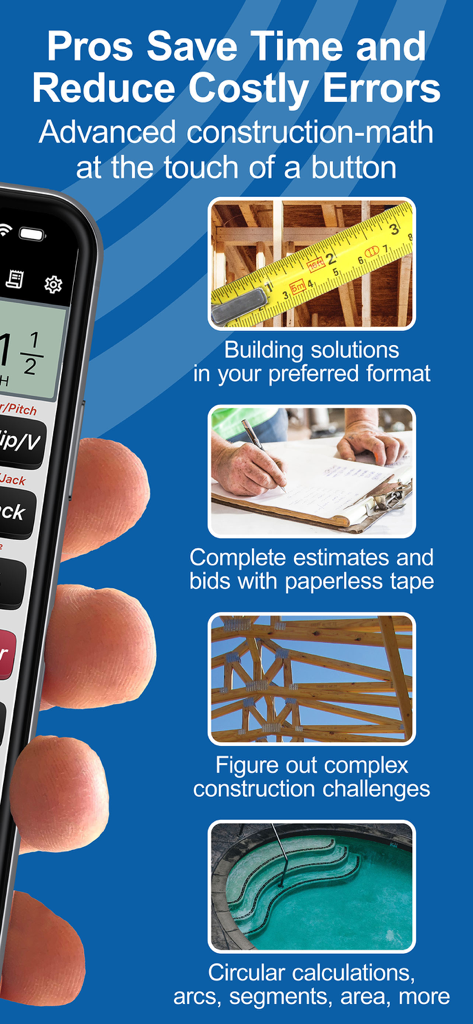
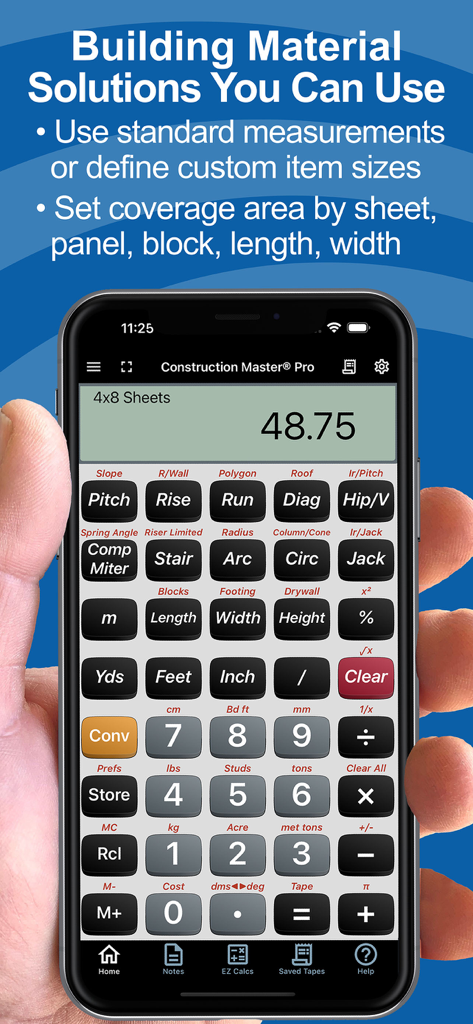
Overview of Construction Master Pro app features including building solutions, estimates, and complex math for professionals.

Overview of Construction Master Pro app features including building solutions, estimates, and complex math for professionals.

User testimonials and five star ratings for Construction Master Pro Calc app
User testimonials and five star ratings for Construction Master Pro Calc app

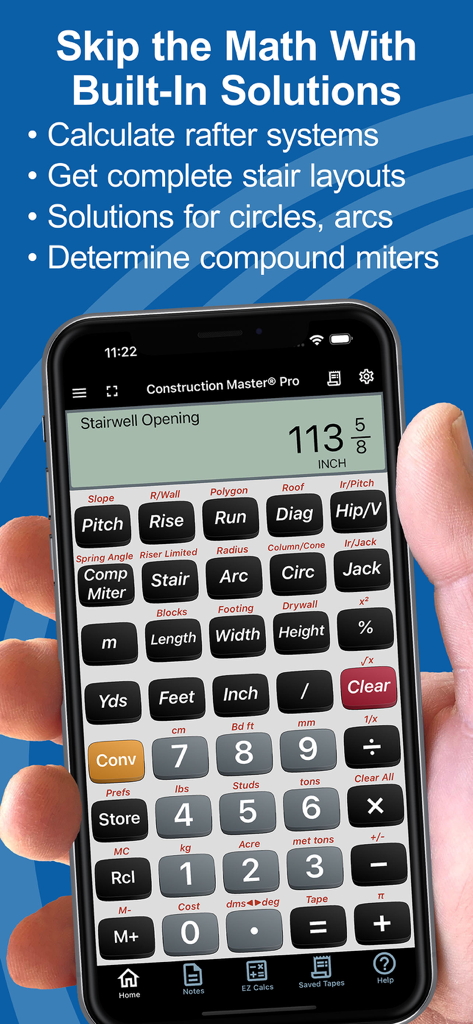
A hand holding a smartphone showing the Construction Master Pro calculator app with a stairwell opening calculation

A hand holding a smartphone showing the Construction Master Pro calculator app with a stairwell opening calculation

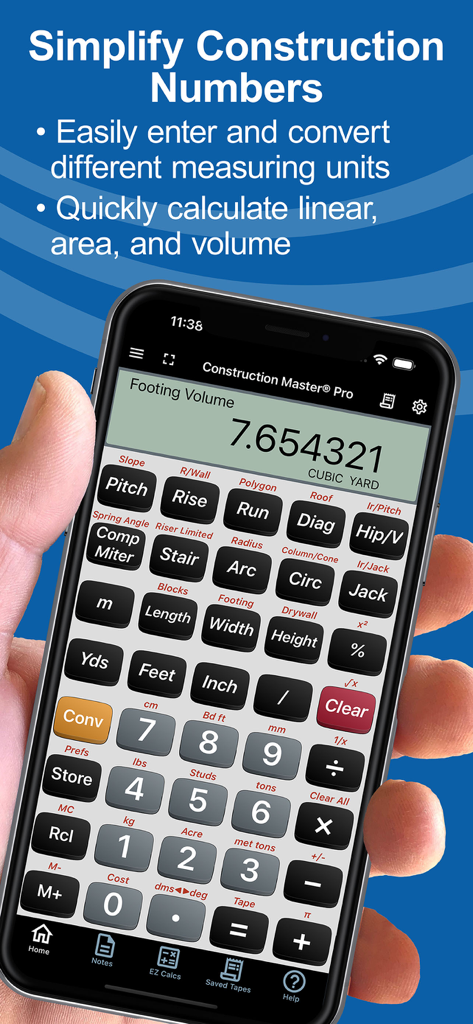
Smartphone displaying the Construction Master Pro calculator app with a footing volume calculation

Smartphone displaying the Construction Master Pro calculator app with a footing volume calculation

Construction Master Pro Calc app showing material quantity calculations on a smartphone

Construction Master Pro Calc app showing material quantity calculations on a smartphone

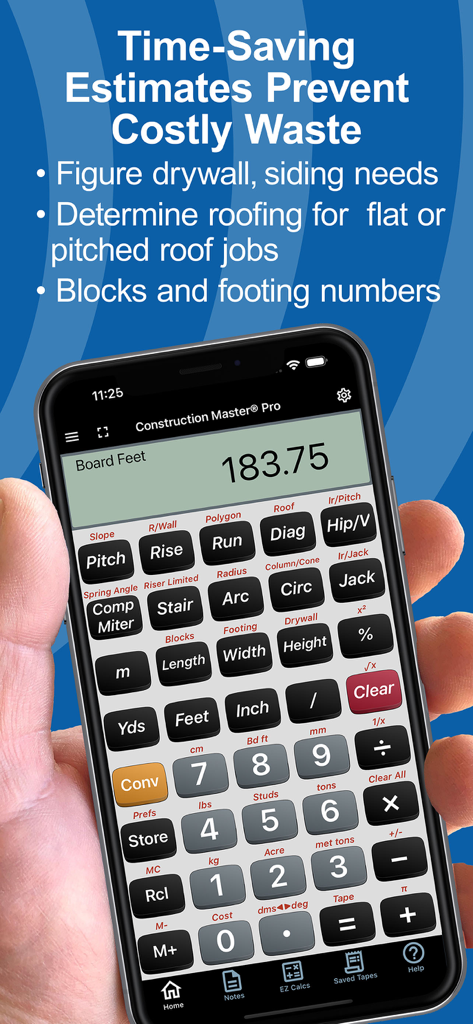
Hand holding a phone showing the Construction Master Pro calculator app with material estimation features

Hand holding a phone showing the Construction Master Pro calculator app with material estimation features

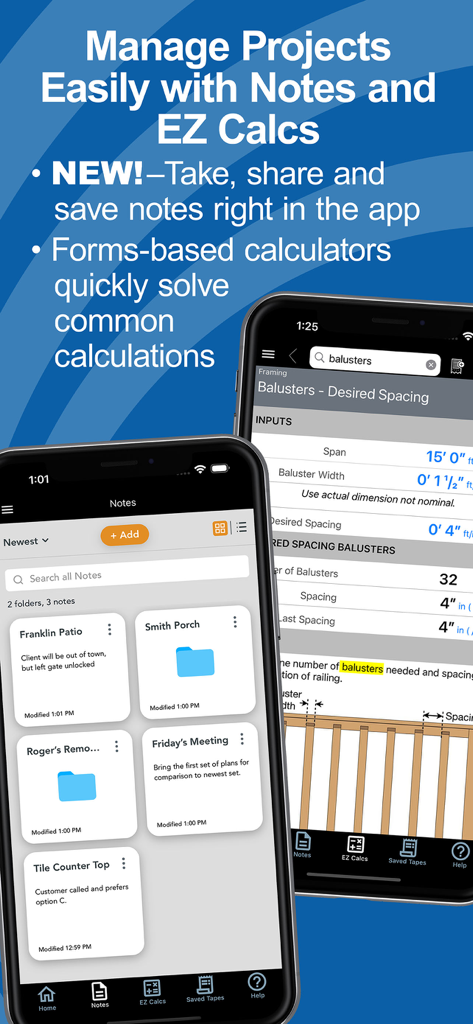
Construction Master Pro app interface showing project notes and an EZ Calcs form for baluster spacing

Construction Master Pro app interface showing project notes and an EZ Calcs form for baluster spacing

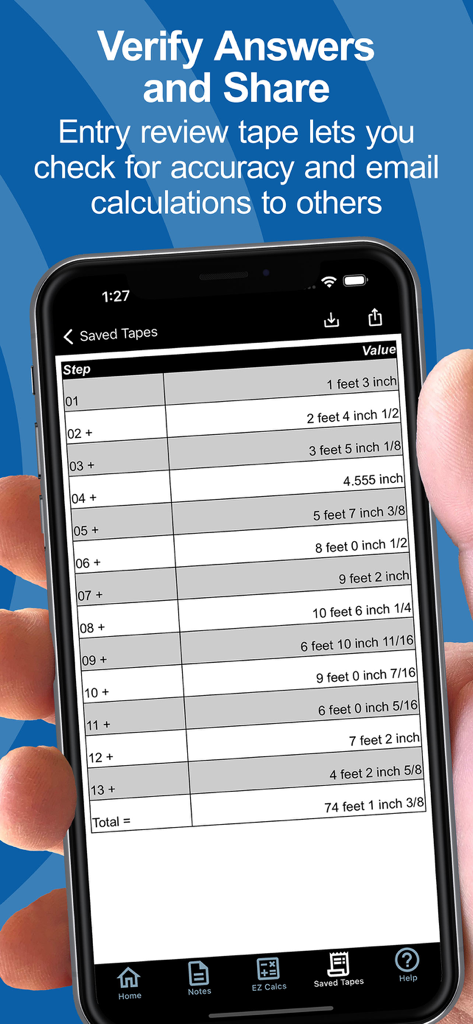
A smartphone screen displaying the saved tapes feature with a list of dimensional construction calculations and a final total

A smartphone screen displaying the saved tapes feature with a list of dimensional construction calculations and a final total

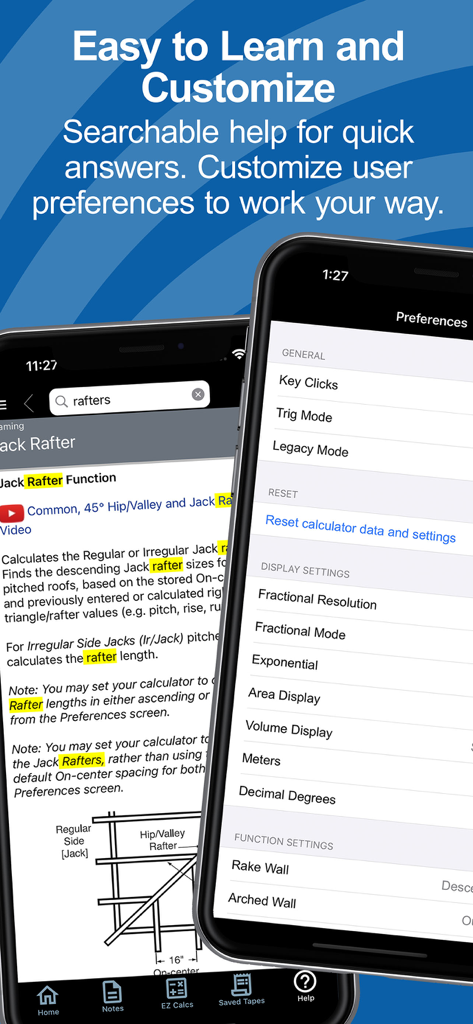
Searchable help and user preferences screens in the Construction Master Pro app

Searchable help and user preferences screens in the Construction Master Pro app

Built for Pros Who Build Everything

The tools that make this app stand out, trusted by 606K+ users.

📏

Eliminate Fraction Headaches

Work directly in feet-inches-fractions and metric units. Eliminate manual conversion errors and save time on every estimate and cut-list.

📐

Master Complex Layouts

Instant solutions for rafters, stairs, and slopes. Handle right-angle math and trigonometric functions without cracking a manual.

📲

Connected Job Site Tech

Sync with Bosch laser measurers via Bluetooth and share precise calculations or project notes directly with your framing crew.

Loved by users worldwide

Trusted by 606K+ people who love this app.

"

"As a site lead, the Bluetooth integration with my Bosch laser is a complete game-changer. I can pull dimensions directly into the app and share precise cut-lists with my crew via text. It's essentially replaced my physical calculator and eliminated the risk of human error on our framing layouts."

Marcus T., Site Foreman
"

"I've used the physical Construction Master Pro for over 20 years, so I was hesitant to switch. However, the app layout is identical and the 'EZ Calcs' for stair stringers and roofing are incredibly intuitive. It's the most reliable tool in my pocket—one miscalculated header costs more than the subscription itself."

Jim R., Custom Home Builder

About the app

Everything you need to know about Construction Master Pro Calc.

Description

FREE Try Before You Buy trial; your App Store account is not charged by Apple during the free trial. The award-winning and industry-leading Construction Master® Pro saves time and reduces costly errors! As an app for your phone or tablet, it is ideal for anyone who works with dimensions and is interested in improving speed, accuracy, and productivity. You get two apps: Construction Master Pro & Construction Master Pro Trig. Both include a built-in full User’s Guide and the ability to press and hold a key for specific help! Built with the same core engine that powers the industry-standard advanced construction-math handheld calculators from Calculated Industries. ----- WHY IT'S A MUST-HAVE TOOL ----- • Powerful built-in solutions make it ideal for completing layouts, plans, bids, and estimates • Work in and convert between all common building dimensional formats US & Metric • Built-in right angle functions simplify square-ups, rafters, slopes, and more • Full trigonometric functions ----- BUILT-IN SOLUTIONS ----- • Dimensional Math and Conversions • Feet-Inch-Fraction, Inch Fraction, Yards • Decimal Feet and Inches (10ths, 100ths) • Preset Fractions (1/2" through 1/64") • D:M:S, Decimal Degree Entry and Conversions • Full Metric Function (m, cm, mm) ----- RIGHT ANGLE SOLUTIONS ----- • Complete Right Angle/Rafter Calculations • Pitch Key (Slope and Grade) • Rise, Run, Diagonal/Common Rafter Keys • Regular and Irregular Hip/Valley & Jack Rafter Keys • Rafter Cutting Angles (Plumb, Cheek, and Level Cuts) • Stair Layouts (including – Riser Limit, Stairwell Opening, Headroom, Floor Thickness) • Rake-Wall (including Arched) ----- AREA AND VOLUME SOLUTIONS ----- • Square and Cubic • Roof – Bundles, Squares, 4x8 Sheets, Pitch, Plan Area • Drywall, Siding and Paneling 4x8, 4x9 and 4x12 • Column/Cone Area and Volume • Basic & Advanced Circular Calculations • Weight per Volume Conversions • Length, Width, and Height Keys • Blocks, Footings ----- SPECIAL FUNCTIONS ----- • Trigonometric Function Keys: Sine, Cosine, Tangent, Arcsine, Arccosine, Arctangent • Board Feet • Studs: Find number On-center • User-Definable Preferences • Cost per Unit (total costs based on unit price) • Equal-Sided Polygon • Compound Miters • Crown Angle • Advanced Paperless Tape for all functions • 4 Memories ----- APP-ENHANCED FEATURES ----- • Entry-editing Backspace Key – enable with Legacy Mode or double-tap the display • Context-sensitive Help -- just press and hold any function key for Help text, diagrams, videos • Ability to Save and Share calculations and outputs (e.g., cut-lists) to File or others on your crew • NEW! Project Notes – Create text or voice-to-text notes & lists. Set up Folders by Project or Client. Attachments! Shareable! • NEW! EZ Calcs -- Easy forms-based calculators with illustrations to quickly and easily calculate quantities & costs for all kinds of common construction projects from balusters to blocks, rafters to rebar. Shareable! • NEW! Refreshed look and feel for faster & simpler navigation and access. • NEW! Searchable Help and additional how-to videos. ----- INTEGRATIONS ----- Now connects via Bluetooth® to Bosch Professional GLMs so you can send measured values directly into live calculations or Notes SUBSCRIPTION INFORMATION Your Free Trial period is free of charge. Subscriptions offered will automatically renew at the end of the chosen period. Upon purchase confirmation and completion of a free trial, payment will be charged to your Apple account. The subscription will automatically renew unless auto-renew is turned off or the subscription is canceled in settings at least one day (24 hours) before the subscription period ends. You can manage your subscription and turn off auto-renewal in your Apple account Settings > Account (Apple ID) > Subscriptions. TRADEMARKS Construction Master® and Calculated Industries® are registered trademarks of Calculated Industries, Inc. Copyright 2025

Latest Version

12.10.17

Size

95.3 MB

First Released

May 5, 2010

Take the Industry Standard to Every Job Site

Join over 600,000 pros who eliminate costly errors and master every dimension. Start your free trial today and put the power of precision in your pocket.

Download on App StoreDownload on Google Play