
DClock - Digital Flip Clock


Transform your workspace with the ultimate minimalist flip clock. Join 8 million users who master their productivity using Pomodoro timers, calming white noise, and stunning customizable widgets.
Publisher
Category
ReferenceDownloads
8M+User Rating
Total Ratings
298K+Locales
10Discover the interface used by 8M+ users.
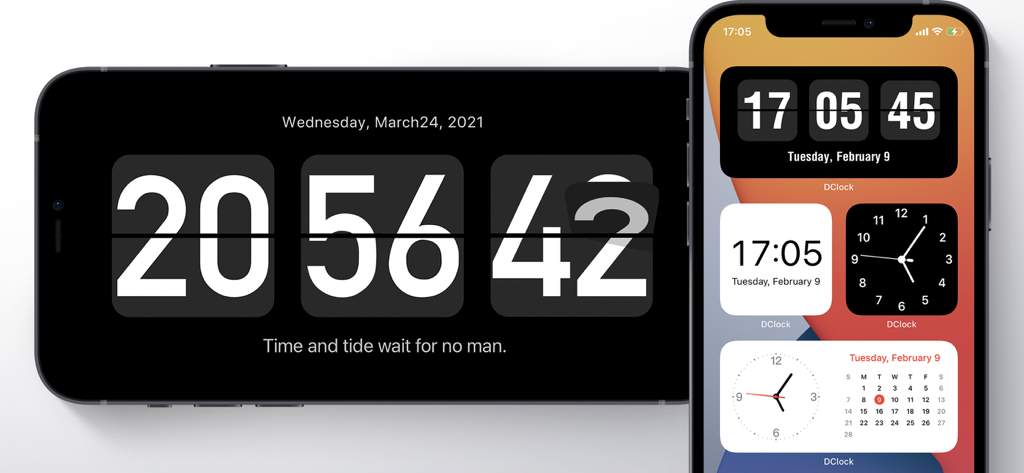
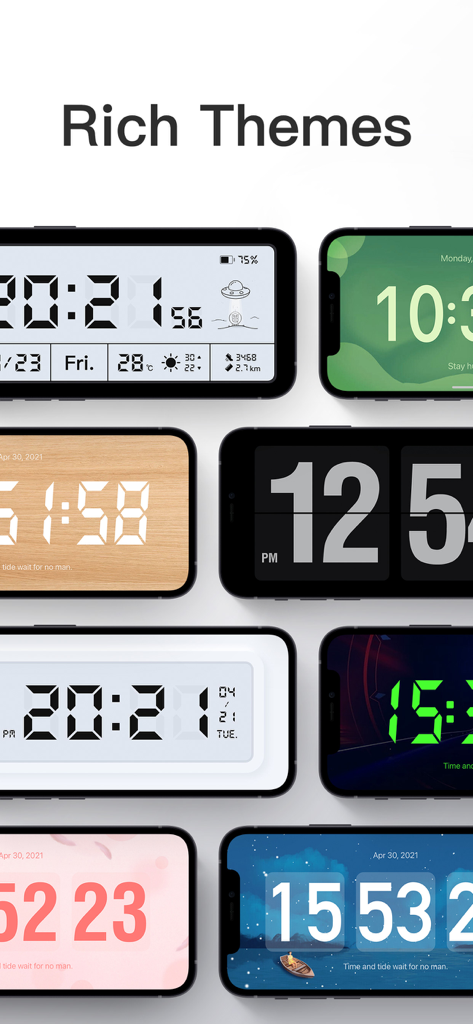
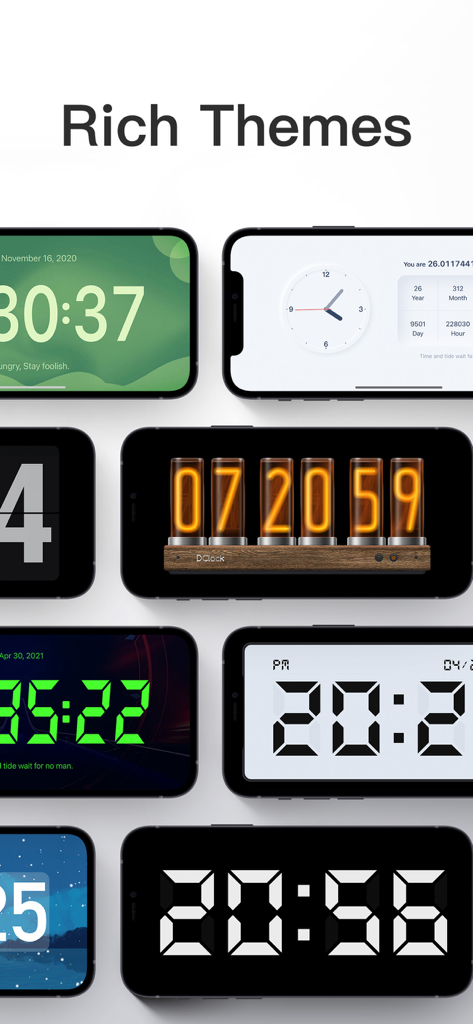
The tools that make this app stand out, trusted by 8M+ users.
Transform your device into a piece of decor with exquisite flip animations and DIY themes that perfectly match your personal vibe and workspace.
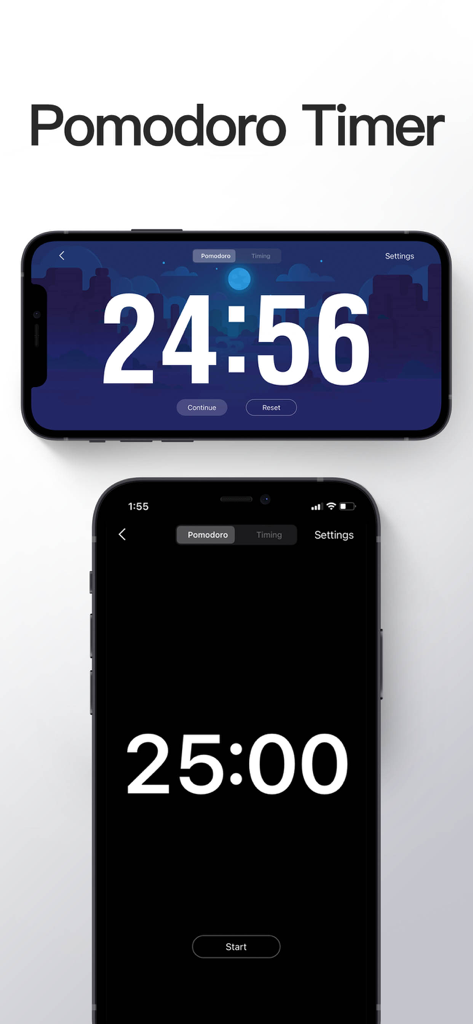
Master deep work sessions using the built-in Pomodoro timer and soothing white noise designed to eliminate distractions and boost productivity.
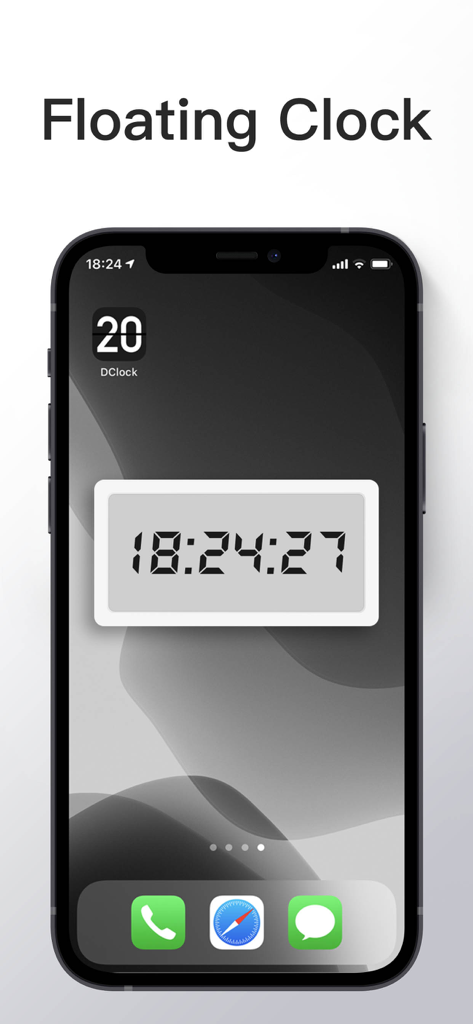
Keep time in sight with elegant iOS home screen widgets and a floating clock mode that stays visible even while you are multitasking in other apps.
Trusted by 8M+ people who love this app.
"DClock has completely transformed my study setup! I love the minimalist flip animation and the integrated Pomodoro timer—it is both functional and incredibly aesthetic for my desk. It is hands down the best clock app on the App Store for staying focused while keeping my workspace looking clean."
"The perfect companion for remote work. I use the floating clock feature daily to keep track of time during deep work sessions without distractions. The customization options are endless, allowing me to match the clock perfectly with my desk vibe while the white noise helps me enter a flow state instantly."
Everything you need to know about DClock - Digital Flip Clock.
Description
Latest Version
2.8.5
Size
128.2 MB
First Released
Jul 28, 2020
Join over 8 million users who have transformed their devices into minimalist sanctuaries. Start personalizing your workspace with our exquisite flip clock, Pomodoro timer, and curated focus sounds today.
Everything you need to know about DClock - Digital Flip Clock
Yes, DClock supports iOS14 widgets, allowing users to display various clock styles, including a flip clock, analog clock, and calendar widget, directly on their iPhone's home screen.
Yes, DClock offers a variety of themes. Users can customize their clock's appearance with options like wooden, digital, and Nixie tube styles, as shown in the 'Rich Themes' section.
Yes, DClock integrates with Apple Health. This integration is optional and used to display health data such as daily steps and walking distance if selected within specific clock themes.
Yes, DClock includes a Pomodoro Timer feature to help users focus on tasks. This timer provides a structured countdown, visible in dedicated timer screens.
Yes, DClock features a Floating Clock function. This allows the clock to remain visible on the screen, overlaying other applications, as demonstrated in the 'Floating Clock' screenshot.
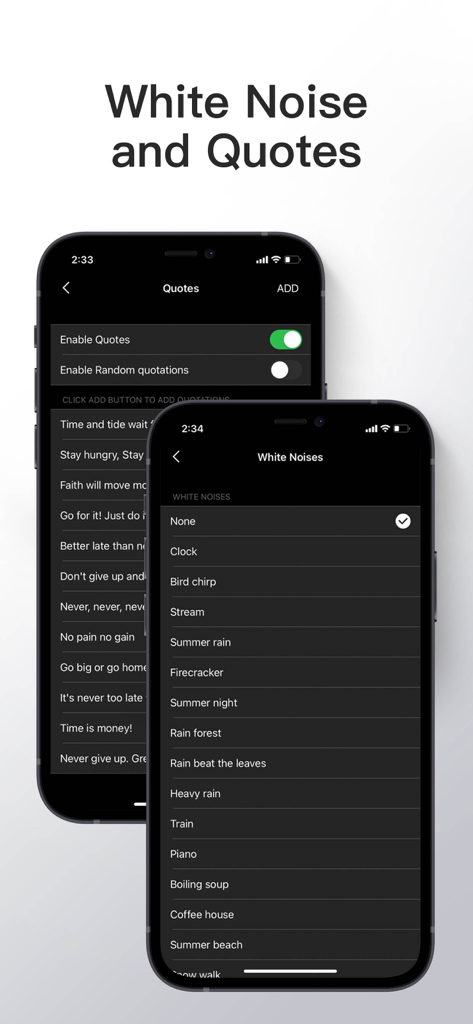
Yes, DClock offers white noise options such as 'Bird chirp', 'Stream', 'Summer rain', and 'Clock'. Users can also enable or add their own inspirational quotations.
Apps with similar features and user experience
Zhengzhou Sibo Intelligent Technology Co., Ltd.
Mosaic S.r.l.
Beijing Free Calculator Technology Co., Ltd.
Koichiro Kamada

Meanterm Inc.
俊杰 阮
Yuji Adachi
Daniel Destefanis

JSPP(Shanghai)Co,Ltd.