dLive MixPad

dLive MixPad

Download on App Store
Spark by MWM logo
Logo of dLive MixPad

dLive MixPad: Precision Wireless Control for Your dLive Mixing System

Untether from the console and walk the room with confidence. Take total command of faders, processing, and monitor mixes directly from your iPad to deliver the perfect sound from any seat in the house.

Publisher

Allen & Heath Ltd

Category

Music

Downloads

66K+

User Rating

3.3/5

Total Ratings

0

Locales

1

Master the Mix from Anywhere

Discover the interface used by 66K+ users.
Interface of the dLive MixPad app showing a real-time analyzer and audio mixing faders

Interface of the dLive MixPad app showing a real-time analyzer and audio mixing faders

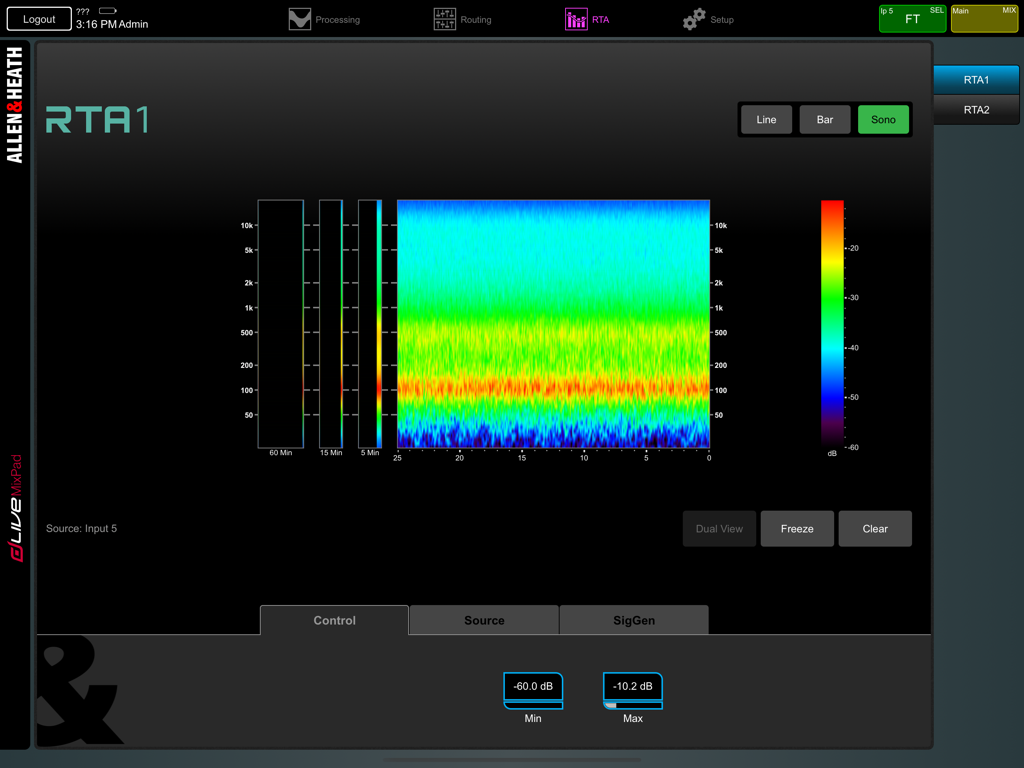
dLive MixPad Real-Time Analyzer screen showing a colorful sonogram for audio frequency monitoring

dLive MixPad Real-Time Analyzer screen showing a colorful sonogram for audio frequency monitoring

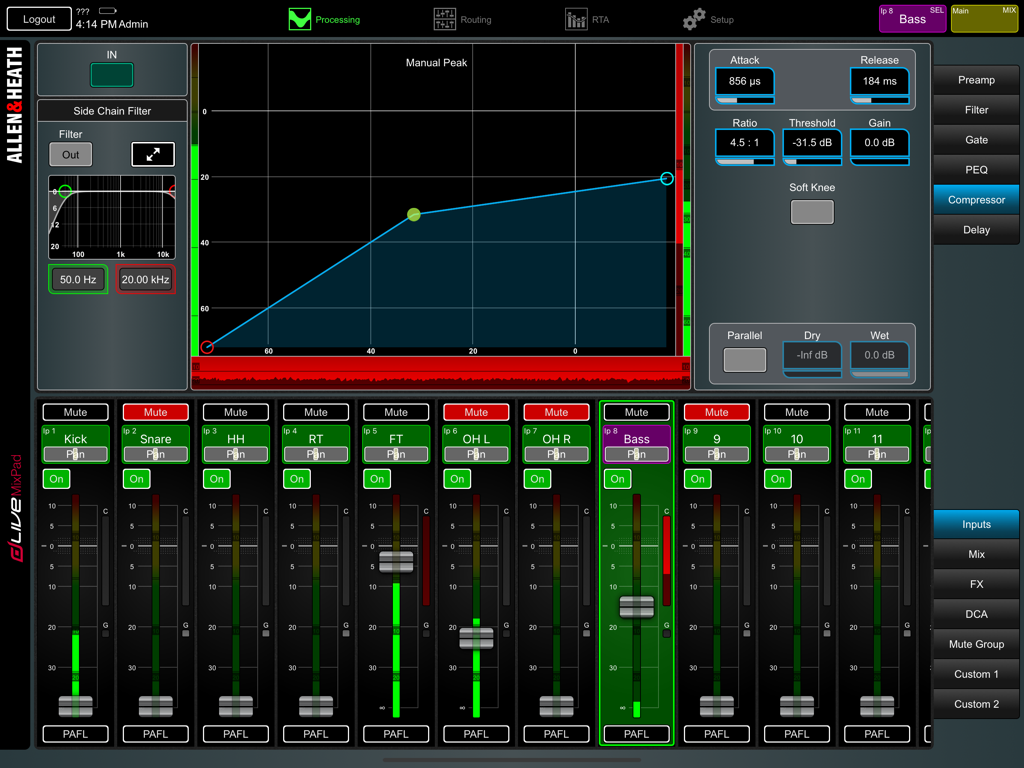
Interface of the dLive MixPad app showing compressor settings and audio channel faders for a live mix

Interface of the dLive MixPad app showing compressor settings and audio channel faders for a live mix

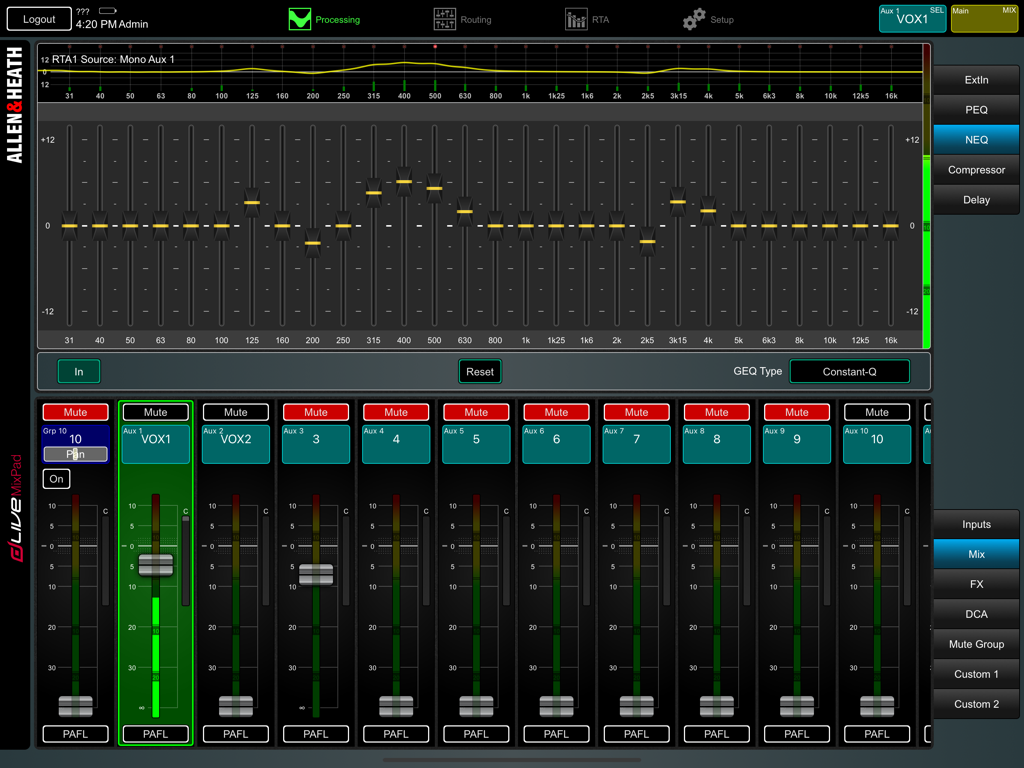
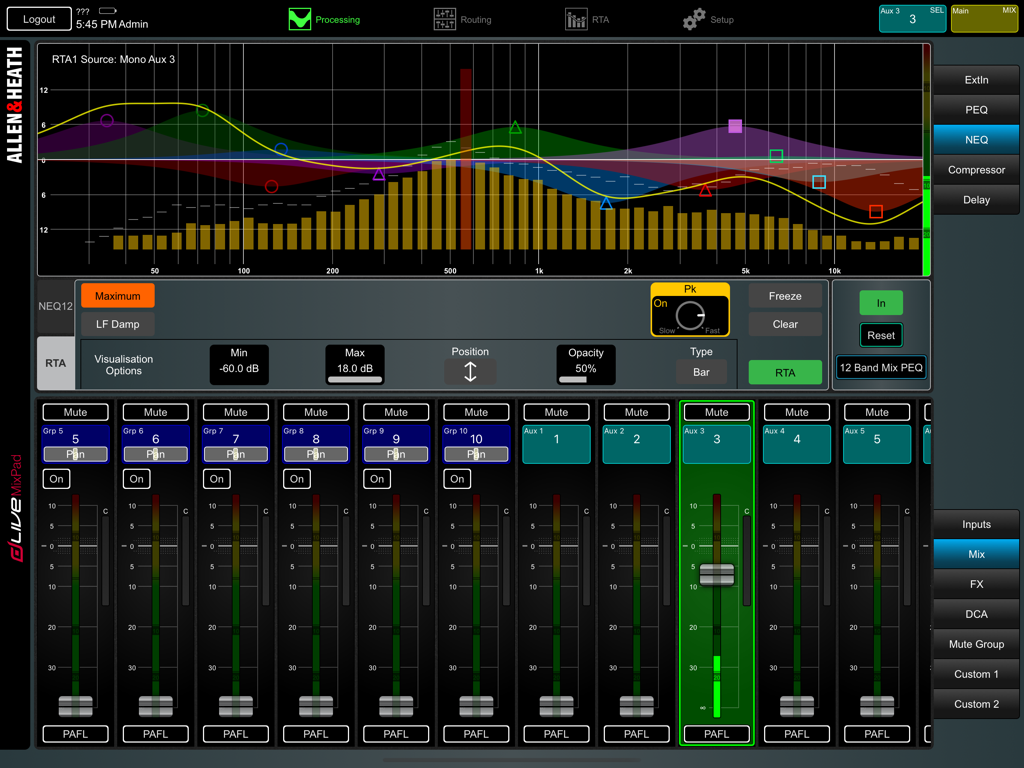
Graphic equalizer and mixer channel faders in the dLive MixPad app

Graphic equalizer and mixer channel faders in the dLive MixPad app

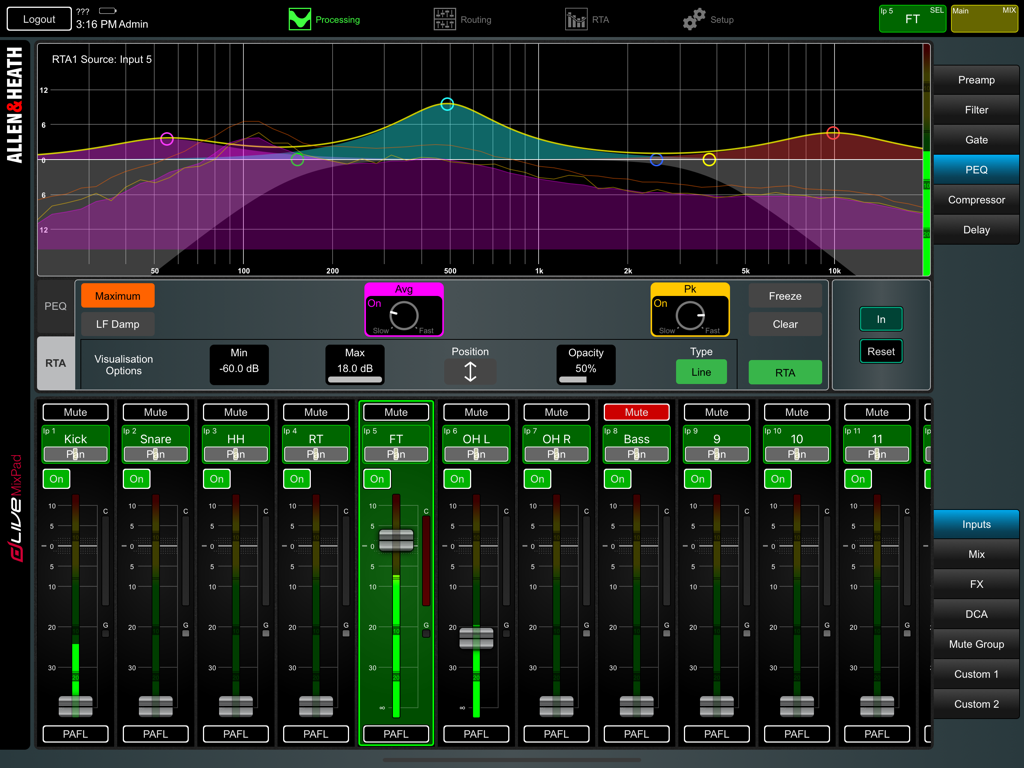
dLive MixPad professional audio mixing interface with PEQ graph and channel faders

dLive MixPad professional audio mixing interface with PEQ graph and channel faders

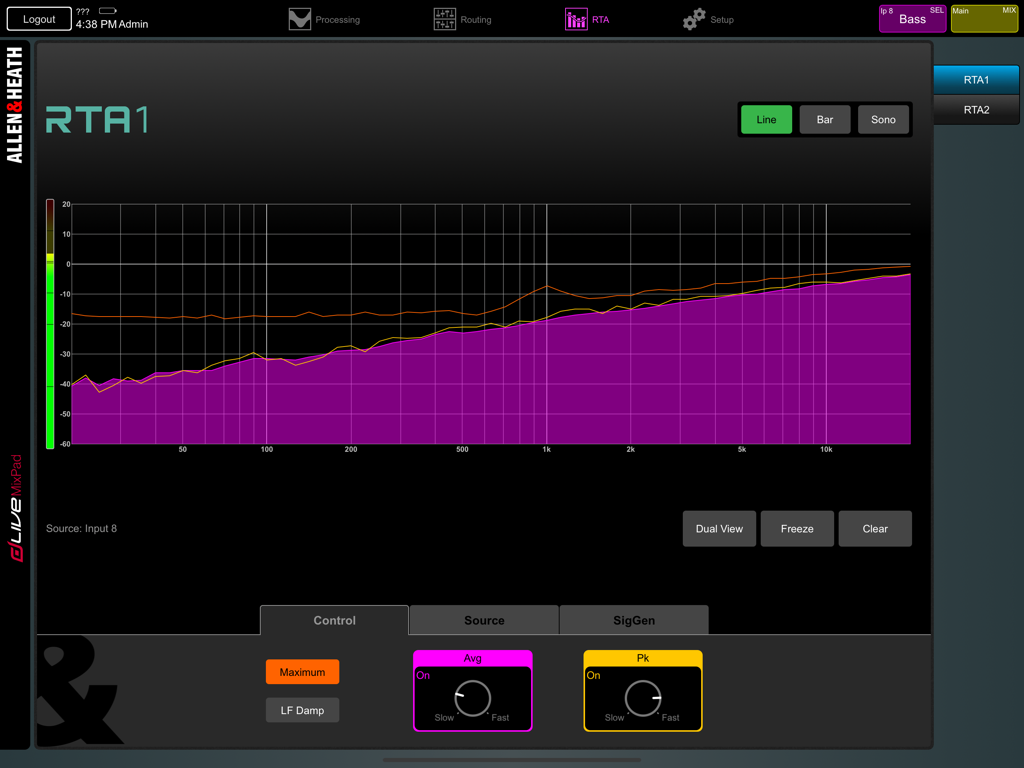
Real-time analyzer RTA interface in dLive MixPad app showing frequency spectrum

Real-time analyzer RTA interface in dLive MixPad app showing frequency spectrum

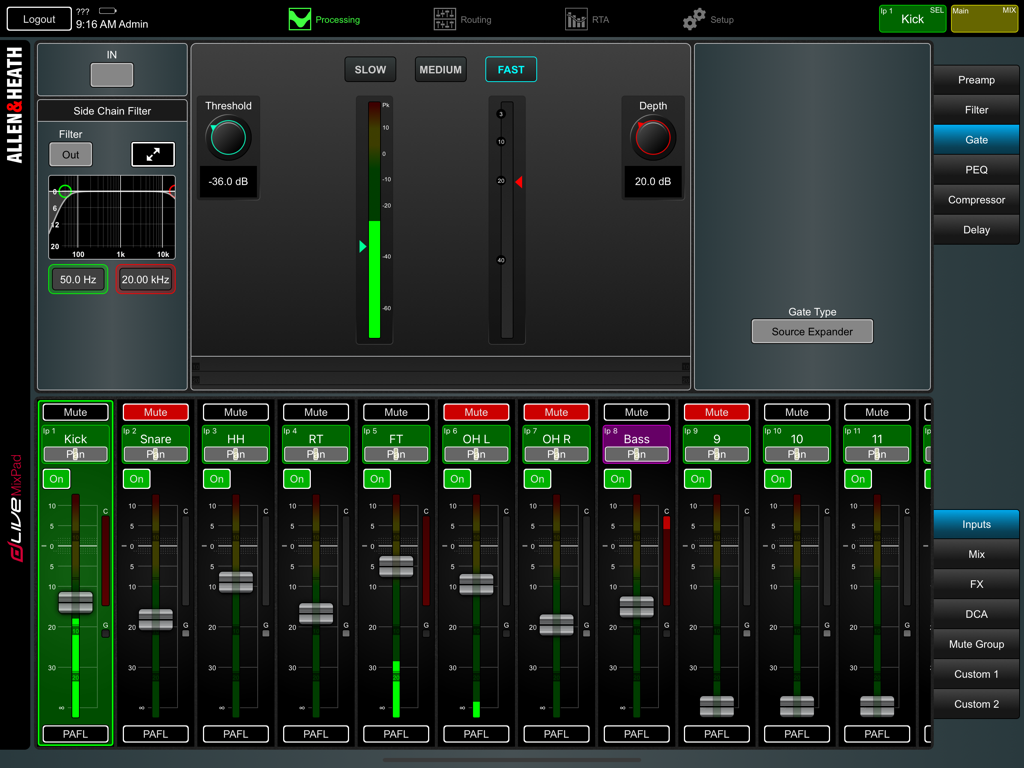
Professional audio mixing interface on the dLive MixPad app showing gate settings and channel strips.

Professional audio mixing interface on the dLive MixPad app showing gate settings and channel strips.

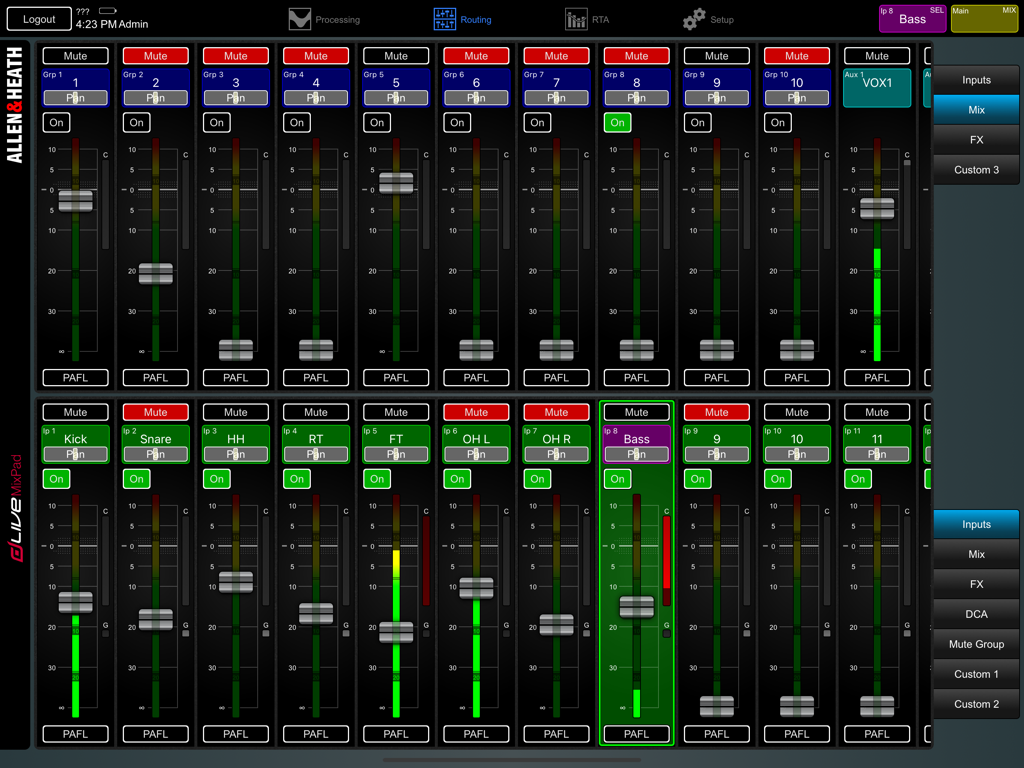
Digital audio mixing interface of dLive MixPad showing faders and channel controls on an iPad

Digital audio mixing interface of dLive MixPad showing faders and channel controls on an iPad

Professional Wireless Command for dLive

The tools that make this app stand out, trusted by 66K+ users.

📶

Sonic Mobility

Break free from the sound booth. Walk the venue to hear exactly what the audience hears and adjust faders, EQ, and dynamics in real-time from any seat.

🎸

Stage-Side Monitor Mixing

Build trust with performers by standing right next to them on stage. Dial in aux sends and monitor mixes instantly where the sound matters most.

📊

Pro Visual Feedback

Make critical adjustments with confidence using integrated RTA and full signal metering, providing professional-grade precision on a portable second screen.

Loved by users worldwide

Trusted by 66K+ people who love this app.

"

"The mobility dLive MixPad provides is a game-changer for stadium tours. I can dial in the low-end from the back of the arena and then jump on stage to tweak monitors with the band, all while keeping the main surface at FOH free for my assistant. The RTA integration is incredibly responsive and reliable."

Marcus T., Lead FOH Engineer
"

"This app has streamlined our Sunday mornings. Being able to stand right next to the worship team to adjust their IEMs makes soundcheck twice as fast. The custom strips let me put exactly what I need on one screen, so I am never digging through menus during the service."

Sarah Jenkins, Technical Director

About the app

Everything you need to know about dLive MixPad.

Description

dLive MixPad is an engineer’s mixing tool providing wireless mobile control for the Allen & Heath dLive digital mixing system. It gives you the freedom to walk the room or stage and control the sound right where it is needed. dLive MixPad and the dLive Surface can work together to provide simultaneous control of independent functions, for example one engineer using the Surface to mix front-of-house sound, and another using the iPad to mix monitors on stage. Several iPads can be connected, each providing independent control. dLive MixPad is intended for working with the live mix and channel processing. Things you can control: - Fader levels, mutes, pan - Aux and FX sends, routing and Pre/Post switching - FX Tap Tempo, Global Tap Tempo - Matrix sends, routing and Pre/Post switching - DCAs and assignments - Preamp Gain, Pad and 48V - Trim and Polarity - HPF, Gate/Ducker/Expander, PEQ, NEQ, Comp/Ducker, Delays - RTA function - Channel names and colour - PAFL select - Full signal metering - 3 Custom strips for personalised channel layout - Library and Scene recall dLive MixPad is not intended for system setup. The following functions are not available at the iPad: - FX parameter control - Input source, insert and output patchbay - Channel ganging - Aux source routing options - Show store and recall - Scene Recall Filters and Safes edit - Talkback - System configuration, options and preferences - User Profile management and permissions Requirements An Allen & Heath dLive mixing system with a suitable wireless router or access point connected to one of its Network ports. This version of MixPad can connect to a dLive mixing system running: - dLive Firmware V2.10 or subsequent V2.1x maintenance releases. - dLive Firmware V2.00 or subsequent V2.0x maintenance releases, when the Firmware compatibility mode setting is enabled. This can be found in the iOS Settings / dLive MixPad. You will need to shut down (force quit) the app and restart it for changes to take effect.

Latest Version

2.11

Size

34.5 MB

First Released

Nov 9, 2016

Step Away from the Console and Into the Mix

Get the wireless freedom your dLive system deserves. Download MixPad today to start mixing monitors on-stage and fine-tuning every seat in the house.

Download on App Store