Dorico for Education

Dorico for Education

Download on App Store
Spark by MWM logo
Logo of Dorico for Education

Dorico for Education: Professional Music Notation for the Next Generation of Composers

Bring your compositions to life with the world’s most intelligent notation software. Designed for students and educators, Dorico for Education lets you create, engrave, and play back stunning scores directly on your iPad.

Download on App Store

Publisher

Steinberg Media Technologies GmbH

Category

Music

Downloads

100

User Rating

1.0/5

Total Ratings

0

Locales

1

Precision in Every Note

Discover the interface used by 100 users.
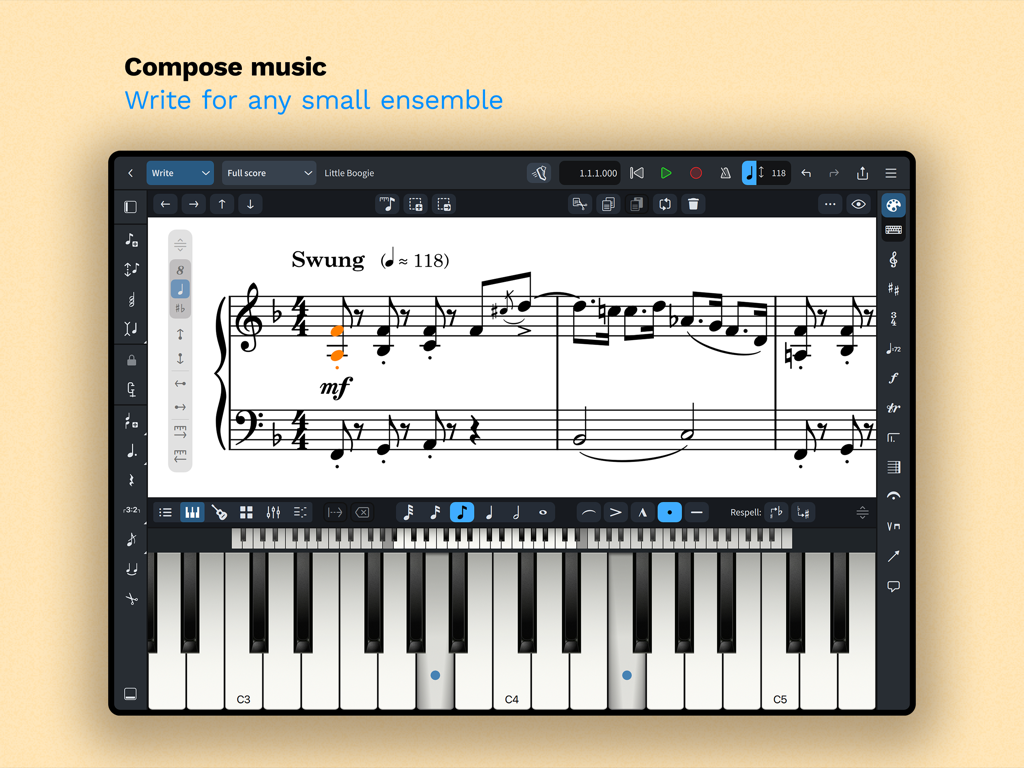
Dorico for Education iPad app interface for composing music with a piano score and virtual keyboard.

Dorico for Education iPad app interface for composing music with a piano score and virtual keyboard.

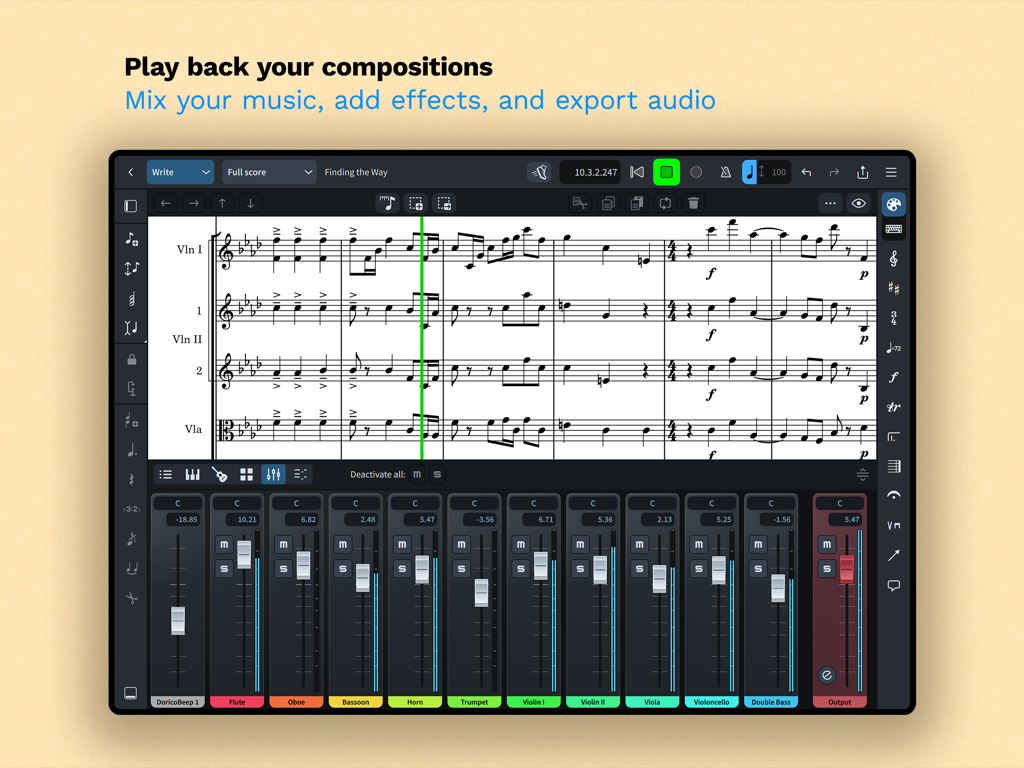
Music notation interface in Dorico for Education showing a score and an instrument mixer panel

Music notation interface in Dorico for Education showing a score and an instrument mixer panel

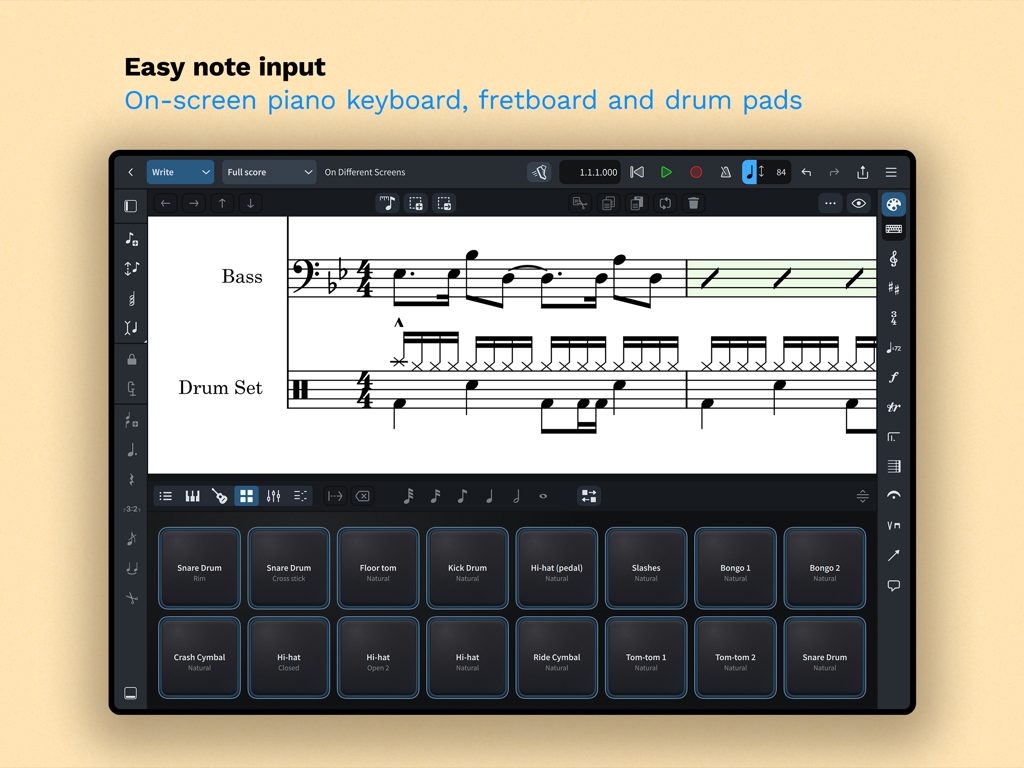
Dorico for Education app on iPad showing virtual drum pads for music notation and note input

Dorico for Education app on iPad showing virtual drum pads for music notation and note input

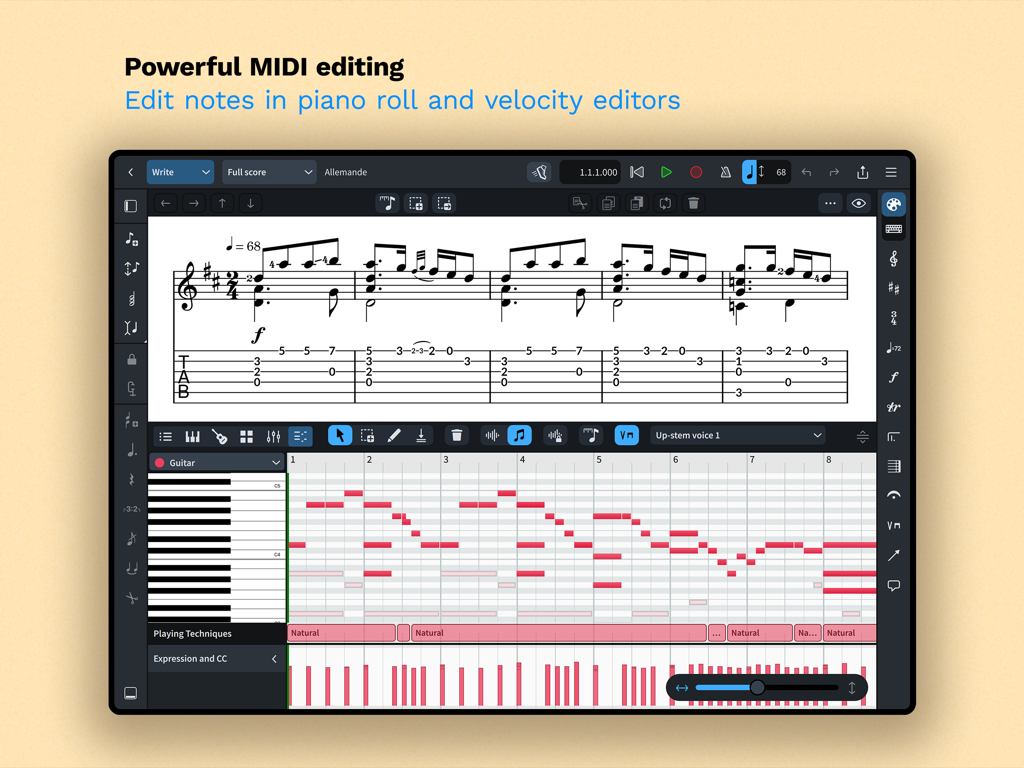
Dorico for Education MIDI editing with piano roll and velocity editors

Dorico for Education MIDI editing with piano roll and velocity editors

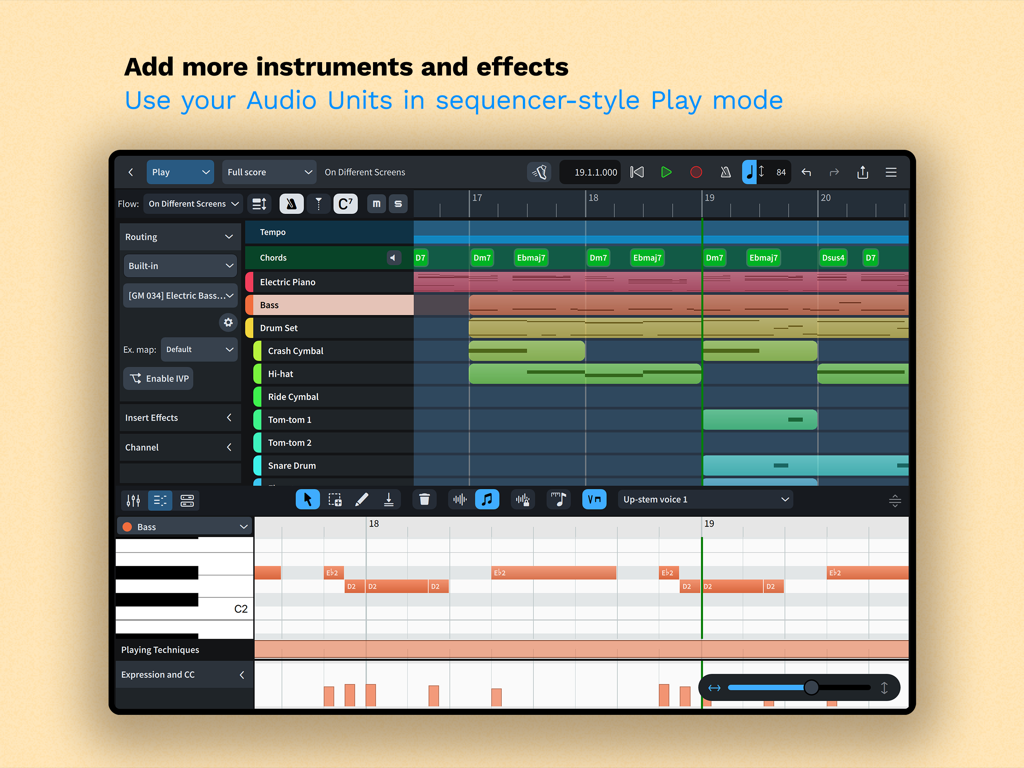
Dorico for Education app showing sequencer style play mode with instrument tracks and piano roll editor on iPad

Dorico for Education app showing sequencer style play mode with instrument tracks and piano roll editor on iPad

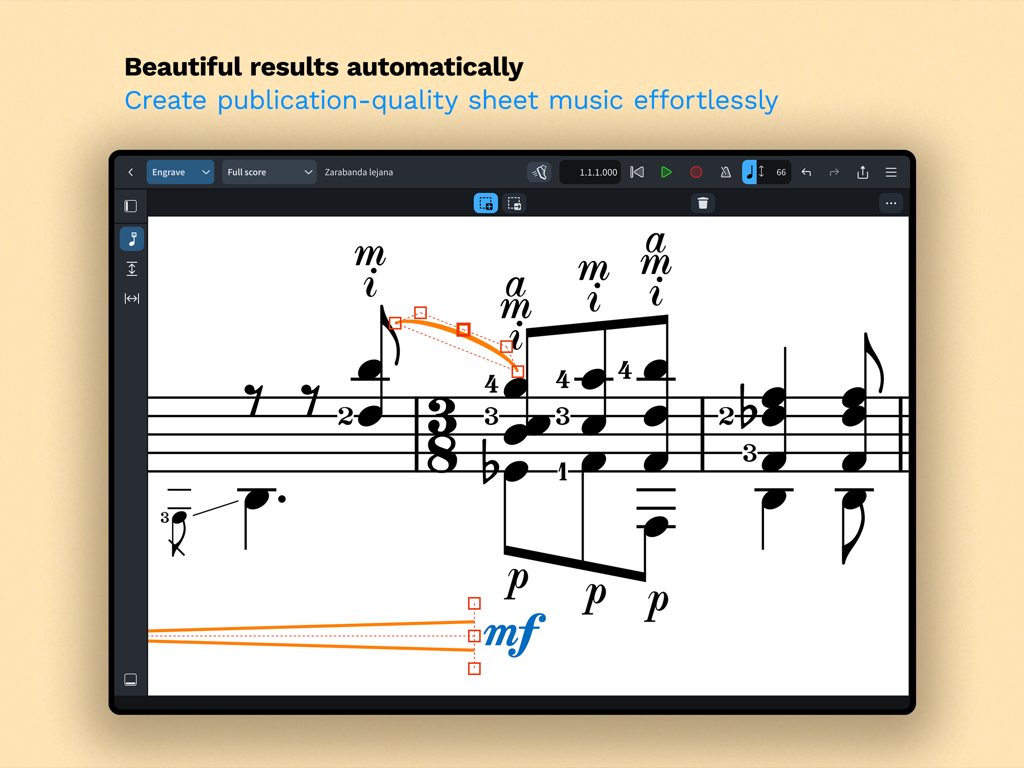
Dorico for Education app showing professional music notation and engraving tools on iPad

Dorico for Education app showing professional music notation and engraving tools on iPad

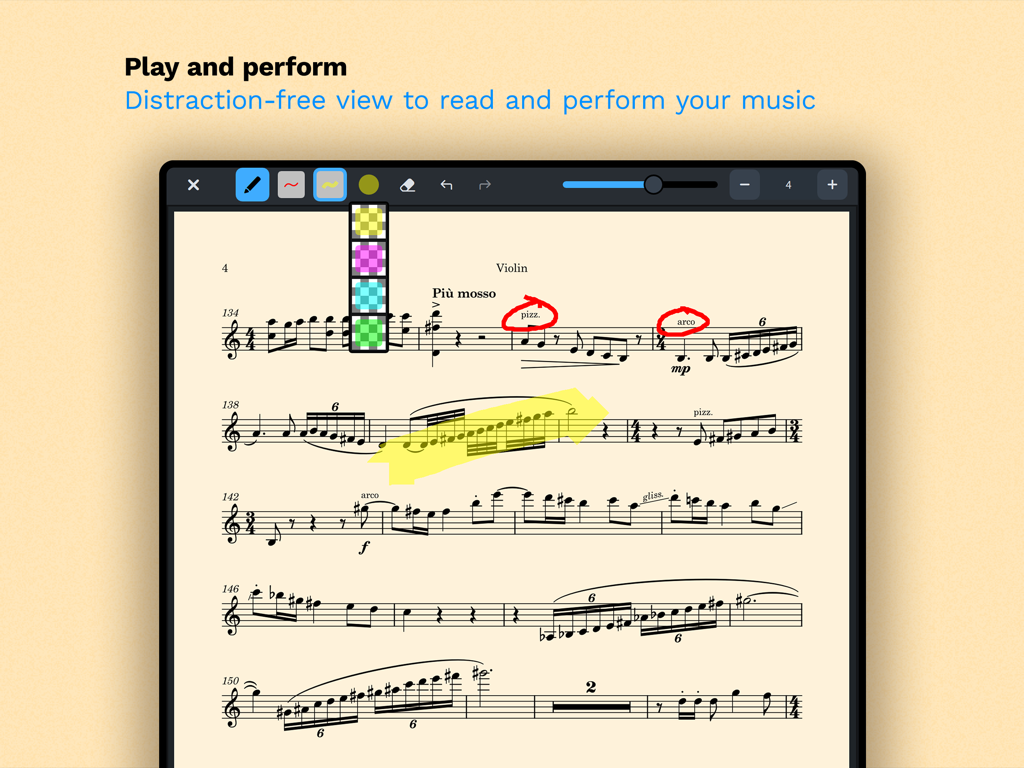
iPad screenshot of Dorico for Education showing a violin score with annotations and highlighter tools in performance mode

iPad screenshot of Dorico for Education showing a violin score with annotations and highlighter tools in performance mode

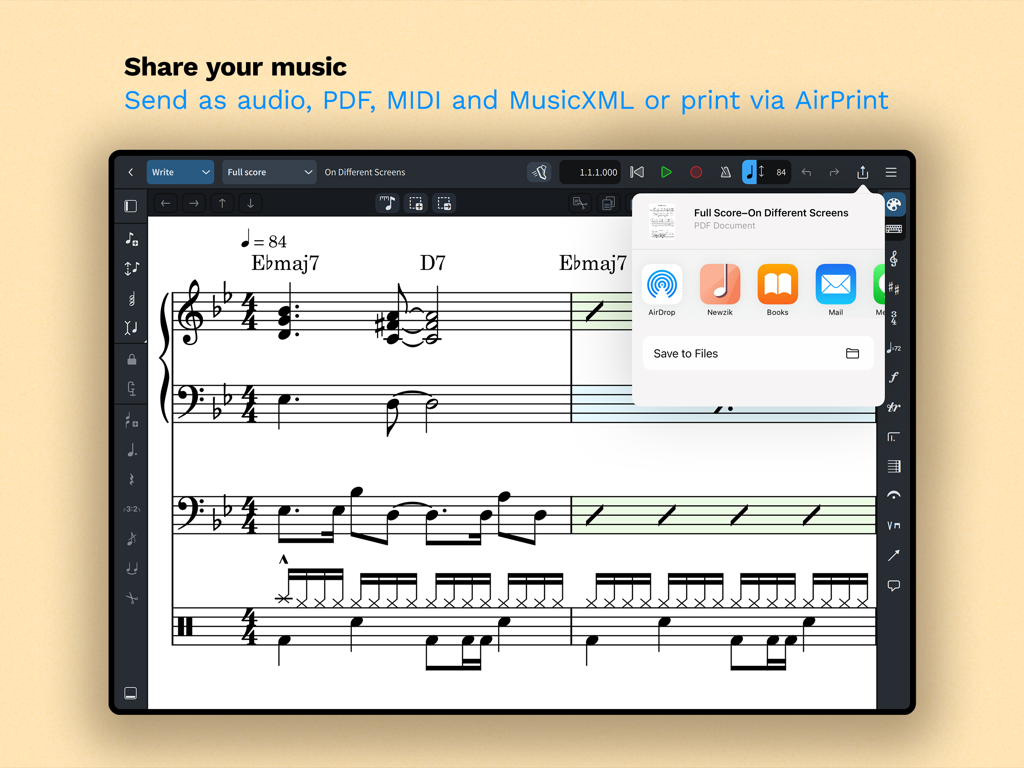
iPad interface showing music score sharing options for PDF, MIDI, and MusicXML in Dorico for Education.

iPad interface showing music score sharing options for PDF, MIDI, and MusicXML in Dorico for Education.

Professional Composition, Anywhere You Go

The tools that make this app stand out, trusted by 100 users.

🎼

Publication-Quality Engraving

Spend more time composing and less time formatting with the industry's best automatic layout for professional-grade scores.

✍️

Intuitive Pencil & Touch Input

Write naturally using your Apple Pencil or the on-screen keyboard, featuring intelligent notation that adjusts as you create.

🚀

Desktop Power on iPad

Experience full cross-platform compatibility and professional MIDI tools that let you move seamlessly from practice room to studio.

Loved by users worldwide

Trusted by 100 people who love this app.

"

"Dorico for iPad has completely changed my workflow. Being able to sketch out orchestral scores in the practice room using my Apple Pencil and then finish the engraving on my laptop is a total game-changer. It makes my assignments look professional enough for publication with zero effort."

Julian R., Composition Student
"

"The automatic layout features are a lifesaver for busy teachers. I can arrange a quick piece for my students on the go and have beautiful, readable parts printed via AirPrint before the rehearsal even starts. It’s the most intuitive notation software I've used in 15 years."

Sarah M., High School Band Director

About the app

Everything you need to know about Dorico for Education.

Description

Compose your own music with Dorico. Create beautiful music notation for any number of instruments quickly and easily with the on-screen keyboard, drum pads and fretboard. Play back instantly with the included sounds, including the high-quality Iconica Sketch sound library, and shape the performance with powerful MIDI editing tools. When your piece is finished, share it as PDF, audio or MusicXML, or print directly to your AirPrint-enabled printer. Perform using the built-in read mode, and annotate with your Apple Pencil. Dorico is the award-winning music notation and composition software from Steinberg for macOS, Windows, and iPadOS. It’s easy enough to learn and use that it is used by students in schools, and deep enough that it satisfies the needs of the most demanding professionals in the worlds of concert music, music for film and TV, and music publishing. Dorico for iPad is fully compatible with Dorico for macOS and Windows, so you can work on your projects on the move on your iPad and in your studio on your desktop or laptop computer, or share projects with musicians using Dorico on any platform. Dorico’s interface is split into four modes. In Setup mode, you can add and change instruments, create and reorder sections of music (called “flows”), and choose how your music will be formatted for your musicians into layouts. In Write mode, you can input and edit music and other notations using simple, well-organized toolboxes and panels. In Engrave mode (included if you buy a paid subscription to Dorico’s advanced features), you can make graphical tweaks to every item in your project. Finally, in Play mode, you have access to powerful sequencer-style MIDI editing tools, including piano roll and velocity editors. Dorico includes built-in virtual instruments and effects to allow you to play back your compositions, and you can also easily use any compatible Audio Unit plug-in or external MIDI device, and tweak playback using the on-screen Mixer. Input music using an on-screen piano keyboard, or by connecting a MIDI keyboard to your iPad directly via USB or using a compatible USB-to-Lightning adaptor. If you have a Magic Keyboard or other external keyboard, you can make use of extensive keyboard shortcuts to work quickly and efficiently. HIGHLIGHTS • Best automatic engraving of any software • Easy note input using on-screen keyboard, MIDI keyboard, or external keyboard • Intelligently adjusts notation as you write • Any number of movements or pieces in a single project • Automatic layout of instrumental parts • Expressive playback using included sounds and effects • Supports Audio Unit virtual instruments and effects processors • Sequencer-style piano roll MIDI editor • Sophisticated chord symbols, unpitched percussion and drum set notation • Unbarred music, tuplets across barlines, etc. all handled correctly — no workarounds • Transfer to and from other apps via MusicXML, MIDI, PDF, etc. For support, please visit www.dorico.com/forum If you like Dorico, please support us by rating this app in the App Store. Thank you!

Latest Version

6.1.10

Size

968.3 MB

First Released

Jul 9, 2024

Elevate Your Compositions Today

Join the next generation of composers and educators. Download Dorico for Education and turn your iPad into a professional music workstation.

Download on App Store