Driver: Driving & Dash Cam App


Turn your iPhone into a powerful dash cam with AI accident detection, 24/7 roadside assistance, and instant cloud sharing. The all-in-one solution for commuters and gig drivers to protect their insurance, their income, and their peace of mind.
Publisher
Category
NavigationDownloads
333K+User Rating
Total Ratings
11K+Locales
21Discover the interface used by 333K+ users.
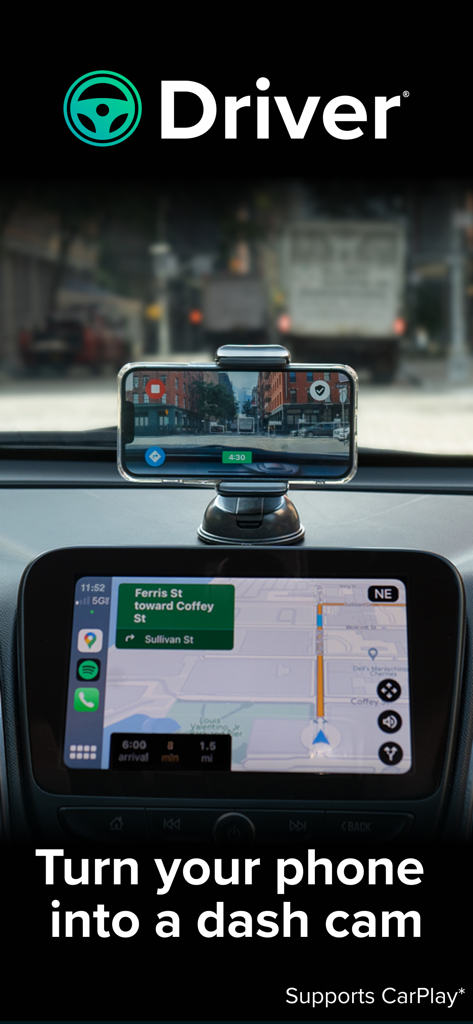
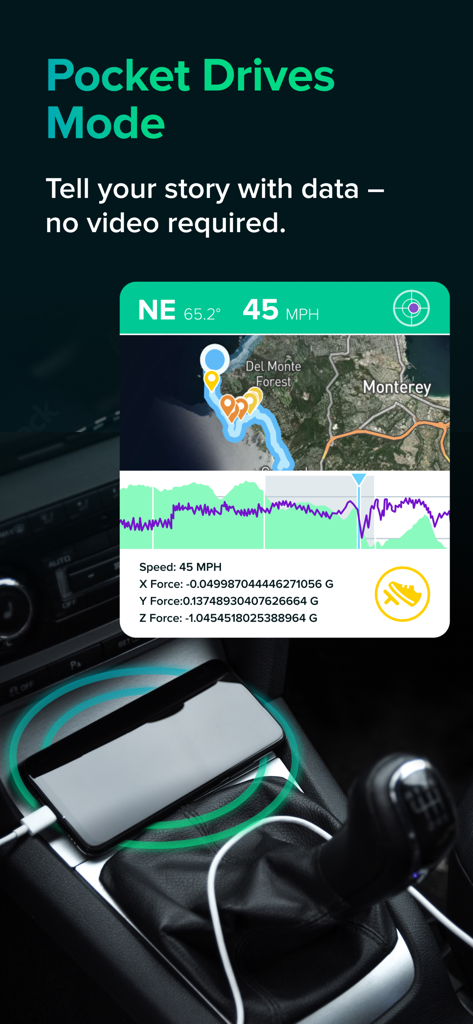
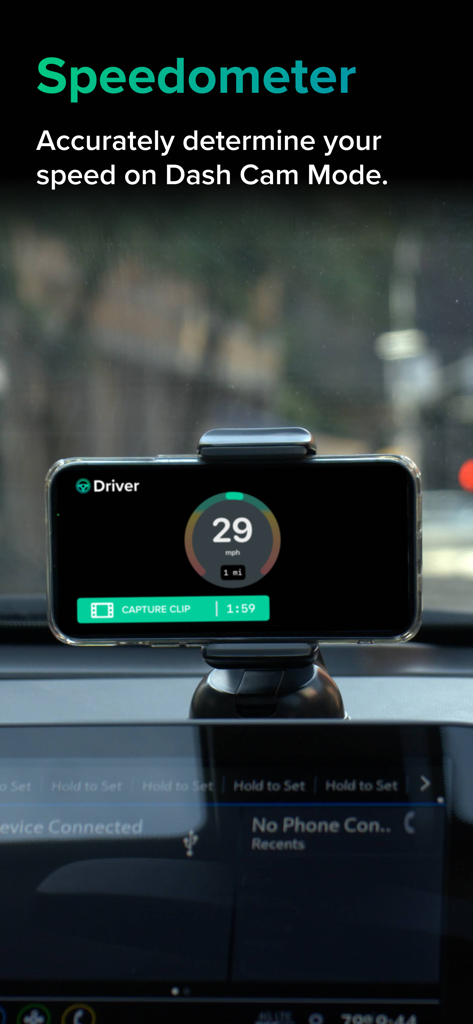
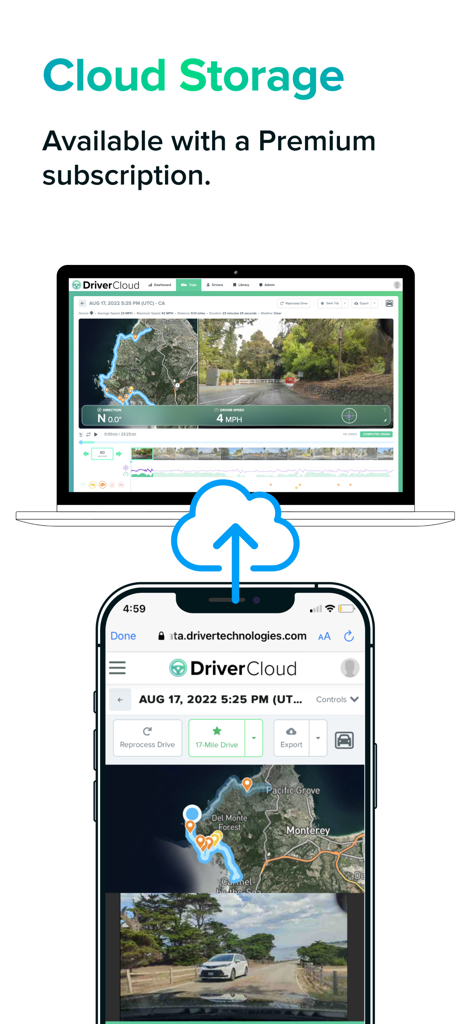
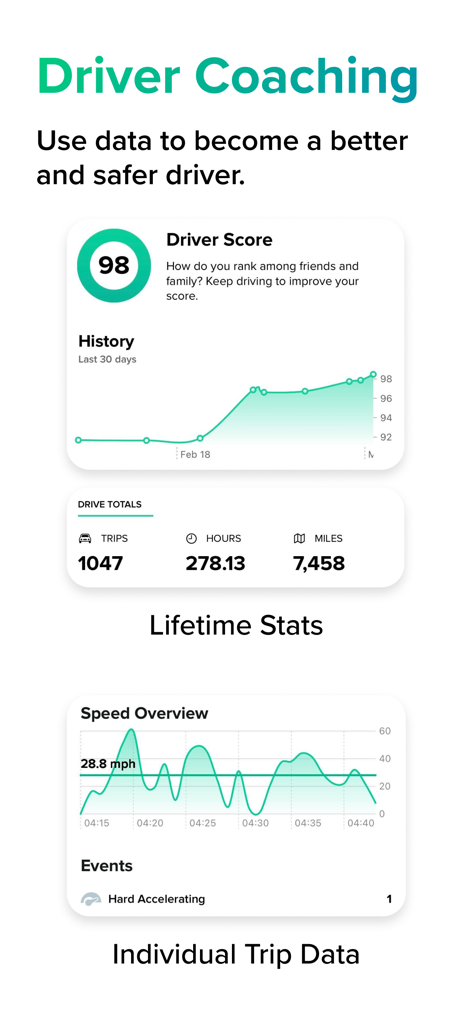
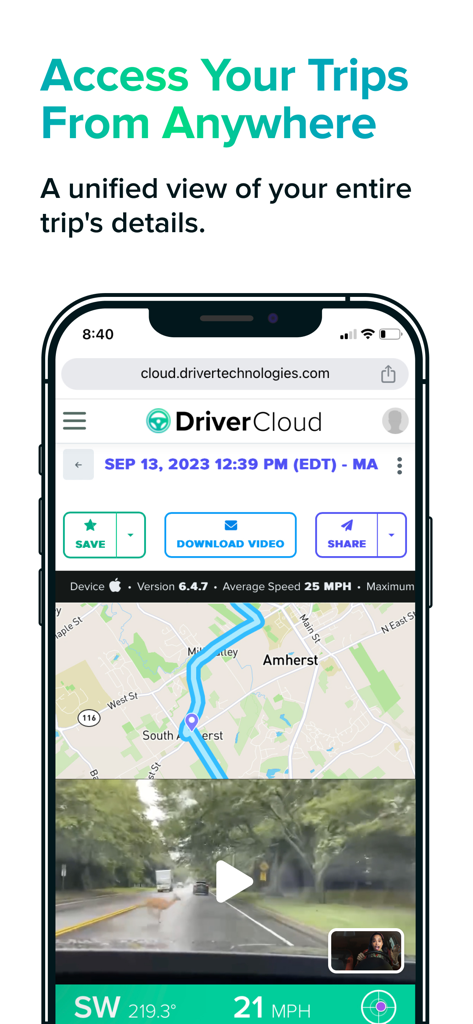
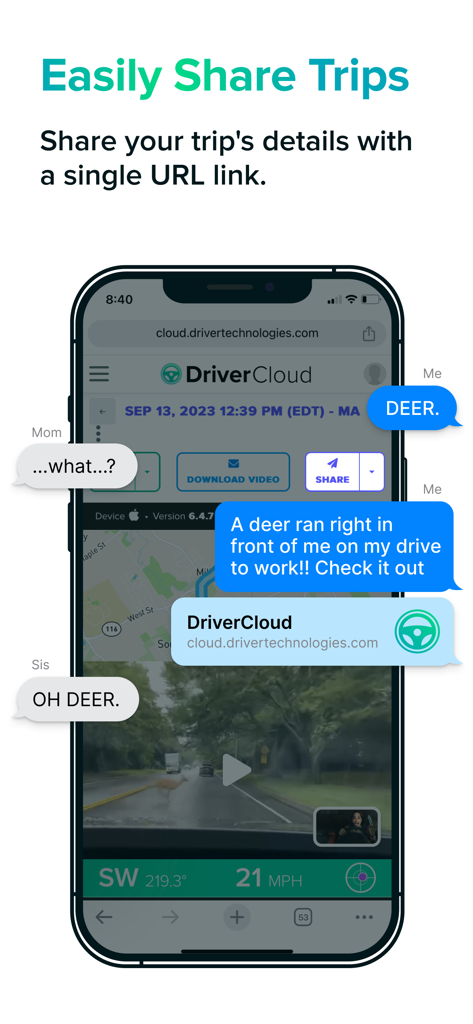
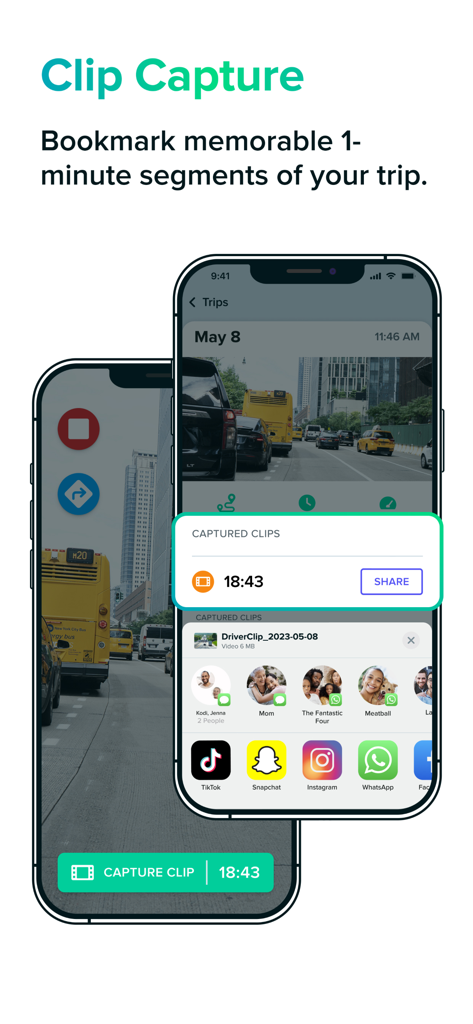
The tools that make this app stand out, trusted by 333K+ users.
Record HD video enriched with speed, G-force, and GPS data. Instantly share a secure cloud link with insurance or legal support to prove what really happened.
Our machine learning algorithms detect hard braking, tailgating, and near-accidents in real-time, helping you stay alert and build safer driving habits.
Designed for your daily commute or gig work. Use Driver alongside your favorite navigation and music apps with full Apple CarPlay support and zero clutter.
Trusted by 333K+ people who love this app.
"As a full-time rideshare driver, the dual-camera feature is a total game-changer. It records the road and the cabin simultaneously, giving me peace of mind against false claims. Sending a cloud link to support is so much faster than fiddling with SD cards."
"I use Driver every day on my long commute. It integrates perfectly with CarPlay so I can still see my maps while recording. Having roadside assistance and a clear video record for my insurance gives me such great peace of mind in heavy traffic."
Everything you need to know about Driver: Driving & Dash Cam App.
Description
Latest Version
6.9.1
Size
79.5 MB
First Released
Aug 2, 2018
Get the ultimate liability protection and 24/7 roadside assistance. Join over 330,000 drivers who trust Driver for a smarter, safer, and connected driving experience.
Everything you need to know about Driver: Driving & Dash Cam App
The Driver app provides a connected driving experience, offering liability protection, roadside services, claims assistance, a speedometer, and driver education through its Cloud + App platform. It supports Dash Cam and Pocket Drives modes for trip recording.
Yes, the Driver app functions as a dash cam in its 'Dash Cam Mode'. It transforms your phone into a recording device for trips, capturing full-length HD videos and supporting Apple CarPlay.
Driver's 'Pocket Drives Mode' records comprehensive trip data, including location, speed, G-force, and telematic events, without capturing video. It serves as a data-rich companion, especially when video recording is not desired.
Yes, users can easily share trips recorded with the Driver app. The platform allows you to generate and send a unique URL link to your trip on the Driver Cloud.
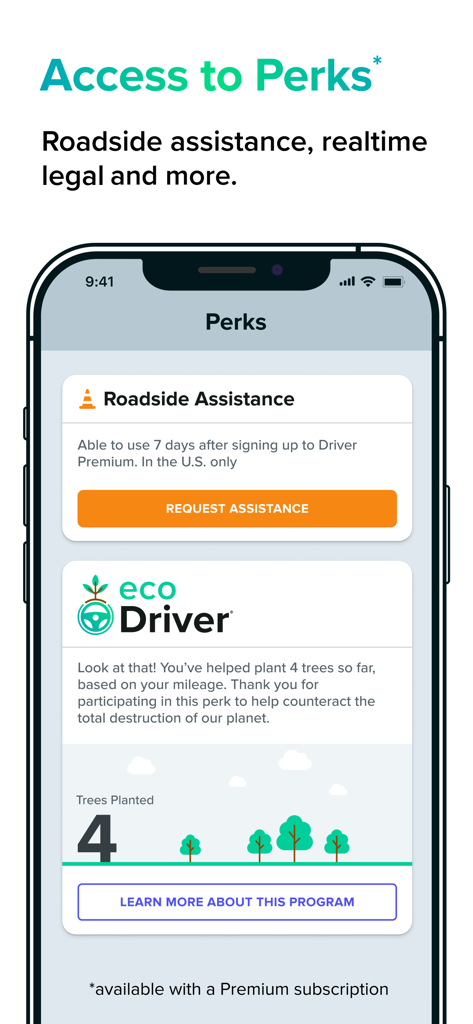
Driver Premium offers HD trip storage on the cloud, 24/7 roadside assistance in the U.S., monthly tree planting, camera and video customization options, and a free Driver Cooler for annual plans.
Yes, Driver Premium subscribers receive 24/7 roadside assistance across the U.S. Service typically arrives within 15-30 minutes, providing peace of mind while driving.
Driver AI enhances safety by using machine learning algorithms to automatically detect and capture critical events like hard braking, accelerations, speeding, near accidents, and unsafe following, offering data for improved driving habits.
Yes, the Driver app automatically manages phone storage. It deletes all trips successfully uploaded to the Driver Cloud after two days, preserving space on your device.
Yes, the Driver app supports dual camera recording. On iPhone XS or newer models, users can simultaneously record both external and internal video during trips.
Yes, a free version of the Driver app is available. The non-paid version is completely free to use and does not contain advertisements.
You manage your Driver Premium subscription through your iTunes account settings. Auto-renewal can be disabled at any time by accessing your Account Settings on the App Store after purchase.
Yes, GPS functionality is required for the Driver app to operate. Continuous use of GPS running in the background can impact your device's battery life, similar to other GPS-enabled applications.
The Driver Cloud retains full-length HD videos from Dash Cam Mode for a 90-day lookback period. Premium users benefit from enhanced storage of HD trip versions.
Yes, the Driver app features an integrated speedometer. It accurately displays your speed when you are actively using the app in Dash Cam Mode.
The Driver app supports Apple CarPlay, allowing you to use its Dash Cam Mode seamlessly alongside your preferred navigation and music applications while driving.
Apps with similar features and user experience