Dual App - WA Web Cloner

Dual App - WA Web Cloner

Download on App Store
Spark by MWM logo
Logo of Dual App - WA Web Cloner
Dual App - WA Web Cloner: Your All-in-One Productivity & Social Hub

Seamlessly manage dual accounts on your iPhone and iPad while mastering document scanning, QR codes, and secure private browsing in one powerful tool.

Publisher

VO THI DIEU HOA

Category

Social Networking

Downloads

993K+

User Rating

4.5/5

Total Ratings

1K+

Locales

1

Efficiency in Action

Discover the interface used by 993K+ users.
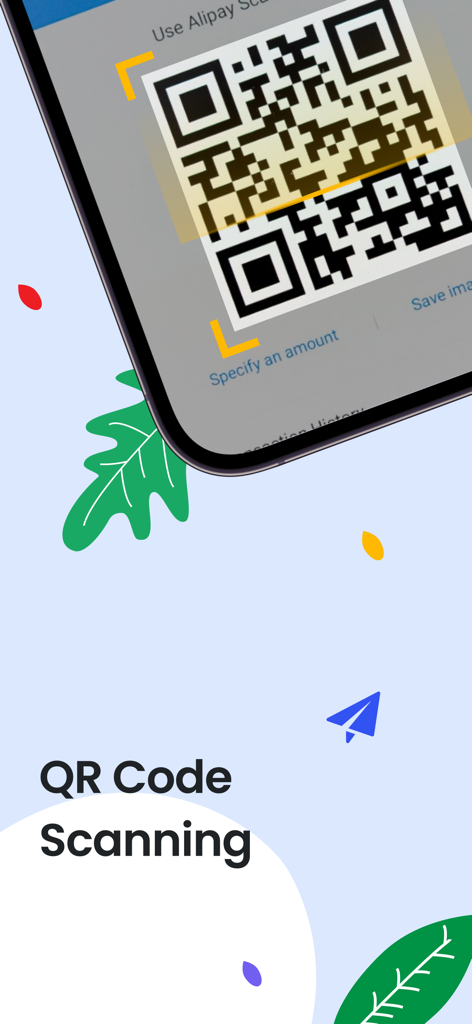
Interface of the QR code scanning feature in the Dual App utility.

Interface of the QR code scanning feature in the Dual App utility.

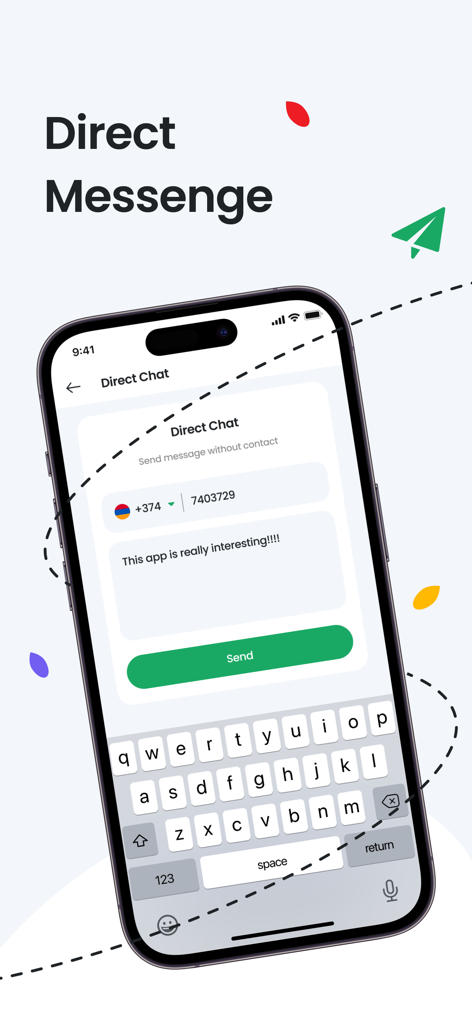
A mobile interface for the Dual App showing the direct chat feature to send messages to phone numbers without saving them as contacts.

A mobile interface for the Dual App showing the direct chat feature to send messages to phone numbers without saving them as contacts.

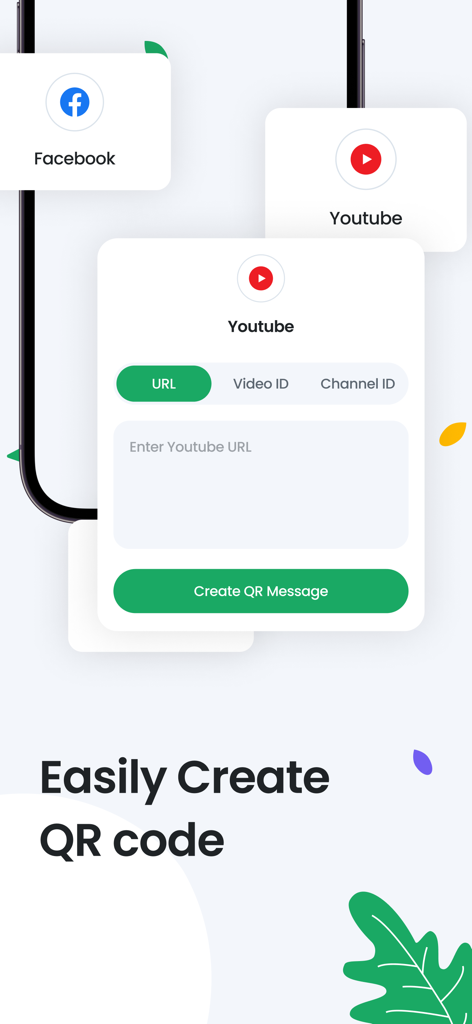
Interface of the Dual App showing how to easily create QR codes for YouTube and Facebook links

Interface of the Dual App showing how to easily create QR codes for YouTube and Facebook links

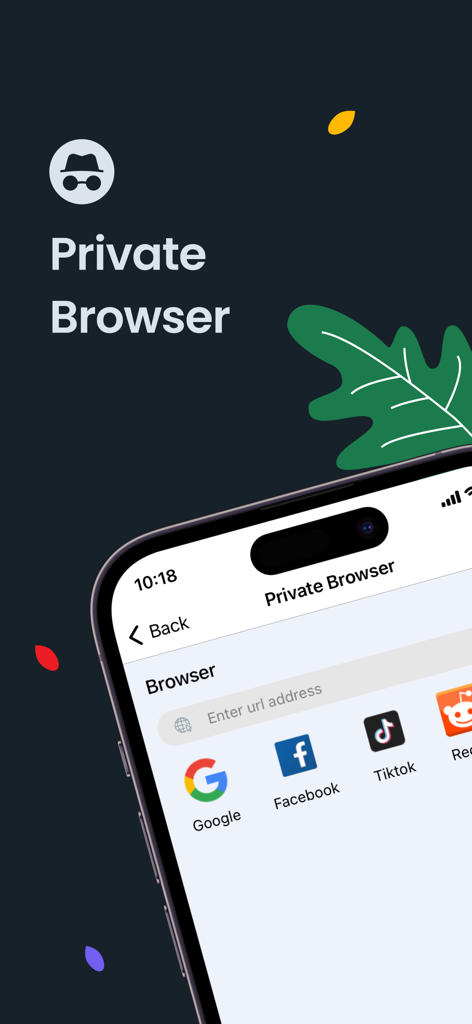
Private browser interface with shortcuts to popular websites in the Dual App utility.

Private browser interface with shortcuts to popular websites in the Dual App utility.

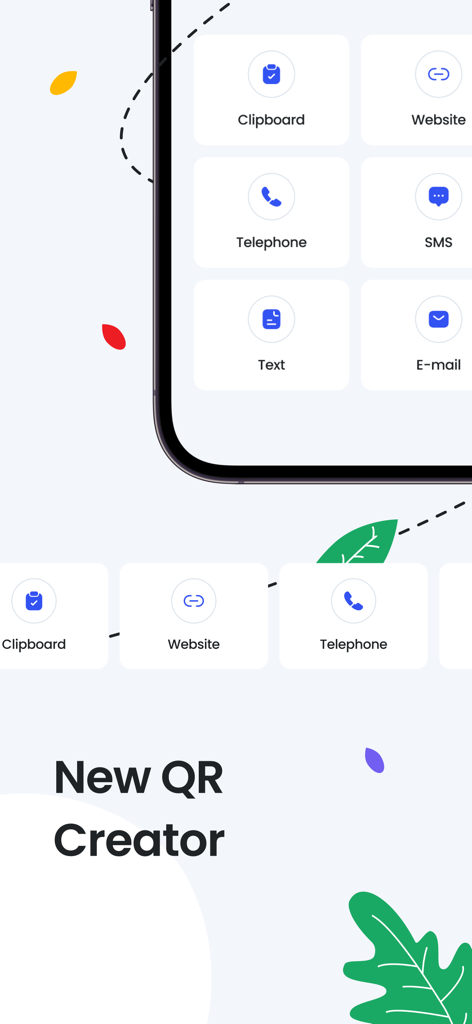
Screen of the Dual App showing QR code generator options for website telephone text and email

Screen of the Dual App showing QR code generator options for website telephone text and email

Efficiency Without Compromise

The tools that make this app stand out, trusted by 993K+ users.

📱

Dual Account Sync

Effortlessly manage work and personal accounts on a single iPhone or bring your full messaging experience to your iPad with seamless WA Web cloning.

🔒

Privacy-First Security

Shield your business communications and sensitive files with built-in password protection and a fully encrypted private browser.

📄

Integrated Mobile Office

Streamline your workflow with a professional-grade document scanner, image-to-PDF converter, and instant QR code generator for on-the-go productivity.

Loved by users worldwide

Trusted by 993K+ people who love this app.

"

"As a small business owner, I need to keep my work and personal chats separate. This app lets me manage both effortlessly on my iPhone while giving me the tools to scan receipts and send PDFs to clients instantly. It has replaced three other apps on my home screen!"

Marcus Thorne, E-commerce Entrepreneur
"

"I primarily use my iPad for work, and the lack of a native messaging app was always a hurdle. This cloner works perfectly, and the added password protection ensures my data stays private. The QR scanner is just the icing on the cake for my daily workflow."

Elena Rodriguez, Digital Consultant

About the app

Everything you need to know about Dual App - WA Web Cloner.

Description

Whats Web: Your All-in-One QR Code and Document Management Solution Simplify your digital life with Whats Web! It’s a comprehensive tool for handling a variety of tasks with ease. From scanning and creating QR codes to converting images to PDFs, Whats Web is your go-to app for efficiency and convenience. Key Features of Whats Web: QR Code Scanner and Generator: Quickly scan and create QR codes for various purposes. Private Browser: Browse the web securely with our private browsing feature. Document Scanner: Scan your documents on the go, anytime and anywhere. Image to PDF: Convert images to PDF format in seconds. History Log: Access your scan history effortlessly. Secure with Password: Protect your app and data with a password. Why Choose Whats Web? Multi-functional: Manage QR codes, documents, and more in one app. User-friendly: Intuitive interface designed for seamless user experience. Secure: Keep your data safe with our built-in security features. Optimized Performance: Enjoy low power consumption and optimized performance across devices. Free to Use: Access all features at no cost, with an option to remove ads through a subscription. Subscription Details ---------------------------- You may purchase an auto-renewing subscription through an In-App Purchase to remove ads. (If you do not maintain a subscription you can still use the app for free with ads). • Auto-renewable subscription • 1 week, 1 month, 6 months and 1 year durations • Your subscription will be charged to your iTunes account at confirmation of purchase and will automatically renew (at the duration selected) unless auto-renew is turned off at least 24 hours before the end of the current period. • Current subscription may not be canceled during the active subscription period; however, you can manage your subscription and/or turn off auto-renewal by visiting your iTunes Account Settings after purchase. • Privacy policy: https://allqrcodescanner.blogspot.com/2022/11/privacy-policy.html • Terms of use: https://allqrcodescanner.blogspot.com/2022/11/terms-conditions.html

Latest Version

4.4

Size

32.9 MB

First Released

Nov 27, 2022

Ready to Supercharge Your Mobile Efficiency?

Join over 990,000 professionals and entrepreneurs. Simplify your workflow with our all-in-one toolkit for account cloning, secure scanning, and private browsing today.

Download on App Store
FAQ

Frequently Asked Questions

Everything you need to know about Dual App - WA Web Cloner

What is the app Whats Web?

Whats Web is a comprehensive application for digital tasks. It provides QR code scanning/generation, private browsing, document scanning, and image to PDF conversion.

Can the app, Whats Web, scan QR codes?

Yes, Whats Web includes a QR Code Scanner and Generator. Users can quickly scan various QR codes directly within the application.

How do I create QR codes with Whats Web?

Whats Web allows users to easily create QR codes for various purposes like websites, YouTube videos, and text. Options are available for different content types.

Does Whats Web include a private browser?

Yes, Whats Web features a Private Browser. This allows users to browse the web securely and privately, with built-in security for data protection.

Is the Whats Web app free to use?

Yes, Whats Web is free to use and provides access to all its features at no cost. An optional in-app subscription is available to remove ads.

How can I remove ads in the Whats Web application?

Ads can be removed in Whats Web by purchasing an auto-renewing in-app subscription. Options include 1-week, 1-month, 6-month, and 1-year durations.

Can Whats Web convert images to PDF files?

Yes, Whats Web can convert images to PDF format. This feature allows users to quickly transform multiple images into a single PDF document.

Does Whats Web support direct messaging?

Yes, Whats Web supports a Direct Message function. This feature enables users to send messages directly without needing to save the contact first.

What security features does Whats Web offer?

Whats Web provides built-in security features, including the option to protect the app and its data with a password. This safeguards user privacy and information.

What is the official app name for Whats Web?

The official app name provided for this application is "Dual App - WA Web Cloner". Its features are described as "Whats Web".