
FileMate


Go beyond the basics. Unzip RAR/7z archives, edit code, and secure your sensitive documents in a hidden vault—all with the speed and flexibility of a desktop experience.
Publisher
Category
ProductivityDownloads
1M+User Rating
Total Ratings
21K+Locales
11Discover the interface used by 1M+ users.
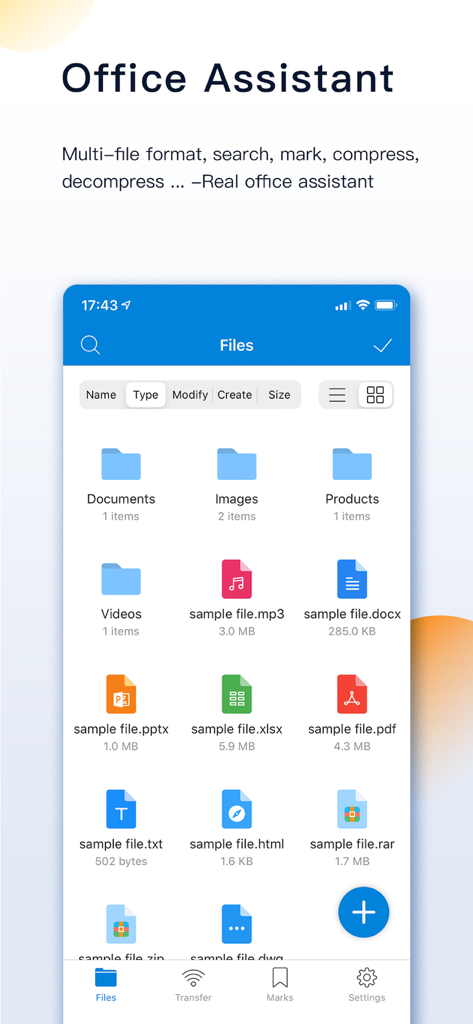
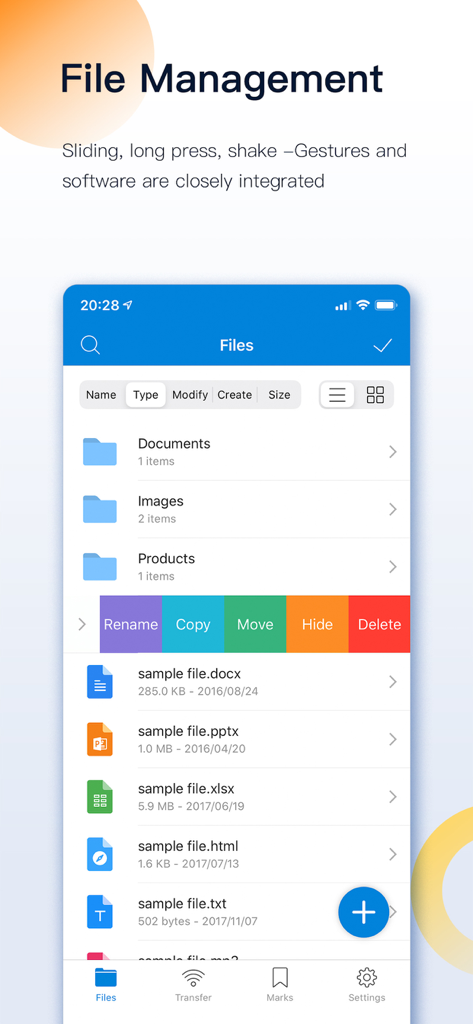
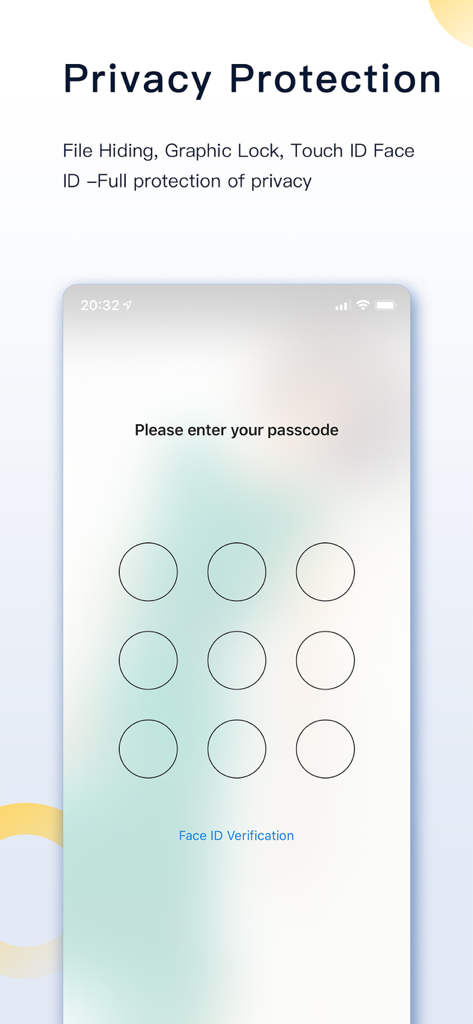
The tools that make this app stand out, trusted by 1M+ users.
Hide and encrypt sensitive files with Face ID and Super Hidden mode—keeping your private data invisible to everyone but you.
Unpack 7z, RAR, and ZIP archives with ease. View and edit code, documents, and high-res media without leaving the app.
Skip the cables. Instantly move files between your iPhone and computer via high-speed WiFi transfer or Finder integration.
Trusted by 1M+ people who love this app.
"FileMate is a game-changer for my mobile workflow. The ability to browse and edit code files like JS and Swift directly on my iPhone is incredible. It bridges the gap between iOS and a real desktop experience, and the WiFi transfer feature makes moving assets from my PC effortless."
"Finally, an app that handles RAR and 7z files without any drama! I use it to keep my lecture notes and private research papers organized. The Face ID lock gives me peace of mind knowing my sensitive files are safe, and the Super Hidden mode is absolute genius for privacy."
Everything you need to know about FileMate.
Description
Latest Version
12.8
Size
90.9 MB
First Released
Apr 18, 2015
Join over 1 million power users who trust FileMate for desktop-level management and absolute privacy on iOS. Download now and start organizing without limits.
Everything you need to know about FileMate
FileMate is a local file management tool for phones that allows users to browse, manage, and protect their files. It supports various file types and offers features like archiving, searching, and privacy protection.
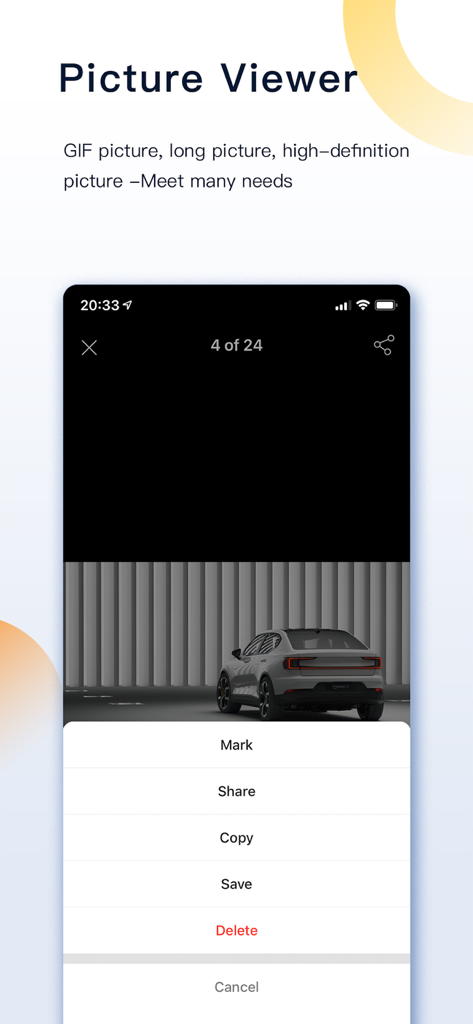
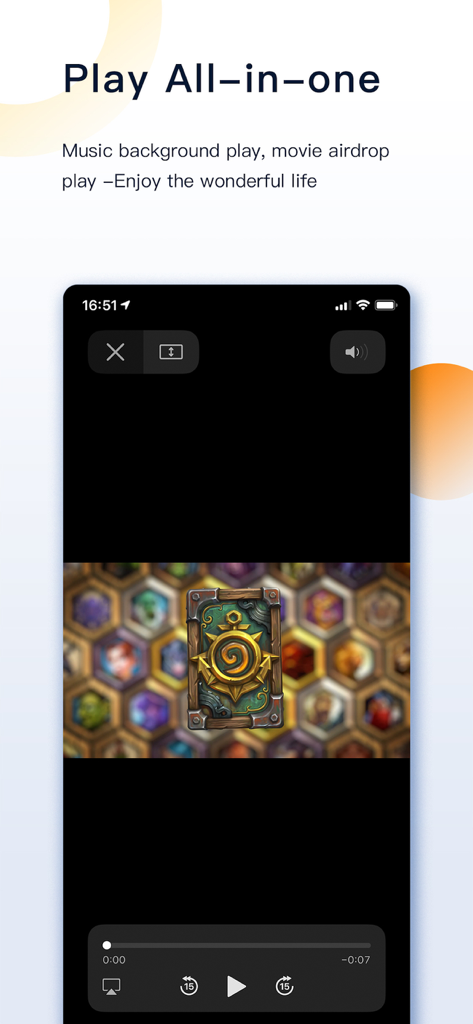
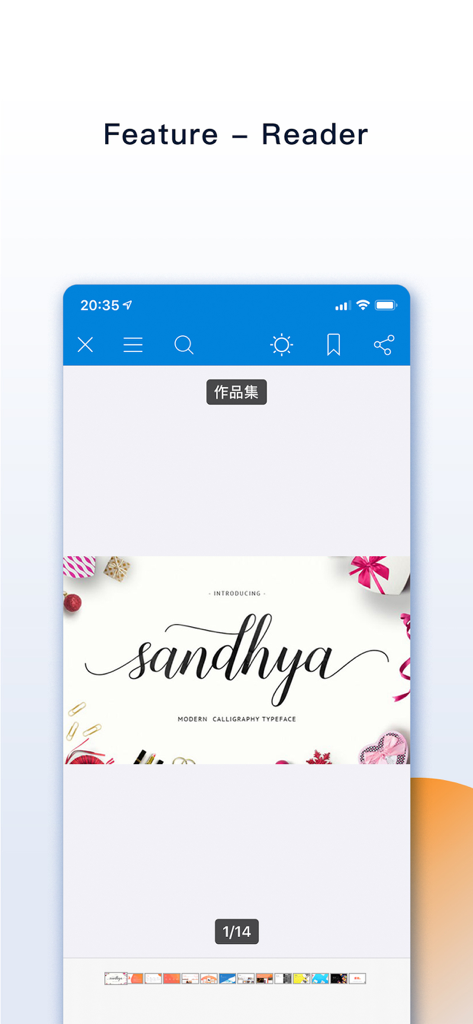
FileMate can browse Office, PDF, and various text files like txt, json, java, php, swift, xml. It also supports picture formats including long vertical and high-resolution images, and plays audio/video files.
Users can add files to FileMate by creating them within the app, importing from system Photos/Files or other apps, or sharing via WiFi between PC and iPhone. Mac users can use Finder and iTunes.
FileMate supports creating new directories, renaming, copying, moving, deleting, viewing attributes, and setting hidden files. Users can also sort files by name, type, time, and size.
Yes, FileMate provides privacy protection through hidden files, password lock, Face ID, and Touch ID unlock. It also includes a "Super hidden" feature to conceal related settings.
Yes, FileMate supports archiving and unarchiving files in 7z, rar, zip, and tar formats. It also allows setting passwords for archived files.
FileMate allows users to set private files as hidden, making them not displayed by default. Hidden files can be displayed when needed, and their settings can be super hidden.
Yes, FileMate offers a password lock to enter the app. It also supports Face ID and Touch ID unlock, with customizable authentication-free time intervals for convenience.
The FileMate "All Access, Removing Ad" subscription costs $0.99 per month. This service renews automatically unless turned off at least 24 hours before the current period ends.
The annual "All Access, Removing Ad" subscription for FileMate costs $9.99 per year. This subscription auto-renews unless disabled at least 24 hours prior to the current period's end.
Users can manage their FileMate subscriptions and turn off auto-renewal through their iTunes Account Settings after purchase. This allows full control over subscription preferences.
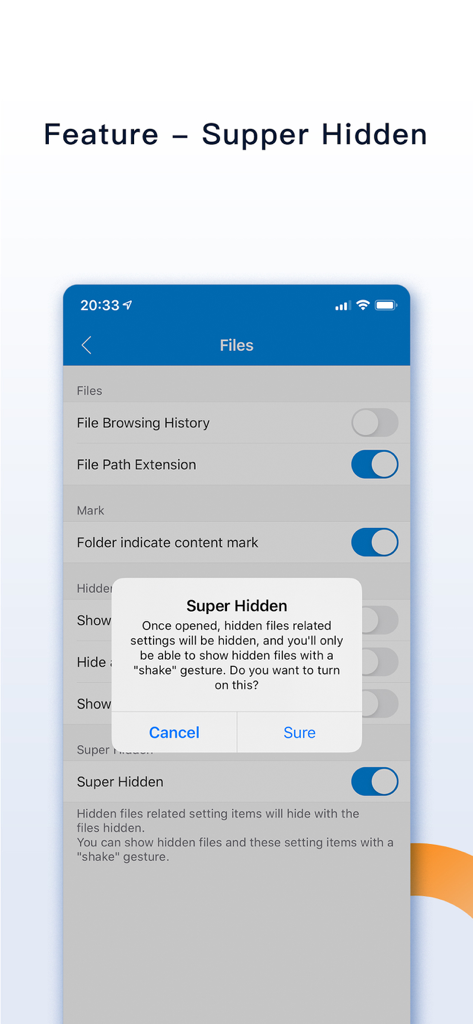
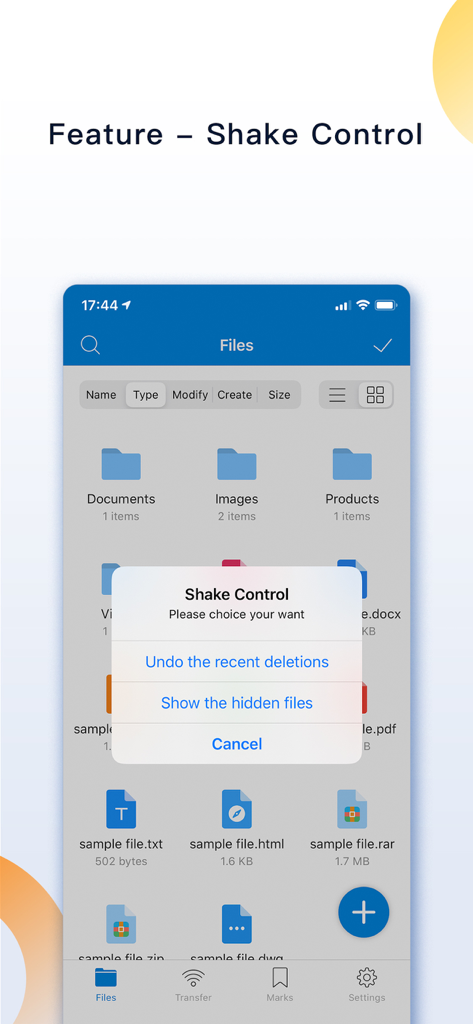
The "Super hidden" feature in FileMate allows users to hide all setting items related to hidden files within the app. Users can then reveal these hidden settings using a shake gesture.
Yes, FileMate includes a "Shake Control" feature. Users can shake their device to undo recent deletions or to show hidden files.
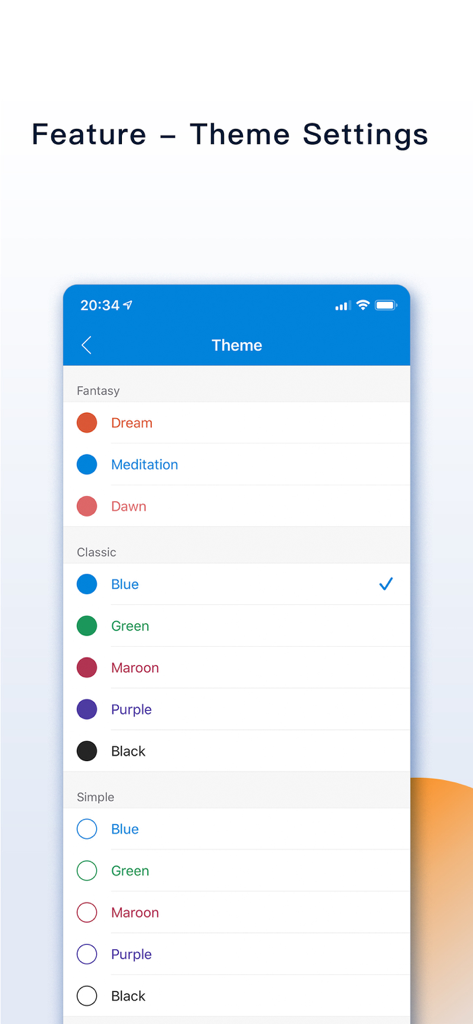
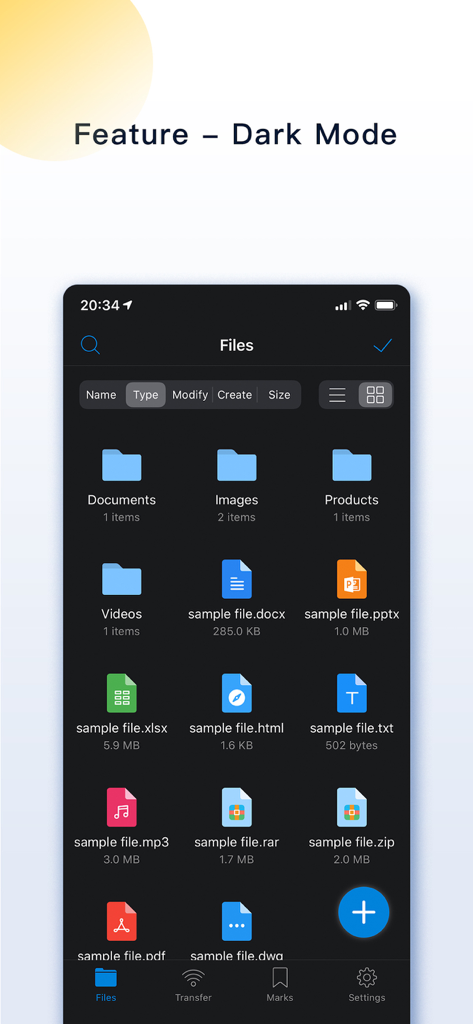
Yes, FileMate offers theme settings where users can modify the app's theme, folder appearance, menu structure, and text size. Dark Mode is also available for customization.
Apps with similar features and user experience

Legendary Software Labs LLC

宇 刘

Haibin Jiao

Katerina Akhlebinina

Legendary Software Labs LLC

Dmitry Petrov

MacyMind

KeepSafe Software, Inc

la poste