
GeoGebra Geometry


Transform static textbook diagrams into interactive discoveries. Join millions of students and teachers using our powerful sandbox to master geometry through hands-on construction.
Publisher
Category
EducationDownloads
1M+User Rating
Total Ratings
1K+Locales
81Discover the interface used by 1M+ users.
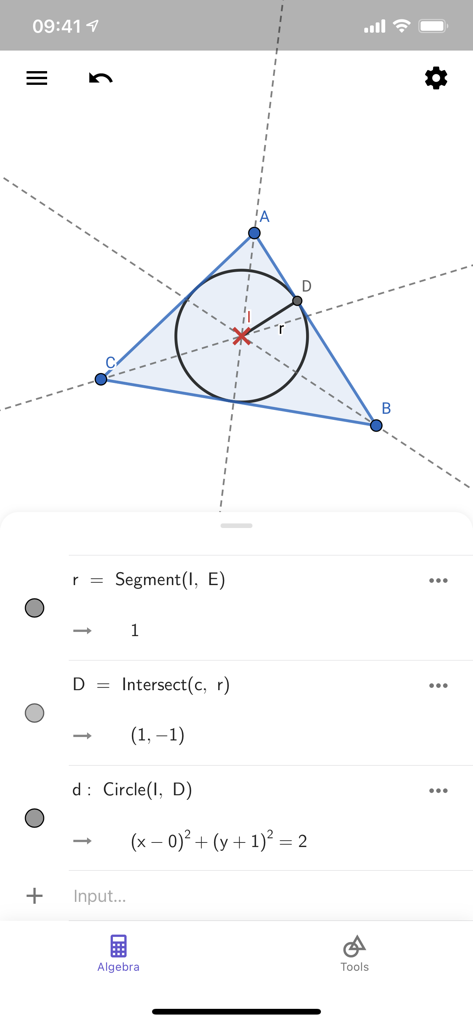
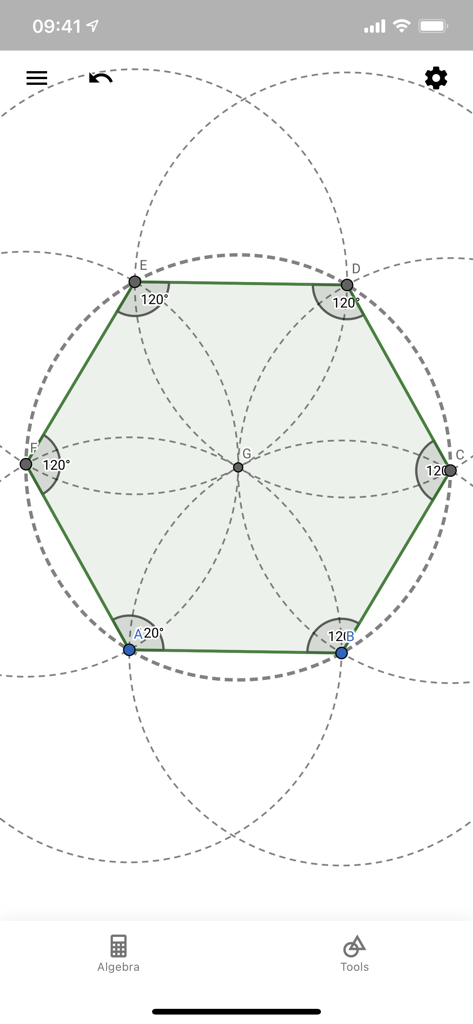
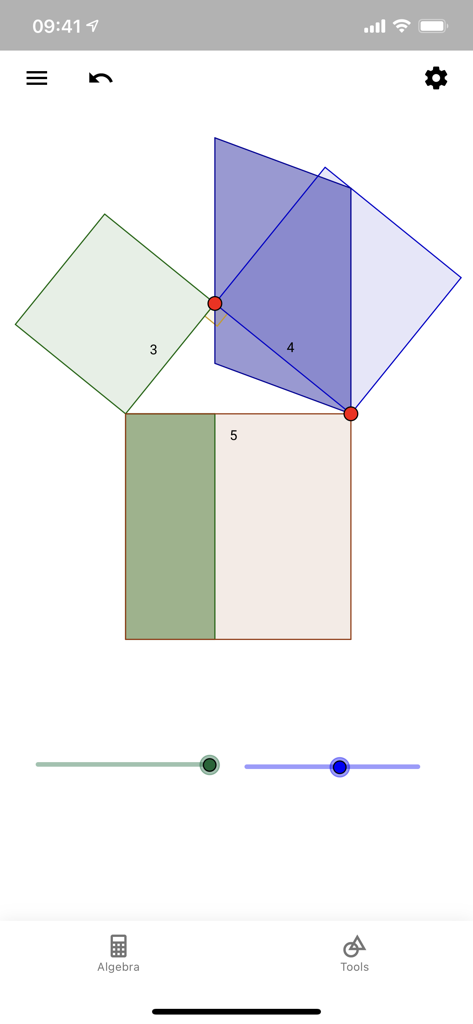
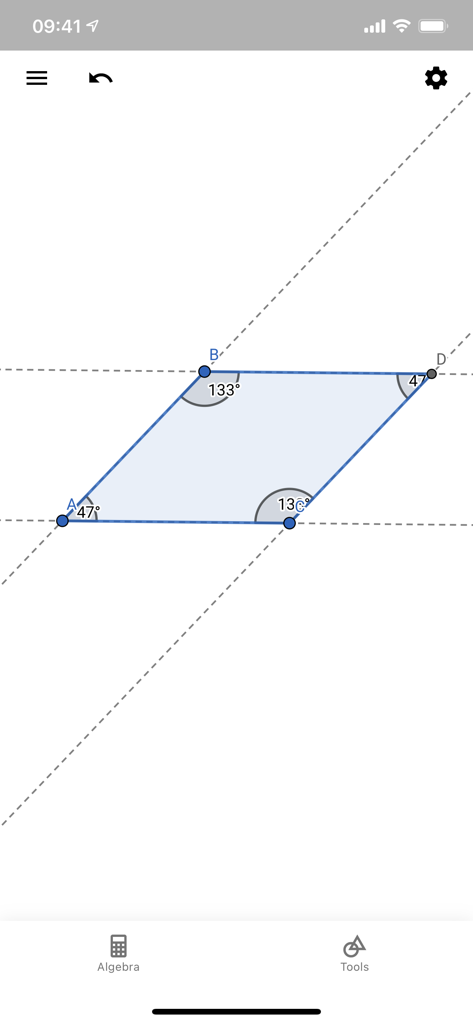

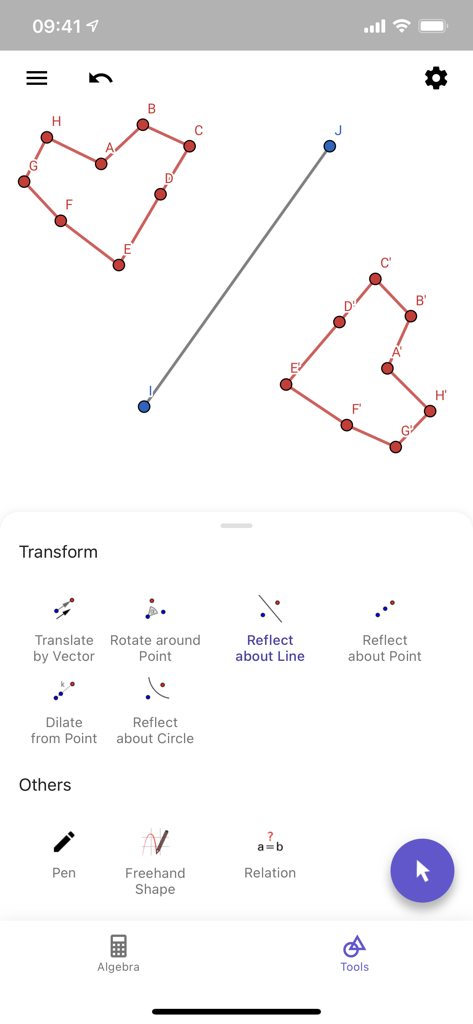
The tools that make this app stand out, trusted by 1M+ users.
Drag points and lines to watch geometric properties evolve in real-time, turning abstract concepts into intuitive visual insights.
Replace your compass and protractor with professional-grade tools for constructing polygons, circles, conics, and complex transformations.
Access thousands of free learning activities or share your constructions directly with teachers and peers to collaborate on STEM projects.
Trusted by 1M+ people who love this app.
"As a high school student, I used to find geometry proofs so frustrating. This app changed everything. Being able to physically drag vertices and watch the measurements update in real-time helped me finally visualize the theorems. It's much more intuitive than a standard graphing calculator and perfect for my iPad Pro."
"GeoGebra Geometry is a game-changer for my classroom. I no longer rely on static whiteboard drawings; I can now create dynamic constructions that my students explore on their own devices. The ability to share interactive activities directly through Google Classroom has made my lesson prep significantly more effective."
Everything you need to know about GeoGebra Geometry.
Description
Latest Version
5.4.911
Size
106.3 MB
First Released
May 16, 2017
Join millions of students and educators worldwide. Download GeoGebra Geometry now and start exploring the world’s favorite interactive math tool for free.
Everything you need to know about GeoGebra Geometry
GeoGebra Geometry is an app for learning mathematics and science. It enables users to create interactive geometric constructions, measure lengths and areas, transform shapes, and explore advanced concepts.
Yes, GeoGebra Geometry allows users to create constructions with points, lines, circles, polygons, and angles. Users can easily construct triangles, drag points, and draw parallel lines.
GeoGebra Geometry supports interactive learning by allowing users to explore geometry through dragging points. It also enables investigation of construction steps, which helps in gaining a deeper understanding of mathematical concepts.
GeoGebra Geometry can perform various geometric transformations. Users can transform shapes by mirroring, rotating, and dilating them. Specific tools include reflecting about a line or circle, translating by vector, and rotating around a point.
Yes, GeoGebra Geometry allows users to save and share their geometric creations and results with others. The app also facilitates searching for free learning activities directly within the interface.
Yes, GeoGebra Geometry displays algebraic equations for geometric constructions. For example, it shows expressions for segments, intersections, and circle equations, connecting geometry with algebra.
Yes, GeoGebra Geometry can measure geometric properties. The app enables users to measure lengths and areas of their constructions, providing quantitative analysis of shapes and figures.
Yes, GeoGebra Geometry supports advanced geometric constructions. Users can work with conics and locus lines, expanding beyond basic shapes to explore more complex mathematical concepts.
Apps with similar features and user experience

Century Light LLC

An Truong

振龙 张

Dinh Phuc

Desmos, Inc.
Tran Duy

Jindrich Houska
Noriyasu Kutsuzawa

An Truong