
Google Chrome



Bring the power of Google to your iPhone. Seamlessly access your tabs, passwords, and bookmarks with the browser built for speed, productivity, and best-in-class security.
Publisher
Category
UtilitiesDownloads
627M+User Rating
Total Ratings
11M+Locales
38Discover the interface used by 627M+ users.
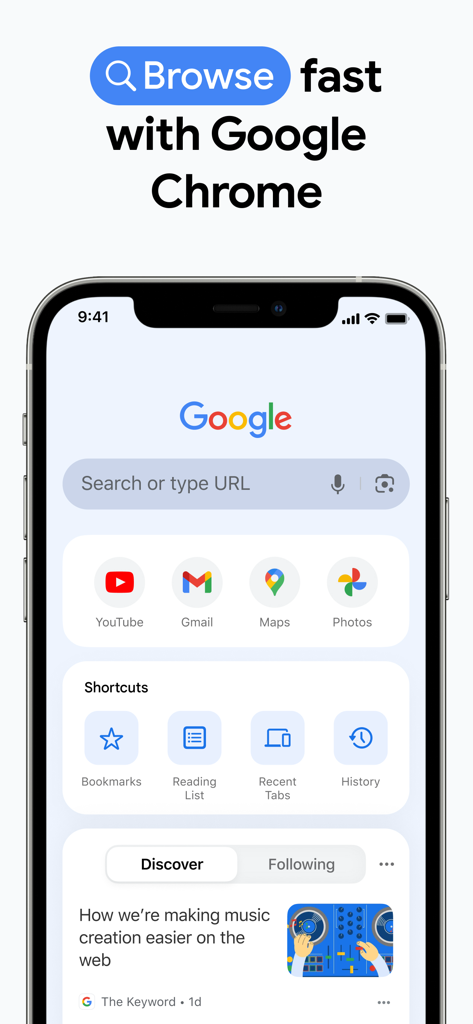
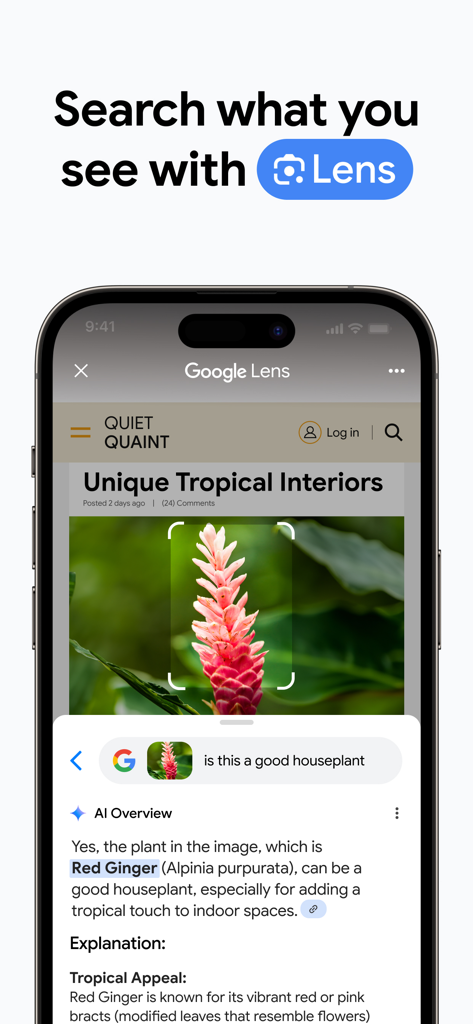
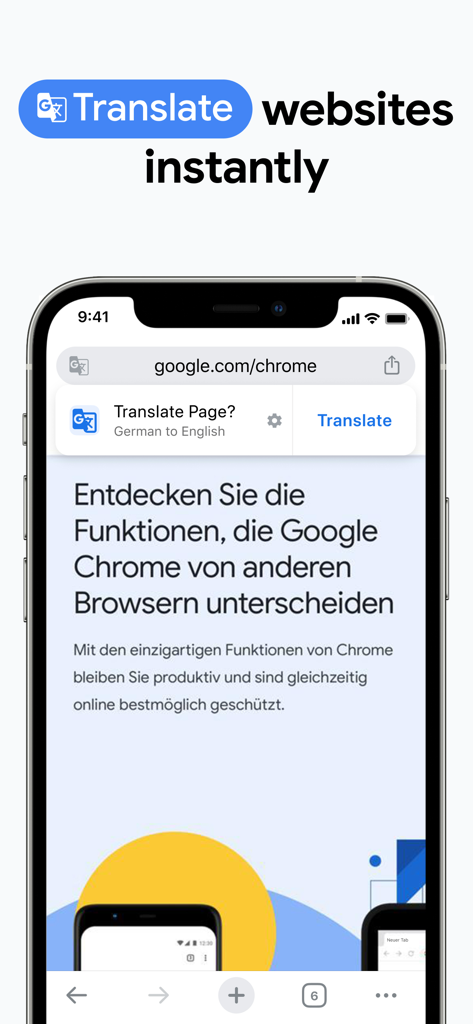
The tools that make this app stand out, trusted by 627M+ users.
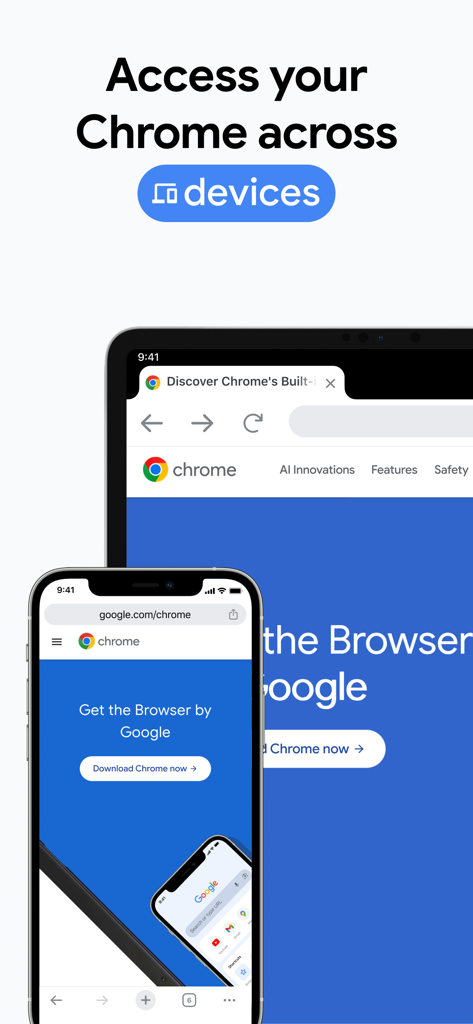
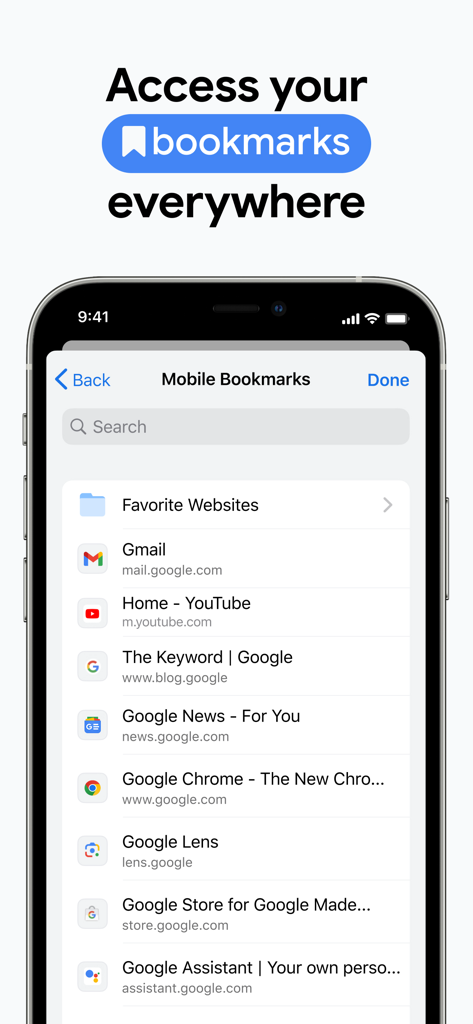
Pick up exactly where you left off. Your bookmarks, open tabs, and browsing history follow you from your laptop to your iPhone instantly.
Identify products, plants, or text in the real world with integrated Google Lens. Just point your camera or search a screenshot to get instant answers.
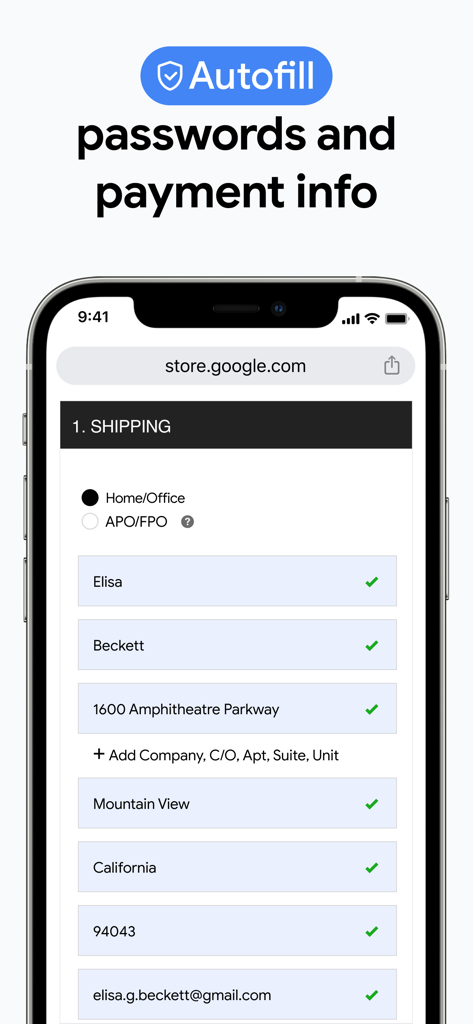
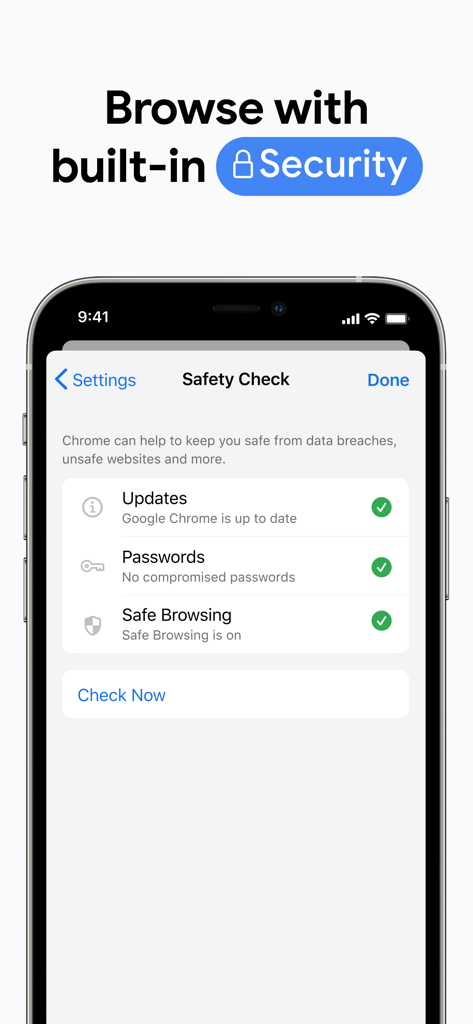
Navigate with confidence. Built-in Password Manager and Safety Check protect your accounts, while smart autofill saves you time at checkout.
Trusted by 627M+ people who love this app.
"As someone who works on a Windows laptop all day but uses an iPhone, Chrome is an absolute lifesaver. The way it syncs my tabs and passwords across devices is seamless. I can start reading an article at my desk and finish it on the train without missing a beat."
"Google Lens built right into the browser has changed how I shop and learn. I just snap a photo to find where to buy a pair of shoes or translate a menu instantly. Plus, the tab groups keep my chaotic research for school perfectly organized."
Everything you need to know about Google Chrome.
Description
Latest Version
144.0.7559.53
Size
328.3 MB
First Released
Jun 28, 2012
Experience seamless sync, industry-leading security, and the world’s most powerful search on your iPhone. Join 626 million users today.
Everything you need to know about Google Chrome
Google Chrome is a fast and secure web browser developed by Google. It provides a comprehensive web experience with integrated Google services and robust security features.
Google Chrome enhances security with Enhanced Protection Mode, proactive Safety Check alerts, and Google Password Manager. It helps users browse confidently and protects their data and credentials.
Yes, Google Chrome can translate web pages. It features Google Translate, which explores the web in over 130 languages and translates entire sites with a single click.
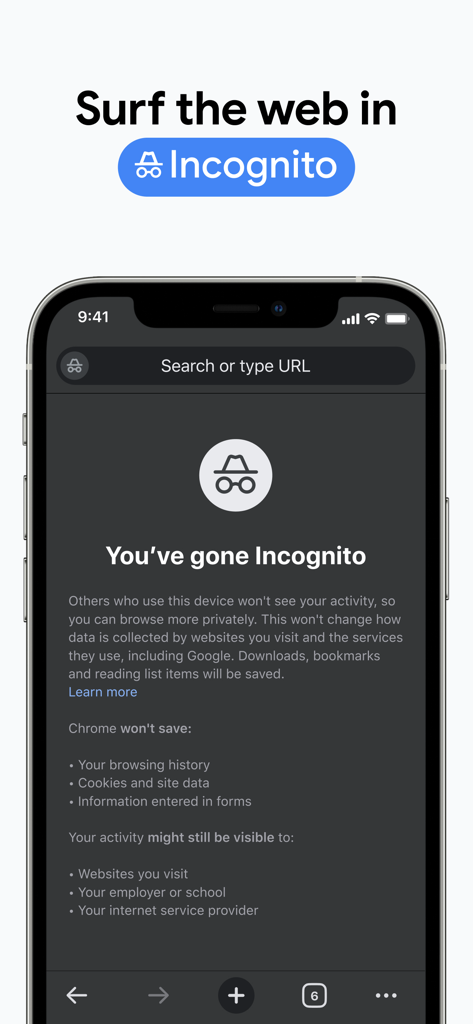
Yes, Google Chrome offers Incognito mode. This mode allows users to surf the web without saving browsing history, cookies, site data, or information entered in forms.
Google Chrome uses Google Password Manager to securely generate and save passwords. It also provides autofill for saved payments, addresses, and passwords, saving typing time and ensuring fast sign-ins.
Yes, users can synchronize data across devices with Google Chrome. It saves bookmarks, tabs, and passwords, making them accessible when signed into Chrome on phones, computers, or tablets.
Yes, Google Chrome is compatible with Google Lens. Users can search what they see on their screen or with their camera directly within the browser using Google Lens.
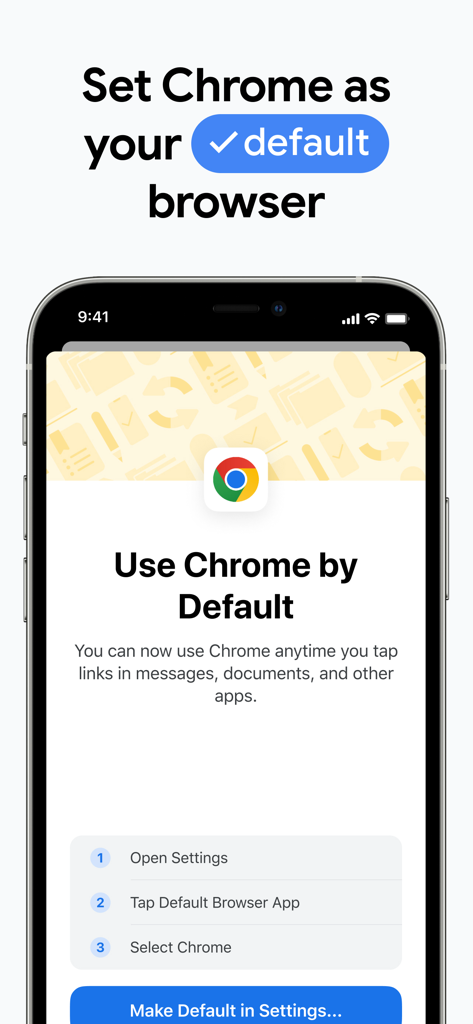
Yes, you can set Google Chrome as your default browser. Instructions are provided to open settings, tap "Default Browser App", and select Chrome to use it anytime.
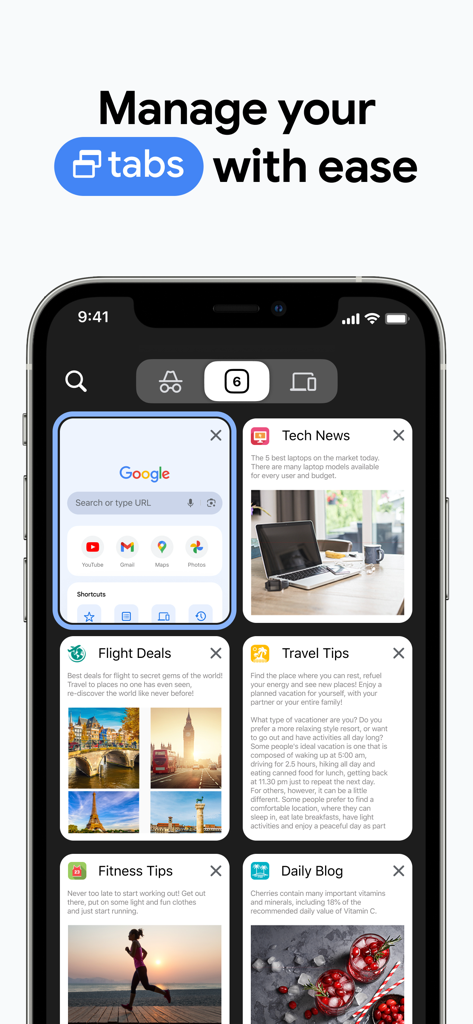
Yes, Google Chrome offers tab grouping features. Users can create tab groups to stay organized across their synced devices, improving browsing efficiency.
Safety Check in Google Chrome provides proactive safety alerts. It reviews updates, checks for compromised passwords, and ensures Safe Browsing is active, contributing to browsing security.
Apps with similar features and user experience

Zoho Corporation
GRUHERSAN SRL

Mozilla Corporation

Opera Norway AS

DIRECT CURSUS COMPUTER SYSTEMS TRADING LLC

Beijing Qihoo Technology Co Ltd

Vivaldi Technologies AS

NAVER Corp.

Qwant


