
GradeWay for HAC




Stop wasting time on clunky portals. Get instant grade insights, simulate "What If" scenarios, and track your GPA in real-time with the most powerful student dashboard for Home Access Center.
Publisher
Category
EducationDownloads
788K+User Rating
Total Ratings
64K+Locales
1Discover the interface used by 788K+ users.
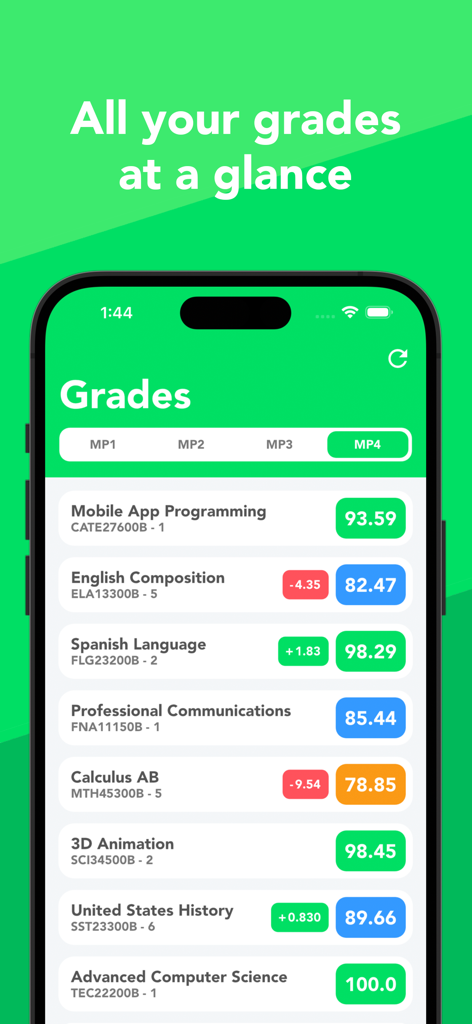
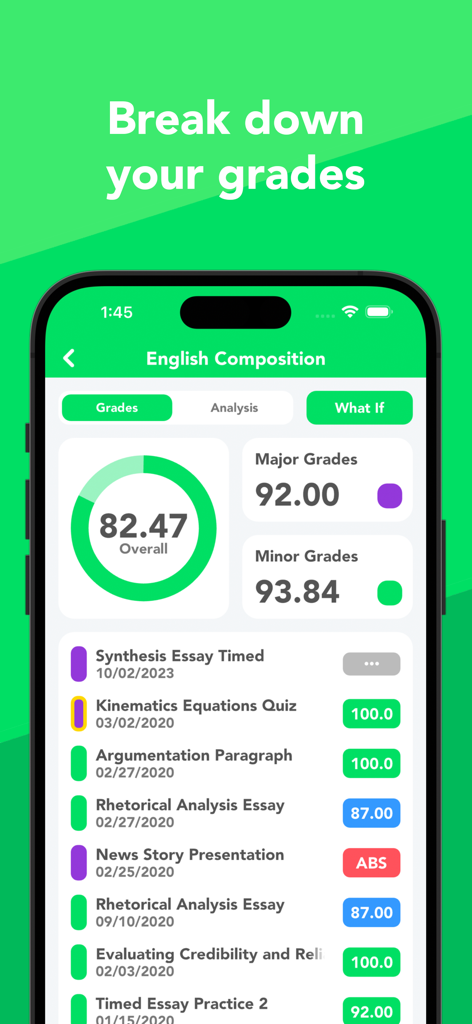
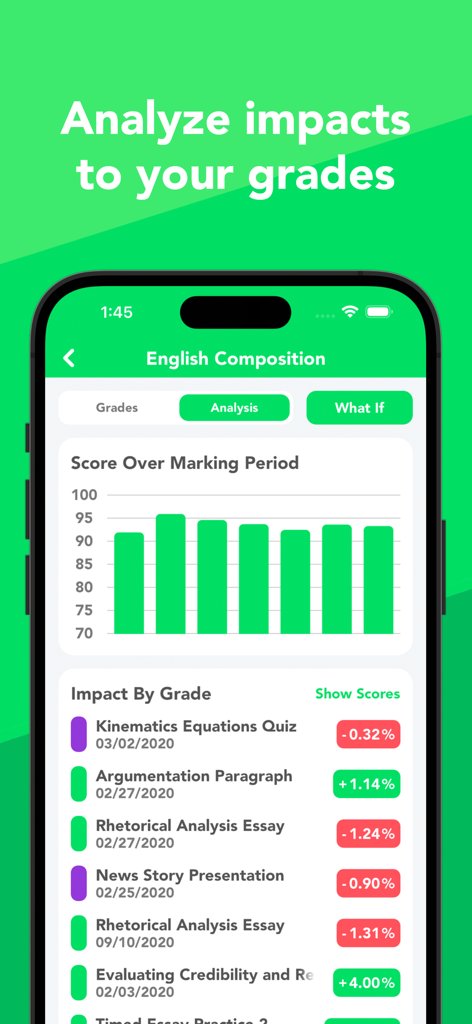
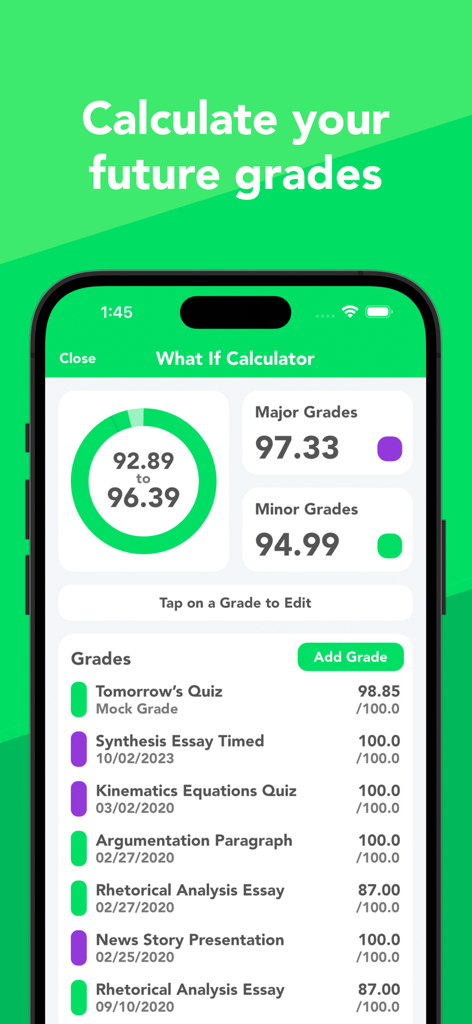
The tools that make this app stand out, trusted by 788K+ users.
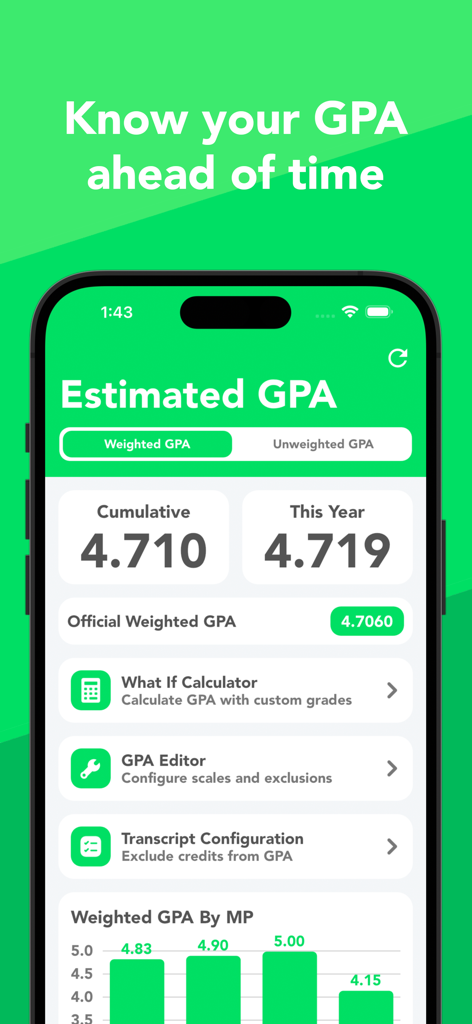
Stress less about finals. Simulate mock scores to see exactly how they impact your average and set realistic goals for your next big exam.
Stay ahead of the curve with color-coded trends. Track your progress over time and get notified the moment a new grade is posted.
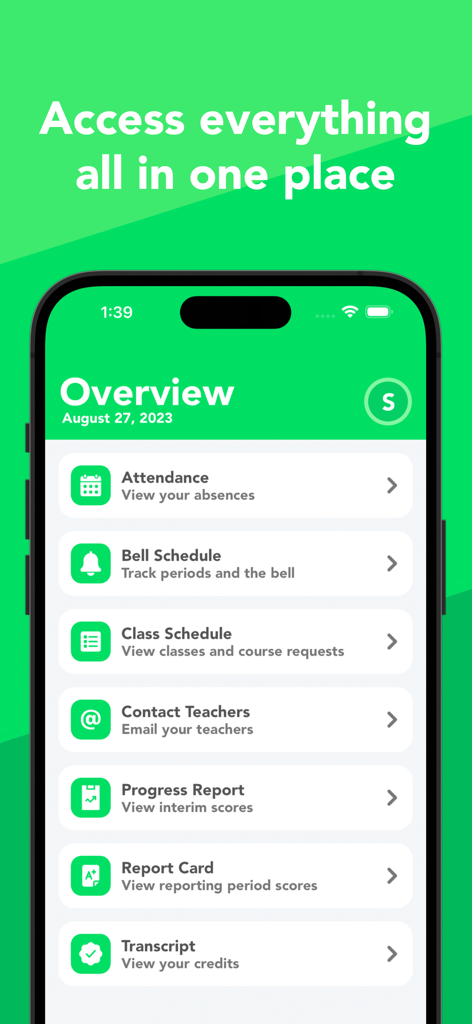
Ditch the clunky portals. Access your GPA, bell schedule, assignments, and teacher emails in one lightning-fast, beautiful interface.
Trusted by 788K+ people who love this app.
"GradeWay is an absolute lifesaver for my college prep. The 'What If' calculator is my favorite feature—it helps me manage my stress by showing exactly what score I need on finals to maintain my GPA. It is so much faster and more intuitive than the official portal."
"As a parent of three, keeping track of everyone's assignments used to be a full-time job. With GradeWay, I can switch between my kids' profiles in seconds and see exactly what is missing. The push notifications for new grades keep us all on top of things without the usual dinner-table arguments."
Everything you need to know about GradeWay for HAC.
Description
Latest Version
3.0.6
Size
36.5 MB
First Released
Sep 5, 2020
Join 788,000+ students who have traded clunky portals for GradeWay. Use our 'What-If' calculator and real-time insights to take the stress out of your school year.
Everything you need to know about GradeWay for HAC
GradeWay is compatible with any school district that utilizes Home Access Center for student information, ensuring broad accessibility for users.
No, GradeWay provides a 'Stay Logged In' feature. You only need to enter your Home Access Center credentials once for continuous access.
GradeWay displays color-coded averages for all courses at a glance, organized by marking period. Users can also view individual grades and class averages by category.
Yes, GradeWay's Grade Insights feature allows users to view class averages over time, observe trends, and track improvements. It also highlights recent grade additions.
Yes, GradeWay includes a What If Calculator. This tool lets users predict their average by adding mock grades or changing existing scores to see the impact.
Yes, GradeWay accurately calculates both weighted and unweighted GPA. It uses averages, transcripts, and credits, offering tools to edit scales and exclude courses for precision.
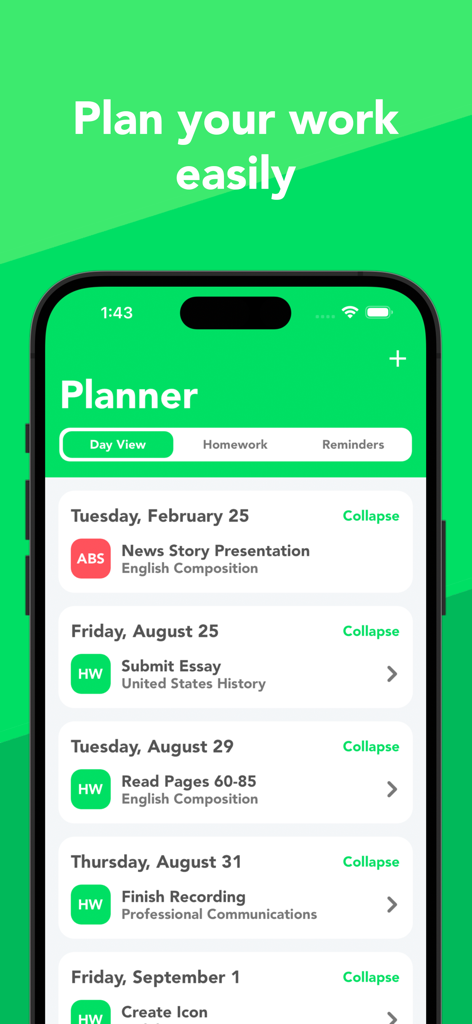
Yes, GradeWay features a comprehensive Planner. It allows users to organize homework, set reminders, and view assignments integrated with Home Access Center courses.
GradeWay simplifies Home Access Center features, enabling users to view class schedules, report cards, progress reports, transcripts, and attendance records conveniently within the app.
Yes, GradeWay includes a Bell Schedule Tracker. It simulates bell times, displays remaining period time, and sends notifications to help users adhere to their schedule.
Yes, GradeWay allows users to email their teachers directly from within the app. It streamlines communication by eliminating the need to manually enter email addresses.
Yes, GradeWay supports adding multiple student accounts on a single device. This feature enables easy switching between profiles, which is ideal for parents.
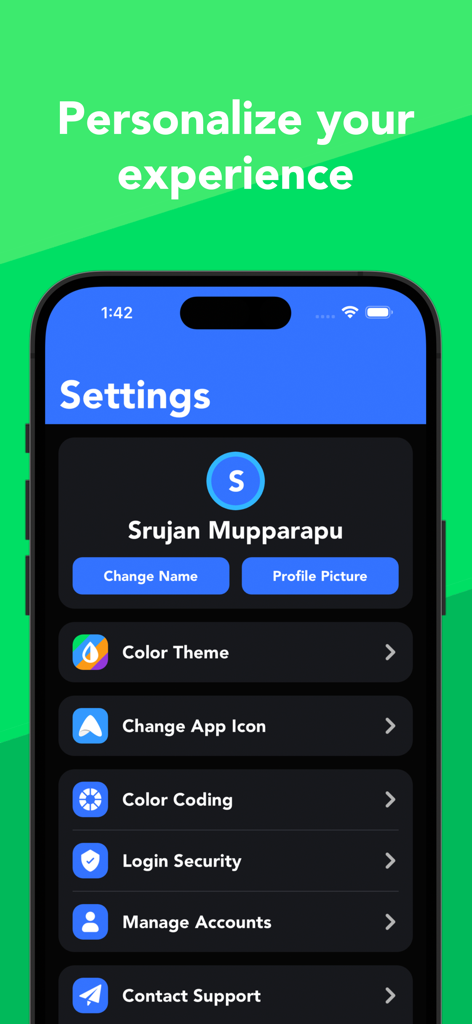
GradeWay offers extensive personalization, including light and dark modes, 10 color themes, custom profile pictures, and display names. It also supports secure login via Face ID or Touch ID.
No, GradeWay is not affiliated with or endorsed by PowerSchool LLC or its affiliates. Home Access Center, which GradeWay supports, is a trademark of PowerSchool.
Apps with similar features and user experience

Dzmitry Sysoyeu

Plutonium Apps, LLC

Tien Do Nam

Michele Galbiati

Guangdong Walnut Online Non Discipline Training School Co., Ltd
Adrien Truong

WarthogLab
Olga Vasilkova

Diego Finocchiaro
