GridArt - Drawing Grid


The ultimate precision tool for artists to bridge the gap between reference and canvas. Overlay customizable grids, use diagonal guides, and simplify details with filters to create perfect outlines every time.
Publisher
Category
Graphics & DesignDownloads
172K+User Rating
Total Ratings
300Locales
1Discover the interface used by 172K+ users.
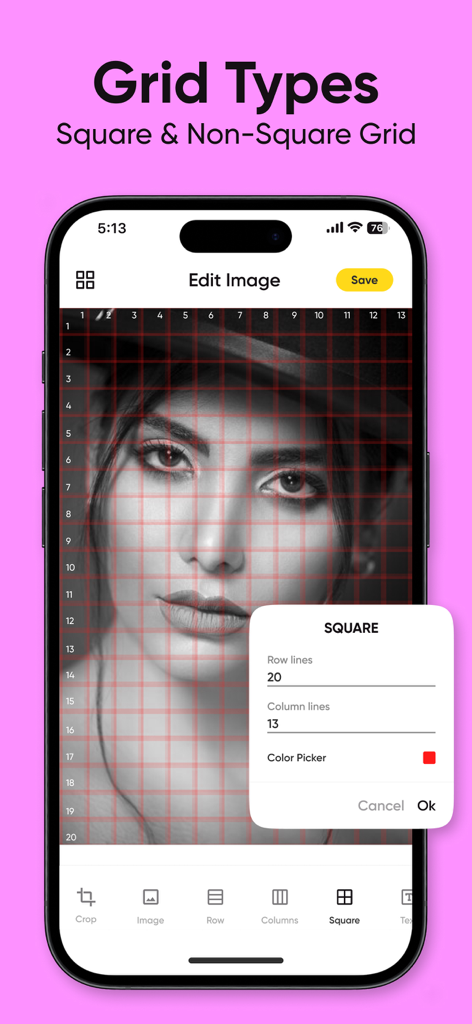
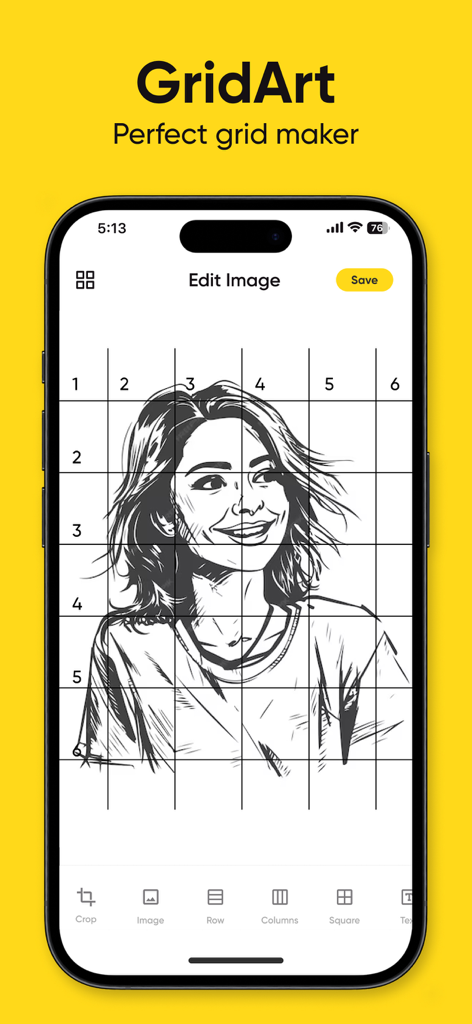
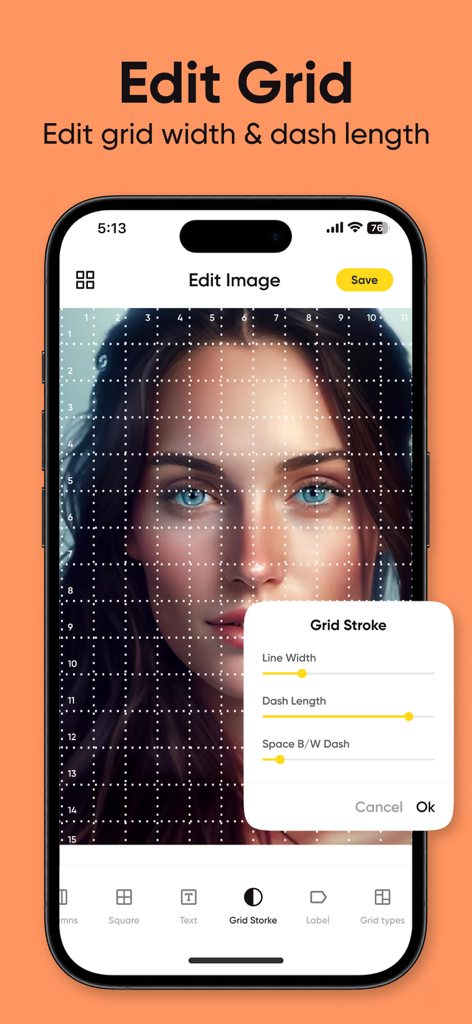
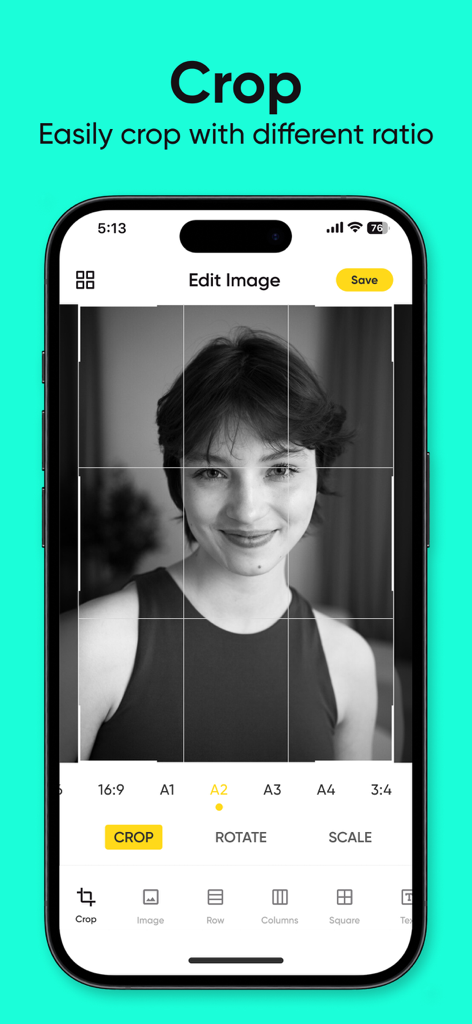
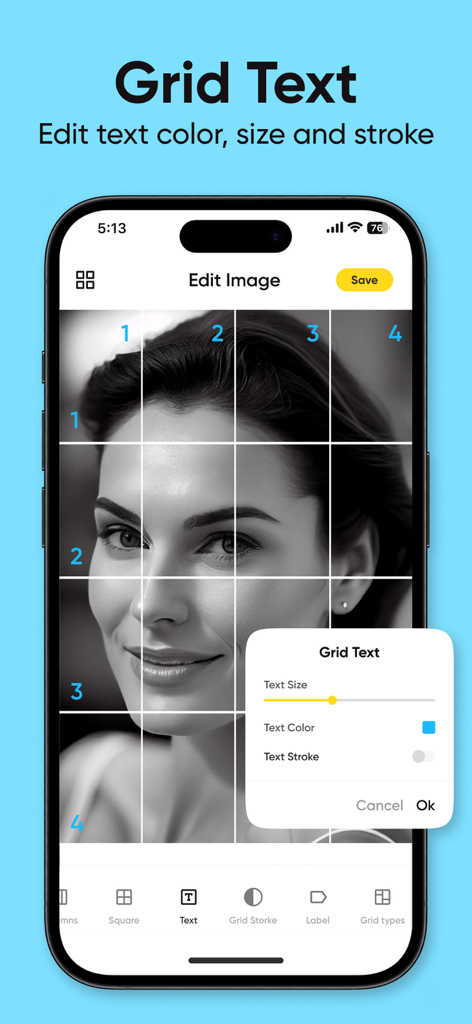
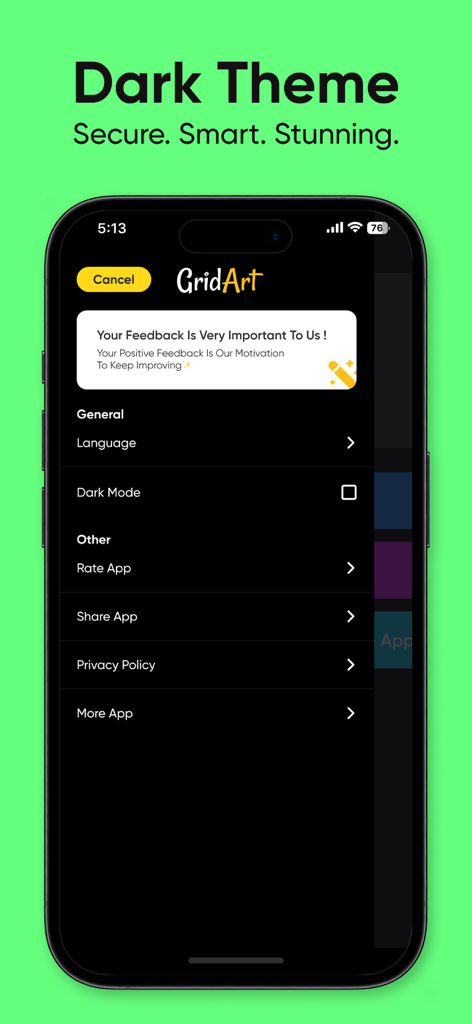
The tools that make this app stand out, trusted by 172K+ users.
Eliminate the math and guesswork. Set your grid in inches, cm, or mm to perfectly align your photo with your drawing surface for flawless proportions.
Strip away color distractions. Use black-and-white mode and sketch filters to identify light and dark values, helping you achieve professional-level realism.
Use diagonal grids and high-definition zoom to capture complex features like eyes and textures, ensuring every square of your work is technically perfect.
Trusted by 172K+ people who love this app.
"GridArt has completely changed how I approach my portrait assignments. The diagonal grid option is a lifesaver for getting facial proportions exactly right without the frustration of constant erasing. It makes the technical side of sketching so much faster!"
"As someone who picked up painting later in life, I always struggled with scaling my photos to canvas. Being able to set the grid in inches to match my canvas size is incredible. The sketch filter also helps me see the values clearly before I even touch the brush."
Everything you need to know about GridArt - Drawing Grid.
Description
Latest Version
2.0.2
Size
30.9 MB
First Released
Dec 19, 2023
Join over 172,000 artists who have ditched the manual measuring and started drawing with confidence. Download GridArt now to master your proportions and bring your creative vision to life with precision.
Everything you need to know about GridArt - Drawing Grid
GridArt is a tool that helps artists accurately sketch or replicate images using the classic grid drawing technique. It guides users square by square to transfer images to their canvas.
GridArt offers grid overlay, diagonal grid, customizable grid appearance, sketch filters, measurement-based grid setup, zoom, adjustable cell/page sizes, black and white conversion, cropping, and row-column labels.
Yes, GridArt allows customization of grid color, opacity, text size, line width, and dash length. Users can also enable or disable row-column labels with customizable formatting.
Yes, GridArt supports square and non-square grids, including a diagonal grid option. These different grid types improve outline accuracy and drawing flexibility.
GridArt Premium costs $2.99 per week for the Weekly Plan or $7.99 per month for the Monthly Plan. These subscriptions unlock advanced features and full customization options.
Users manage GridArt Premium subscriptions through their Apple ID account settings. Subscriptions auto-renew unless canceled at least 24 hours before the current period ends.
Yes, GridArt allows users to crop images to specific aspect ratios. This functionality is available within the app for precise image preparation.
Yes, GridArt supports a Dark Theme. Users can enable 'Dark Mode' from the app's settings menu for a secure and stunning visual experience.
The Privacy Policy for GridArt is available at the provided URL: https://chief-cheque-627.notion.site/Privacy-Policy-23e6adfdb3748140a9e5f78e9ce25995.
Apps with similar features and user experience