HVC Viewer

HVC Viewer

Download on App Store
Spark by MWM logo
Logo of HVC Viewer

HVC Viewer: Transform Lens Consultations with Interactive Augmented Reality

Empower your patients to 'experience' their future vision. Use the industry-leading AR tool to visualize lens performance, reduce buyer hesitation, and modernize your practice chairside.

Publisher

Hoya Holdings NV

Category

Lifestyle

Downloads

96K+

User Rating

3.7/5

Total Ratings

100

Locales

1

A Visual Consultation

Discover the interface used by 96K+ users.
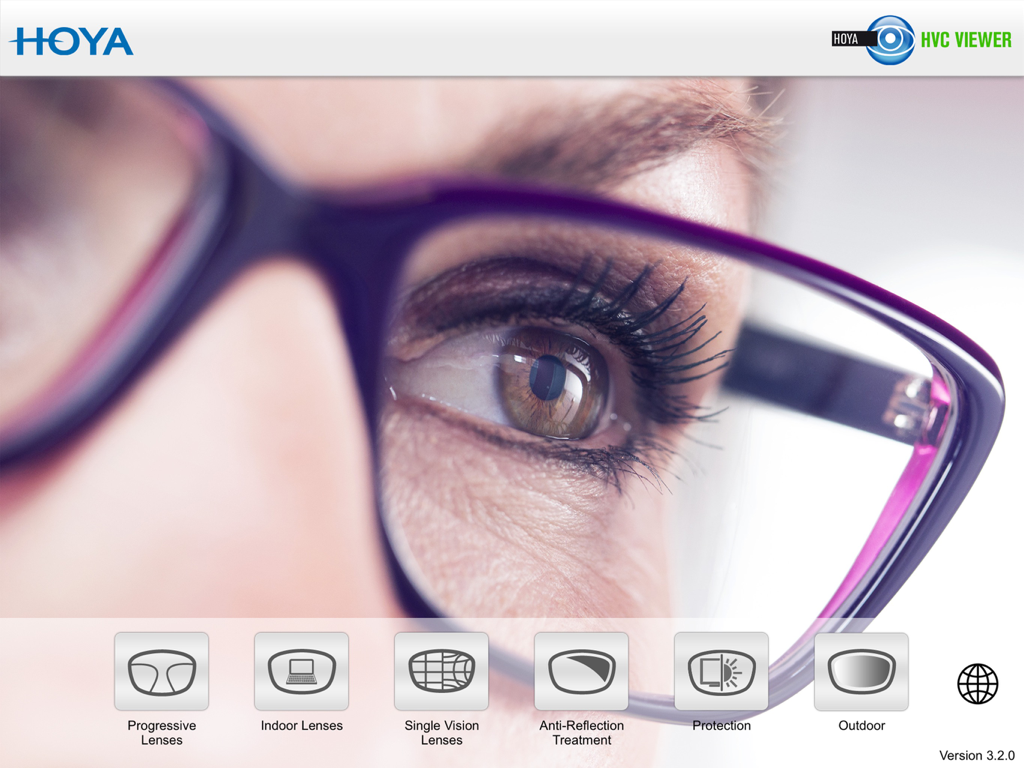
Main interface of the Hoya Vision Consultant Viewer app showing various lens demonstration modules

Main interface of the Hoya Vision Consultant Viewer app showing various lens demonstration modules

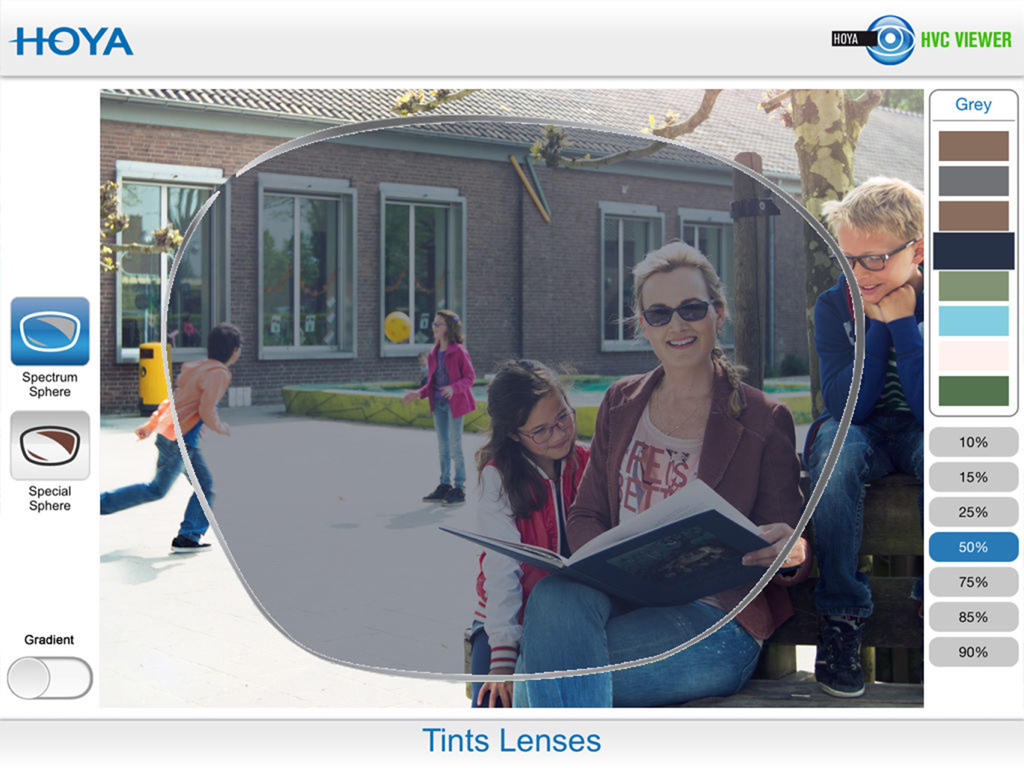
AR simulation of grey tinted lenses at 50 percent density in the HVC Viewer app

AR simulation of grey tinted lenses at 50 percent density in the HVC Viewer app

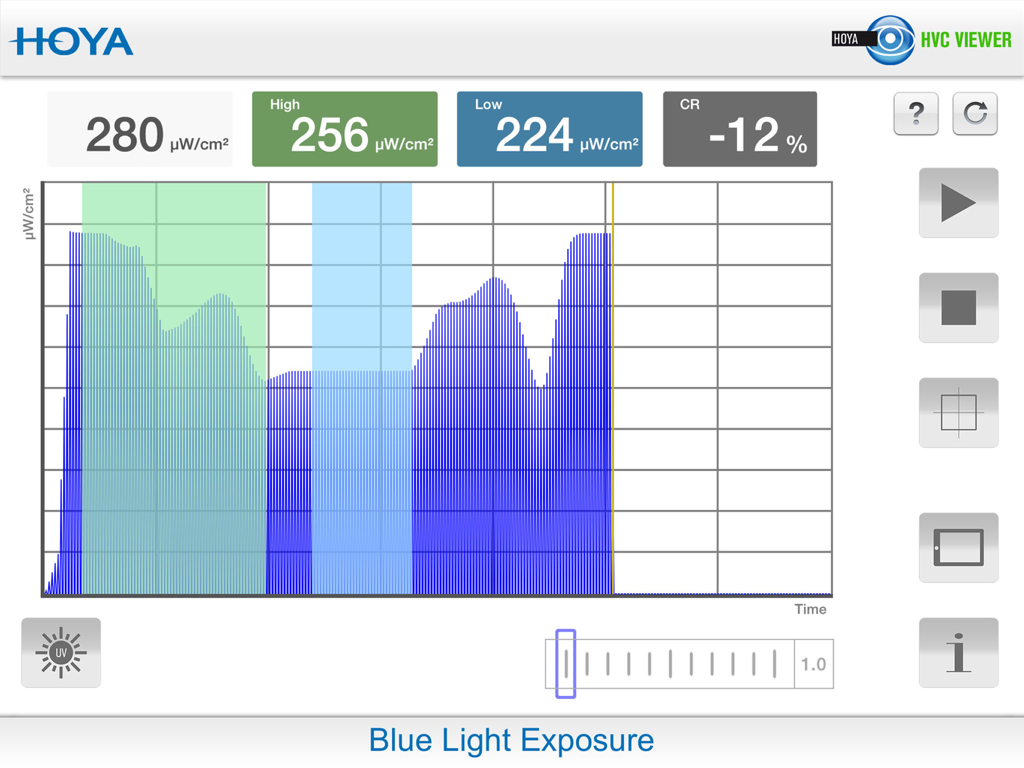
Blue light exposure interface in the Hoya Vision Consultant Viewer app

Blue light exposure interface in the Hoya Vision Consultant Viewer app

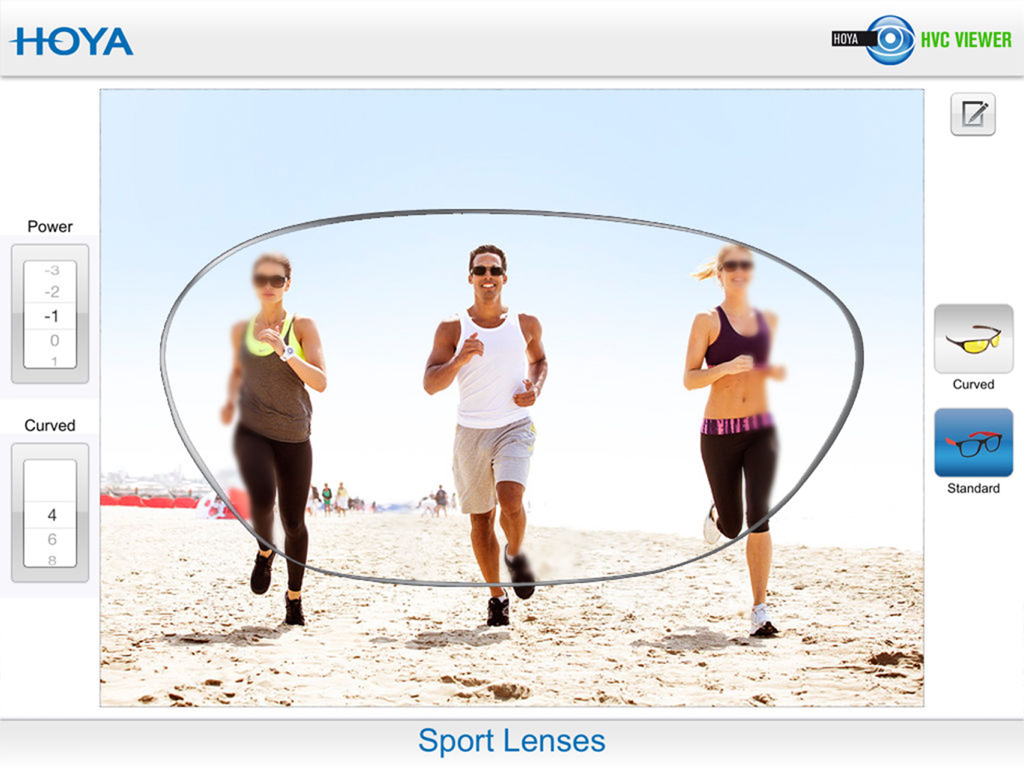
A simulation showing the visual performance and peripheral clarity of Hoya sport lenses for athletes on a beach.

A simulation showing the visual performance and peripheral clarity of Hoya sport lenses for athletes on a beach.

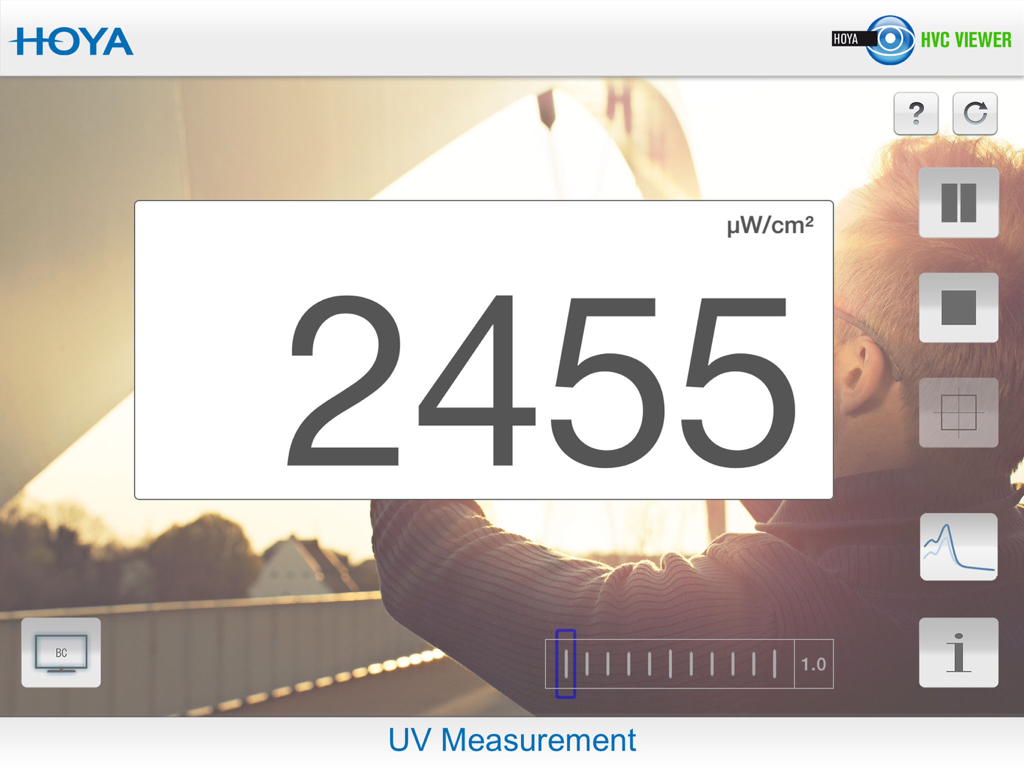
UV Measurement screen in the Hoya Vision Consultant Viewer app showing a digital readout of UV intensity

UV Measurement screen in the Hoya Vision Consultant Viewer app showing a digital readout of UV intensity

Empower Your Optical Sales

The tools that make this app stand out, trusted by 96K+ users.

👓

Interactive Design Comparisons

Help patients visualize the clarity of premium progressive and indoor lenses, reducing buyer's remorse and adaptation complaints.

✨

Immersive AR Simulations

Use real-life Augmented Reality to instantly demonstrate the benefits of anti-reflective coatings and polarized filters.

👤

Prescription-Specific Demos

Tailor every consultation by adjusting power and axis parameters to show patients how their exact prescription will perform.

Loved by users worldwide

Trusted by 96K+ people who love this app.

"

"HVC Viewer has completely transformed my patient consultations. Instead of trying to explain lens distortion with static diagrams, I just hand them the iPad. It makes the invisible technology tangible, and our conversion rate for premium progressive lenses has skyrocketed since we started using it."

Dr. Sarah Mitchell, Optometrist
"

"The AR feature is a game-changer for our optical boutique. Patients are often skeptical about the price of high-end coatings or indoor lenses, but once they see the difference in real-time through the app, the value becomes obvious. It has significantly reduced patient confusion and lens remakes in our practice."

James Rodriguez, Licensed Optician

About the app

Everything you need to know about HVC Viewer.

Description

Combine efficient business with the freedom to go wherever you please with the Hoya Vision Consultant Viewer application for your iPad. This is the first app with fully interactive Augmented Reality for the perfect, consumer-oriented sales consultation. A simple way of making the visual effects of different spectacle lenses easier to understand for spectacle wearers. Your clients can instantly see the difference in performance between lenses in a ‘real life’ situation. Anytime, anywhere.... In your practice or testing room. The Hoya Vision Consultant Viewer application consists of five modules: Module 1: Progressive lenses •Demonstrate the difference in performance across the range of progressive designs. •Depending on designs, fields of view and areas of distortion will change. •Easily adjust the lens power and addition to represent the clients prescription. Module 2: Single vision lenses •Demonstrate the difference between a bi-aspherical, aspherical and standard designs. •Show how different distortion levels may affect visual and binocular perception. •For a more precise experience, you can adjust the sphere, cylindrical power and axis of the lens. Module 3: Indoor lenses •Explain the variety of indoor solutions available based on the functional needs of your clients, from standard reading glasses to the most sophisticated premium indoor lens. •The visual representation will adapt based on the chosen design. Module 4: Anti-Reflection coatings •Easily demonstrate the benefits of an anti-reflection coating in terms of comfort, such as glare reduction, contrast improvement and increased sharpness of vision. Module 5: Polarised lenses •Show how polarised lenses enhance visual contrast and reduce glare creating increased wearer comfort. Module 6: Photochromic Lenses •This feature highlights the benefits of wearing photochromic lenses demonstrating how comfortable and natural vision can be achieved in all lighting conditions. •Compare the performances between clear and photochromic lenses (available in brown and grey). Let your customer ‘experience’ the variety of lens options in order to choose the best lens for their visual needs. All the features at your fingertips! Visit your Hoyanet website or contact your local Hoya area sales manager for further information.

Latest Version

3.3.7

Size

274.0 MB

First Released

Aug 30, 2012

Elevate Your Practice with AR Technology

Equip your team with the HVC Viewer for iPad and transform complex lens benefits into clear, interactive experiences that drive patient satisfaction and sales.

Download on App Store