
iSpring LMS




The ultimate mobile training platform for the modern workforce. Access courses offline, receive real-time updates, and monitor performance with powerful supervisor tools—all in one intuitive app.
Publisher
Category
EducationDownloads
828K+User Rating
Total Ratings
9K+Locales
30Discover the interface used by 828K+ users.
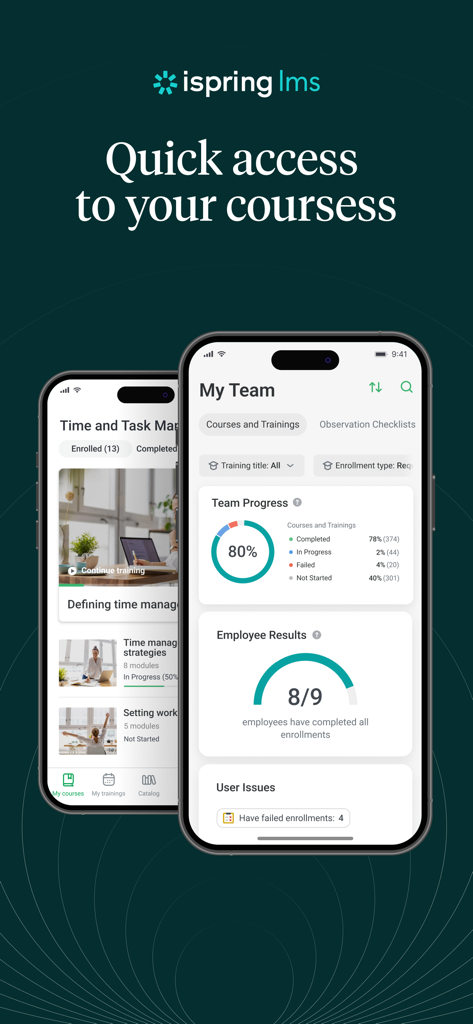
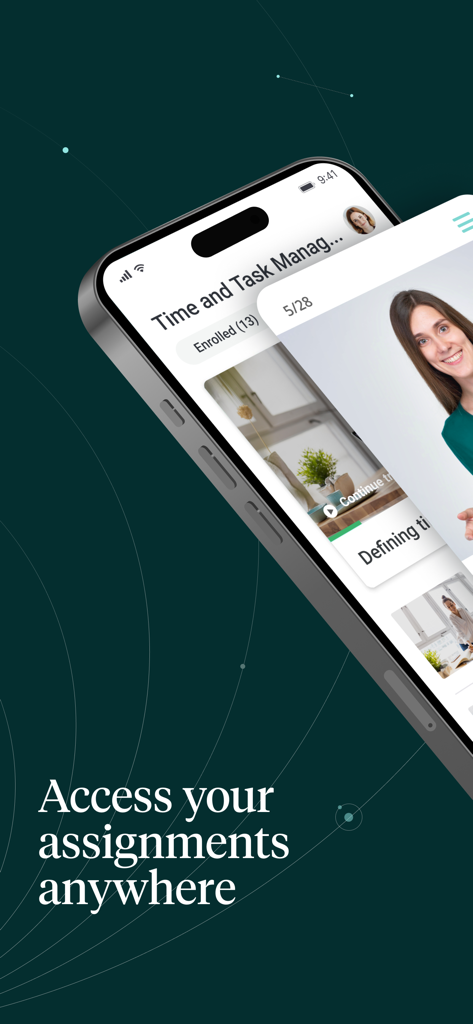
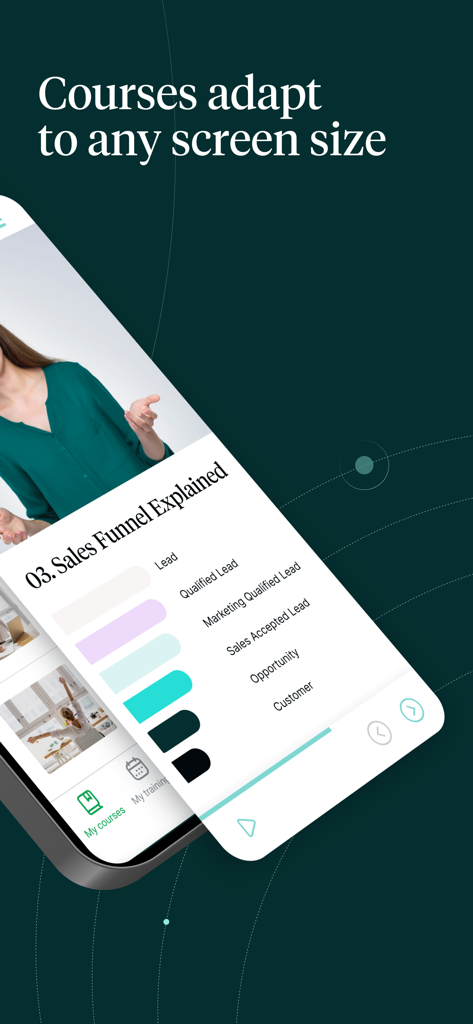
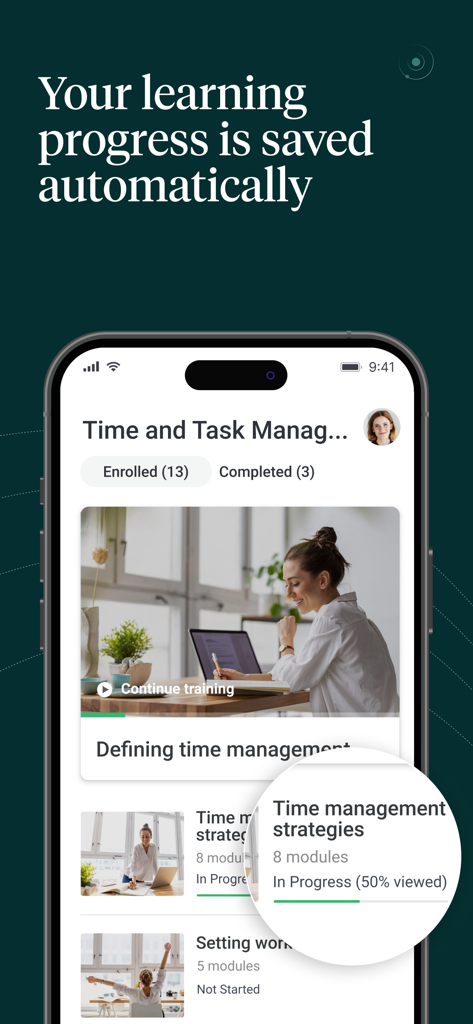
The tools that make this app stand out, trusted by 828K+ users.
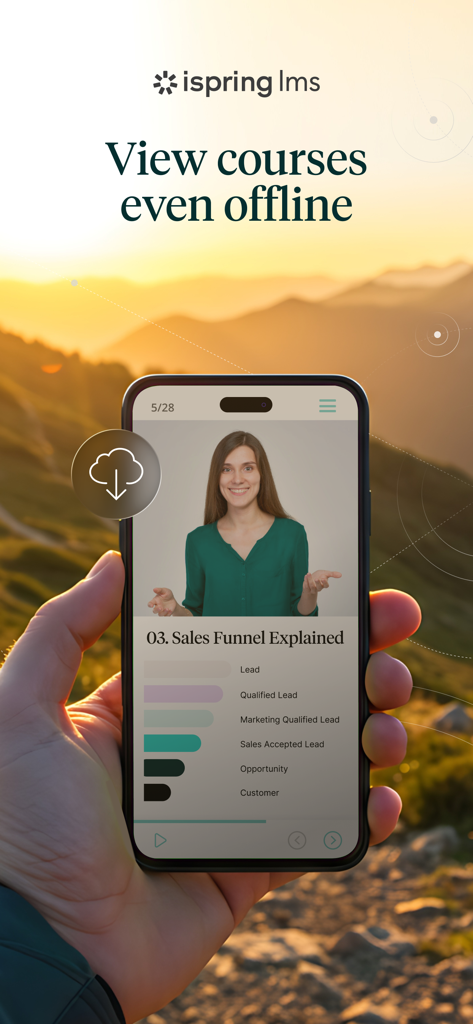
Save your courses to learn anywhere—even in the air or out in the field. Your progress syncs automatically the moment you reconnect.
Access critical workplace instructions and corporate resources instantly. Find the answers you need to perform at your best, exactly when you need them.
Empower managers to track team KPIs and conduct field evaluations on the spot. Drive performance and provide feedback without ever being tethered to a desk.
Trusted by 828K+ people who love this app.
"The offline mode is a lifesaver for my field work. I download safety modules before heading to remote sites, and everything syncs the moment I find Wi-Fi. It is by far the most user-friendly LMS I have ever used on a mobile device."
"The Supervisor Dashboard has transformed how I manage my team's growth. I can run checklists and track certifications during floor walks without needing my laptop. It is a must-have tool for any modern operations manager."
Everything you need to know about iSpring LMS.
Description
Latest Version
3.97.2
Size
163.9 MB
First Released
Mar 17, 2014
Join 828,000+ professionals who trust iSpring LMS for seamless, offline-ready corporate training. Download the app today to sync your progress and access critical knowledge in just one tap.
Everything you need to know about iSpring LMS
The iSpring LMS app allows trainees to download and save course content to their mobile device. They can access this content and continue learning anytime, even without an internet connection. Progress syncs automatically when online.
Trainees benefit from offline course access with progress syncing, timely push notifications for assignments and webinars, and instant access to a corporate knowledge base. The app ensures a consistent learning experience on any device.
Yes, the iSpring LMS mobile app features an intuitive interface available in 30 different languages. This allows a global workforce to engage with training materials effectively.
Yes, managers can track training impact using the Supervisor Dashboard in iSpring LMS. It provides a comprehensive view of key training KPIs, employee competencies, and achievements, identifying areas for improvement.
Yes, iSpring LMS automatically preserves learning progress for trainees. All data syncs once the device is back online, ensuring continuous learning without loss of information.
iSpring LMS enables managers to conduct on-the-job training directly from their smartphone. They can create targeted checklists for specific roles, lead observation sessions, and provide feedback to employees.
No, the iSpring LMS app does not require onboarding. Trainees can begin taking courses immediately upon logging in with their iSpring LMS account details.
Yes, iSpring LMS training content automatically adapts to any screen size and orientation. This ensures a consistent learning experience across desktops, tablets, and smartphones.
Apps with similar features and user experience

RSA OOO

Education For All Ltda

SafetyCulture Pty Ltd

Xiamen Executive Infomation Technology Co., Ltd.

Kronos Incorporated

Attensi AS

Cornerstone OnDemand, Inc

Saba Software Inc

Gallup, Inc.
